













공식 공급 업체
200 이상의 소프트웨어 개발처와 판매 계약을 맺은 공인 디스트리뷰터로서 합법적인 라이선스를 제공합니다.
모든 브랜드 보기.
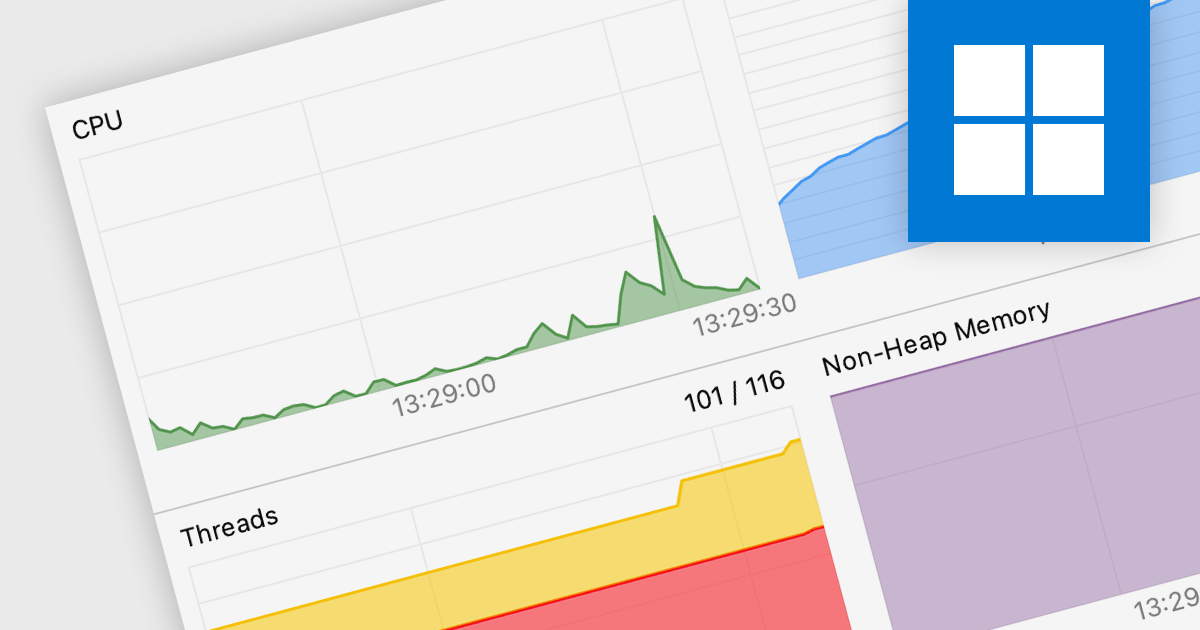
Code profiling is a diagnostic technique employed to analyze the runtime behavior of an application. It dissects resource consumption, usually including CPU time, memory allocation, and function call frequency, to precisely identify performance bottlenecks and resource hogs. Armed with these insights, developers can optimize specific code sections, leading to improved user experience, resource efficiency, and ultimately, a more robust and performant application.
Several IDEs support code profiling, including:
For an in-depth analysis of features and price, visit our IDEs comparison.
Stimulsoft Dashboards is a versatile suite of tools for crafting interactive data visualizations for web and desktop applications. It empowers developers to embed intuitive dashboards across various platforms, including .NET, JavaScript, and PHP, using the platform-specific components or a centralized cloud designer. With rich data analysis elements, extensive customization options, and pre-built templates, Stimulsoft Dashboards helps you transform complex data into clear, actionable insights for any audience.
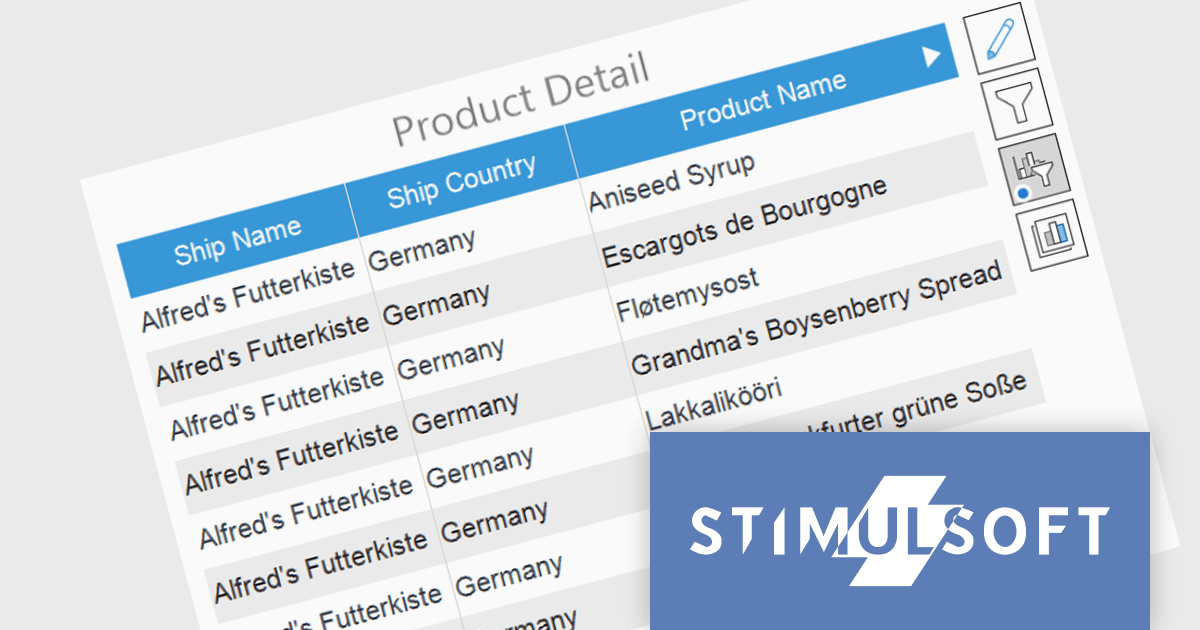
The Stimulsoft Dashboards 2024.1.1 update adds the option to include custom filters for the Table element in dashboards. When filters are applied to the table, a dedicated control element lets you easily edit and remove user filters with a single click. This intuitive addition streamlines workflow, keeps you focused, and ensures your dashboards always reflect the exact insights you need.
To see a full list of what's new in version 2024.1.1, see our release notes.
Stimulsoft Ultimate is licensed per developer and is available as a Perpetual license with 1 year support and maintenance. See our Stimulsoft Ultimate licensing page for full details.
Stimulsoft Dashboards is available to buy in the following products:
Syncfusion Essential Studio WinUI, available as part of Syncfusion Essential Studio Enterprise, is a comprehensive toolkit for building high performance native Windows desktop applications. It offers tools for crafting modern UI elements like charts, data grids, and ribbon interfaces, alongside powerful editing tools for Word, Excel, and PDF documents.
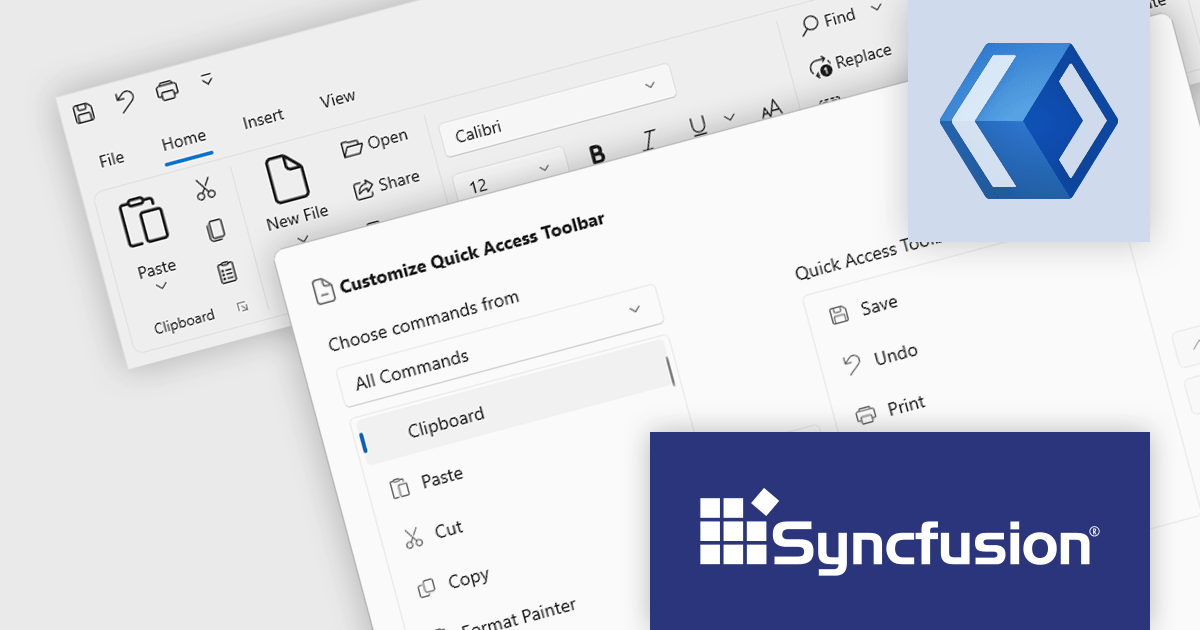
Version 2023 Volume 4 (24.1.41) adds the ability to for end users to customize the quick access toolbar by adding or removing commands through a dialog window. Adding frequently used commands from across the application grants instant access, reducing navigation fatigue and clicks. Removal of rarely used functions declutters the interface, minimizing distractions and simplifying the user experience. This personalized workspace fosters ownership and engagement, ultimately making users more productive and adept.
To see a full list of what's new in version 2023 Volume 4 (24.1.41), see our release notes.
Syncfusion Essential Studio WinUI is available as part of Syncfusion Essential Studio Enterprise which is licensed per developer starting with a Team License of up to five developers. It is available as a 12 Month Timed Subscription License which includes support and maintenance. See our Syncfusion Essential Studio Enterprise licensing page for full details.
For more information, visit our Syncfusion Essential Studio WinUI product page.
PrimalScript by SAPIEN Technologies is a comprehensive integrated development environment (IDE) designed for scripting and automation tasks. Offering a powerful platform for various scripting languages, PrimalScript streamlines the development process by providing robust editing, debugging, and deployment tools. Its user-friendly interface caters to both novice and experienced developers, fostering efficient script creation. With features like script packagers and advanced debugging capabilities, PrimalScript empowers users to enhance productivity in tasks ranging from small automation scripts to complex software development projects.
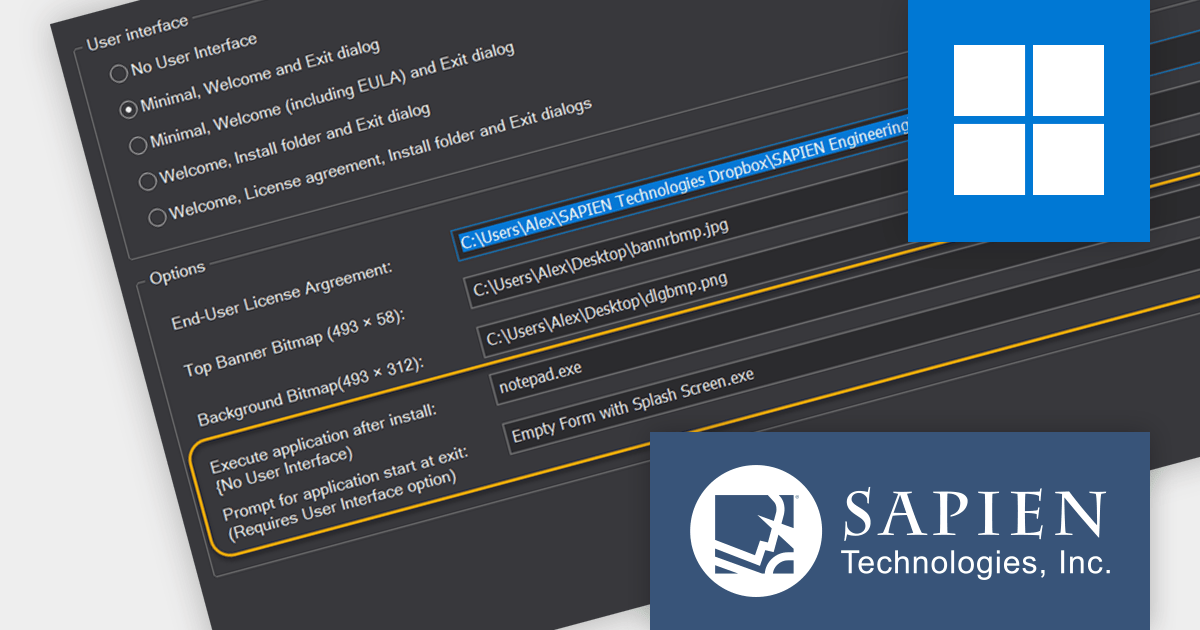
The PrimalScript 2024 update answers a frequently asked question from users: "How do I run an application or command after install?". It introduces innovative features to streamline application launch and post-install actions:
To see a full list of what’s new in version 2024, see our release notes.
PrimalScript is licensed per user and includes 1 year of product updates and support. Annual Premium Support is available and provides 1 Year of access to SAPIEN Technologies direct technical support ticketing system and a guaranteed response within 24 hours. The premium support package must be purchased at the same time as the initial software purchase, subscription renewal, or upgrade, and can be renewed on an annual basis. See our PrimalScript licensing page for full details.
For more information, visit our PrimalScript product page.

In spreadsheet controls, localization refers to adapting the user interface and functionality to different languages and cultural contexts. This involves translating static text like menu labels and buttons, formatting dates and numbers according to regional conventions, and even adjusting features like formula syntax to match users' expectations. Effective localization ensures intuitive interaction for global audiences, boosting user adoption and enhancing the overall spreadsheet experience.
Several Angular spreadsheet controls support localization including:
For an in-depth analysis of features and price, visit our Angular Spreadsheet Controls comparison.
전화 : 00798 14 800 6332
팩스 : +1 770 250 6199


