













공식 공급 업체
200 이상의 소프트웨어 개발처와 판매 계약을 맺은 공인 디스트리뷰터로서 합법적인 라이선스를 제공합니다.
모든 브랜드 보기.
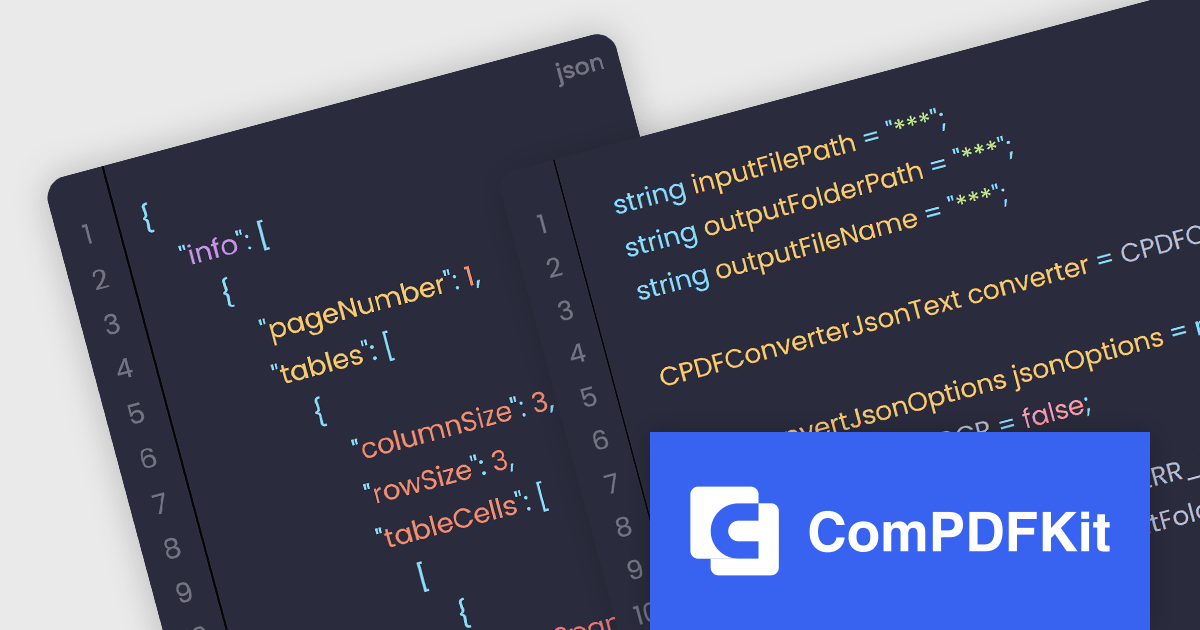
The ComPDFKit Conversion SDK is used to convert PDF files to a variety of other formats such as Microsoft Word, Excel, PowerPoint, HTML, TXT, CSV, RTF, and JSON. Instead of having server-side dependencies, it uses its own built-in conversion engine so it doesn't rely on external apps. This is more secure than other, traditional converters as it doesn't need to transmit sensitive data to external servers. It has advanced PDF parsing capabilities, can analyze a PDF's logical structure to accurately recreate the original document, and can handle complex and irregular tables.
ComPDFKit Conversion SDK v1.9.0 adds an API (for the Windows, Mac, iOS and Android SDKs) which enables you to extract data from PDF files and put that content into JSON format. With this, the SDK can now recognize and extract tables, text and text coordinates and then output structured data as JSON files. The ability to automatically extract from PDFs and utilize the JSON format greatly improves the efficiency and accuracy of conversion whilst at the same time uses a format that is lightweight, versatile, easy to read and easy for machines to parse and generate.
To see a full list of what's new in v1.9.0, see our release notes.
ComPDFKit Conversion SDK is available to buy in the following products:
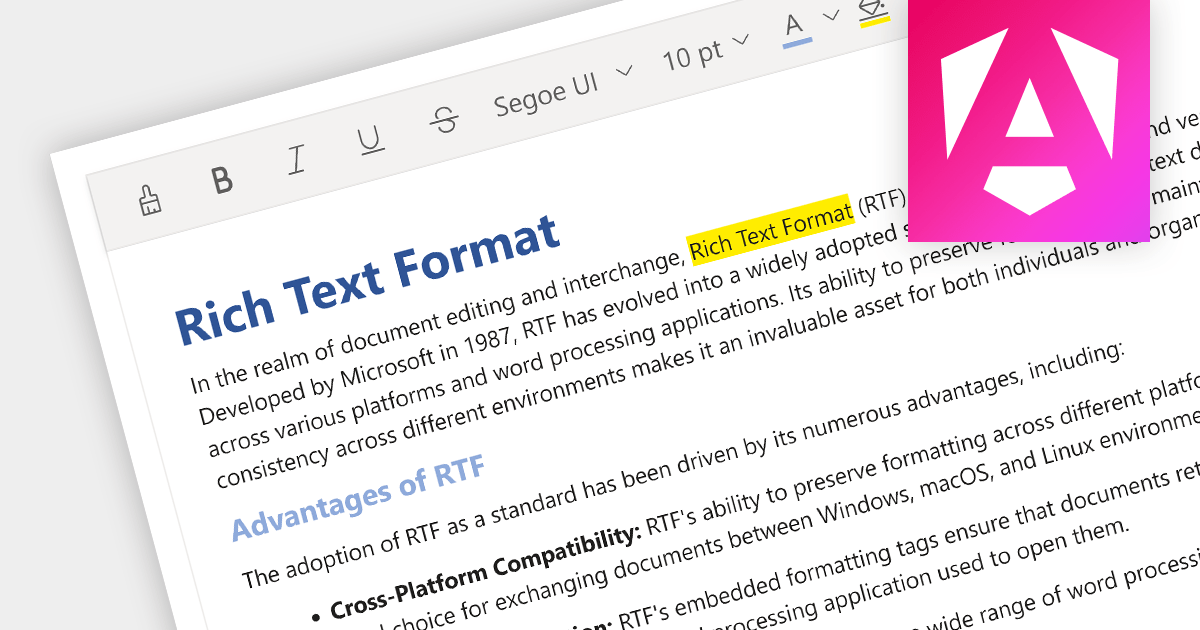
Rich Text Format (RTF) editors allow users to create and edit text with a variety of formatting options, such as font styles, colors, headings, lists, and images. Often used in web and desktop applications, such editors provide a WYSIWYG (what you see is what you get) interface, so users can see how their text will look as they format it. This allows formatted editing without the complexity of HTML markup or the need for separate word processing software.
Several Angular data editor collections provide RTF editing capabilities including:
For an in-depth analysis of features and price, visit our comparison of Angular Data Editor components.
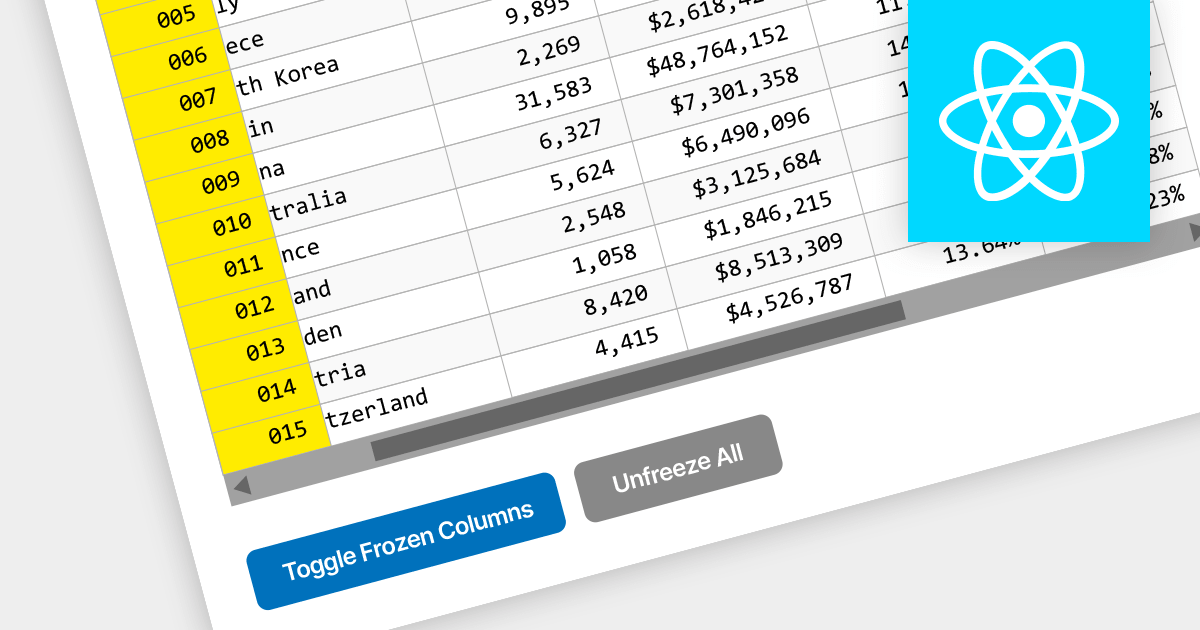
Locked column functionality (also known as frozen or pinned column) allows users to keep one or more columns static while scrolling horizontally through a grid. This is an essential feature for comparing data across a wide grid, ensuring that key information, such as a row identifier column, remains in view.
Several React grid components offer column freezing functionality including:
For an in-depth analysis of features and price, visit our comparison of React Grid components.
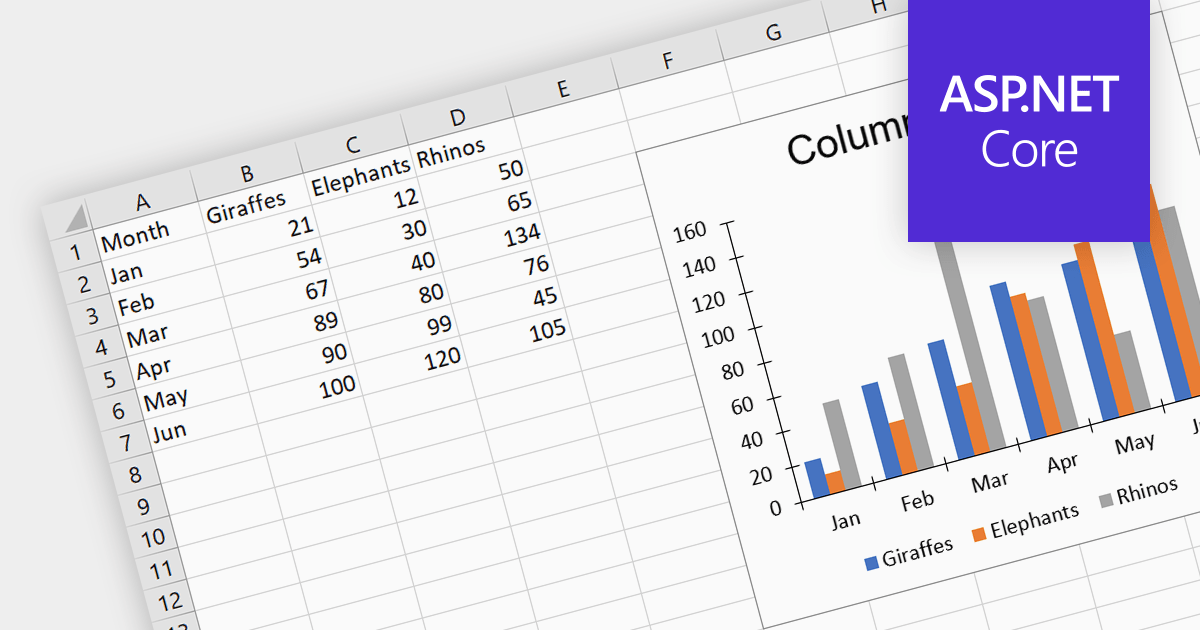
Charts help to transform complex numerical spreadsheet data into easily understandable graphical representations. They make it easier to identify patterns, trends, and relationships within the data, enabling faster comprehension and identification of key insights. This visual approach enhances communication and promotes informed decision-making. Charts can be particularly useful for presentations and performance tracking, allowing for effective data sharing and dissemination of insights.
Several ASP.NET Core spreadsheet controls offer charting support including:
Alternatively, many spreadsheet controls are available as part of multi-function suites:
For an in-depth analysis of features and price, visit our comparison of ASP.NET Core spreadsheets.

ComponentSource, the world’s largest reseller of software components, is proud to announce its 20-year partnership with SoftArtisans, a leading provider of application development tools and components.
Founded in 1996, SoftArtisans remains committed to providing businesses with the tools they need to achieve peak productivity. FileUp, its easy-to-use file transfer product, benefits both large corporations and individual developers looking to create web applications with powerful HTTP file upload and download functionality. As a trusted Microsoft partner, SoftArtisans has proudly served over 20,000 clients across 70+ countries with its range of award-winning solutions.
ComponentSource's global network has been helping SoftArtisans reach a wider audience since 2003, making its products available to organizations in various industries and locations. The partnership has played a crucial role in promoting the adoption of software components, helping organizations realize the benefits of faster development, reduced costs, and improved quality.
Explore the SoftArtisans product range.
전화 : 00798 14 800 6332
팩스 : +1 770 250 6199


