













공식 공급 업체
200 이상의 소프트웨어 개발처와 판매 계약을 맺은 공인 디스트리뷰터로서 합법적인 라이선스를 제공합니다.
모든 브랜드 보기.

Devart is a leading provider of database tools, management software, ALM solutions, and data providers for various database servers. It offers a wide range of products to help developers and database professionals work with databases more effectively. The Data Access Components and dbExpress Driver product ranges provides fast database access from Delphi and C++ Builder.
Devart's latest updates supports seamless integration with Embarcadero RAD Studio 12 Athens, empowering developers to harness cutting-edge database access within their Delphi and C++Builder applications:
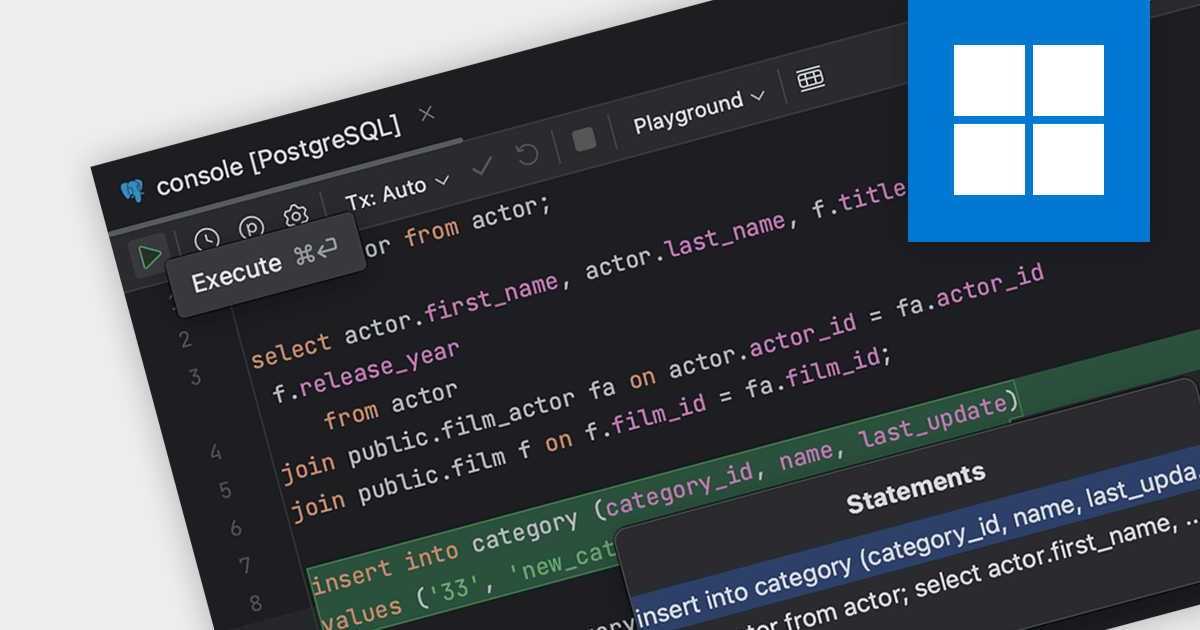
SQL capabilities allow IDE users to manage databases, execute queries and edit stored database procedures. IDEs with SQL support provide a seamless environment for database design, management, and maintenance, crucial for backend development and data analysis tasks.
Several IDEs support SQL features including:
For an in-depth analysis of features and price, visit our IDEs comparison.
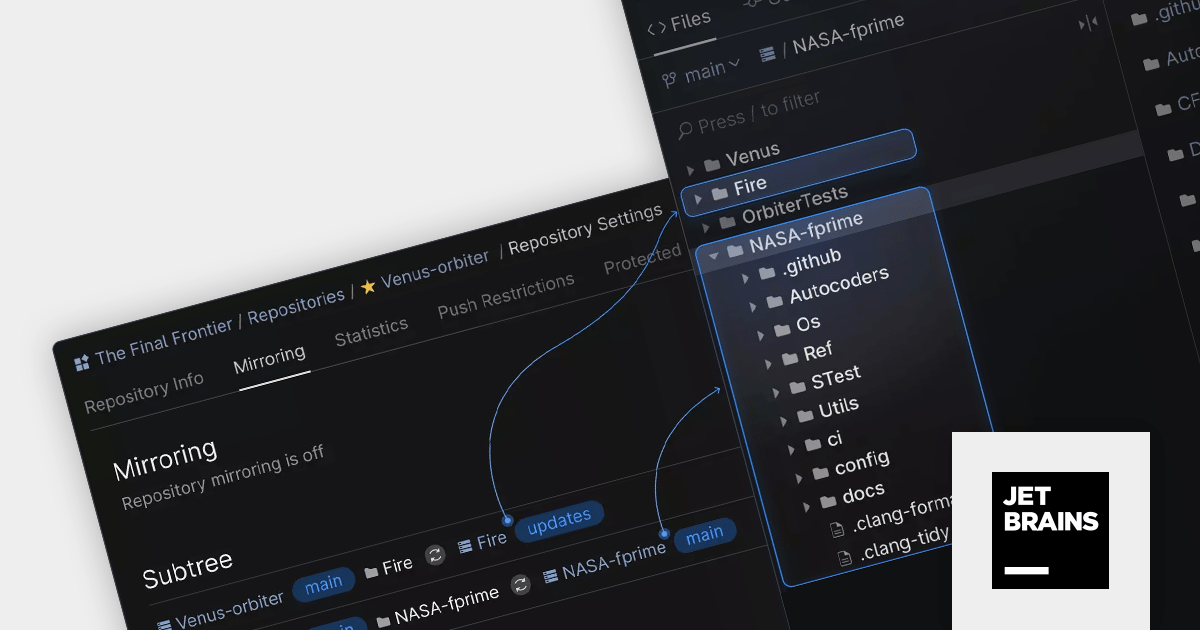
Space Cloud by JetBrains is a cloud-based platform for developing and managing software projects. It offers a suite of tools and features for collaborative development, including Git hosting, code reviews, issue tracking, CI/CD, and more. Space Cloud is hosted and maintained by JetBrains, so you don't have to worry about the infrastructure or maintenance of your development platform.
The new version adds support for Git Subtrees which help you embed and automatically maintain the contents of multiple Git repositories within a single Space repository. It features instant bidirectional server-side synchronization and complete automation, so that you can focus on actually coding instead of having to keep everything in sync manually.
To see a full list of what's new in the latest version, see our release notes.
For more information, visit our Space Cloud product page.
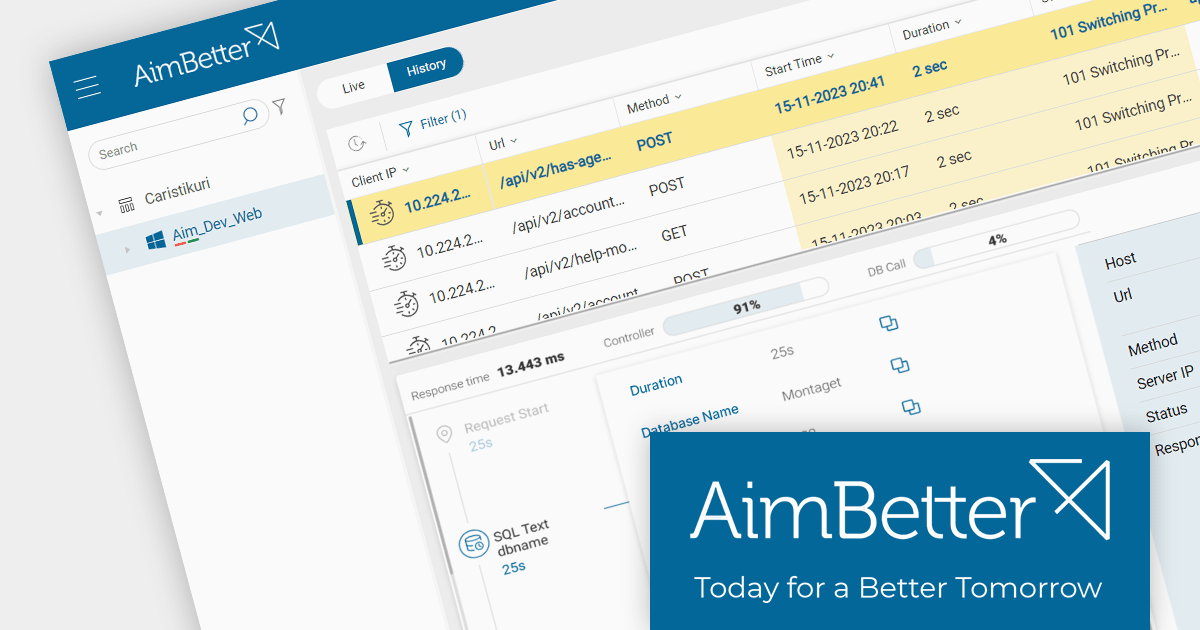
AimBetter offers comprehensive monitoring, analysis and diagnosis of databases, applications and web servers. It helps pinpoint the root cause of systems issues in real-time.
The November 2023 update adds a deeper understanding of each web server request and response. Users can now view response times, controllers and database calls, including the respective database name and duration for each request. This enhanced visibility empowers users to optimize web server performance with precision.
To see a full list of what's new in the latest version, see our release notes.
For more information, visit our AimBetter product page.
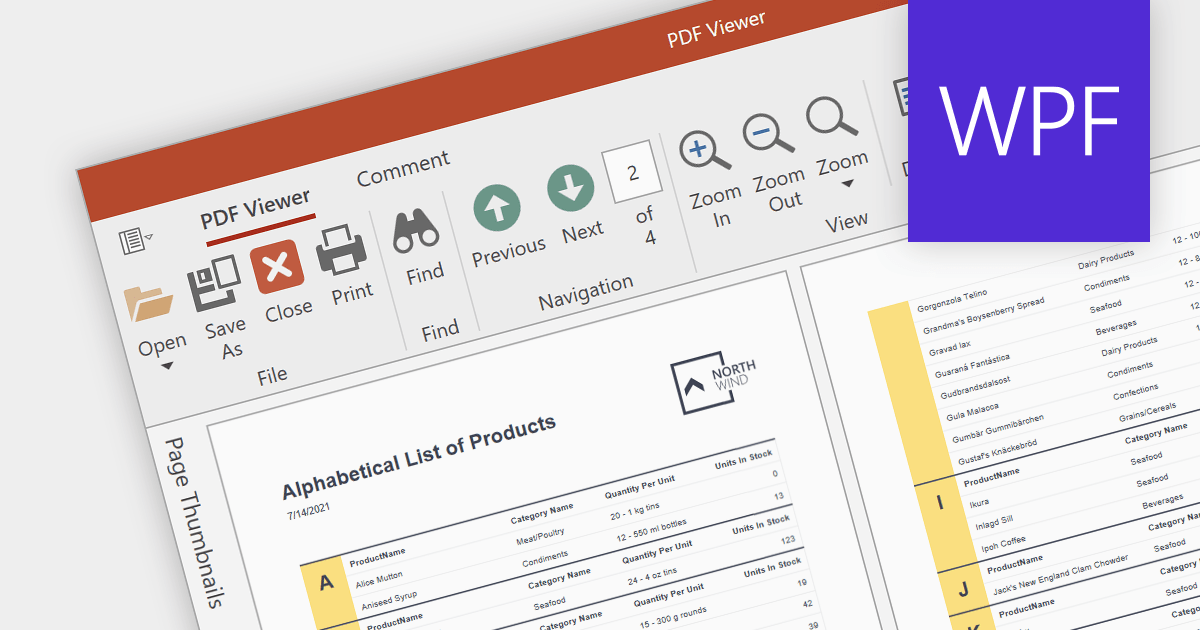
A PDF viewer allows users to seamlessly open, view and interact with PDF documents directly within a software application. This eliminates the need to switch between separate programs, enhancing user convenience and streamlining workflows.
Several WPF PDF viewer components provide viewing capabilities including:
For an in-depth analysis of features and price, visit our comparison of WPF PDF components.
전화 : 00798 14 800 6332
팩스 : +1 770 250 6199


