













공식 공급 업체
200 이상의 소프트웨어 개발처와 판매 계약을 맺은 공인 디스트리뷰터로서 합법적인 라이선스를 제공합니다.
모든 브랜드 보기.
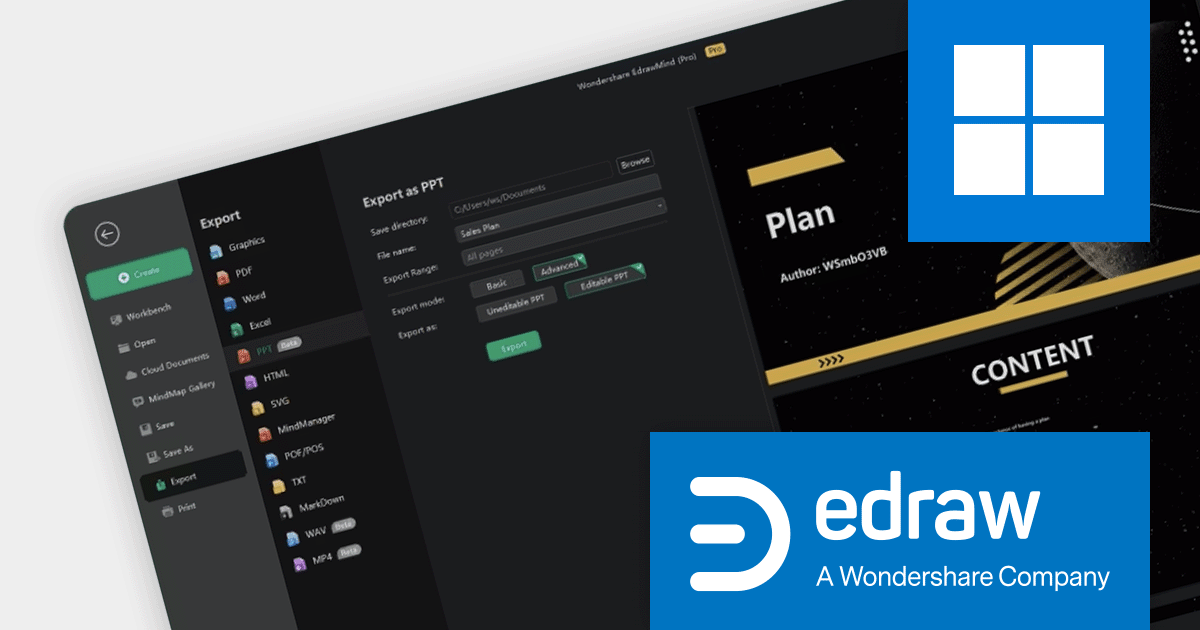
EdrawMind is a mind mapping and brainstorming software tool that helps users to visualize, organize, and share their ideas. It offers the ability to create mind maps, flowcharts, Gantt charts, and other types of diagrams. EdrawMind is a popular tool for students, businesses, and individuals alike, and can be used for a variety of purposes, such as idea generation, project planning, and task management.
EdrawMind 10.9.0 introduces new AI features that enhance the generation and editing of Microsoft PowerPoint files. The AI file analysis feature allows users to upload text, image, and PDF files, which are then intelligently parsed to create a clear mind map. A mind map can be converted to a PPT file with the click of a button, or the AI can automatically generate a PPT file based on a topic or brief description. EdrawMind also allows users to download PPTX source files for further editing in other software applications, such as Microsoft PowerPoint.
To see a full list of what's new in version 10.9.0, see our release notes.
For more information, visit our EdrawMind product page.
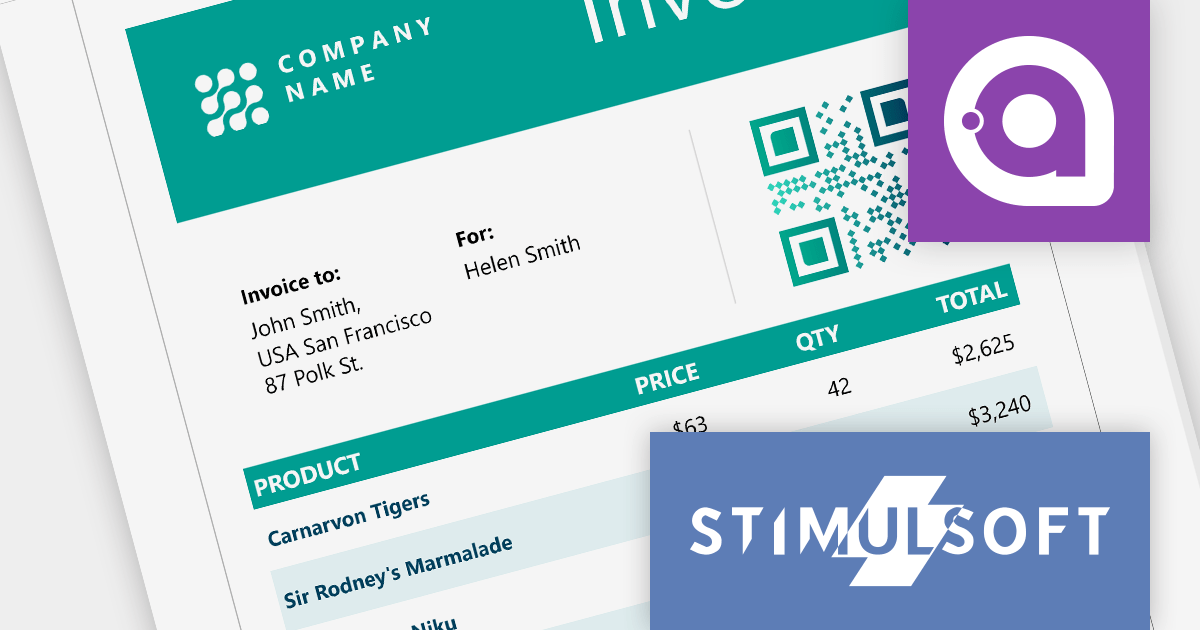
Stimulsoft Ultimate offers a comprehensive set of tools and products designed for visualization, analysis, data collection, and presentation. It includes a report designer, dashboard designer, form designer, and viewer for various popular frameworks.
Stimulsoft Ultimate 2023.4.1 introduces reporting tools for Avalonia UI, an open source framework for building cross-platform desktop, mobile, Web, and embedded applications. These tools feature a robust data processing engine and an interactive viewer that supports a wide range of features, including multi-level drill-down, sorting, and grouping data. They also support a wide range of export formats, including PDF, Microsoft Excel, and Word.
The addition of Avalonia UI support makes it easy to build powerful, visually appealing reports for Windows, macOS, iOS, Linux, Android, and WebAssembly, using a single .NET codebase.
To see a full list of what's new in version 2023.4.1, see our release notes.
For more information, visit our Stimulsoft Ultimate product page.
PrizmDoc Viewer is a Web-based HTML5 document viewer that allows developers to embed powerful document viewing and document conversion functionality into their Web applications. It supports a wide range of document formats, including PDF, Word, Excel, PowerPoint, AutoCAD, and more.
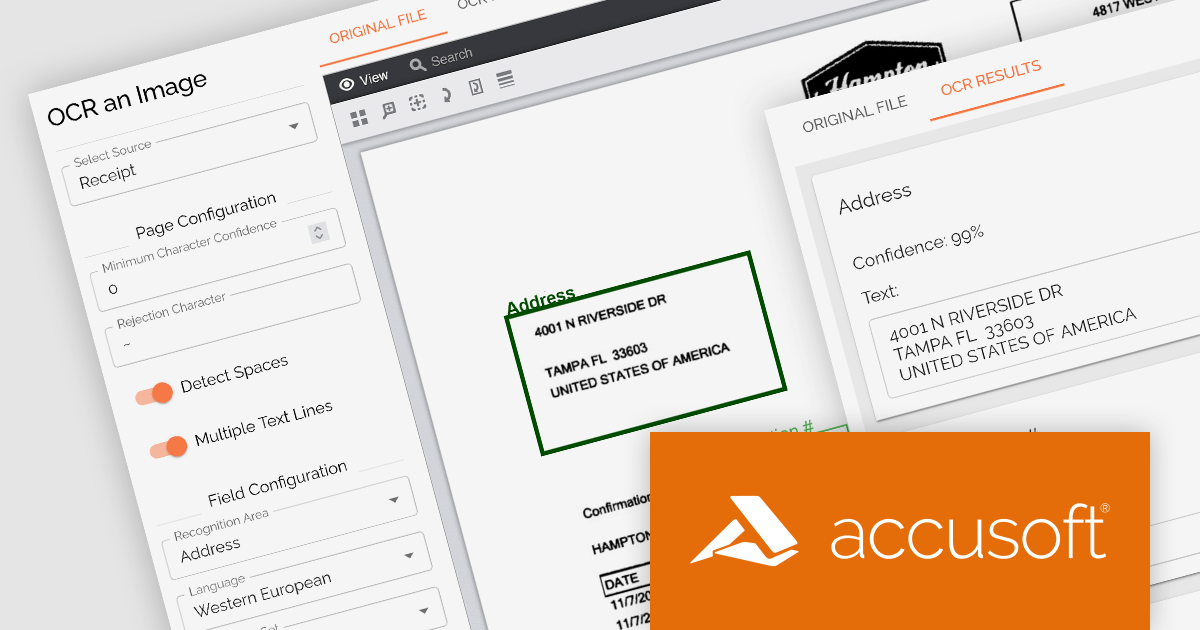
PrizmDoc Viewer 13.25 offers an optional RESTful API that lets you read text from images using Optical Character Recognition (OCR). The API is compatible with any programming language, making it easy to integrate into your own applications, no matter which platform you are targeting. It can perform high-accuracy OCR on both full pages and specific areas of interest.
The OCR API can help you quickly and accurately convert any image-based document into an editable text file or searchable PDF. It is compatible with a variety of input formats, including JPEG, TIFF, PNG, and BMP, and can automatically detect page orientation and recognize text in various page layouts. It can also generate image-over-text PDF output, providing searchable text that aligns with the text on the image. This allows you to convert scanned documents or other image-based files into searchable PDFs.
To see a full list of what’s new in version 13.25, see our release notes.
For more information, visit our PrizmDoc Viewer product page.
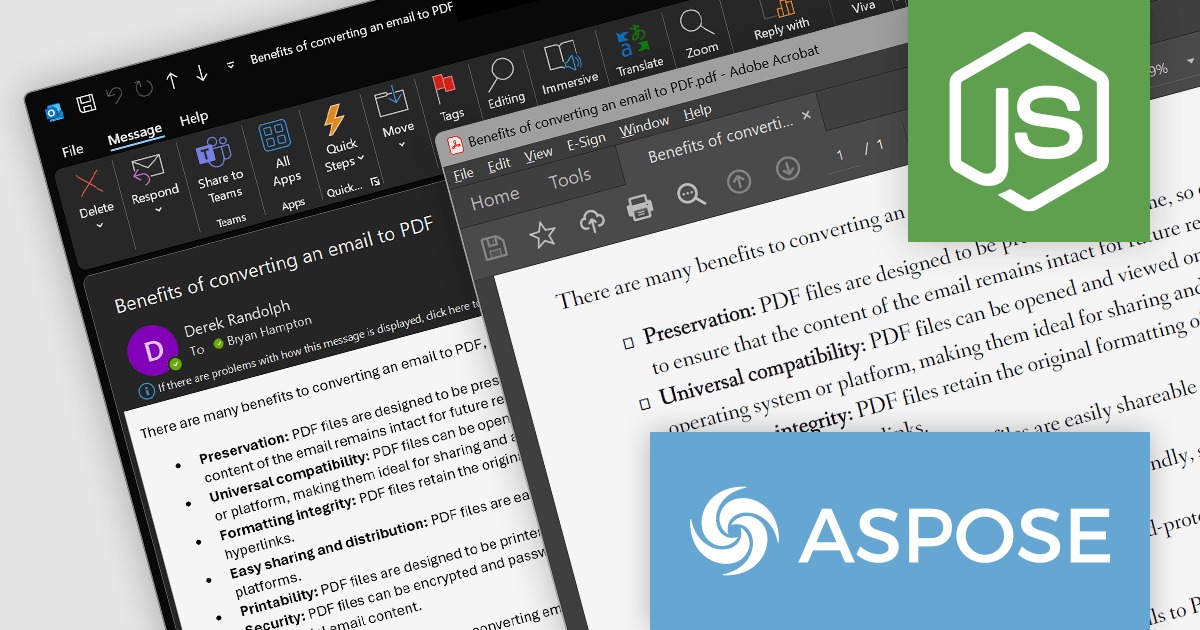
Aspose.Email for Node.js via .NET is a powerful tool that allows you to work with email messages in a variety of ways. The API is easy to use and provides a comprehensive set of features. It is also well-documented, with plenty of examples and tutorials available online.
It can convert email messages between various formats, including EML, MSG, HTML, and PDF, which can be useful for archiving email messages or for sending them to recipients who use different email clients. The API can be used to manage PST, OST, and MBOX files, including tasks such as creating, opening, and saving files; adding, removing, and modifying messages; and searching for messages. For example, it can be used to create a new PST file and import emails into it, or to search for all of the emails in an MBOX file that contain a specific keyword.
It can also be used to create and save appointments in a several formats, including ICS and VCF. This can be useful for managing calendars, sending appointment invitations, or integrating with other calendar systems.
Aspose.Email for Node.js via .NET is available to buy in the following products:
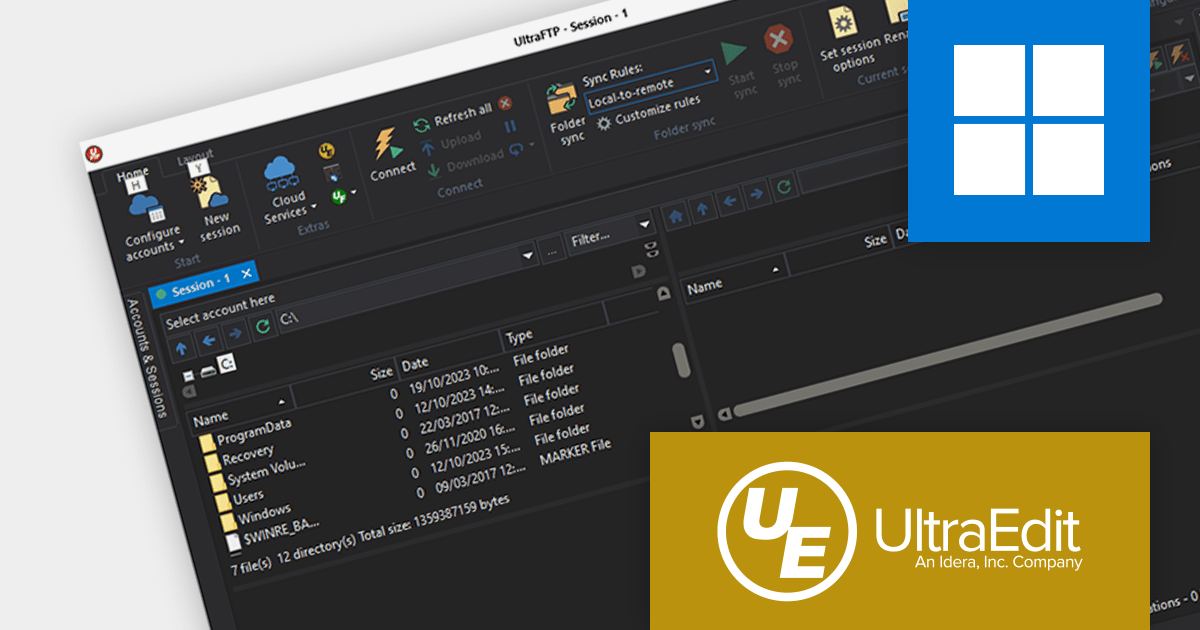
UltraFTP from UltraEdit is a secure and commercially supported FTP client that supports FTP, SFTP, and FTPS protocols. It is designed for speed, efficiency, and security, with threaded transfers, multiple sessions, and broad server support.
UltraFTP v2023.0 now supports cloud storage services, including Google Drive, Microsoft OneDrive, Amazon S3, and Dropbox natively. This new feature makes it easy to manage all your cloud storage files and folders from multiple accounts in one place.
Users can now access all of their cloud-saved files in a single application. Using the latest version of UltraFTP eliminates the need to log in to each cloud account separately. It can be used as a hub to access all of your files from any cloud service, even if you have multiple cloud accounts or haven't mounted all of your cloud profiles on your desktop.
To see a full list of what’s new in version 2023.0, see our release notes.
For more information, visit our UltraFTP product page.
전화 : 00798 14 800 6332
팩스 : +1 770 250 6199


