













공식 공급 업체
200 이상의 소프트웨어 개발처와 판매 계약을 맺은 공인 디스트리뷰터로서 합법적인 라이선스를 제공합니다.
모든 브랜드 보기.
Advanced Installer by Caphyon is a powerful and easy-to-use Windows Installer authoring tool that helps you create reliable installation packages for your software applications. It can be used to create MSI, EXE, and MSIX packages.
Microsoft Windows Sandbox is a virtualization feature that creates a temporary, isolated desktop environment where you can run software safely, without risking your host operating system. It is similar to a virtual machine, but it is much more lightweight and starts up much faster.
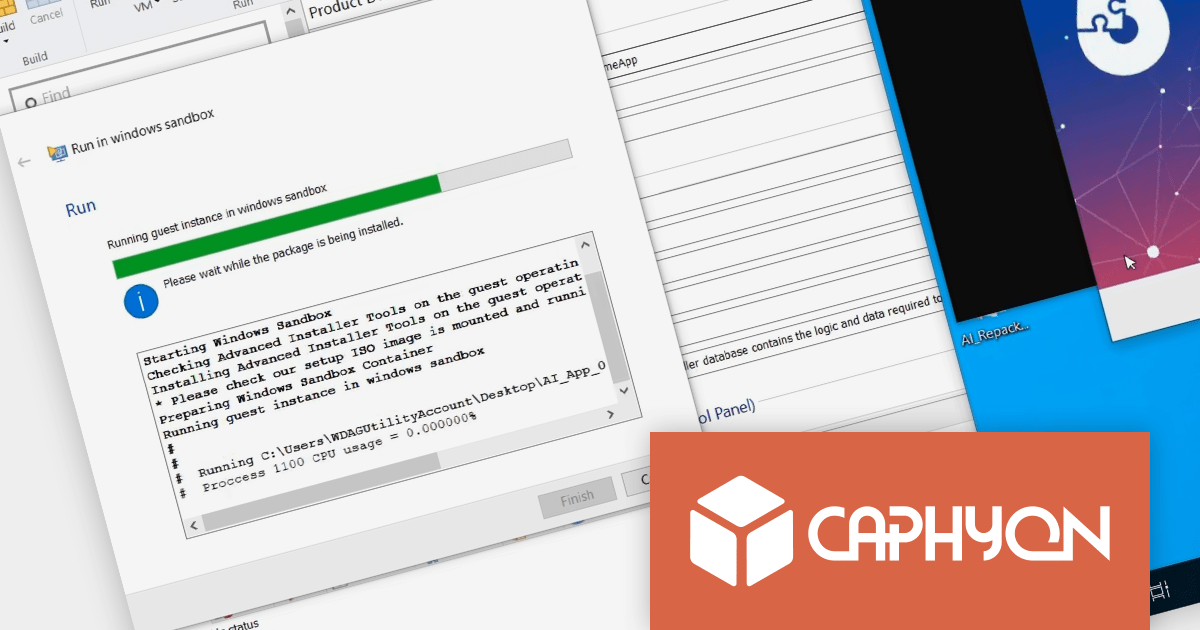
Testing installation packages with Advanced Installer 21.1 is as simple as selecting the "Run in Windows Sandbox" option. Windows Sandbox is much faster than traditional virtual machines, so you can test your installations much more quickly. It is also a secure environment that isolates your tests from your host system, so any problems that occur during testing will not impact your production environment. It is also easy to use and manage, so you can create and discard sandboxes as needed without having to worry about managing or deleting virtual machines.
To see a full list of what’s new in version 21.1, see our release notes
For more information, visit our Advanced Installer product pages:
ActiveReports.NET is a reporting tool that allows developers to design and deliver reports with intuitive, reliable, and user-friendly report designers and controls. Features include the ability to create reports in a variety of formats, such as PDF, Excel, and HTML. ActiveReports.NET is also highly customizable, with an extensive API and advanced feature library.
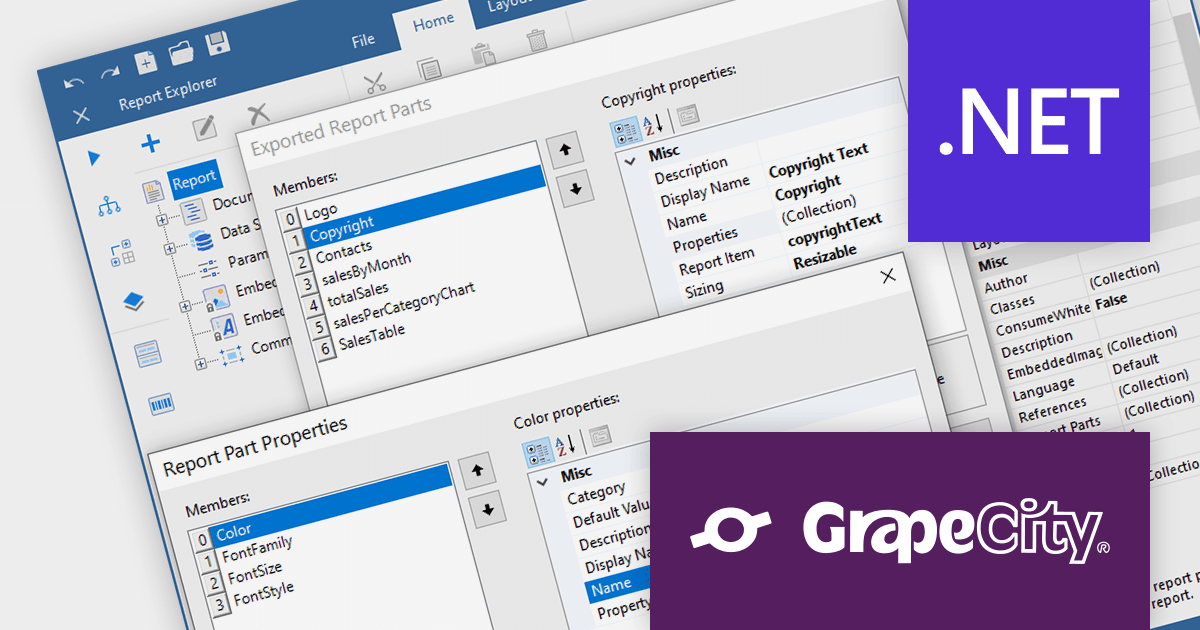
ActiveReports.NET v17.2 introduces Report Parts, which can be created from any report item, including tables, charts, text boxes, and images. These Report Parts are created by developers and added to the ActiveReports toolbox for end-users to drag and drop onto the design surface. This makes it easy for end-users to create complex reports without having to learn the intricacies of report design. Developers can specify the properties of the Report Part, such as its data binding, formatting, and visibility so that they that are tailored to the specific needs of their users.
To see a full list of what's new in version 17.2, see our release notes.
For more information, visit our ActiveReports.NET product page.
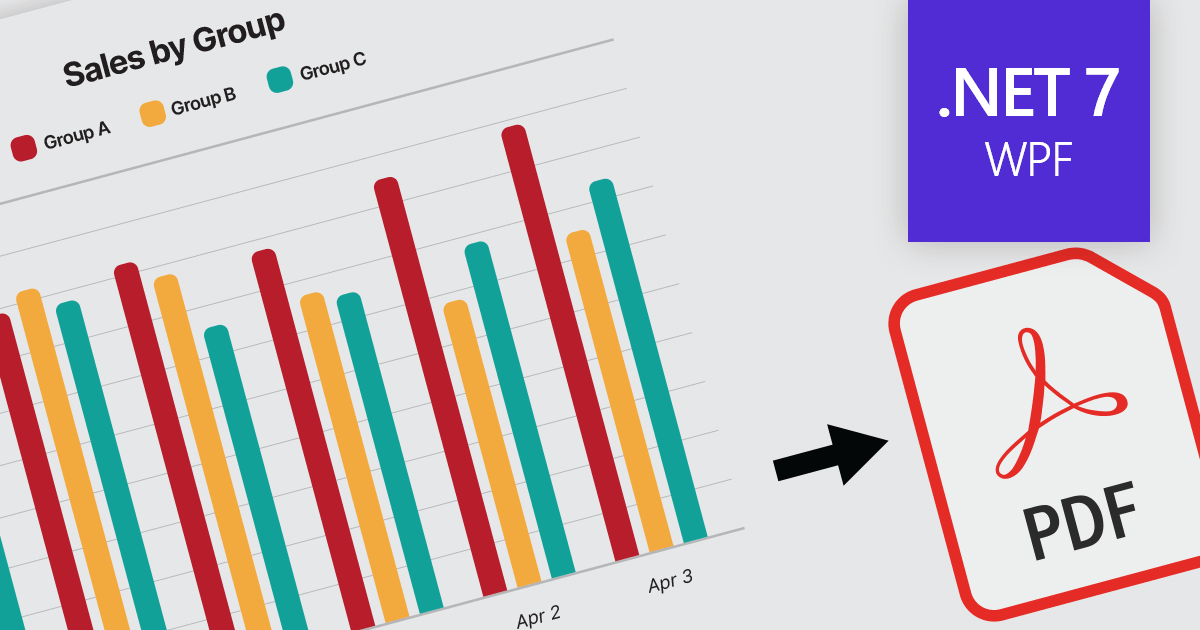
Exporting charts to PDF enables developers to save charts as PDF documents, ensuring their appearance and data are preserved for sharing, printing, or archival purposes. It allows seamless integration of charting capabilities within WPF applications and facilitates the generation of high-quality, portable chart representations in PDF format.
Here is a selection of WPF chart controls that offer PDF export support:
Additionally, the following charting components are available as part of multi-function component suites:
For an in-depth analysis of features and price, visit our comparison of .NET 7 charts.
FastReport VCL is a reporting and document creation library for Delphi and Lazarus which can be used to create a variety of reports such as invoices, purchase orders, shipping labels, sales reports, and more. It is easy to use, yet flexible enough to meet the needs of even the most demanding users.
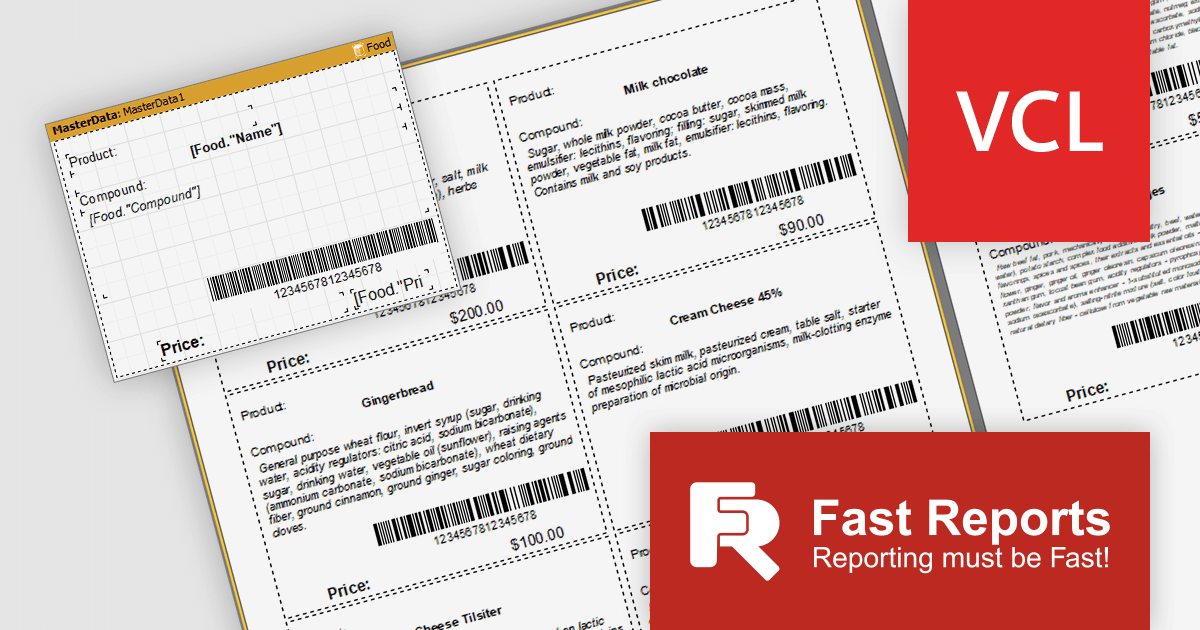
FastReport VCL 2023.3 adds a dynamic font sizing feature which allows you to shrink text automatically for reports with limited sizes. This allows users to fit all of the necessary information on a single page, even if the data is too long to fit in the original font size. This can save time and money, as it eliminates the need to print multiple pages or to reduce the size of the font to the point where it is difficult to read. By scaling the font size to fit the available space, users can create reports that are both informative and easy to read. This can be especially important for reports that are intended to be shared with customers or other stakeholders.
The AutoScale property can automatically shrink the text in multiple objects until the band fits on the page or specified constraints are reached. Object compression can be controlled with a property to specify the amount by which the font is reduced in each cycle. This iterative approach to scaling content allows the reporting engine to prioritize which objects to compress to achieve optimal results.
To see a full list of what’s new in version 2023.3, see our release notes.
For more information, visit our FastReport VCL product page.
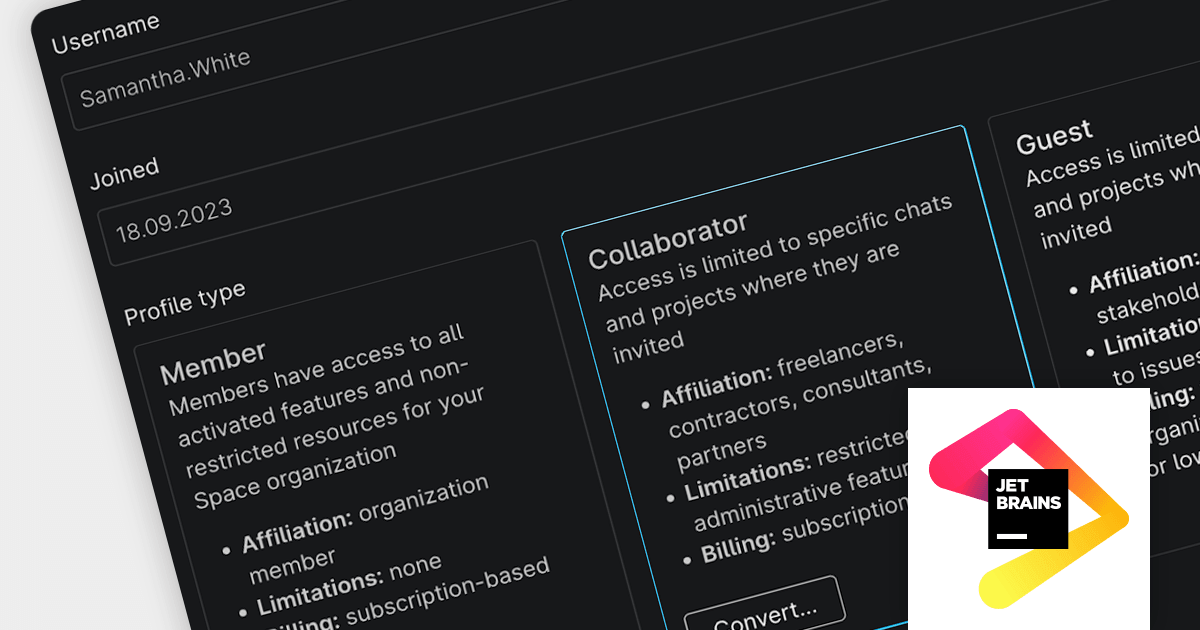
Space is an all-in-one team collaboration platform that tightly integrates communication, process management and software development tools in a single Web or desktop interface.
The latest release of Space adds a Collaborator role, which allows you to involve external users directly in your pipeline to increase productivity, shorten the feedback cycle and deliver results faster. It also ensures that all project information is in one place and increases the transparency of your development process and ease of collaboration. Additionally, administrators can choose to grant Collaborators additional permissions, such as the ability to create and edit projects, teams, and other resources.
To see a full list of what’s new in the new version, see our release notes.
For more information, visit our Space product page.
전화 : 00798 14 800 6332
팩스 : +1 770 250 6199


