Category News

XML 문서를 표준 형식으로 변환

7월 18, 2023
표준화를 통해 XML 문서의 머신 가독성 및 표준 준수를 개선합니다.

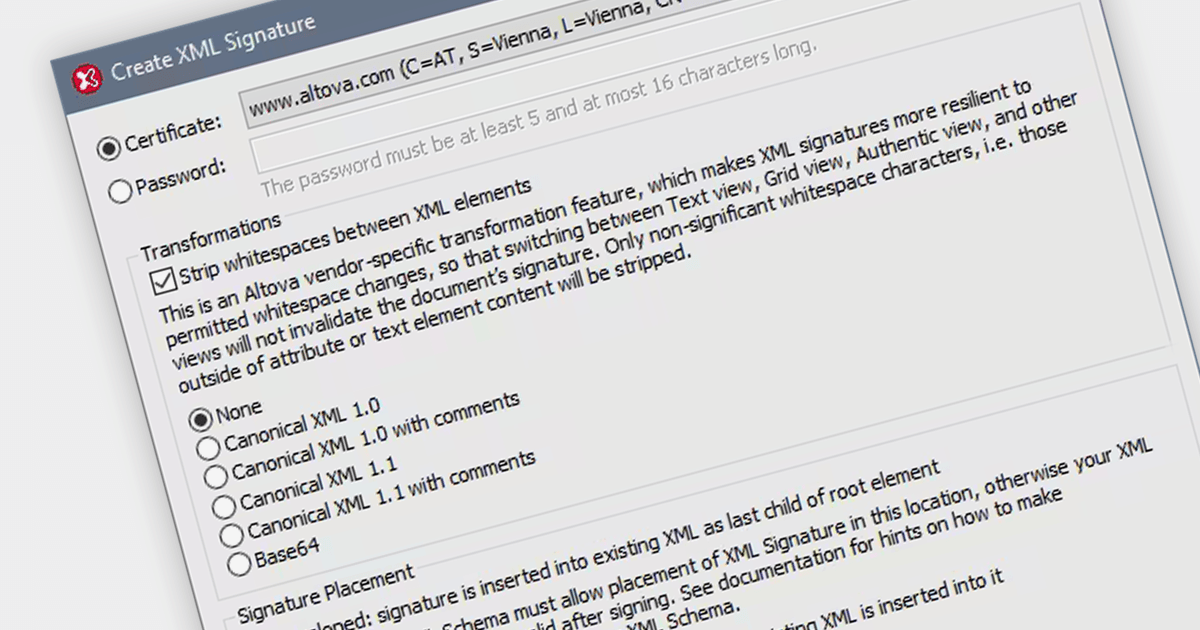
Canonicalizing XML files involves transforming them into a standard form, removing insignificant or non-meaningful differences, such as white spaces or attribute order, ensuring consistent representation and standards-compliance. Standardizing files helps to work with XML data more efficiently and effectively.

Several XML tools allow you to canonicalize XML files, including:

  • Liquid Studio Data Designer Edition by Liquid Technologies provides XML canonicalization with support for various canonicalization algorithms, helping developers ensure consistent XML representation. It offers user-friendly features for efficient data handling.
  • Oxygen XML Editor Professional by Syncro Soft allows users to canonicalize XML files effortlessly. Its powerful features and XPath support make it a top choice for XML-related tasks.
  • Altova MapForce Enterprise Edition provides data mapping capabilities and enables XML canonicalization, streamlining data integration processes. Its graphical interface simplifies the XML transformation process.

For an in-depth analysis of features and price, visit our comparison of structured document tools.
Compare Structured Document Tools

LEADTOOLS, 전체 Python 지원 추가

7월 17, 2023
고급 인식, 문서, 멀티미디어 및 이미징 기능을 갖춘 Python 애플리케이션을 구축합니다.

Python is a versatile and high-level programming language that is widely used, for example to build machine learning models or Web applications. It is highly scalable, making it a good choice for both small and large projects.

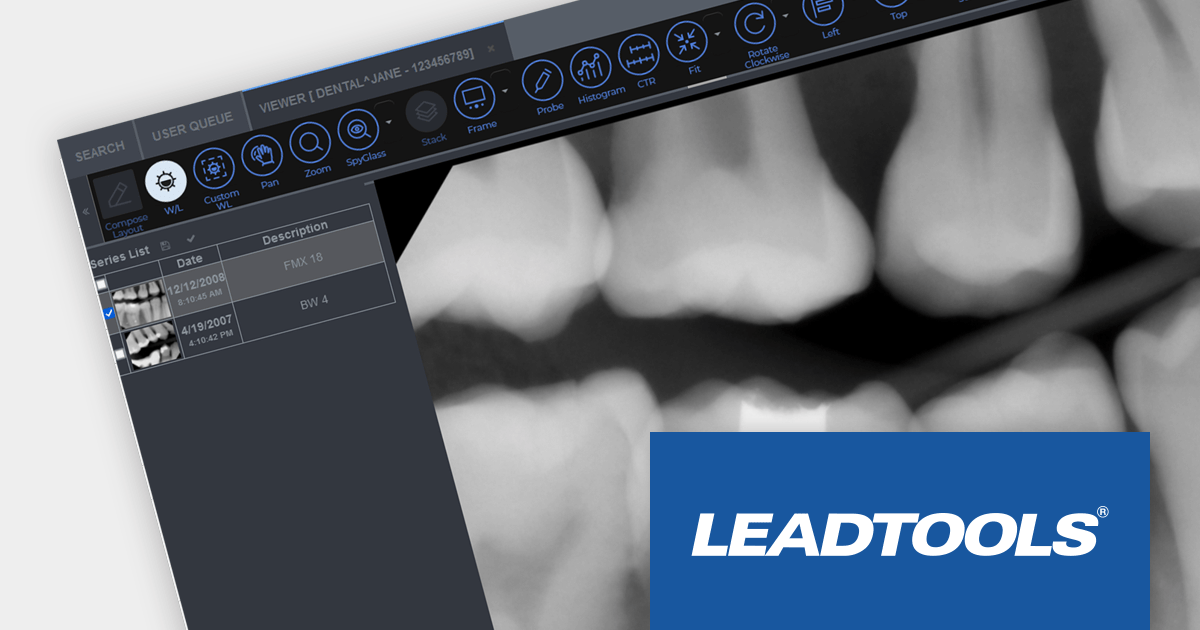
The Lead Technologies product range offers advanced image processing capabilities, including resizing, cropping, rotation, and color manipulation, OCR support, PDF recognition and manipulation, barcode recognition, forms processing and much more.

LEADTOOLS for Python is now included in the installation packages and can easily be installed in any Python environment using PIP.

LEADTOOLS products with Python language support include:

With the addition of Python support, LEADTOOLS makes it easier for developers to build Python-based applications with advanced document and imaging functionality.
Explore the full Lead Technologies product range.

React를 사용하여 PDF 표시하기

7월 12, 2023
사용자가 외부 뷰어 없이 React 앱 내에서 직접 PDF 파일을 볼 수 있도록 합니다.

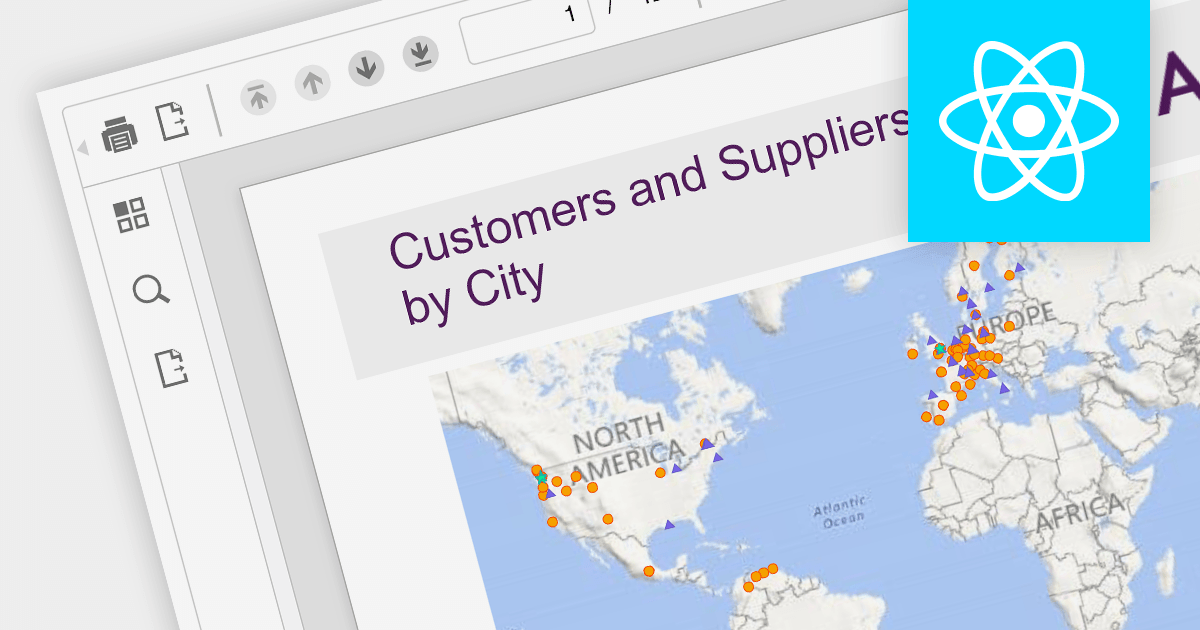
PDF viewers give users the ability to view, navigate, search, and perform actions like zooming or printing documents. This enhances user experience, facilitates document sharing, and enables applications to integrate PDF-related functionalities seamlessly, such as document management systems, e-learning platforms, or digital signing applications. They help to make PDFs available to a wider audience, with no dependencies on external software.

Several components for React offer PDF viewing functionality, including:

  • KendoReact PDF (part of KendoReact by Telerik) is a comprehensive PDF component for React that enables seamless PDF viewing. Its broad feature set include zooming, navigation, text selection, and searching.
  • Wijmo PDFViewer (part of Wijmo by MESCIUS) is a PDF component which provides a versatile PDF viewing experience. It supports rendering and interacting with PDF files, allowing users to easily navigate, search, zoom, and select text within the PDF document.
  • Syncfusion PDF Viewer (part of Syncfusion Essential Studio Enterprise) is a feature-rich PDF component that supports viewing and interacting with PDF files in React. Features include bookmarks, annotations, text search, and printing options, providing a comprehensive PDF viewing experience.
  • PrizmDoc Viewer by Accusoft is a powerful PDF component with React support, enabling seamless PDF viewing and interaction. It includes features such as zooming, text selection, document navigation, and search capabilities, allowing users to work with PDF files effortlessly.

For an in-depth analysis of features and price, visit our comparison of React PDF components.
Compare React PDF Viewer Components

Vue.js를 사용하여 텍스트 상자에 자동 완성 기능 추가

7월 5, 2023
자동 완성 기능을 추가하여 일관성을 보장하고 데이터를 더 쉽게 입력할 수 있습니다.

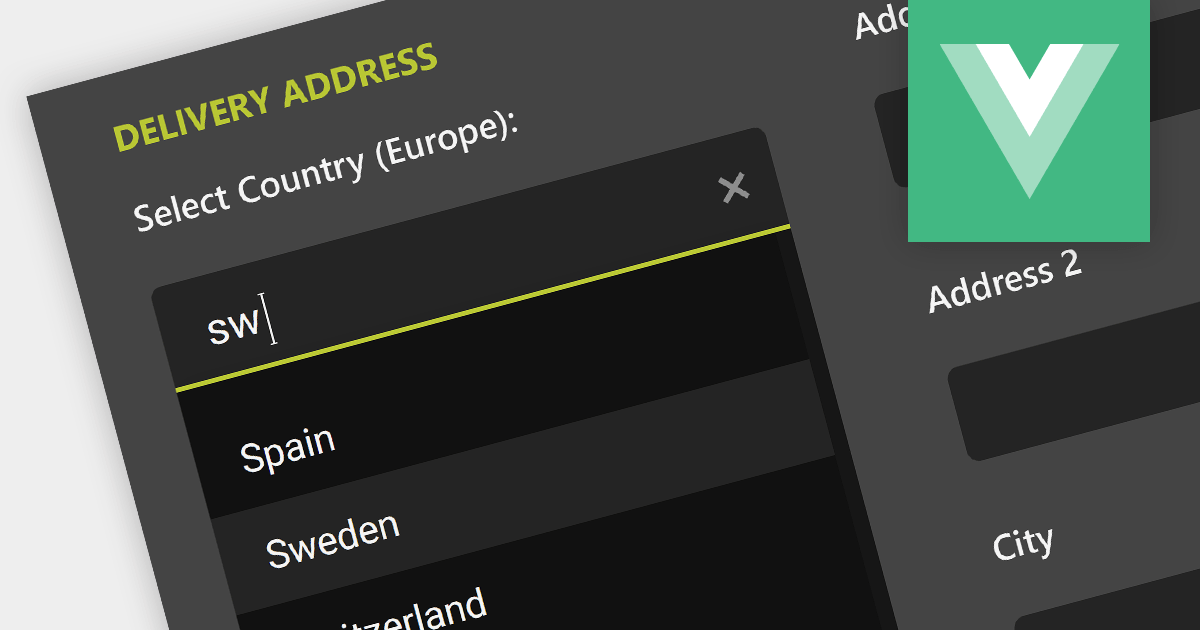
Autocompletion provides suggestions to users while they type, based on previously entered or predefined values. This enhances the user experience and reduces typing efforts, leading to improved user satisfaction and data quality.

Here are some examples of Vue.js data editor controls that support autocompletion in text boxes:

  • jQWidgets Data Editors provides feature-rich data editors, including text boxes with autocompletion. With Vue.js integration, users can enjoy intuitive data entry with suggested values, increasing productivity.
  • SmartClient Data Editors by Isomorphic Software offers robust Text editors with autocompletion for Vue.js, delivering an optimized user interface for data input and retrieval.

Alternatively, many data editor components are available as part of larger component suites:

For an in-depth analysis of features and price, visit our comparison of Vue.js data editors.
Compare Vue.js Data Editors

리본 막대를 통한 WPF 앱 향상

7월 4, 2023
사용자에게 리본 메뉴가 있는 현대적이고 사용자 친화적인 사용자 인터페이스를 제공합니다.

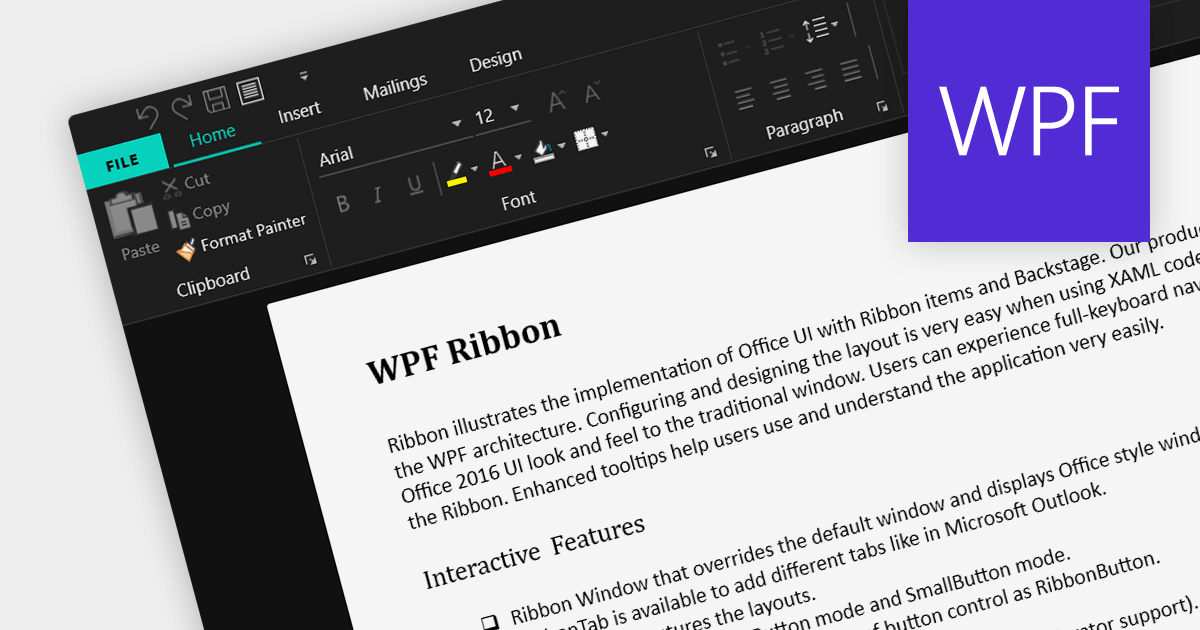
A ribbon control is a graphical user interface element that consists of a horizontal strip displaying various commands and functions organized into tabs and groups for easy access and navigation. Ribbons are designed to be easy to use and understand. Tools are grouped together in a logical way, making it easy for users to find the commands they need, even if they are not familiar with the application.

Here are some example WPF UI suites that offer a ribbon control:

  • DevExpress WPF provides a comprehensive set of WPF controls, including a feature-rich Ribbon control for creating modern and efficient user interfaces. With its extensive customization options and built-in functionalities, it simplifies the development process and enhances the end-user experience.
  • Infragistics Ultimate UI for WPF offers a ribbon that comes with various design options, seamless integration with other controls, enabling developers to build interactive and visually appealing applications.
  • Telerik UI for WPF includes a versatile RibbonView control that enables developers to design intuitive and productive UIs. RibbonView integrates easily with other Telerik controls and provides a consistent look and feel across different platforms.
  • Actipro WPF Studio offers a highly customizable Ribbon control, empowering developers to craft professional-grade user interfaces. With extensive styling options and support for WPF features like commands and application menus, Actipro enables developers to build stunning ribbon-based applications.

For an in-depth analysis of features and price, visit our comparison of WPF UI suites.

Compare WPF UI Suites