













공식 공급 업체
200 이상의 소프트웨어 개발처와 판매 계약을 맺은 공인 디스트리뷰터로서 합법적인 라이선스를 제공합니다.
모든 브랜드 보기.

ComponentSource and Clever Components have worked together for 15 years, supporting developers with a range of reliable Internet, networking, and communication components. This long-standing partnership has helped bring powerful development tools to a global audience through ComponentSource's trusted distribution platform.
Clever Components was founded by a team of experienced developers dedicated to creating easy-to-use Internet development components. Since the release of the first version of Clever Internet Suite in 2002, the company has steadily expanded its product portfolio, including the launch of a .NET edition in 2004. Today, Clever Components delivers high-quality RAD components for C#, VB.NET, Delphi, and C++Builder, enabling developers to rapidly implement advanced Internet, email, FTP, and networking functionality within their applications. Clever Components' products closely align with ComponentSource’s mission to provide developers with trusted, productivity-enhancing solutions.
Together, ComponentSource and Clever Components continue to help developers accelerate internet-enabled application development while reducing complexity and risk. By combining Clever Components’ proven, feature-rich toolsets with ComponentSource's reach, licensing options, and customer support, the partnership remains well positioned to support developers' evolving needs and drive continued success in the years ahead.
Learn more about Clever Components.
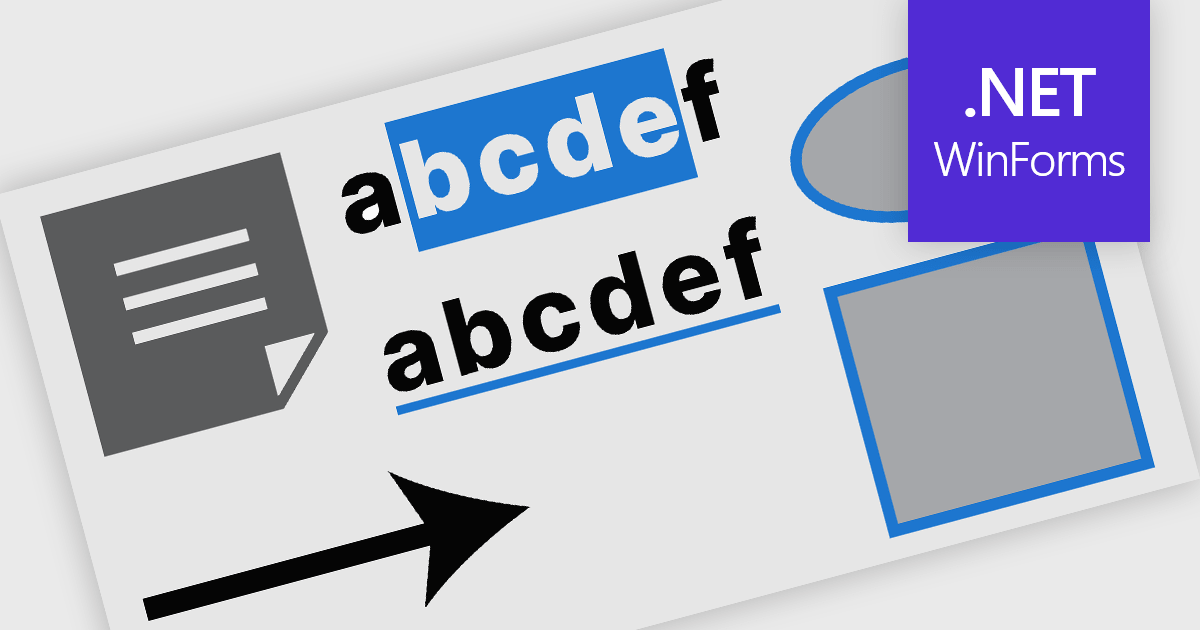
PDF annotation in .NET WinForms PDF viewer components refers to the ability to add visual and textual markup directly onto PDF documents without altering the original content. These tools allow users to draw shapes, highlight text, insert comments, and place notes within the viewing interface, supporting workflows such as document review, feedback, and approval. This functionality improves collaboration and clarity in document handling, making it well-suited for document processing tasks in WinForms applications.
Common features include:
For an in-depth analysis of features and price, visit our WinForms PDF viewer components comparison.
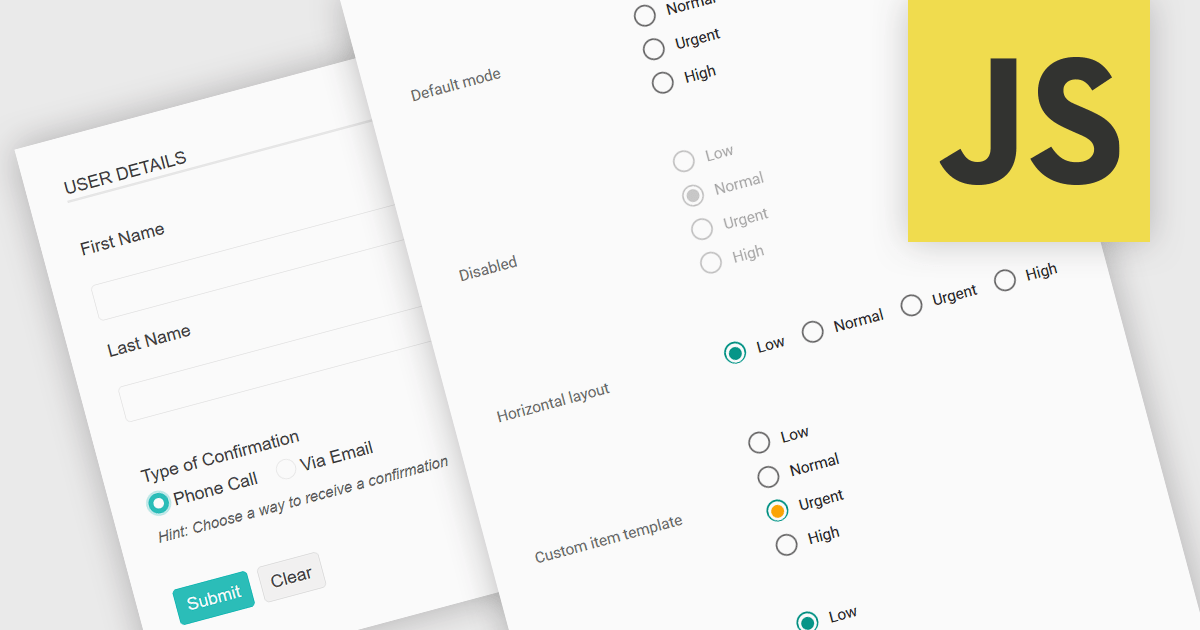
A radio group in data editing refers to a set of mutually exclusive options presented as selectable buttons, where only one option can be active at a time. It is typically used in user interfaces to enforce a single selection from a predefined set of values, which helps reduce input errors and ensures data consistency. By visually grouping related choices and clearly indicating the selected value, a radio group simplifies decision-making for users and speeds up data entry. This control is especially useful in forms and configuration settings where a user must choose one valid option from several possibilities.
Several JavaScript data editor collections provide support for radio groups, including:
For an in-depth analysis of features and price, visit our comparison of JavaScript data editors.

SpreadJS is a JavaScript spreadsheet and data visualization component built to deliver Excel-compatible functionality within web applications. It provides a flexible, high-performance interface for displaying and manipulating tabular data, supporting advanced features such as formulas, pivot tables, charts, conditional formatting, and data binding. SpreadJS integrates smoothly with popular frameworks like React, Angular, and Vue, and includes robust import and export capabilities for Microsoft Excel files. It is commonly used in enterprise applications where users need a responsive, interactive spreadsheet experience directly in the browser.
The SpreadJS 19.0.0 update introduces a new Collaboration Server Add‑on that enables real‑time, multi‑user editing of the same spreadsheet within web applications by integrating the collaboration framework and server infrastructure directly into SpreadJS. This add‑on lets developers build functionality where multiple clients see and apply changes instantly to workbook data with consistent state across users, supports conflict‑free concurrent edits using Operational Transformation logic, and includes features such as live user presence and permission controls.
To see a full list of what's new in 19.0.0, see our release notes.
SpreadJS is licensed per developer and includes 1 Year Maintenance (major and minor version releases and unlimited support phone calls). SpreadJS requires an Annual or Perpetual Deployment License. The optional Add-ons are available at an additional cost, and require a SpreadJS license. See our SpreadJS licensing page for full details.
For more information, visit our SpreadJS product page.
ComponentOne Studio Enterprise is a comprehensive suite of .NET UI controls developed by MESCIUS (formerly GrapeCity) designed for building rich, interactive desktop, web, and mobile applications. It provides developers with a broad range of tools and components-including data grids, charts, reports, input controls, and advanced data visualization features-for platforms such as WinForms, WPF, ASP.NET Core, Blazor, WinUI, and .NET MAUI. The suite emphasizes performance, flexibility, and ease of integration, helping teams create consistent, feature-rich user experiences across multiple application types while maintaining a unified development approach.
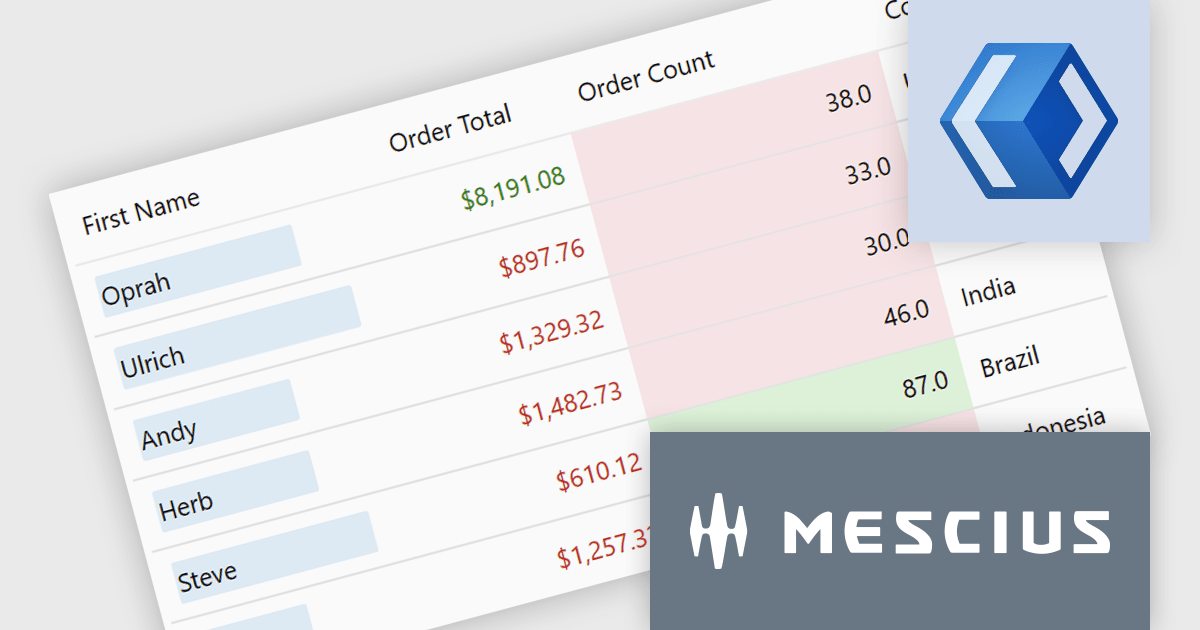
The ComponentOne Studio Enterprise 2025 v2 update adds a conditional formatting rules engine to FlexGrid for WinUI. This enables validation-driven formatting and data bars, allowing developers to highlight invalid values, enforce input consistency, and make comparisons directly within the grid. The update also introduces word-wrapped column headers, improving readability for longer labels and supporting more compact, maintainable layouts.
To see a full list of what's new in 2025 v2, see our release notes.
ComponentOne Studio Enterprise is licensed per developer on a perpetual basis and includes a 12 month subscription. Priority Support is also available. See our ComponentOne Studio Enterprise licensing page for full details.
Learn more on our ComponentOne Studio Enterprise product page.
전화 : 00798 14 800 6332
팩스 : +1 770 250 6199


