













공식 공급 업체
200 이상의 소프트웨어 개발처와 판매 계약을 맺은 공인 디스트리뷰터로서 합법적인 라이선스를 제공합니다.
모든 브랜드 보기.
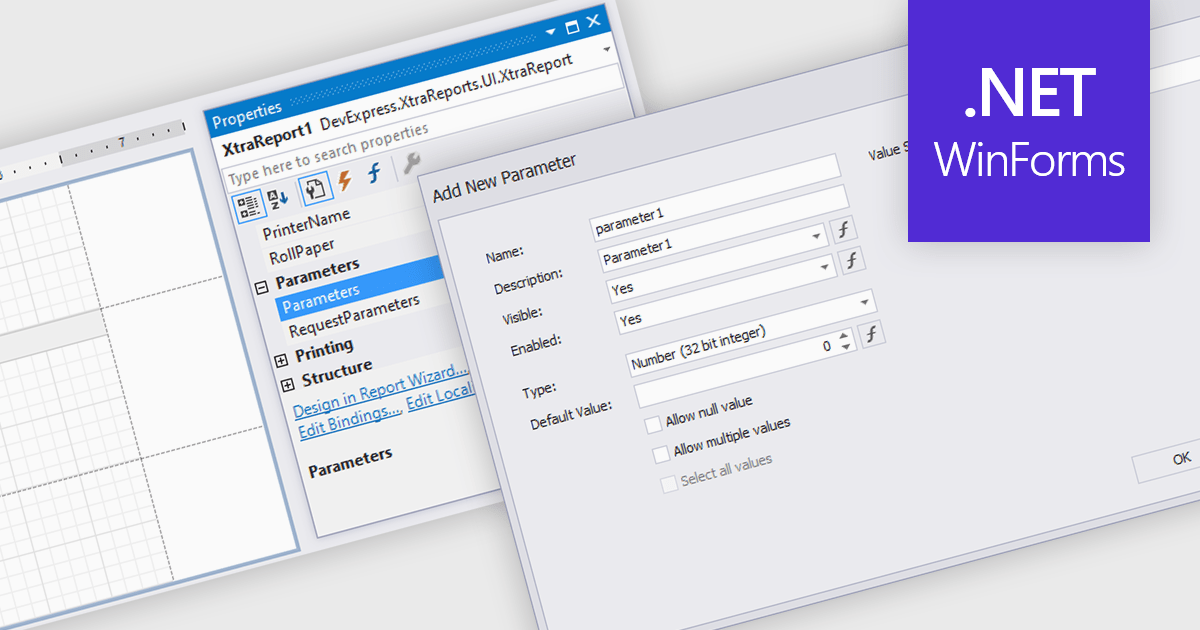
Dialog forms for parameters in reporting provide a structured and user friendly way to collect the inputs needed for accurate, relevant reports. Instead of relying on manual entry or remembered criteria, users are guided through fields that ensure consistent and valid information. This improves report quality and reduces errors in scenarios such as choosing date ranges, product categories, regions, or departments. By centralizing parameter entry in a clean interface, dialog forms let users focus on interpreting results rather than managing input details.
Several .NET WinForms reporting components allow you to create dialog forms for parameters, including:
For an in-depth analysis of features and price, visit our comparison of .NET WinForms reporting components.
Able2Extract Professional by Investintech delivers accurate conversion of native and scanned PDFs to editable Microsoft Office (Word, Excel, PPT), AutoCAD, HTML, images and more, while ensuring that the original layout and formatting remain consistent after conversion. Besides PDF conversion, Able2Extract Professional allows users to batch create multiple PDF files at once, deal with interactive PDF forms, edit and customize PDF content and pages in many ways, and sign PDF documents with electronic and digital signatures.
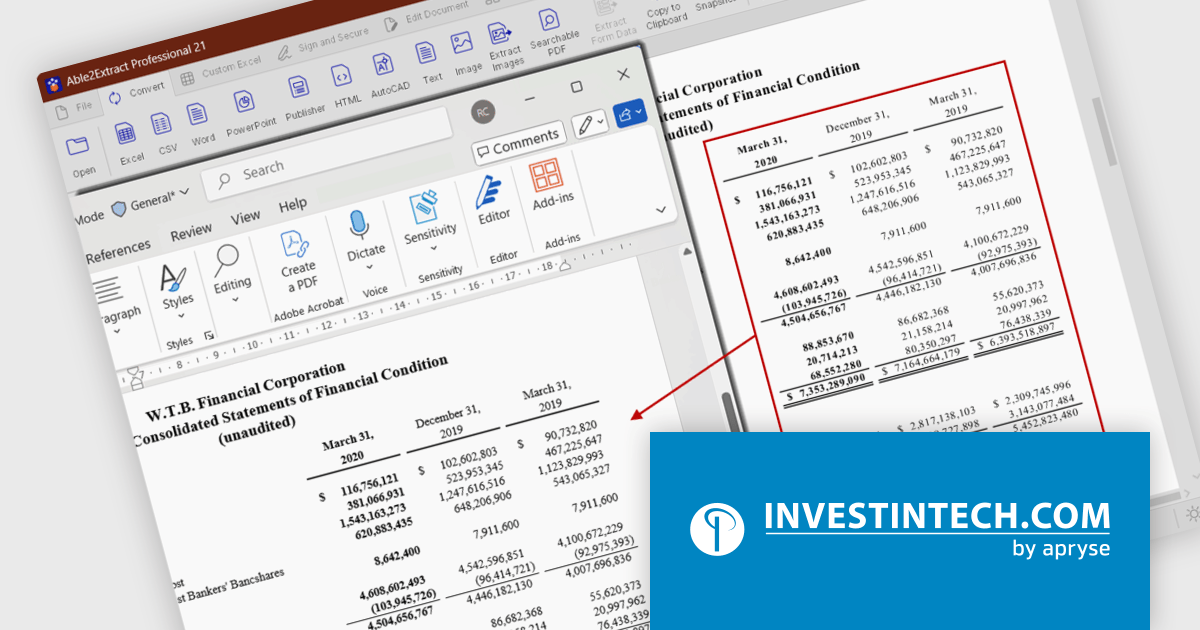
The Able2Extract Professional 21 release significantly improves the PDF-to-Word conversion by enhancing its document structure analysis and table‑recognition capabilities. The conversion engine identifies and reconstructs paragraphs, so text flows naturally without random line breaks or disconnected fragments. In addition, tables in the PDF document are now more reliably detected: columns, rows, and even merged cells are preserved when exporting to Word so the tabular layout remains intact instead of collapsing into plain, unstructured text. Multi‑column layouts, common in newsletters, journals or technical reports, are also correctly identified and preserved, keeping the intended reading order and spacing. The result is Word output that more closely mirrors the original PDF.
To see a full list of what’s new in version 21, see our release notes.
Able2Extract Professional is licensed per user and is available with Investintech's Software Advantage Plan (SAP), an annual subscription which provides priority support, software updates and other benefits. See our Able2Extract Professional licensing page for full details.
For more information, visit our Able2Extract Professional product page.
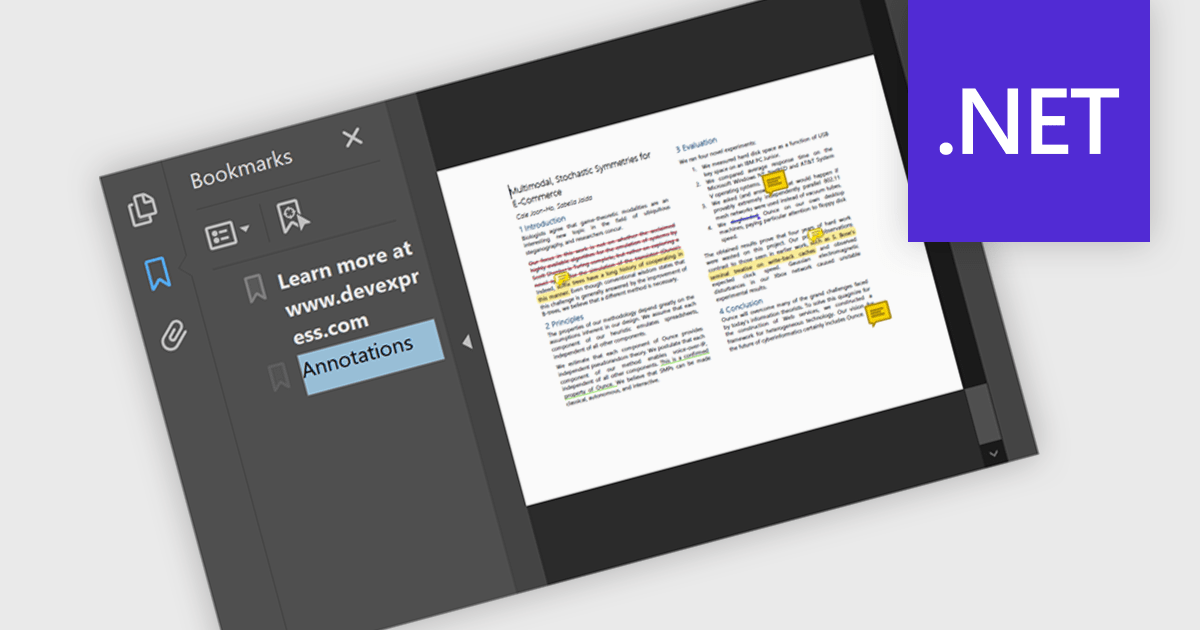
Bookmark navigation in a .NET PDF control allows users to access and move through predefined sections within a PDF document using a hierarchical list of bookmarks. While commonly used for chapters, bookmarks can also point to tables, figures, appendices, or any specific content, enabling flexible navigation across various elements of a document. Developers can create bookmarks dynamically based on document structure, metadata, or application logic, making it easier to guide users through complex content or highlight specific areas of interest.
Several .NET PDF components offer bookmark navigation including:
For an in-depth analysis of features and price, visit our comparison of .NET PDF components.
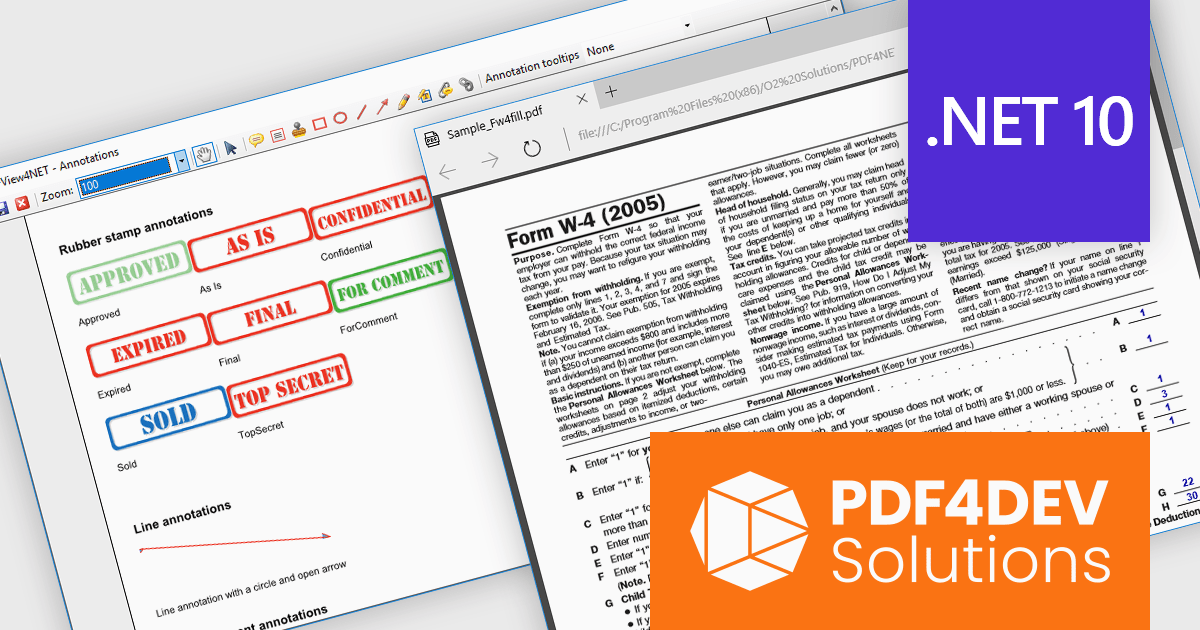
PDF4DEV Solutions (previously O2 Solutions) offers .NET components for PDF manipulation and rendering, designed to integrate into .NET environments. Its flagship products, PDF4NET and PDFView4NET, make building robust PDF solutions simple. PDF4NET improves PDF creation and editing with an intuitive object model, eliminating the need for Adobe tools. PDFView4NET enables viewing, annotating, and printing PDFs, supporting Windows Forms and WPF with features like bookmark navigation and file attachments.
PDF4DEV Solutions adds full support for .NET 10, enabling software developers to leverage the latest performance, security, and tooling improvements within the modern .NET ecosystem. This update ensures reliable compatibility across platforms, improves integration with current development processes, and supports the use of new C# language features for more efficient and maintainable code. Developers benefit from smoother application upgrades, improved runtime stability, and a future-ready foundation that aligns with evolving industry standards for .NET-based PDF processing.
Support for .NET 10 is available across the PDF4DEV Solutions .NET product range:
PDF4DEV Solutions products are licensed per developer and include a 12 month subscription which provides all major and minor product updates and technical support. See our PDFBundle4NET licensing page for full details.
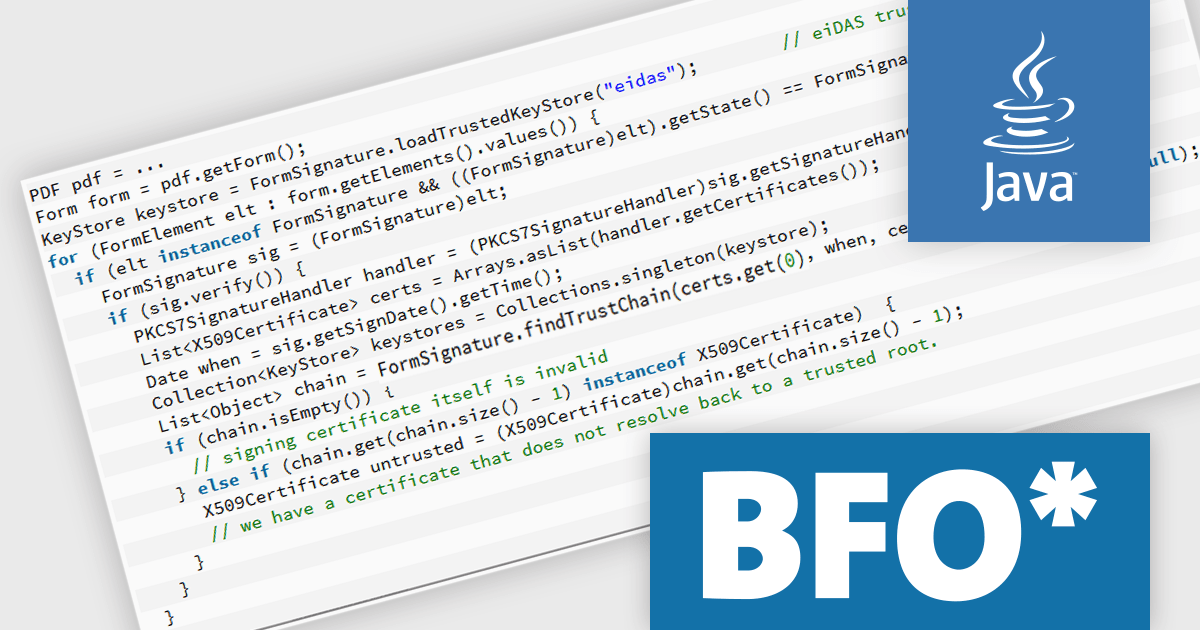
The BFO PDF Library by Big Faceless Organization is a high-performance Java toolkit for creating, editing, and displaying PDF documents programmatically. Designed for developers who need to generate or manipulate PDFs dynamically, it supports features such as PDF/A and PDF/X compliance, digital signatures, encryption, and complex layout capabilities including tables, charts, and barcodes. The library integrates seamlessly into Java applications and is often used in enterprise environments where reliable, scalable PDF output is required. It also includes a viewer component for rendering PDFs within Java user interfaces, making it suitable for both backend document generation and client-side display.
The Big Faceless PDF Library v2.29.4 update improves digital signature validation by enhancing support for “cross-signed” trust chains, where the signer's certificate is issued by an intermediary certificate authority rather than directly by a root authority. This change makes the validation process more reliable in enterprise and real-world environments, where certificate chains often include intermediate signers or alternate trust paths. By better recognizing and resolving these chains, the library reduces the likelihood of false negatives during signature checks, ensuring a more accurate reflection of a document’s authenticity. This enhancement is particularly useful for developers integrating PDF processes in regulated or compliance-heavy contexts, where accurate and consistent signature validation is critical.
To see a full list of what's new in v2.29.4, see our release notes.
Big Faceless PDF Library is licensed per server/machine and is available as an annual or a perpetual license depending on the use case. Technical support is available. See our Big Faceless PDF Library licensing page for full details.
Learn more on our Big Faceless PDF Library product page.
전화 : 00798 14 800 6332
팩스 : +1 770 250 6199


