













공식 공급 업체
200 이상의 소프트웨어 개발처와 판매 계약을 맺은 공인 디스트리뷰터로서 합법적인 라이선스를 제공합니다.
모든 브랜드 보기.

LightningChart JS Trader is a JavaScript/TypeScript library developed by LightningChart that specifically targets the creation of financial and trading applications. It provides high-performance, 2D, 3D, and real-time charting controls and a comprehensive suite of visualizations including candlestick, bar, line, and various technical indicators and drawing tools. This library enables software developers to create interactive technical analysis tools without the need for server-side setup as it runs completely on the client device.
The LightningChart JS Trader v4.0 update introduces a latest price labels feature which automatically displays the most recently received price and indicator values on the Y-axis, giving developers a clear reference point without implementing custom annotations. This built-in functionality reduces development effort by handling label placement and synchronization with incoming data, while configurable options allow teams to show the label, the horizontal line, both, or neither depending on the requirements of their application. As a result, developers can deliver a cleaner, more informative charting experience that makes it easier for end users to quickly interpret current market levels and indicator states.
To see a full list of what's new in v4.0, see our release notes.
LightningChart JS Trader is licensed per developer and is available as an annual license with 1 year support. See our LightningChart JS Trader licensing page for full details.
For more information, see our LightningChart JS Trader product page.
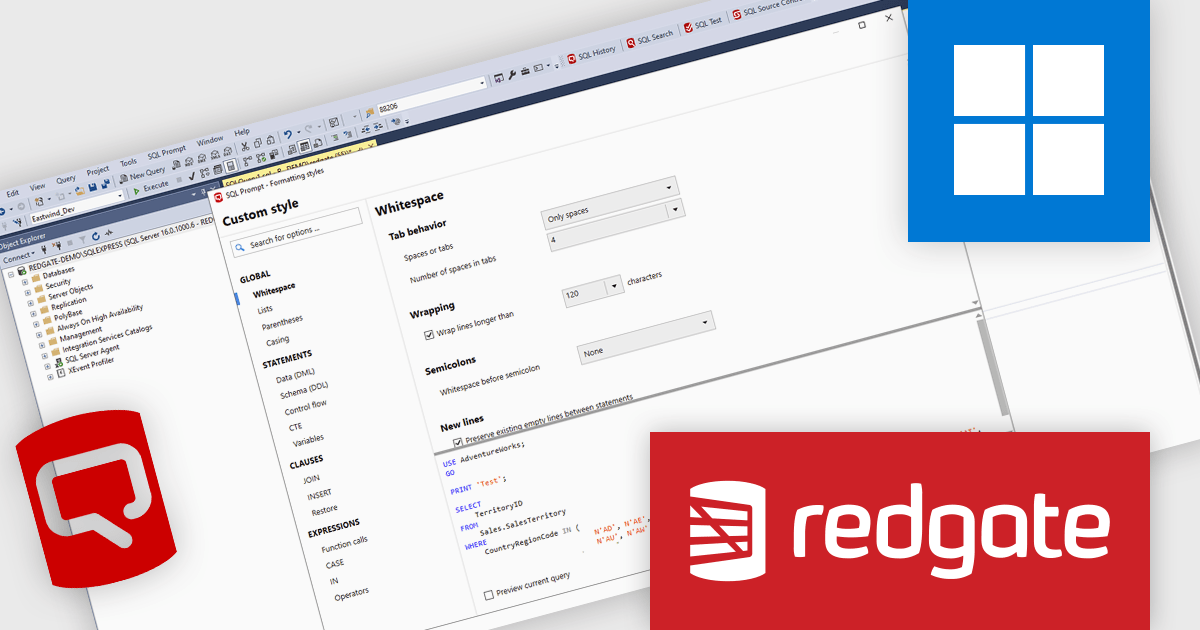
Redgate Software SQL Prompt Pro is a productivity tool that enhances SQL development in SQL Server Management Studio. It automates the retrieval of database object names, syntax, and code snippets, while offering contextually appropriate suggestions to improve accuracy and efficiency. Automatic script formatting enhances readability, especially when working with complex or unfamiliar code. Highly effective out-of-the-box and fully customizable, it adapts to individual preferences and team standards, helping database professionals write cleaner code, maintain consistency, and work more efficiently.
SQL Prompt Pro improves code readability with instant, standards-based formatting that keeps SQL consistent across teams and projects, allowing developers to focus on query logic instead of layout and styling. By applying a single shortcut to reformat code, it eliminates repetitive cleanup, reduces the risk of introducing errors during edits, and speeds up day-to-day development. It also makes legacy scripts easier to work with by transforming inconsistent, hard-to-scan SQL into a clear, unified style that aligns with current standards. As a result, code reviews become more efficient, onboarding is smoother, and teams can maintain a reliable, professional codebase with less effort.
Redgate SQL Prompt Pro is licensed per developer and is available as a 1, 2 or 3 year subscription license which includes full support plus all major versions of the software released during the subscription period. See our SQL Prompt Pro licensing page for full details.
For more information, visit our SQL Prompt Pro product page.
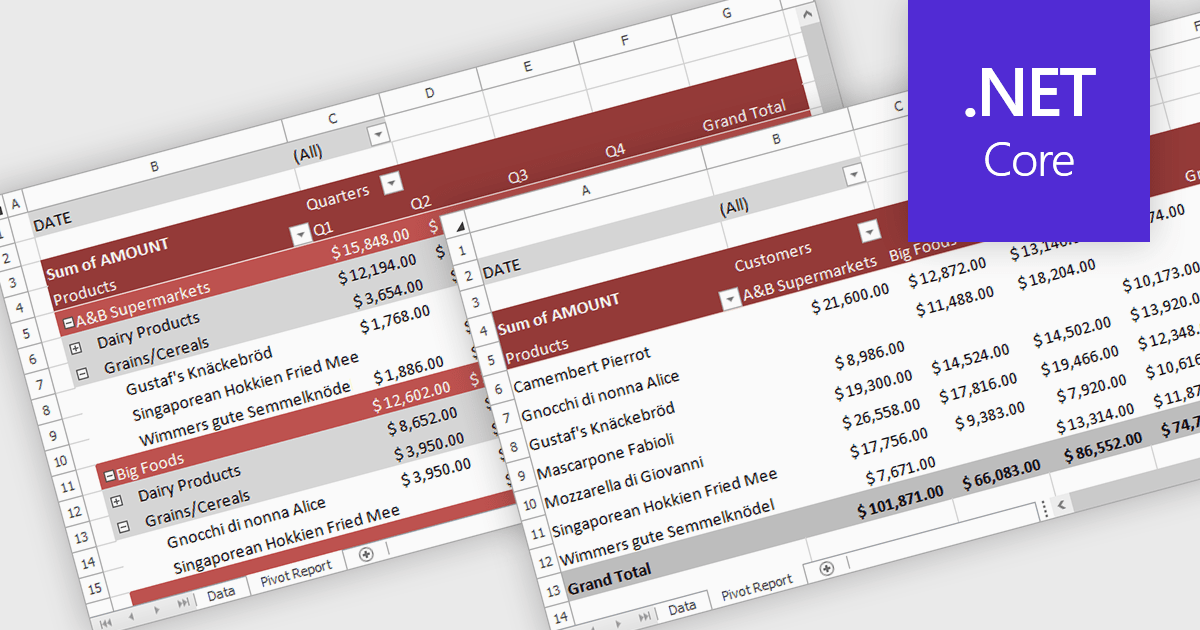
A pivot table in a spreadsheet lets you quickly summarize and explore large datasets by dynamically grouping, filtering, and aggregating data. It automatically calculates totals, averages, counts, and other metrics, reducing the need for complex formulas. This makes it easier to uncover trends, patterns, and outliers, such as comparing sales by region and product, analyzing costs by department, or tracking performance over time. By turning raw data into clear, interactive summaries, pivot tables help users make faster, more informed decisions.
Several .NET Core spreadsheet controls support pivot tables including:
For an in-depth analysis of features and price, visit our .NET Core spreadsheet controls comparison.
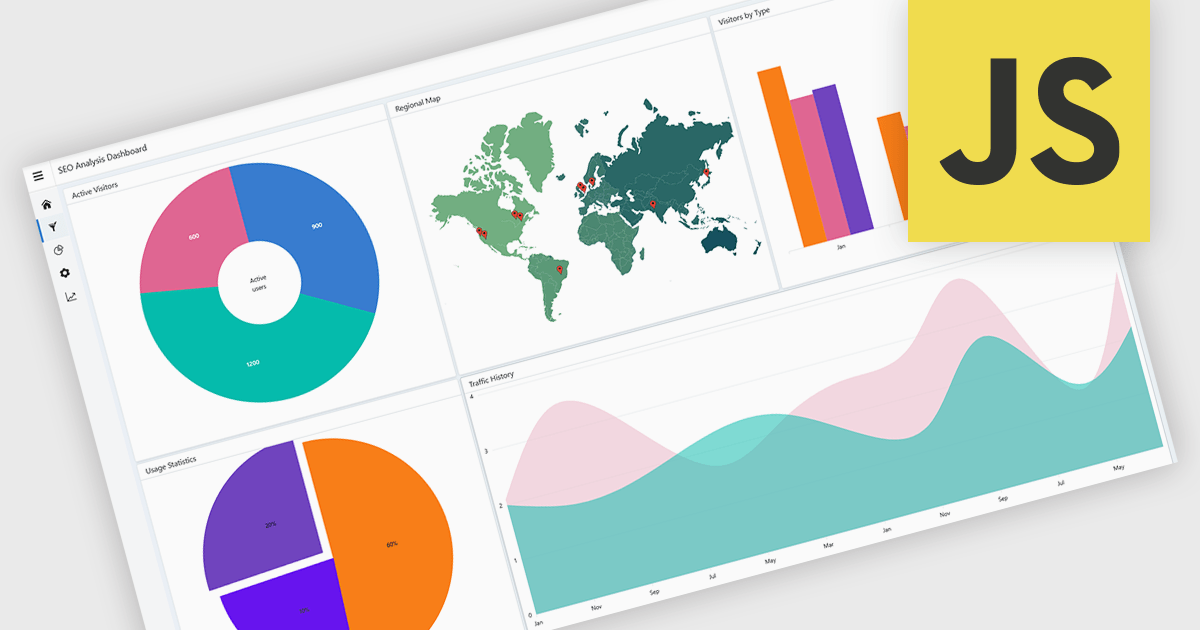
A layout component provides a structured foundation for building modern applications. It offers predesigned, configurable layout templates that ensure visual consistency, reduce development time, and eliminate common alignment or scalability issues by handling spacing, breakpoints, and component organization automatically. The result is a cleaner, more intuitive user experience across devices without requiring extensive custom CSS or layout logic. Common use cases include dashboards with resizable panels, master-detail views for data management, admin portals, and applications that need predictable, responsive page structures to support complex UI components like charts, forms, and data grids.
Several JavaScript UI suites offer layout components including:
For an in-depth analysis of features and price, visit our JavaScript UI suites comparison.
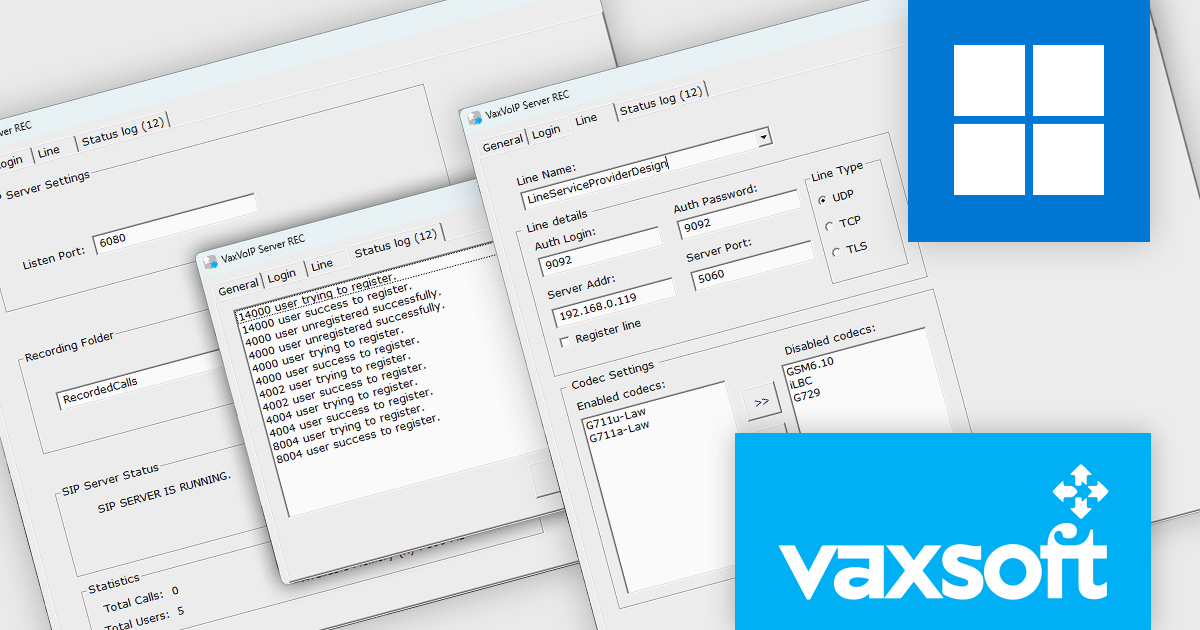
VaxVoIP SIP Recording SDK by VaxSoft is a software development kit designed to help create advanced SIP-based call recording servers. It fully supports the SIP REC protocol, enabling integration with existing VoIP infrastructures and SIP servers. The SDK provides all the essential tools and APIs required to capture and store VoIP call data as standard media files, making it an ideal foundation for developers building reliable, scalable, and compliant call recording solutions.
Built for flexibility and performance, the VaxVoIP SIP Recording SDK ensures efficient, real-time capture of voice communications while maintaining high audio quality and system stability. Businesses can use it to implement recording and archiving solutions for compliance, quality assurance, training, or analytics. Its standards-based approach allows for easy deployment across a wide range of SIP environments, reducing development complexity and accelerating time to market for VoIP recording applications.
VaxVoIP SIP Recording SDK is licensed under a single software brand product license, allowing use for one software application with limited distribution rights. Developers may distribute compiled applications to end users, but redistribution of the SDK or its source code is prohibited, and each license is tied to a specific service provider or client. See our VaxVoIP SIP Recording SDK licensing page for full details.
For more information, visit our VaxVoIP SIP Recording SDK product page.
전화 : 00798 14 800 6332
팩스 : +1 770 250 6199


