













공식 공급 업체
200 이상의 소프트웨어 개발처와 판매 계약을 맺은 공인 디스트리뷰터로서 합법적인 라이선스를 제공합니다.
모든 브랜드 보기.
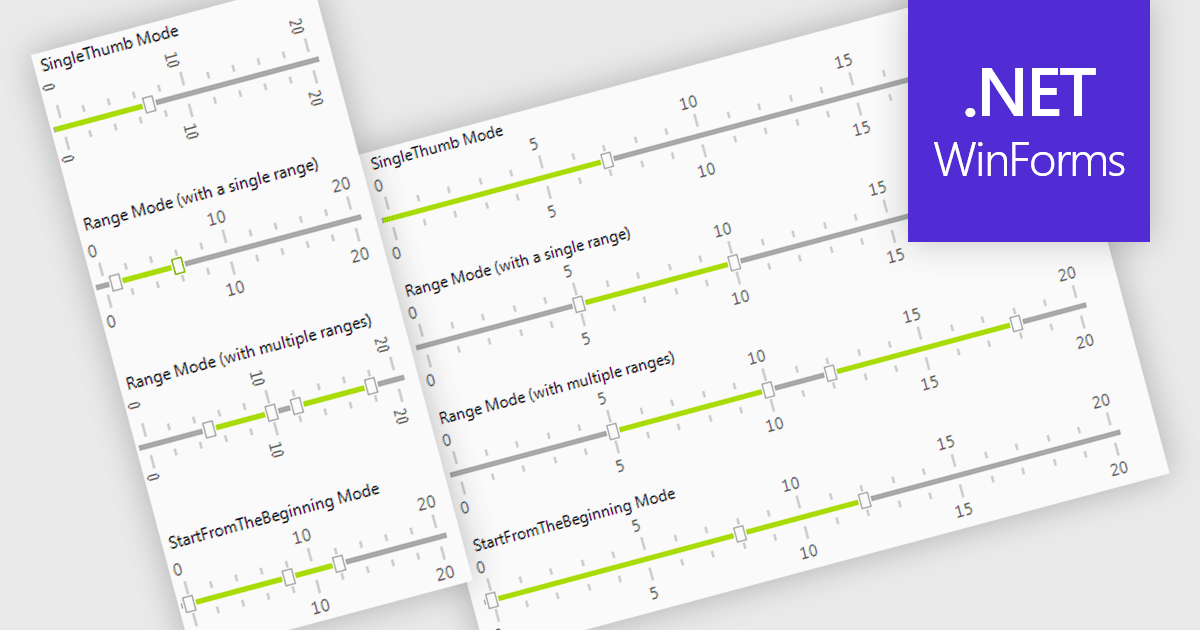
A trackbar in data editors provides a sliding control that allows users to adjust numeric values within a defined range through an interactive visual interface. It reduces the need for manual text entry, prevents invalid inputs by enforcing minimums, maximums and step increments, and offers immediate feedback as values change. Trackbars are especially useful in scenarios where users need to fine tune settings such as selecting volume levels, adjusting brightness, setting filter thresholds or choosing time or price ranges, making them ideal for applications that benefit from quick, intuitive and precise value selection.
Several .NET WinForms components offer Trackbar Data Editors including:
For an in-depth analysis of features and price, visit our comparison of .NET WinForms Data Editors.
GitKraken is a suite of developer tools built around Git, a popular version control system. It offers a graphical user interface (GUI) that allows developers to interact with Git repositories visually instead of relying on the command line. This simplifies complex Git workflows like resolving merge conflicts and visualizing code history, making Git more accessible and efficient for developers of all experience levels.
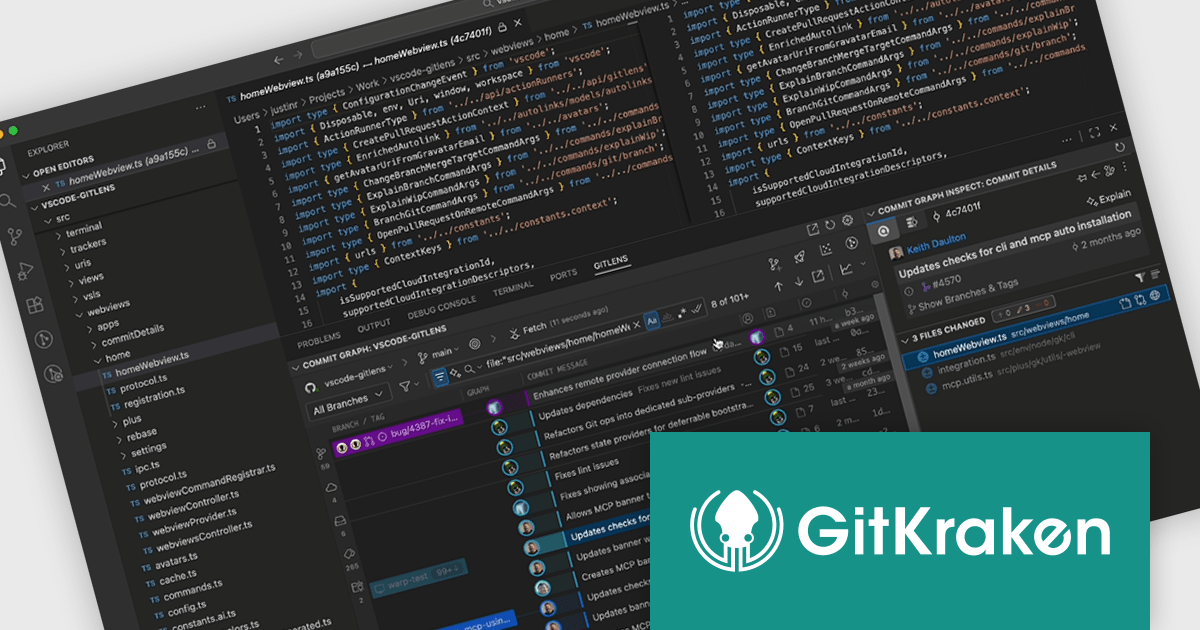
The GitLens for VS Code V17.7 release (included in GitKraken) introduces a new File History Visualization that enables developers to quickly understand how a file has changed over time by displaying its full history directly within the Commit Graph. By filtering the graph to show only commits that affected the selected file and presenting each change in the Commit Details panel, the feature provides a clear, efficient way to analyze modifications, track regressions, and review code evolution without navigating the entire project history.
To see a full list of what's new in V17.7, see our release notes.
GitLens for VS Code is part of GitKraken which is available as Cloud-based or On-Premise options, licensed per user as an annual license which includes free updates and technical support. See our GitKraken licensing page for full details.
Learn more on our GitKraken product page.
Kendo UI for Angular is a comprehensive suite of native Angular components designed to accelerate the development of modern web applications. Built from the ground up for Angular, it offers a wide range of UI elements, from data grids and charts to form controls and layout tools, ensuring high performance and integration with Angular's reactive architecture. Backed by robust documentation and regular updates, Kendo UI for Angular enables developers to build feature-rich, visually consistent applications with minimal overhead..
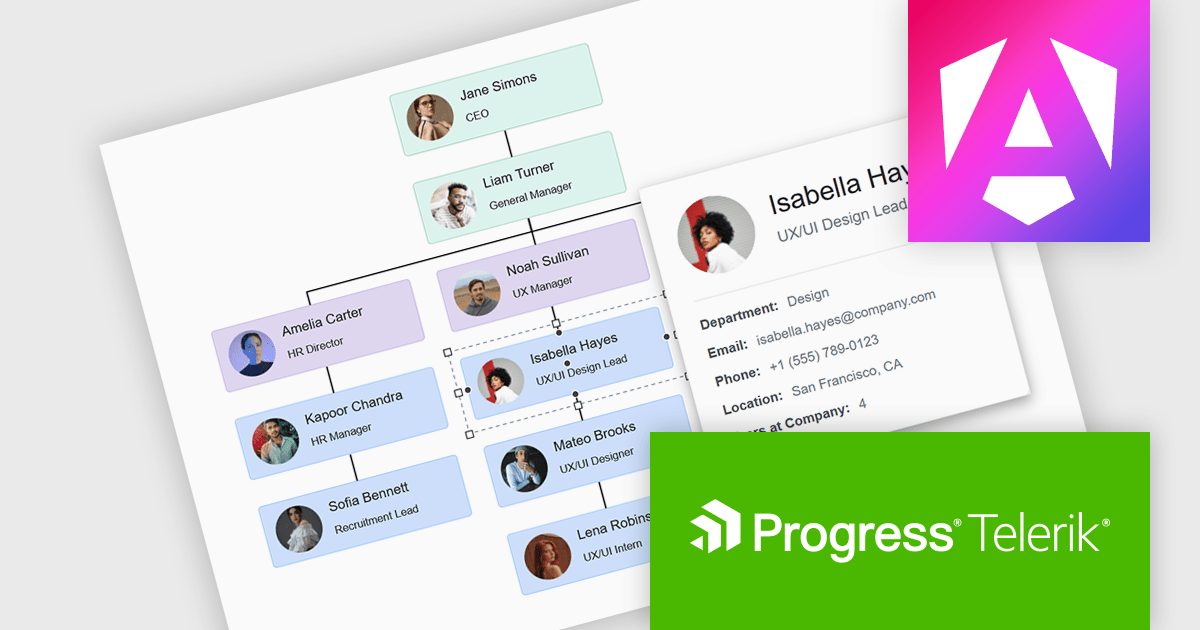
The Kendo UI for Angular 2025 Q4 update introduces diagram tooltips that provide developers with a straightforward way to surface additional information directly on hover without disrupting the structure of the diagram. This enhancement enables clearer communication of roles, statuses, and process details by presenting relevant context at the moment it is needed, reducing the need for extra labels or external references. As a result, developers can build diagrams that remain uncluttered and easy to navigate while still offering users immediate access to meaningful data.
To see a full list of what's new in 2025 Q4 (v21.0.0), see our release notes.
Kendo UI (which includes Kendo UI for Angular) is licensed per developer and has two licensing models: an annual Subscription License and a Perpetual License. The Subscription license provides access to the latest product updates, technical support, and exclusive benefits for a flat annual fee, and must be renewed to continue using the software. The Perpetual license is a one-time purchase granting access to the current released version and includes a one-year subscription for product updates and technical support. After this initial period, users can choose to renew the subscription element to continue receiving updates and support; otherwise, they may continue using the installed version available during their active subscription term but will forgo future updates and support. See our Kendo UI licensing page for full details.
Kendo UI for Angular is available in the following products:
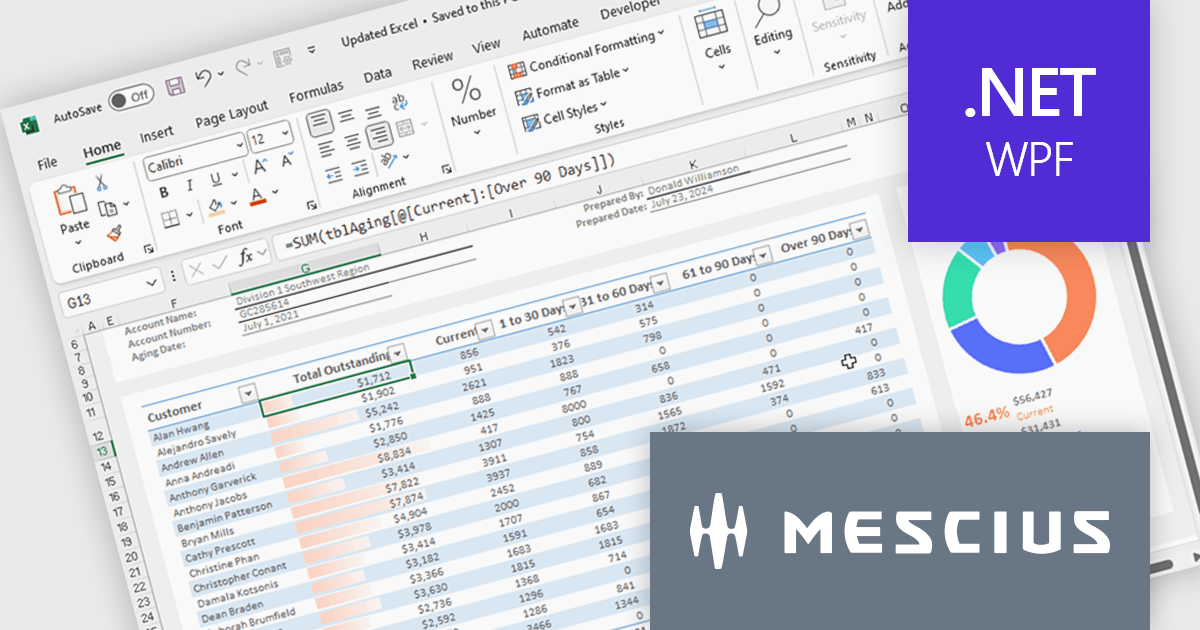
Spread.NET helps you create spreadsheets, grids, dashboards, and forms. It includes a powerful calculation engine with 450+ functions and the ability to import and export Excel spreadsheets. You can develop in Visual Studio using VB or C# for WinForms, ASP.NET, and WPF.
In this blog post, MESCIUS Product Marketing Specialist Mackenzie Albitz guides you through four essential steps for importing and exporting Excel spreadsheets in your WPF applications:
Detailed sample code is included and you can even download a finished sample project to follow along.
Read the complete blog post to learn the steps for integrating this powerful Excel functionality into your WPF applications.
Spread.NET is licensed per developer and is available as a Perpetual License with a 12 month support and maintenance subscription. We can supply any Spread.NET license including new licenses, maintenance renewals, and upgrade licenses. See our Spread.NET licensing page for full details.
For more information, visit our Spread.NET product page.

Freehand Draw, also known as Ink Annotation, in ASP.NET Core PDF Viewer controls allows users to add freeform, hand-drawn annotations directly onto PDF documents. This feature mimics natural handwriting or sketching by enabling input through mouse, touch, or stylus, making it especially useful for scenarios requiring personal notes, signatures, or diagrammatic feedback. The annotations are embedded as part of the PDF, ensuring they remain accessible and visible across different platforms and viewers. It is commonly used in applications where document review or digital signing is required, enhancing interactivity and collaboration within PDF-based processes.
Several ASP.NET Core Assembly PDF Viewer components offer support for Freehand Draw/Ink Annotation including:
For an in-depth analysis of features and price, visit our comparison of ASP.NET Core Assembly PDF Viewer Components.
전화 : 00798 14 800 6332
팩스 : +1 770 250 6199


