
Excel Import App for SharePoint Online
Excel 스프레드시트에서 SharePoint Online 목록으로 데이터 또는 레코드를 쉽게 가져올 수 있습니다.
BoostSolutions사에서 공개
2009년 부터 ComponentSource에서 판매중
Excel 스프레드시트에서 SharePoint Online 목록으로 데이터 또는 레코드를 쉽게 가져올 수 있습니다.
BoostSolutions사에서 공개
2009년 부터 ComponentSource에서 판매중
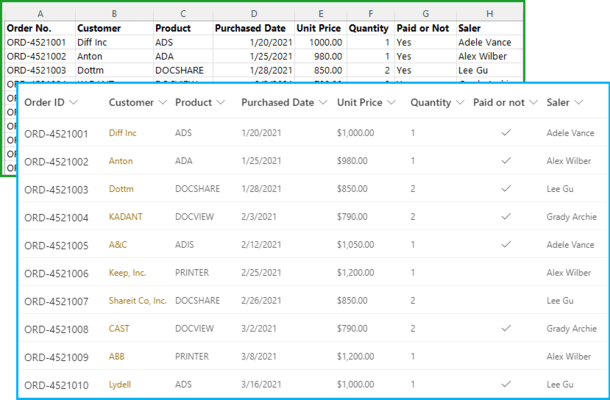
Excel 스프레드시트에서 SharePoint Online 목록으로 데이터 또는 레코드를 쉽게 가져올 수 있습니다.
Excel Import App for SharePoint Online enables you to import data from an Excel spreadsheet (in .xlsx, .xls or .csv format) into an existing SharePoint Online list. If you have a large Excel file with many worksheets, you can also import specific sheets into the SharePoint Online list, one at a time. Excel Import App allows users to import data to most built-in SharePoint column types.
Excel Import App for SharePoint Online Features
전화 : 00798 14 800 6332
팩스 : +1 770 250 6199


