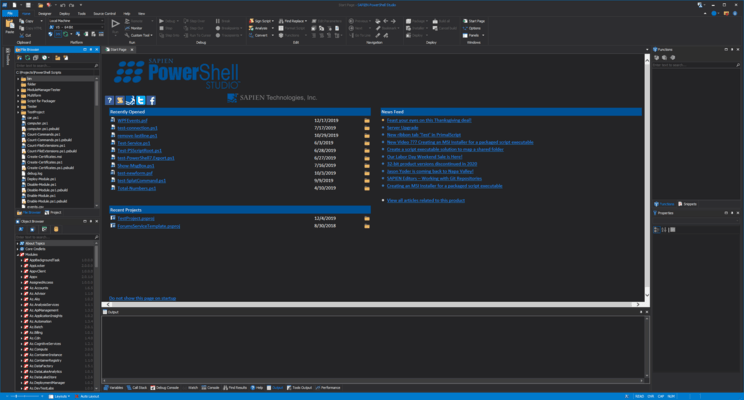
PowerShell Studio 릴리스
Released: Sep 11, 2023
2023 (5.8.230) 버젼 업데이트
기능
- Added the ability to run scripts in Microsoft Windows Terminal (Ctrl+Alt+F5).
- Changed Copy Product Information to now include installed Microsoft PowerShell versions.
- Improved drawing of console in Console panel.
수정사항
- Message boxes going behind application.
- Cachebuilder skips Manifest type modules.
- Other minor changes and fixes.
Released: Aug 21, 2023
2023 (5.8.229) 버젼 업데이트
수정사항
- Installer sometimes failed into install framework on update.
Released: Aug 21, 2023
2023 (5.8.228) 버젼 업데이트
수정사항
- Some nested controls duplicate in the designer code generation.
- Renaming parameters with function builder is slightly off.
- Pre-cached module information for Microsoft.Graph 2.2 and 2.3.
- PowerShell scripts running or debugging with path names contains $ signs can fail.
- Compensate for PowerShell Format-Table bug in Windows PowerShell and 7.2.13 and 7.3.6.
- Resizing font through keyboard shortcut on large files causes application to freeze.
- Other minor changes and fixes.
Released: Aug 4, 2023
2023 (5.8.227) 버젼 업데이트
수정사항
- Cachebuilder can hang after Microsoft.Graph was installed.
- Packager variables (e.g. $SAPIENHost) cannot be used with obfuscator.
- Function return values in PowerShell strings cannot be used when obfuscating.
- Other minor changes and fixes.
Released: Jul 17, 2023
2023 (5.8.226) 버젼 업데이트
기능
- Added support for Microsoft PowerShell 7.2.13.
- Added support for PowerShell 7.3.6.
수정사항
- Module help information not updating for v7.
Released: Jul 12, 2023
2023 (5.8.225) 버젼 업데이트
기능
- Added Microsoft PowerShell 7.3.5 and 7.2.12 support.
- Added a dark mode to Snippet Editor.
- Updated cache check to only prompt once a day.
- Assemblies added by the Assemblies dialog will now show in the Object Browser Panel of the .NET Object Browser.
수정사항
- Other minor changes and fixes.
Released: Jun 23, 2023
2023 (5.8.224) 버젼 업데이트
기능
- MSI builder now expands the following macros in the MSI Name: [ProductVersion], [ProductName], [CompanyName] and [CurrentDate].
- MSI builder now warns if a reserved name is used for a custom action.
- Improved speed of syntax checker.
- You can now retain the last term in Find/Replace dialog between documents.
수정사항
- Syntax check for V7 fails.
- Crash when launching PowerShell Version Selector.
- -iin operator not recognized by editor.
Released: May 26, 2023
2023 (5.8.223) 버젼 업데이트
수정사항
- VM trial licensing dialog never loads.
- CPU usage running high.
Released: May 22, 2023
2023 (5.8.222) 버젼 업데이트
기능
- Added the ability to create Web Installers for multi-application installs.
- Check if a folder or script location is open in file explorer before opening a new window.
수정사항
- License dialog not updating maintenance expiration date.
- Not running packaged scripts with command line engines with PowerShell.
- Application flashes when maximized and open file menu.
- Format Script breaks script when place open brace on new line is turned off in some cases.
Released: Apr 20, 2023
2023 (5.8.221) 버젼 업데이트
기능
- Added support for Microsoft PowerShell 7.2.11 and 7.3.4.
- Added ARM64 platforms support for MSI Builder in SAPIEN Script Packager.
- WiX Toolset has been updated to 3.14.
수정사항
- Project recovery not fully recovering form files.
- Other minor changes and fixes.


 (3)
(3)