













Fornecedor oficial
Como distribuidores oficiais e autorizados, nós fornecemos licenças legítimas diretamente de mais de 200 editores de software.
Ver todas as nossas marcas.
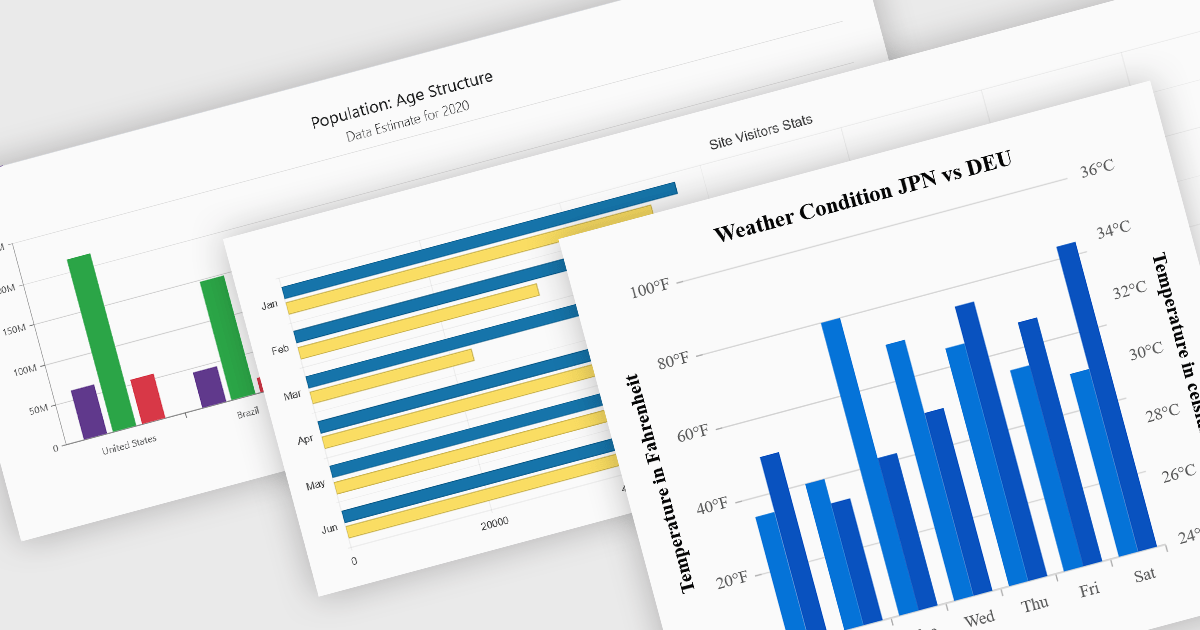
Column and bar charts are among the most widely used data visualization features in modern charting components, helping developers present comparisons, trends, and category-based metrics in a format that is easy to interpret. By displaying values as horizontal or vertical bars, these chart types allow applications to communicate changes in performance, rankings, distributions, and other business data with clarity. Modern charting components typically support customization options such as stacked series, grouped categories, animations, tooltips, responsive layouts, and interactive behaviors, enabling developers to create dashboards and reporting experiences that suit a wide range of enterprise and analytical scenarios.
Several Blazor chart controls offer column and bar charts including:
For an in-depth analysis of features and price, visit our Blazor chart controls comparison.
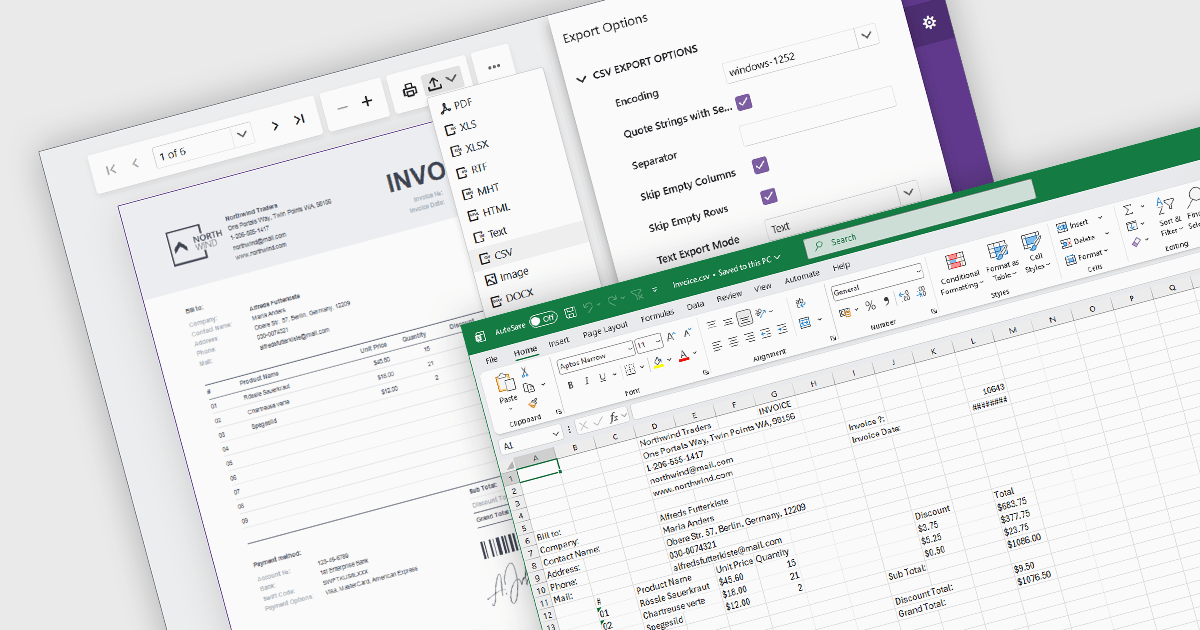
Exporting reports to CSV (Comma-Separated Values) format provides a simple and widely compatible way to transfer report data into spreadsheet applications, databases, analytics platforms, and other business systems. CSV files store structured data as plain text, making them easy to process, automate, archive, and exchange across different environments. For software developers and business users, CSV export functionality supports data analysis, operational reporting, integration workflows, and data retention requirements while maintaining low file complexity and broad platform support.
Several Blazor reporting components allow you to export to CSV, including:
For an in-depth analysis of features and price, visit our comparison of Blazor reporting components.
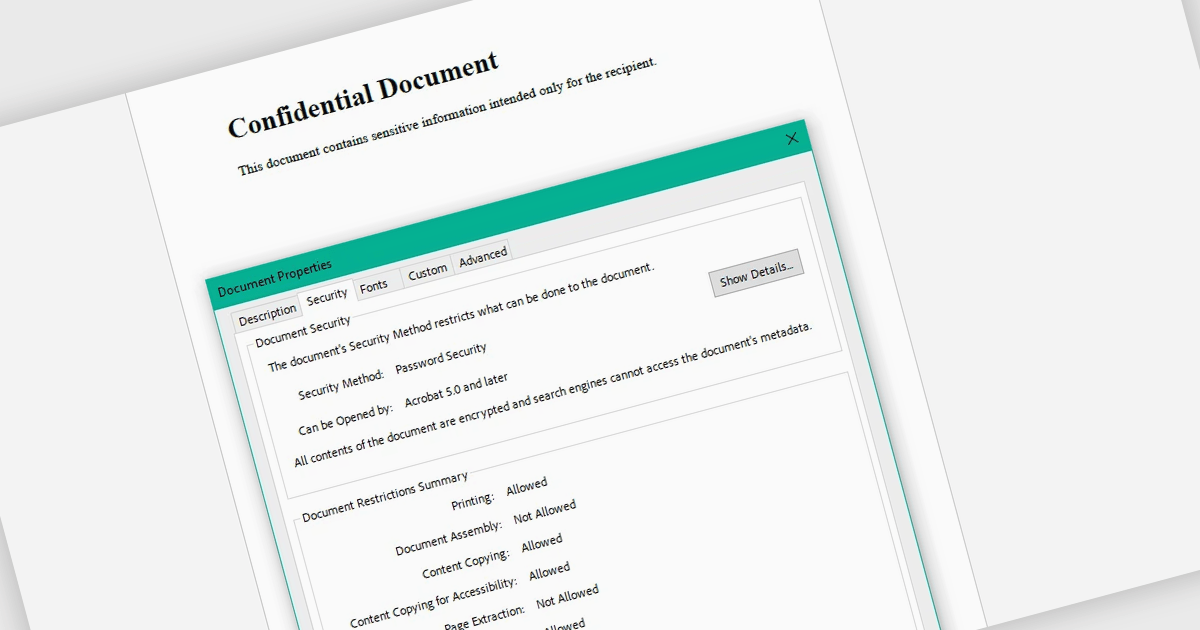
Encrypting and decrypting PDF files allows developers to secure sensitive documents with strong encryption while enabling authorized users to safely access protected content when needed. By applying password protection and access controls, organizations can prevent unauthorized viewing or sharing of confidential information such as legal contracts, financial reports, healthcare records, and proprietary research while supporting secure document workflows and compliance requirements.
Several .NET PDF controls offer encryption and decryption support including:
For an in-depth analysis of features and price, visit our .NET PDF controls comparison.
DevExpress Blazor (part of DevExpress ASP.NET and Blazor) helps you create high-impact user experiences for both Blazor Server and Blazor WebAssembly using C#. The Blazor UI Component Library ships with a comprehensive set of native components including a Grid, Pivot Table, Scheduler, Chart, Data Editors and Reporting.
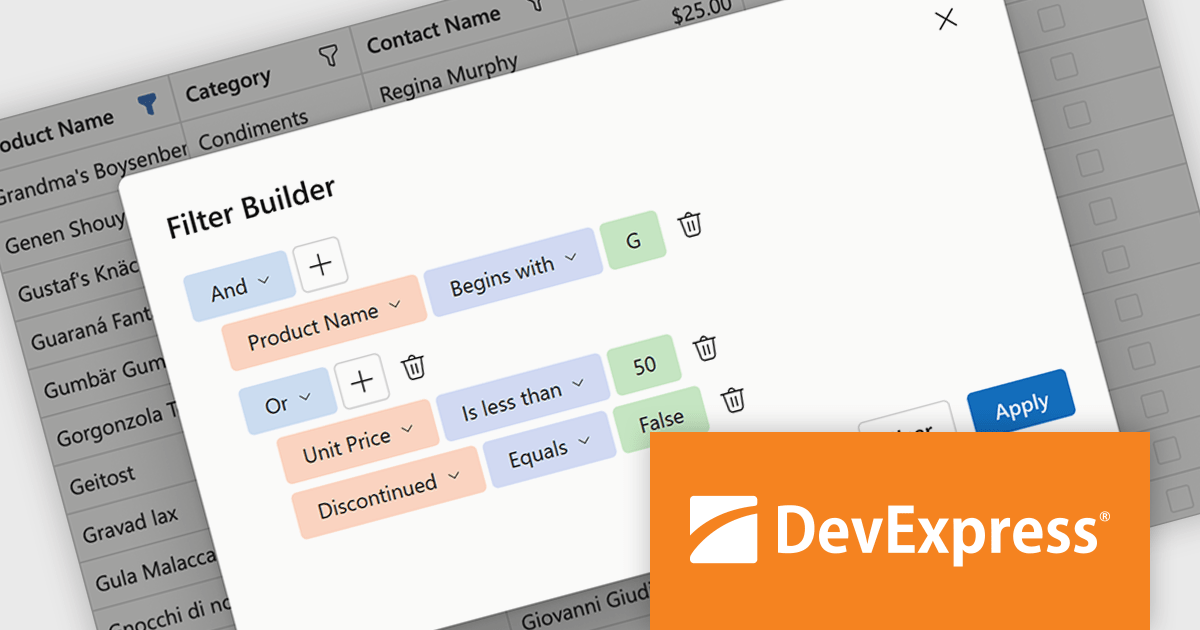
DevExpress Blazor now includes an integrated Filter Builder for its Grid and TreeList components, making it easier for users to define advanced filtering criteria through a visual interface. Filter Builder fields are generated automatically from existing data columns, so developers can add sophisticated filtering capabilities without extra configuration or custom implementation work. This approach helps users work with large datasets more efficiently while maintaining a consistent experience across Blazor applications.
DevExpress ASP.NET and Blazor is licensed per developer and is available as a Perpetual License with a 12 month support and maintenance subscription. See our DevExpress ASP.NET and Blazor licensing page for full details.
DevExpress Blazor is available in the following products:
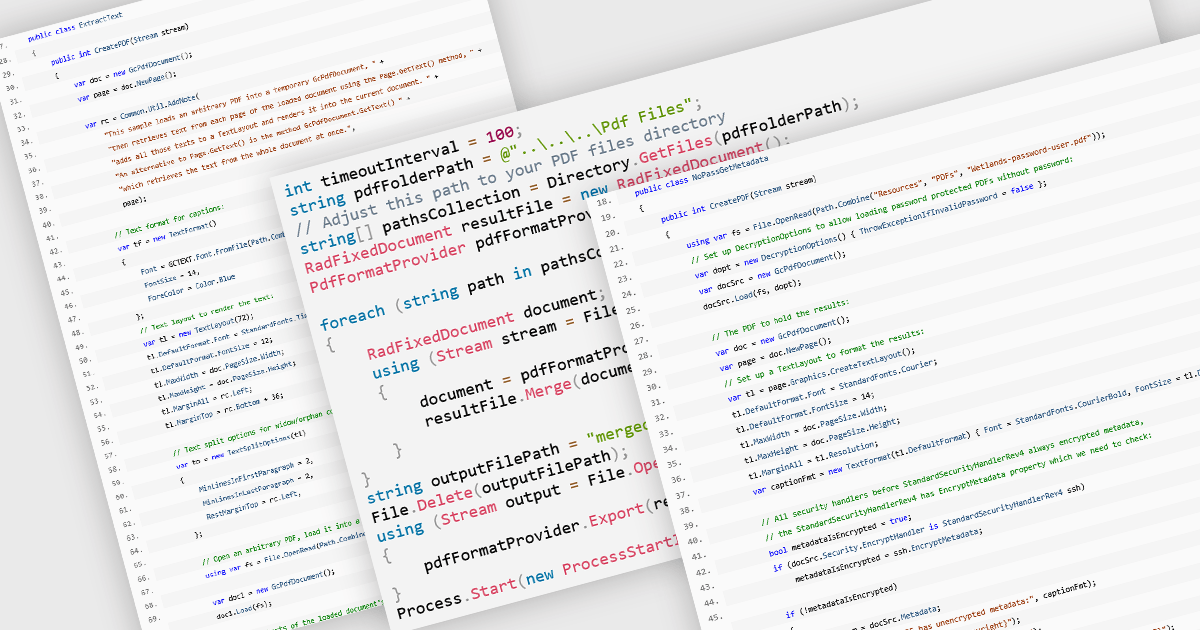
PDF manipulation allow applications to create, modify, and manage PDF documents programmatically or through integrated user interfaces. These features support a wide range of document workflows, from reorganizing pages to extracting information and optimizing file sizes. By incorporating PDF manipulation tools directly into applications, developers can support more efficient document processing without relying on external software.
Common features include:
For an in-depth analysis of features and price, visit our ASP.NET Core PDF components comparison.
Tel: (888) 850 9911
Fax: +1 770 250 6199


