













Fornecedor oficial
Como distribuidores oficiais e autorizados, nós fornecemos licenças legítimas diretamente de mais de 200 editores de software.
Ver todas as nossas marcas.
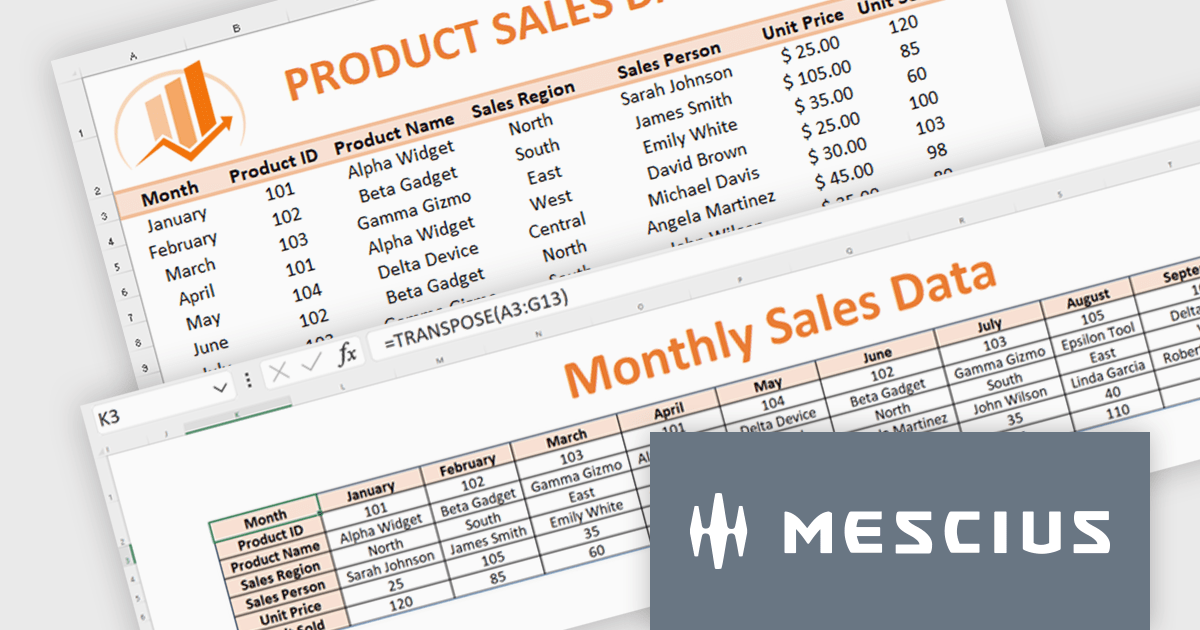
Document Solutions for Excel, .NET Edition (DsExcel, previously GcExcel) is a high-speed, small-footprint, server-side spreadsheet API that requires no dependencies on Excel. With full .NET support, you can generate, load, modify, and convert spreadsheets in .NET, .NET Framework, .NET Core, Mono, and Xamarin. Apps using the spreadsheet API can be deployed to cloud, Windows, Mac, or Linux. Its powerful calculation engine and breadth of features means you'll never have to compromise design or requirements. The interface-based API is modeled on Microsoft Excel's document object model which means you can import, calculate, query, generate, and export any spreadsheet scenario.
Formulas and functions play an important role in data analysis. Microsoft Excel provides a range of functions that simplify the extraction of key metrics during data analysis. In this pair of blog posts from MESCIUS, Software Engineer Prabhat Sharma demonstrates how to use DsExcel to implement Excel functions and other Excel-like functionalities.
Part 1 of the blog shows you how to drill into sales data and integrate the following functions:
Part 2 of the blog digs into monthly budget data to show you how to use:
Document Solutions for Excel is licensed per developer for either one distribution location or unlimited distribution locations. Licenses are perpetual, and include a one year subscription for all software releases (including hotfixes and major releases) plus Platinum Support. See our Document Solutions for Excel, .NET Edition licensing page for full details.
Learn more about Document Solutions for Excel, .NET Edition.

LEADTOOLS Document Suite is a comprehensive set of powerful document imaging SDKs designed to facilitate document processing and management tasks within software applications. It offers developers advanced capabilities for tasks such as OCR (Optical Character Recognition), barcode recognition, PDF manipulation, document conversion, annotation, and more. Leveraging this suite, developers can seamlessly integrate sophisticated document functionality into their software solutions, enabling efficient handling of various document formats and improving productivity in document-centric workflows.
The LEADTOOLS Document Suite SDK v23 update ushers in a new era of streamlined document management and enhanced productivity. The integration of the Excel API and Excel Web Editor empowers developers to seamlessly manipulate Microsoft Excel documents directly within their applications, regardless of platform. The Excel API offers programmatic control over Excel files, enabling efficient extraction, modification, and creation, while the Excel Web Editor fosters real-time collaborative editing within web applications. These powerful additions not only streamline document workflows but also equip developers with a comprehensive suite of Excel editing functionalities within the LEADTOOLS Document Suite ecosystem.
To see a full list of what's new in v23, see our release notes.
LEADTOOLS Document Suite SDK is licensed as Development Licenses, for developers to use the SDKs, and Deployment Licenses, for the right to distribute end user solutions. See our LEADTOOLS Document Suite SDK licensing page for full details.
Learn more on our LEADTOOLS Document Suite SDK product page.
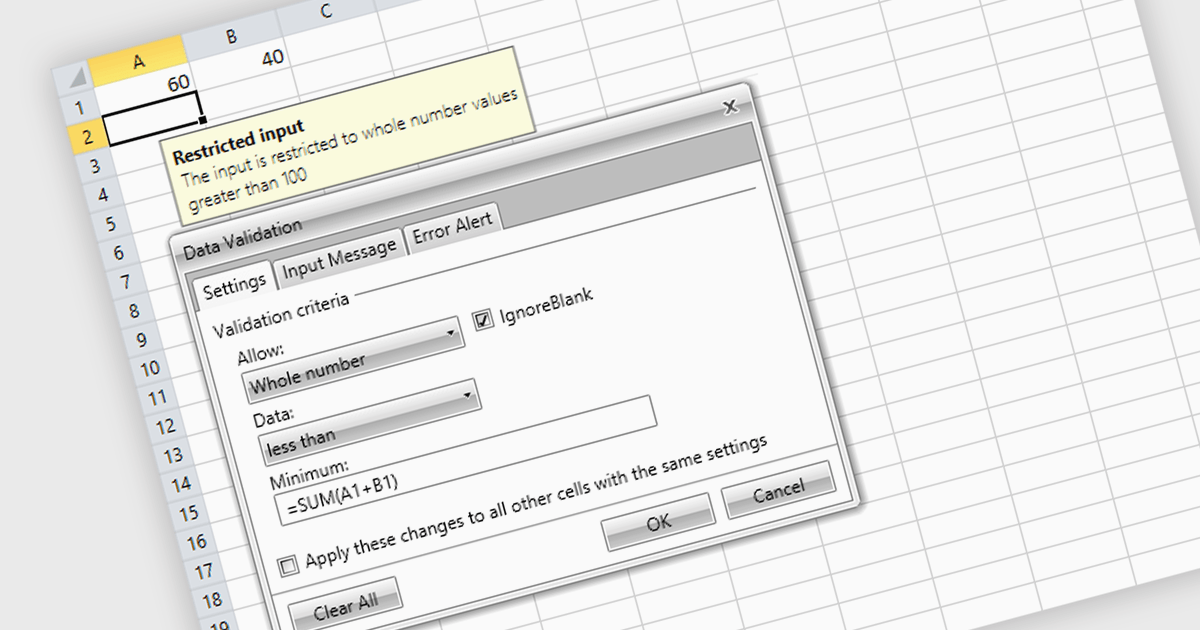
Data validation is a crucial feature for maintaining the integrity of data within a spreadsheet. It restricts the type of data or the values that users can enter into a cell. For example, a cell can be configured to only accept dates or numbers within a certain range. This minimizes input errors and ensures that data adheres to specified parameters, which is particularly important in scenarios where spreadsheets are used for data entry by multiple users or when the data feeds into critical business processes.
Several .NET 8 spreadsheet products offer data validation, including:
For an in-depth analysis of features and price, visit our comparison of .NET 8 spreadsheet controls.
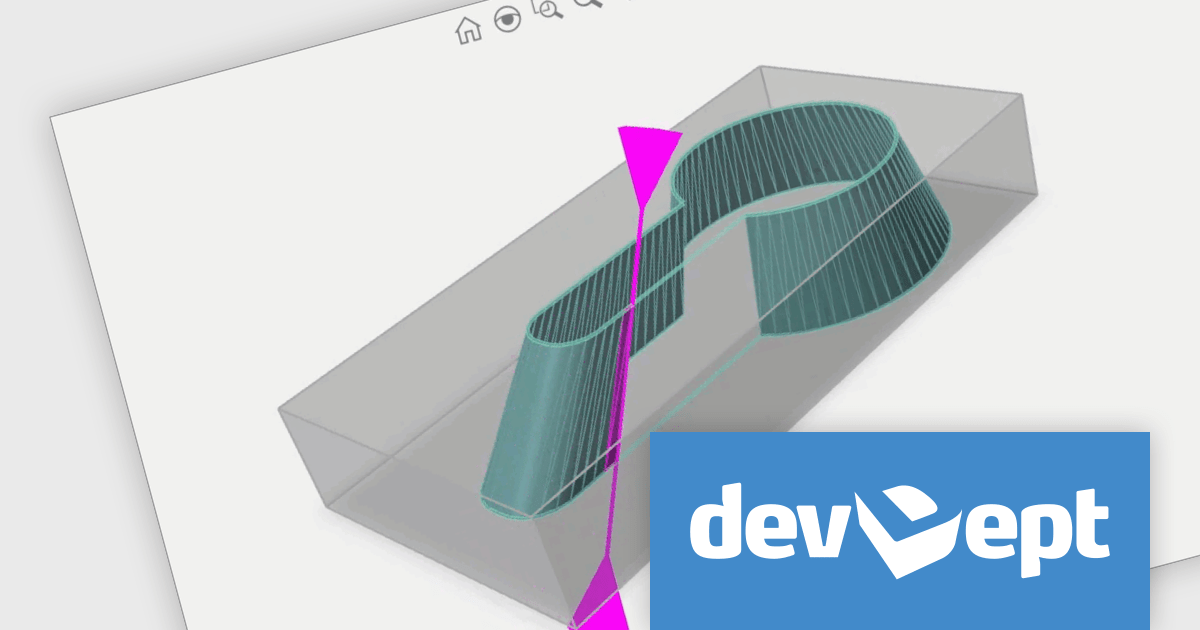
Eyeshot by devDept Software empowers you to integrate robust CAD functionalities into your .NET applications. Supporting both Windows Forms and WPF natively, it offers a comprehensive suite of tools accessible through the Visual Studio toolbox. These include Design for 2D/3D geometry creation and editing, Drawing for automatic 2D view generation, Simulation for geometry validation, and Manufacture for CNC toolpath generation and simulation.
The Eyeshot 2024 release introduces MultiFastMesh, a solution specifically designed to address a prevalent challenge in CAD applications - visualizing complex 3D objects comprised of numerous sub-parts. Traditionally, merging these sub-parts into a single mesh enhances performance but eliminates control over individual sub-mesh visibility and color. MultiFastMesh bridges this gap, offering the combined benefits of efficient single-mesh rendering and the flexibility of maintaining control over individual sub-meshes.
To see a full list of what's new in version 2024, see our release notes.
Eyeshot is licensed per developer and is available as an annual license, with either Lite or Priority support. See our licensing pages for Eyeshot Pro, Eyeshot Ultimate, and Eyeshot Fem for full details.
Eyeshot is available to buy in the following products:
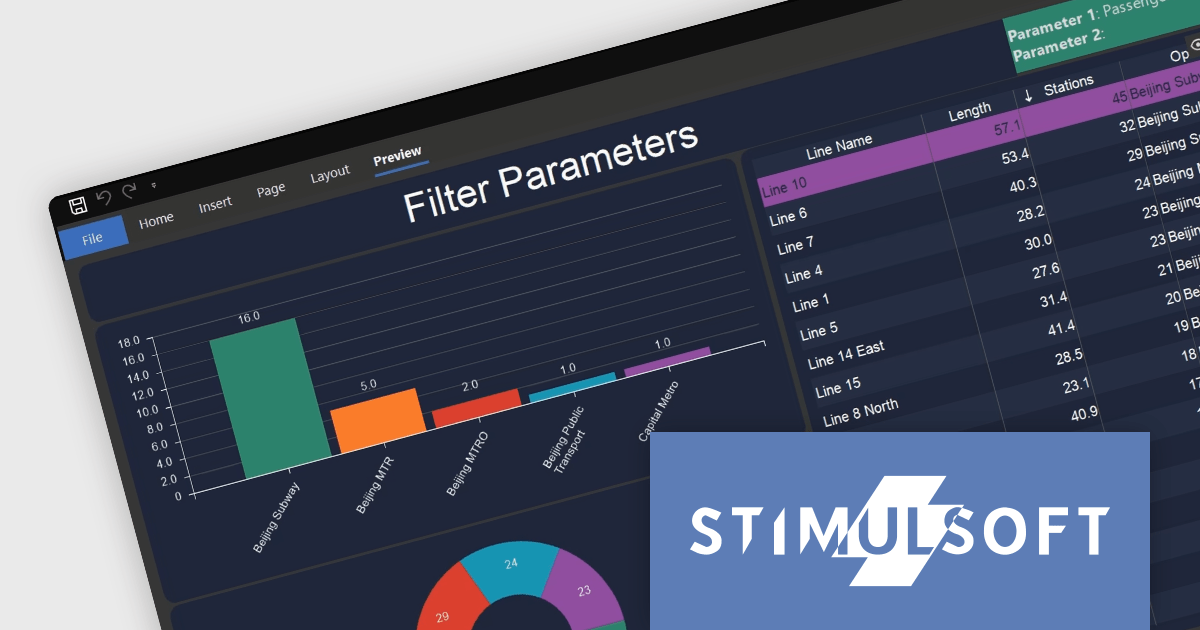
Stimulsoft Dashboards is a versatile suite of tools for crafting interactive data visualizations for web and desktop applications. It empowers developers to embed intuitive dashboards across various platforms, using platform-specific components or a centralized cloud designer. With rich data analysis elements, extensive customization options, and pre-built templates, Stimulsoft Dashboards helps you transform complex data into clear, actionable insights for any audience.
The Stimulsoft Dashboards.WIN 2024.2 release adds new functionality for working with filters in your dashboards. You can now include parameters when applying filters, allowing those parameters to capture the chosen filter values. This means you can access these filter values directly within report variables or other dashboard elements, creating a more dynamic and interconnected user experience.
To see a full list of what's new in version 2024.2, see our release notes.
Stimulsoft Dashboards.WIN is licensed per developer and is available as a Perpetual license with 1 year support and maintenance. See our Stimulsoft Dashboards.WIN licensing page for full details.
Stimulsoft Dashboards.WIN is available to buy in the following products:
Tel: (888) 850 9911
Fax: +1 770 250 6199


