













Fornecedor oficial
Como distribuidores oficiais e autorizados, nós fornecemos licenças legítimas diretamente de mais de 200 editores de software.
Ver todas as nossas marcas.
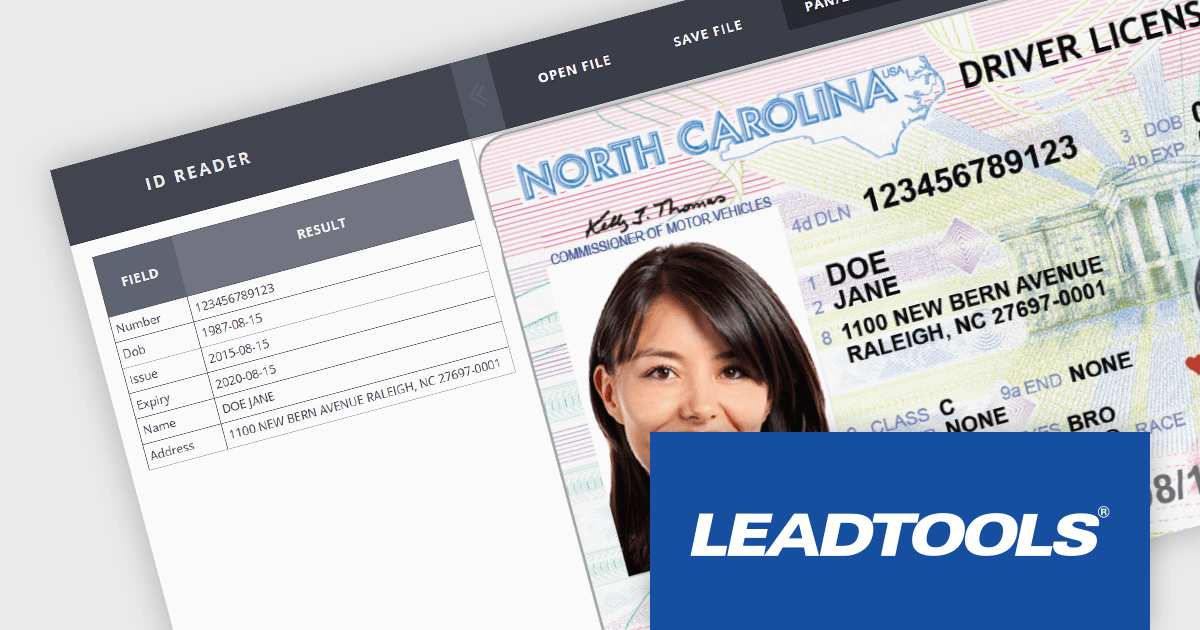
LEADTOOLS Recognition SDK is a software development toolkit designed for building applications that extract data from images and documents. It empowers developers with features like Optical Character Recognition (OCR) for converting scanned documents to text, barcode reading, and form processing. Additionally, it offers functionalities for handling various file formats, image pre-processing, and document viewing, making it a comprehensive solution for automating document workflows in enterprises and organizations.
LEADTOOLS v23 allows developers to build cross-platform apps with advanced features using .NET MAUI. LEADTOOLS .NET Standard libraries seamlessly integrate with the .NET MAUI app model for building Android, iOS, and UWP applications. This simplifies development by providing ready-made components like OCR, barcode recognition, PDF handling, document viewers, and more. LEADTOOLS functionalities include image processing, annotations, compression, and various file formats, all within the familiar .NET MAUI environment.
To see a full list of what's new in v23, see our release notes.
LEADTOOLS Recognition SDK is licensed as Development Licenses, for developers to use the SDKs, and Deployment Licenses, for the right to distribute end user solutions. See our LEADTOOLS Recognition SDK licensing page for full details.
Learn more on our LEADTOOLS Recognition SDK product page.
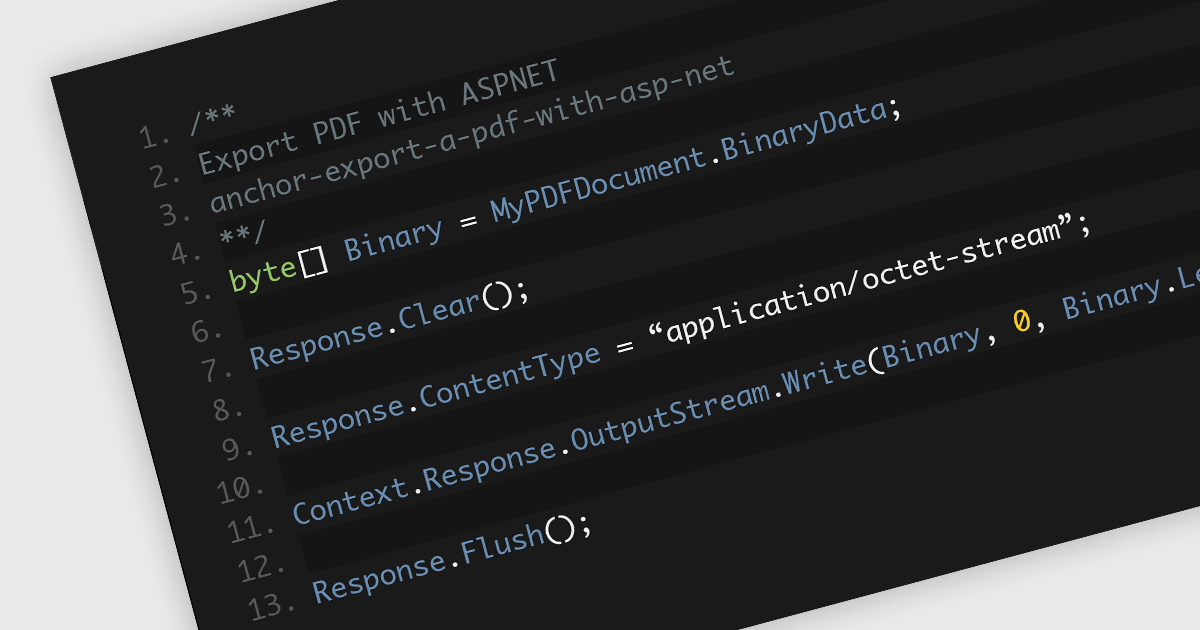
Saving PDFs to a stream offers increased flexibility and efficiency in the management and transmission of PDF documents. This approach of saving PDF files segments the file's content into an organized and compressed sequence of bytes (the stream), representing the content and structure of the document. This method allows for faster initial loading by prioritizing text content, enables partial downloads for quicker access over slow connections, and reduces memory usage by loading only the currently viewed section. This allows for real-time processing, manipulation, and direct transmission of data without the intermediary step of storing it on a disk. Employing streams is particularly advantageous in scenarios requiring memory efficiency, dynamic content generation, seamless network distribution, or integration within larger systems where direct file handling is cumbersome or inefficient.
Several .NET 8 PDF components allow you to save PDFs to a stream, including:
For an in-depth analysis of features and price, visit our comparison of .NET 8 PDF components.
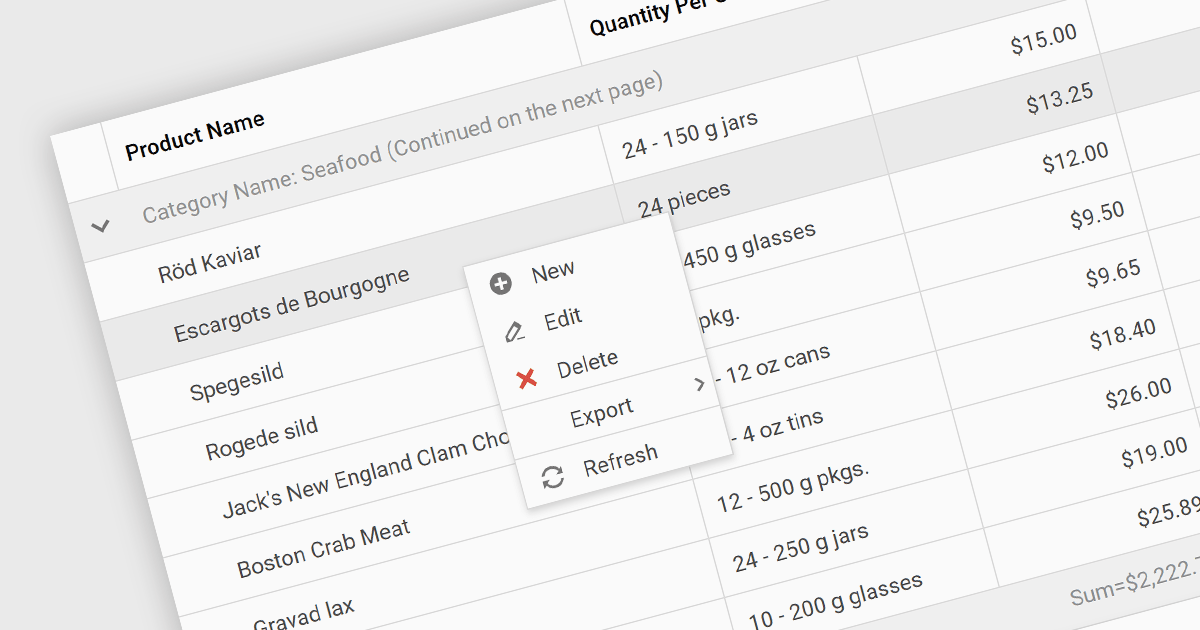
Context menus in grids are user-activated dropdown menus that appear when the users right-clicks a cell. They provide quick access to relevant actions for the selected data, like copying cells, editing rows, or performing custom operations specific to the grid's content. This functionality enhances user experience by offering contextual options without having to navigate away from the grid.
Several ASP.NET Core Grid controls offer context menus including:
For an in-depth analysis of features and price, visit our ASP.NET Core Grid controls comparison.
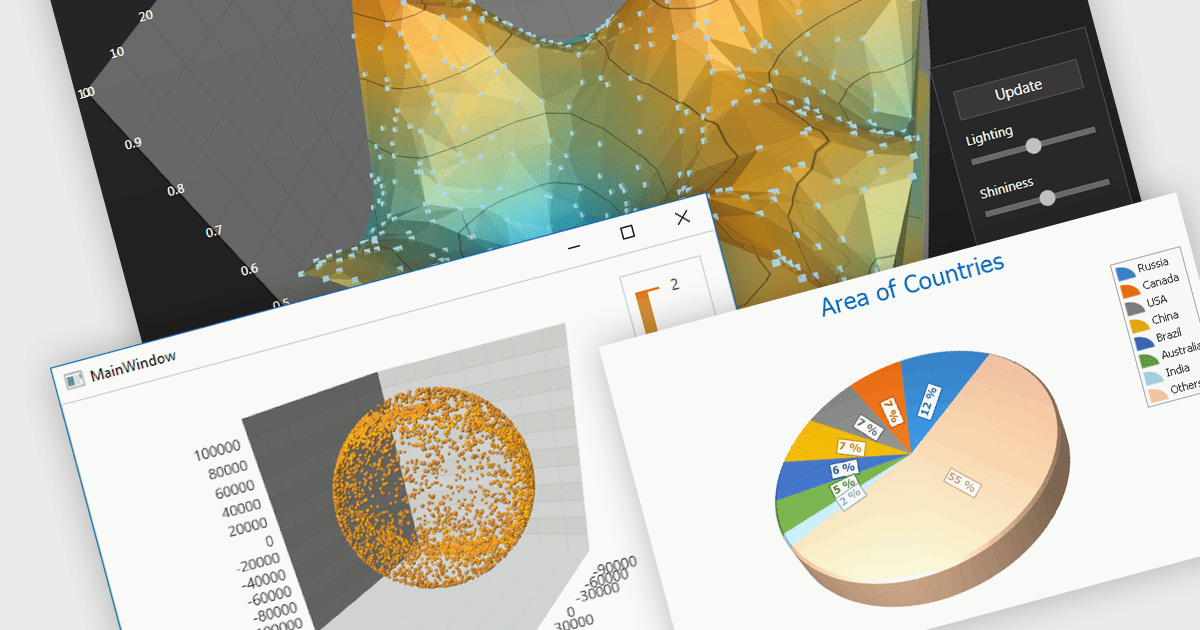
3D charts excel at showcasing complex datasets with three variables. By adding depth, they allow viewers to grasp intricate relationships between these variables that might be difficult to decipher in a flat, 2D format. This enhanced visualization can reveal patterns and trends that would otherwise remain hidden, leading to a deeper understanding of the data.
Several WinForms Chart controls offer 3D charts including:
For an in-depth analysis of features and price, visit our WinForms Chart controls comparison.
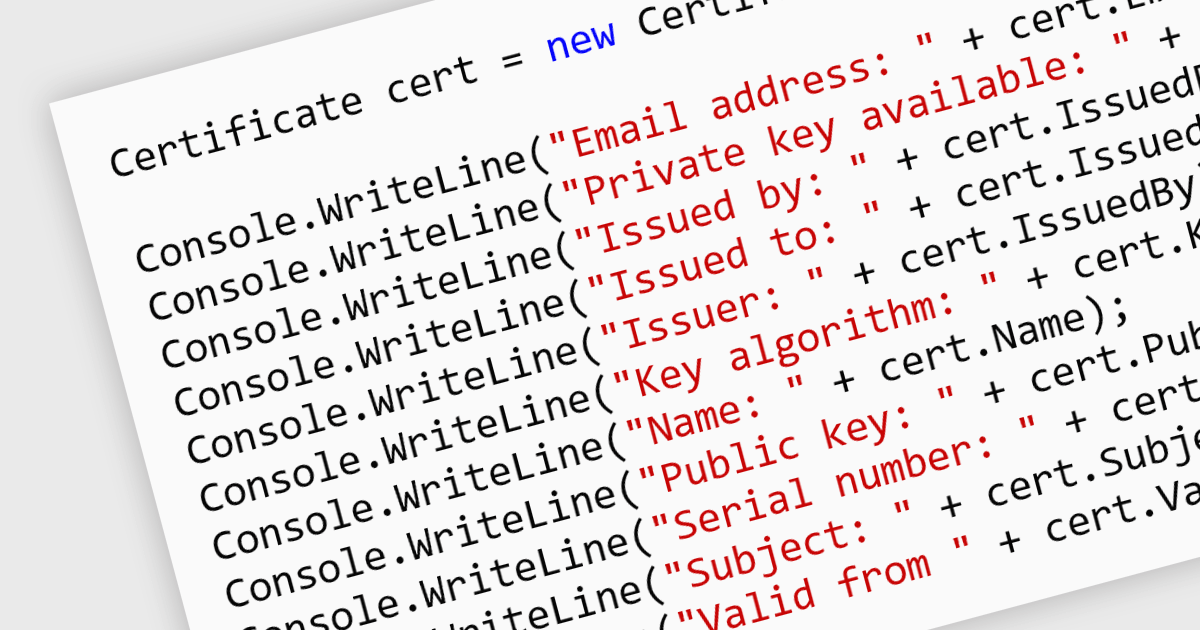
Digital certificates act as electronic credentials that authenticate the identities of communicating parties. They establish trust by verifying ownership of a public key through a trusted third-party (Certificate Authority) and enable secure data exchange through encryption and decryption using public-key cryptography. This ensures data integrity and confidentiality, mitigating risks like man-in-the-middle attacks in .NET applications.
Several .NET communications and messaging components offer digital certificate features including:
For an in-depth analysis of features and price, visit our .NET comms & messaging components comparison.
Tel: (888) 850 9911
Fax: +1 770 250 6199


