Notícias sobre .NET

Permita que os usuários da grade insiram caracteres não latinos

Abril 17, 2024
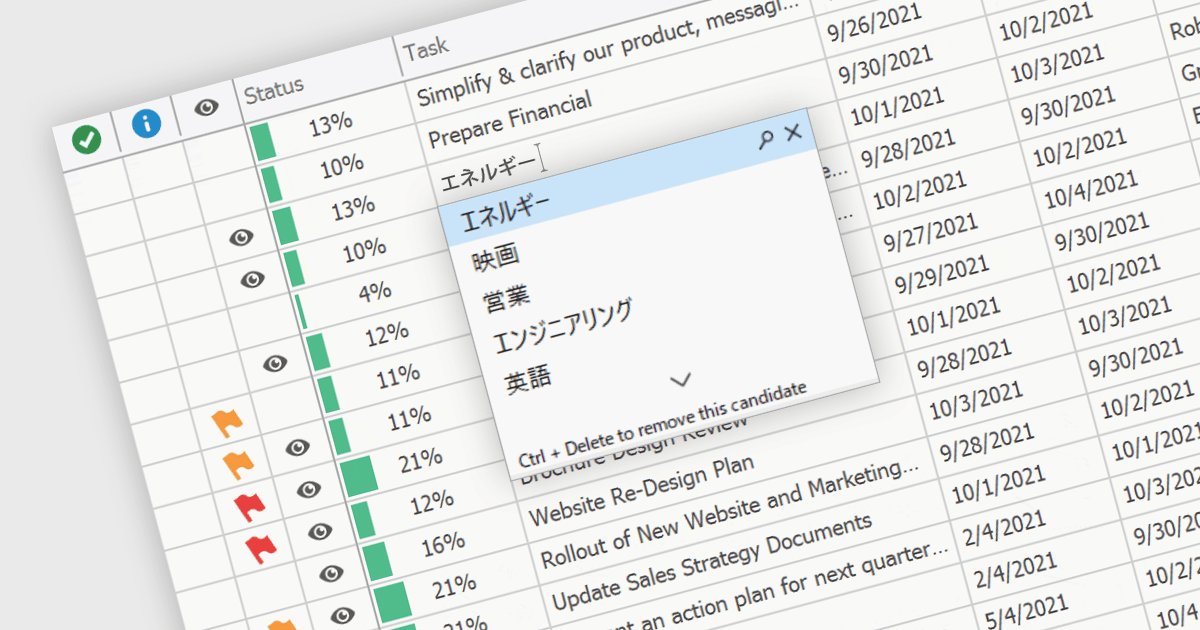
Os controles de grade com suporte a IME (Input Method Editor) permitem que os usuários gerem caracteres que não estão nativamente disponíveis em seus dispositivos de entrada.

An Input Method Editor (IME) facilitates the entry of complex characters and scripts not directly supported by standard keyboards, which is especially vital for languages with extensive character sets like Chinese, Japanese, and Korean. When integrated into a grid component, an IME enables users to input text directly into data cells using phonetic or syllabic methods that are converted into the desired characters. This integration streamlines the data entry process in applications requiring multi-language support, significantly enhancing usability and efficiency. It simplifies the development of applications targeting global markets by providing native language input support, thereby improving the user experience and reducing the need for external language input tools.

Several WinForms grid components offer Input Method Editor (IME) support, including:

  • DevExpress WinForms Data Grid (part of DevExpress WinForms) includes an IME which is enabled when an end-user switches the desktop key input to a supported language.
  • FlexGrid for WinForms (part of ComponentOne Studio WinForms by MESCIUS) offers built-in IME support, facilitating efficient entry of complex characters in diverse languages.
  • Telerik UI for WinForms GridView (part of Telerik UI for WinForms) integrates IME capabilities, enabling straightforward input of extensive multilingual character sets.
  • Infragistics WinDataGrid (part of Infragistics Ultimate UI for Windows Forms) also boasts input method editor support for effortless text input in globalized WinForms applications.

For an in-depth analysis of features and price, visit our comparison of WinForms grid components.

Compare WinForms Grid Components

Visualize dados geográficos em aplicativos Blazor

Abril 17, 2024
Utilize o poder de informações claras baseadas em localização com componentes de mapa interativos para informar e capacitar seus usuários.

Map component extend your Blazor app's functionality by facilitating the display of geographic information. This allows you to visualize data with real-world location context, enhancing user understanding and engagement. Blazor map components often integrate with popular map providers and support features such as markers, layers, and customization, allowing you to create interactive and informative map experiences within your web application.

Several Blazor UI suites feature map components including:

  • Telerik UI for Blazor provides a feature-rich Blazor map component for visualizing geospatial information with various layer options and extensive customization.
  • Infragistics Ignite UI offers an interactive map component empowers visualization of geographic data from view models or shapefiles on customizable imagery maps.
  • Syncfusion Essential Studio Enterprise includes a Blazor map that utilizes OpenStreetMap, Google Maps, or Bing Maps, and supports custom shapes and bubbles.

For an in-depth analysis of features and price, visit our Blazor UI Suites comparison.
Compare Blazor UI Suites

Edite dados de planilhas WPF diretamente na célula

Abril 16, 2024
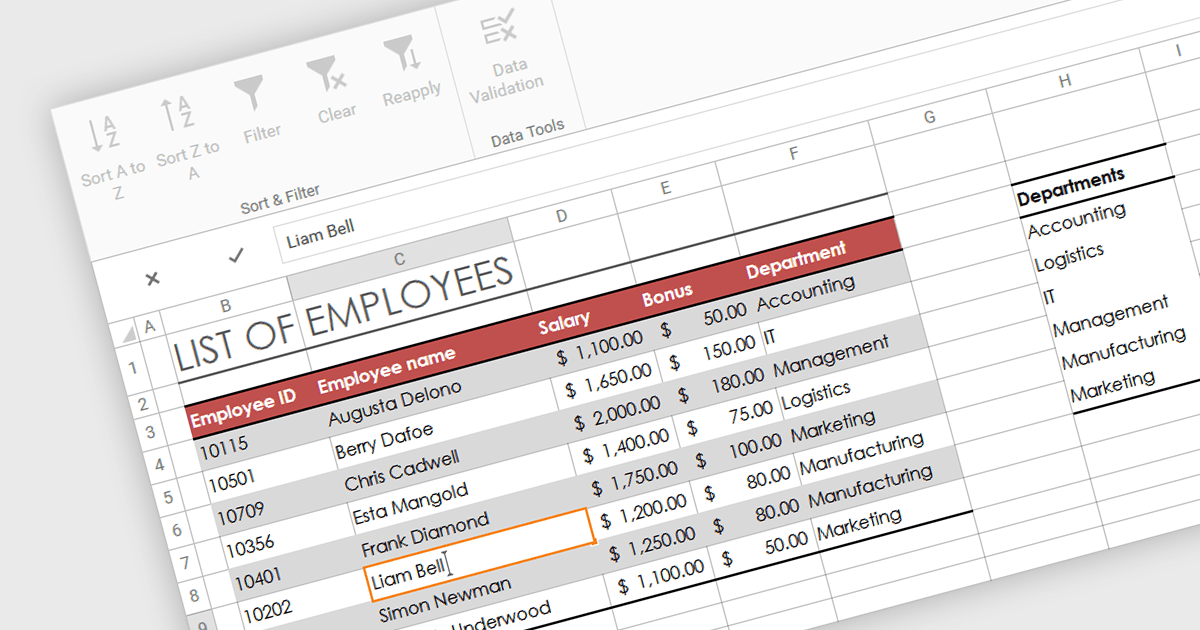
A edição na célula torna a entrada e a modificação de dados mais rápidas e intuitivas, eliminando a necessidade de campos separados para a entrada de dados.

In-cell data editing refers to the functionality within spreadsheet software that allows users to directly click on and modify the contents of a cell without the need for separate data entry forms or pop-up dialogs. This feature allows for quicker and more direct changes to the data displayed on the screen, enhancing productivity by reducing the steps required for data manipulation.

Several .NET 8 WPF spreadsheet controls support in-cell data editing including:

  • DevExpress WPF Spreadsheet (part of DevExpress WPF), lets you directly edit cell data with robust validation and conditional formatting options in the WPF environment.
  • Spread WPF (part of Spread.NET by MESCIUS) facilitates seamless in-cell data manipulation and real-time calculation updates, enhancing productivity for WPF applications.
  • Telerik WPF Spreadsheet (part of Telerik UI for WPF), enables efficient data entry and editing within cells, complete with support for formulas and data formats in WPF.
  • MindFusion.Spreadsheet for WPF allows users to easily modify and manage cell content interactively, supporting complex data types and customization in WPF.

For an in-depth analysis of features and price, visit our comparison of .NET 8 WPF Spreadsheet Controls.
Compare .NET 8 WPF Spreadsheet Controls

Adicione edição de formulário PDF ao seu aplicativo .NET

Abril 15, 2024
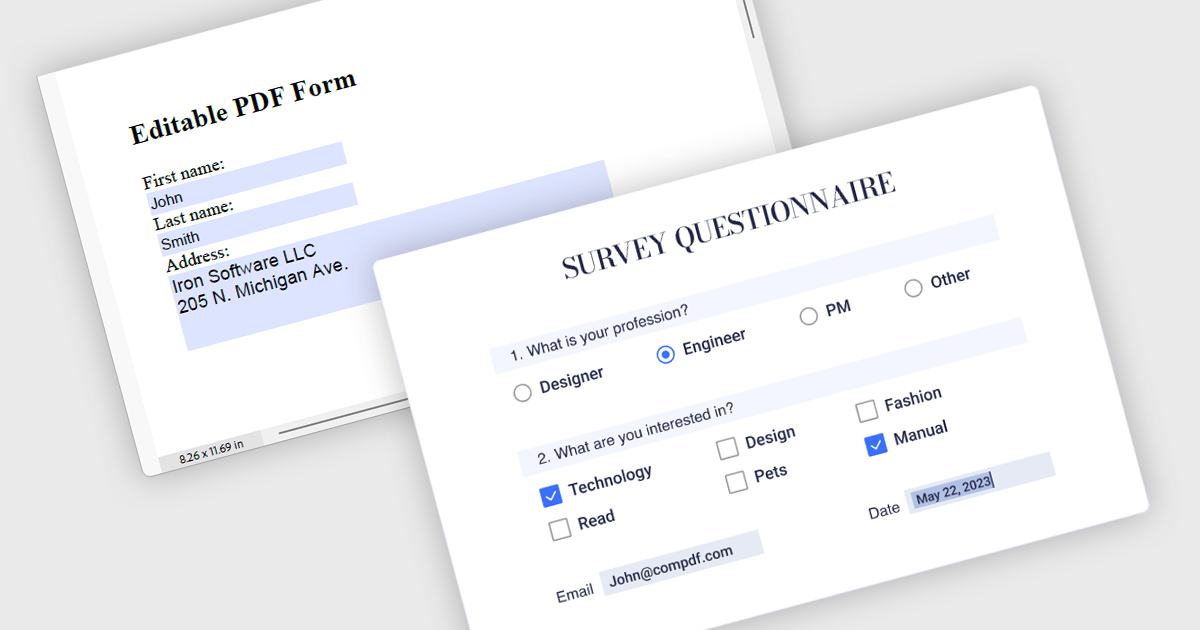
Os componentes PDF com suporte para leitura e gravação de formulários permitem que os usuários preencham formulários PDF diretamente em seu aplicativo, sem software adicional.

Leverage the power of PDF components to enhance your .NET application with user-friendly PDF form filling capabilities. These libraries offer programmatic access to manipulate existing PDF forms, allowing you to easily integrate data entry fields and streamline user interaction. This functionality improves data collection efficiency and simplifies the process of working with fillable PDFs directly from your application. Components with PDF Form Read/Write functionality allow your app to retrieve existing data from form fields and populate them with new data programmatically.

Several .NET PDF components offer PDF Form functionality including:

  • DevExpress PDF Document API empower your applications to seamlessly create, edit, and form-fill PDF documents.
  • Document Solutions for PDF by MESCIUS simplifies PDF development in .NET with robust features for generating, manipulating, and working with PDF forms.
  • Aspose PDF for .NET offers a a powerful .NET library to programmatically manipulate PDFs, including creating, filling, and flattening forms.
  • IronPDF for .NET lets you build interactive .NET applications with the ability to generate, modify, and interact with PDF form data.
  • ComPDFKit PDF SDK for Windows enhances your application development with tools to programmatically generate, read, and manipulate PDF forms.
  • XFINIUM PDF WINDOWS/MAC EDITION unifies PDF development with a comprehensive toolkit for creating, processing, and form-filling PDFs.

For an in-depth analysis of features and price, visit our comparison of .NET PDF Components.
Compare .NET PDF Components

Capacite os usuários a gerenciar arquivos remotos via FTP

Abril 15, 2024
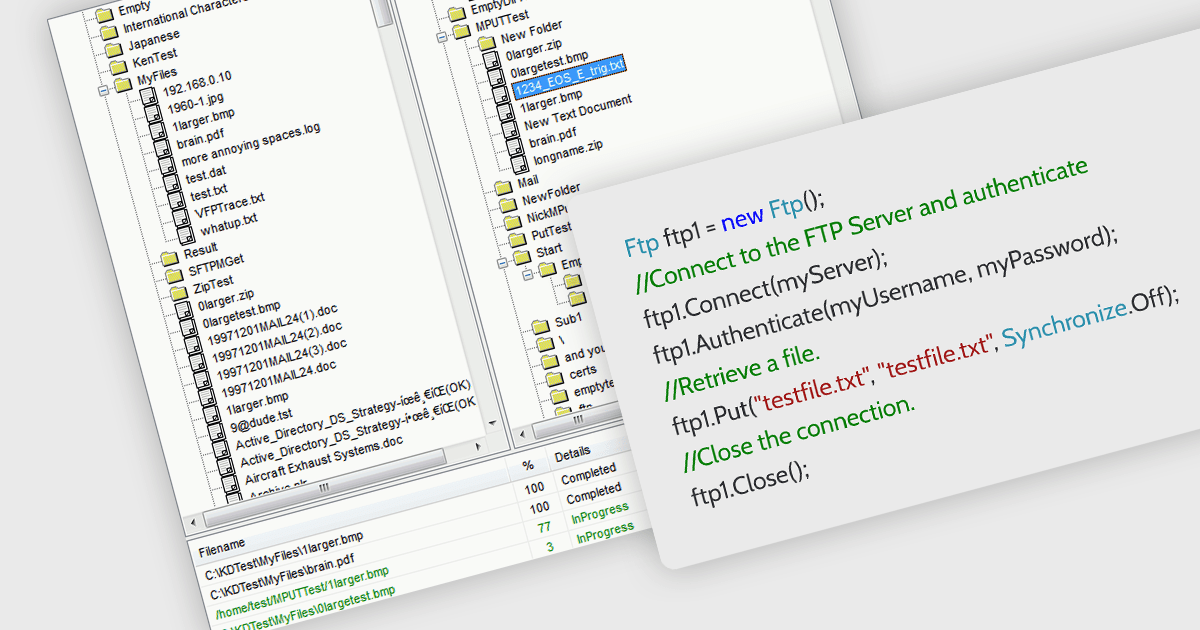
Simplifique a transferência de arquivos em seus aplicativos .NET com a integração direta a FTP, eliminando a necessidade de ferramentas de terceiros ou soluções alternativas complicadas.

.NET communications components with FTP support allow your application to directly interact with FTP servers. , allowing seamless uploading, downloading, and remote file management. Many libraries provide features like secure connections (FTPS), progress monitoring, directory operations, and wildcards for bulk transfers. They often include high-level functions for ease of use alongside lower-level controls for customization, making them suitable for both rapid development and complex scenarios. With an FTP-enabled .NET component, you can streamline file transfer operations and keep your code focused on core functionalities.

Several .NET communications and messaging components support FTP, including:

  • IPWorks .NET Edition by /n software includes a full-featured FTP client component that simplifies adding FTP file transfer capabilities to .NET applications.
  • PowerTCP FTP for .NET by Dart Communications offers a comprehensive set of features for secure and reliable file transfers over FTP in .NET environments.
  • Rebex FTP/SSL for .NET enables developers to easily integrate secure and efficient FTP functionality into their .NET applications.
  • Xceed FTP for .NET provides a .NET component for building FTP applications with features like file transfer, directory listing, and progress monitoring.

For an in-depth analysis of features and price, visit our comparison of .NET communications and messaging components.

Compare .NET Comms & Messaging components