













Fornecedor oficial
Como distribuidores oficiais e autorizados, nós fornecemos licenças legítimas diretamente de mais de 200 editores de software.
Ver todas as nossas marcas.
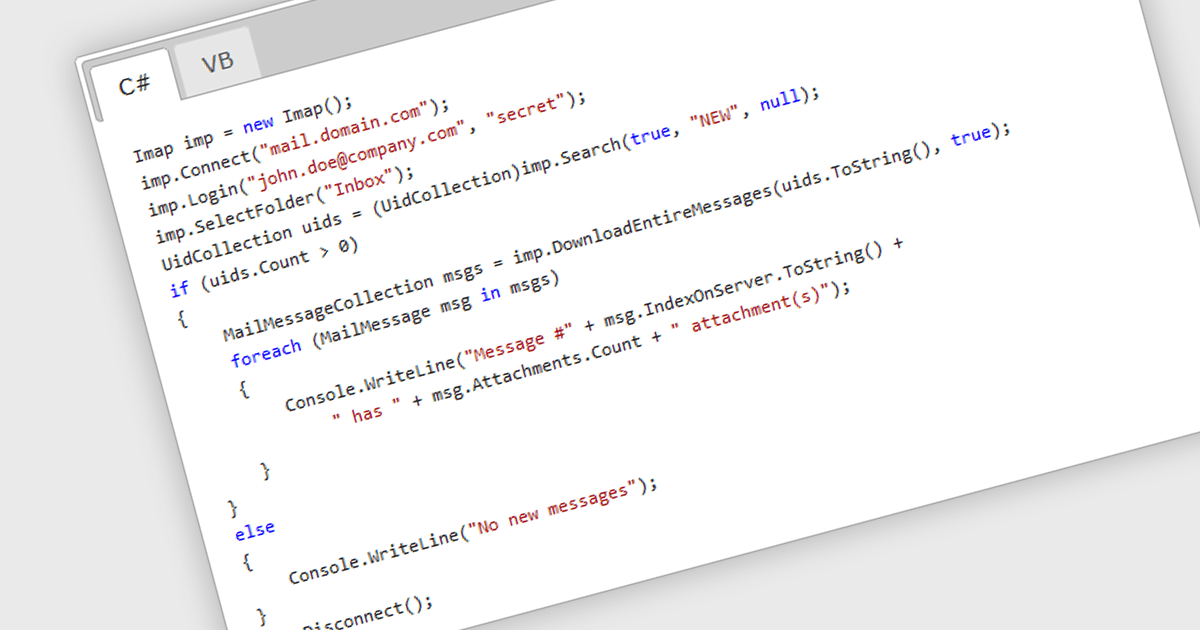
IMAP, or Internet Message Access Protocol, is a software communications protocol that allows email clients to retrieve, organize, and manipulate email messages stored on a remote server. Unlike POP3, another common protocol, IMAP enables multiple devices to access and manage the same mailbox simultaneously, keeping all copies in sync. This provides developers with greater flexibility when building applications that require real-time access and centralized email management.
Several .NET 8 Comms & Messaging components offer IMAP support including:
For an in-depth analysis of features and price, visit our comparison of .NET 8 Comms & Messaging.
Spread.NET by MESCIUS helps you create spreadsheets, grids, dashboards, and forms. It includes a powerful calculation engine with 450+ functions and the ability to import and export Microsoft Excel spreadsheets. Developers can leverage the extensive .NET spreadsheet API and powerful calculation engine to create analysis, budgeting, dashboard, data collection and management, scientific, and financial applications.
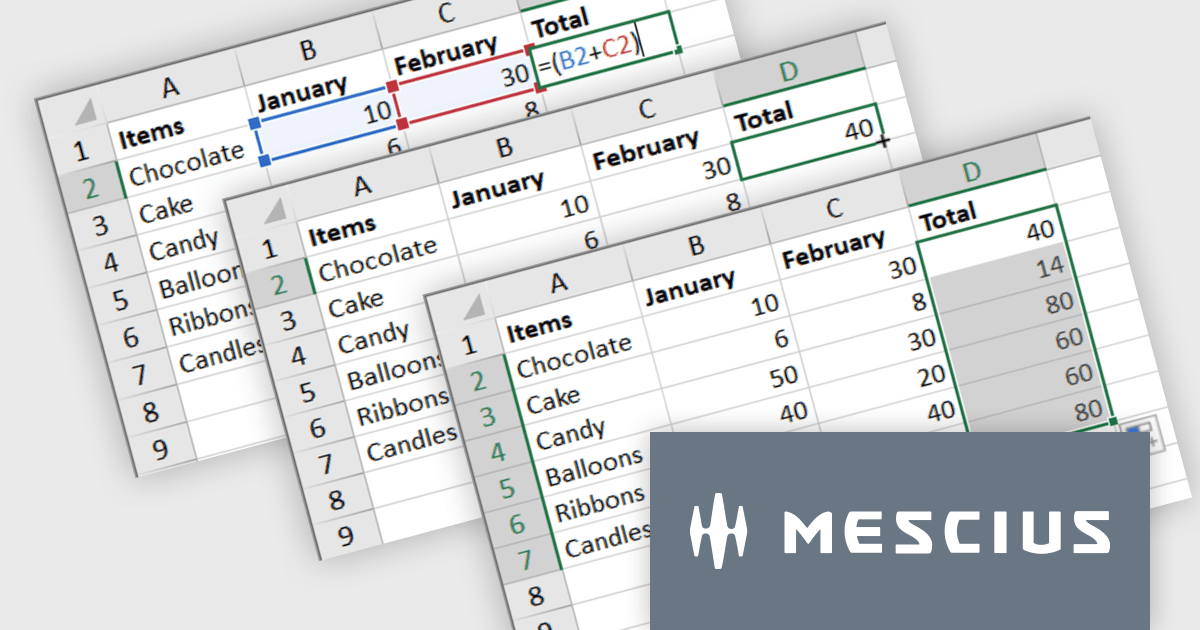
The Spread.NET v17.1 update introduces a streamlined method for extending formulas across datasets by allowing users to double-click the fill handle located at the bottom right corner of a selected cell. This action automatically replicates the formula down to the end of the data range, aligning it with the rows in adjacent columns. By simplifying the process of copying formulas, this feature enhances both efficiency and accuracy in data management tasks. It eliminates the need for manual drag-and-fill operations, reducing the time spent on repetitive tasks and minimizing the risk of inconsistencies in data entry. This improvement is particularly advantageous for users working with extensive datasets, facilitating quicker data processing and a more user-friendly experience in spreadsheet management.
To see a full list of what's new in version 17.1, see our release notes.
Spread.NET is licensed per developer and is available as a Perpetual License with a 12 month support and maintenance subscription. We can supply any Spread.NET license including new licenses, maintenance renewals, and upgrade licenses. See our Spread.NET licensing page for full details.
For more information, visit our Spread.NET product page.
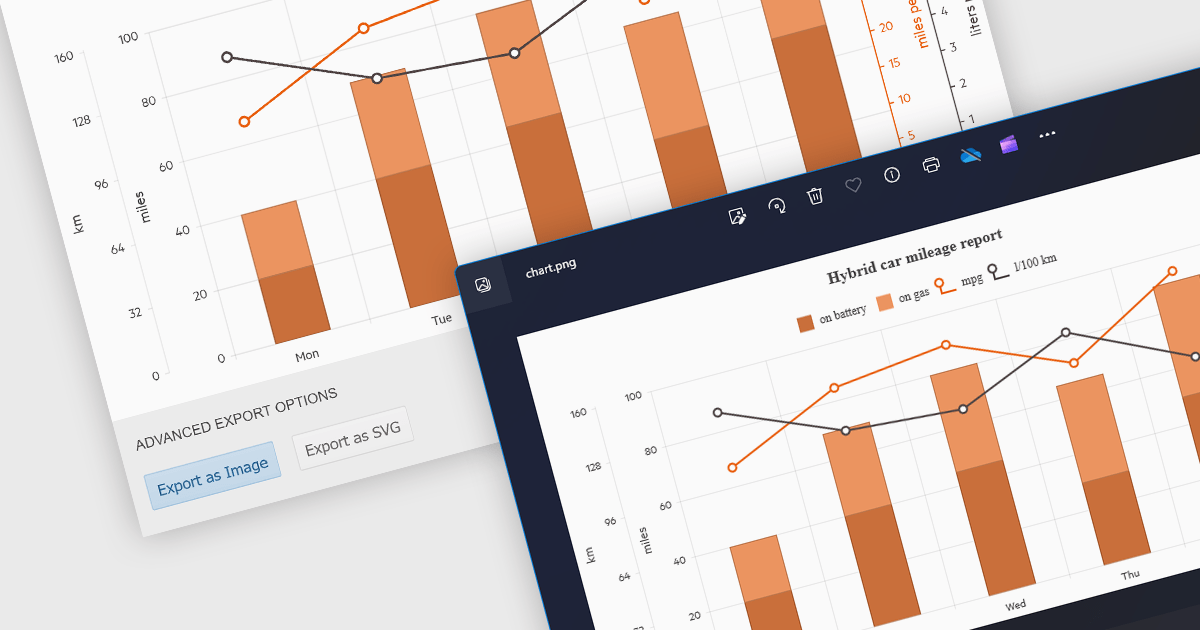
Exporting charts as images offers several advantages. It allows for easy sharing in documents, presentations, and social media without relying on the recipient having the original software. Popular formats include JPEG, PNG, and SVG. JPEGs offer small sizes for low bandwidth scenarios, while PNGs are ideal for charts with sharp lines and flat colors. SVGs are vector-based, enabling infinite scaling without quality loss, making them perfect for charts that may be resized frequently.
Several ASP.NET Core chart controls offer the ability to export charts to images including:
For an in-depth analysis of features and price, visit our ASP.NET Core chart controls comparison.
Syncfusion Essential Studio ASP.NET Core, available as part of Syncfusion Essential Studio Enterprise, empowers developers with a comprehensive suite of over 80 enterprise-grade UI components specifically designed for building modern and highly functional web applications. Leveraging the latest advancements in ASP.NET Core, it offers exceptional performance and scalability, streamlining development by eliminating the need for extensive custom coding. From data visualization tools like interactive charts and grids to sophisticated navigation elements and responsive layouts, Essential Studio equips developers with the building blocks to create rich user experiences, improve application efficiency, and accelerate time-to-market.
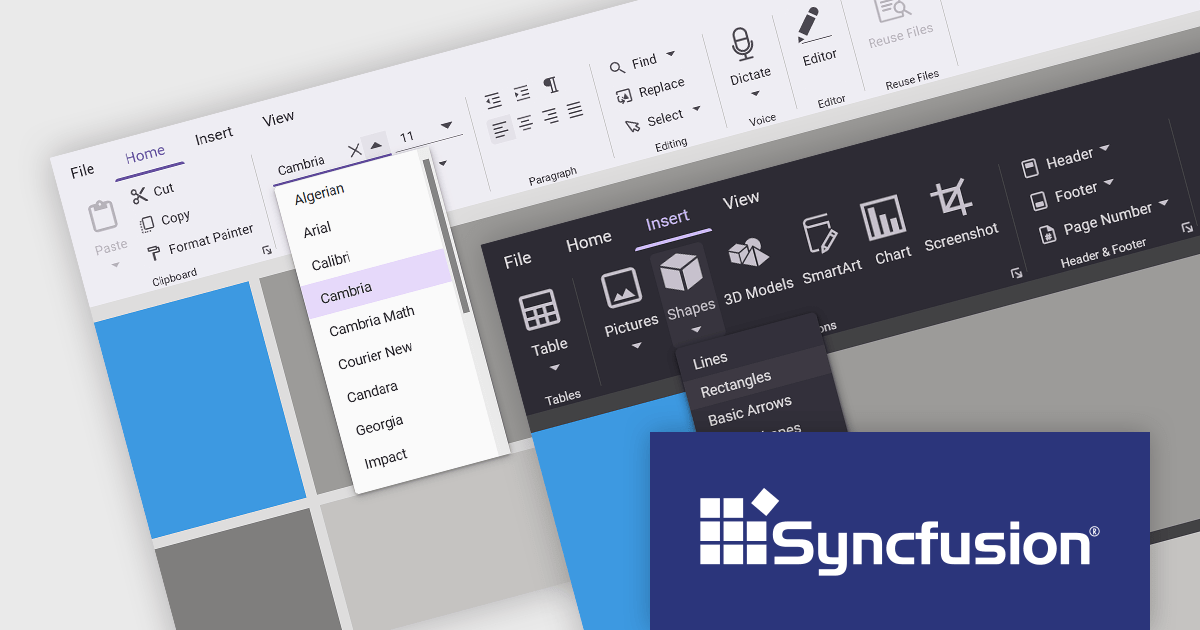
The Syncfusion Essential Studio ASP.NET Core 2024 Volume 1 (25.1.35) release introduces the production-ready Ribbon component which offers a user-friendly interface for web applications. It mimics the Microsoft Office ribbon with a tab-based structure, allowing users to access features and functions efficiently. The control boasts numerous features including the option to display keyboard shortcuts, a customizable backstage view, and built-in themes.
To see a full list of what's new in version 2024 Volume 1 (25.1.35), see our release notes.
Syncfusion Essential Studio ASP.NET Core is available as part of Syncfusion Essential Studio Enterprise which is licensed per developer starting with a Team License of up to five developers. It is available as a 12 Month Timed Subscription License which includes support and maintenance. See our Syncfusion Essential Studio Enterprise licensing page for full details.
For more information, visit our Syncfusion Essential Studio ASP.NET Core product page.
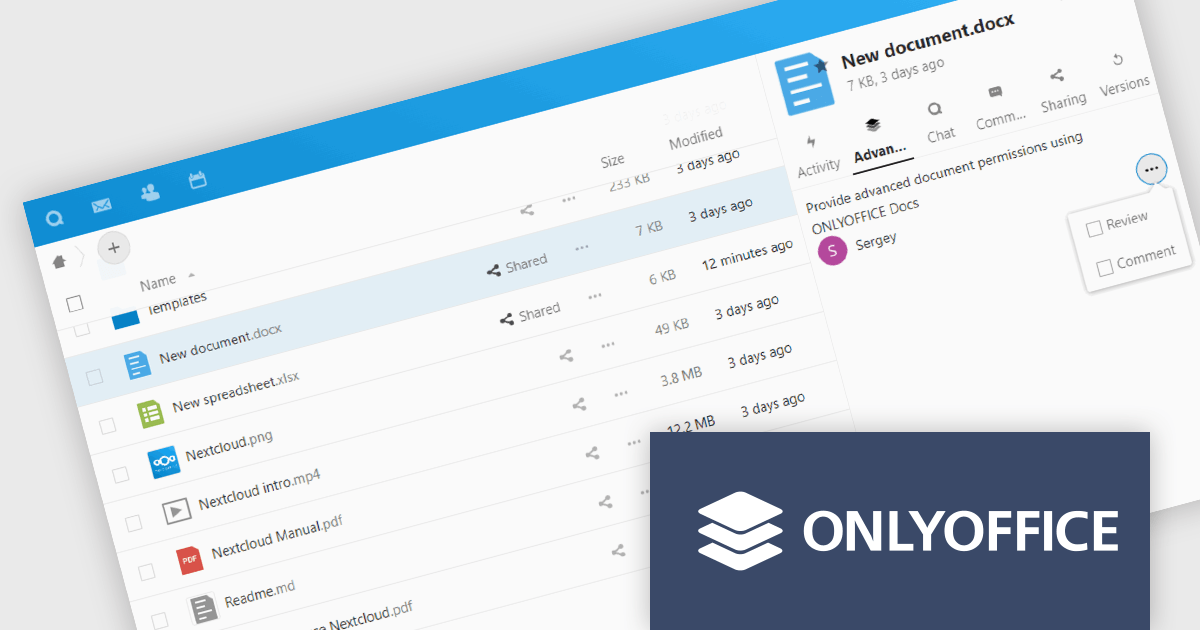
ONLYOFFICE Docs Enterprise Edition with Nextcloud Connector combines an online document editor with a seamless integration for Nextcloud, which is a open-source, on-premises content collaboration platform. This allows teams to create, view, edit, and collaborate on spreadsheets, presentations, and text files online, directly within Nextcloud, boosting efficiency and eliminating the need for file switching.
The ONLYOFFICE Nextcloud Connector v9.1 release (available as part of ONLYOFFICE Docs Enterprise Edition with Nextcloud Connector v8.0.1) brings enhanced security and granular control for developers working with public document sharing and Nextcloud Talk. Advanced access permissions for reviewing, commenting and custom filtering are now available for files with public access and for files created within the Nextcloud Talk app. These permissions ensure that external collaborators can contribute without compromising document integrity or security. It also promotes a more structured and controlled environment for real-time collaboration, ensuring that contributions are tracked and managed effectively according to the roles defined by the document owner.
To see a full list of what's new in ONLYOFFICE Docs Enterprise Edition v8.0.1 with Nextcloud Connector v9.1, see our release notes.
ONLYOFFICE Docs Enterprise Edition with Nextcloud Connector is licensed per server and is available as an annual license with 1 year of support and updates, or as a perpetual license with 3 years of support and updates. See our ONLYOFFICE Nextcloud connector licensing page for full details.
For more information, see our ONLYOFFICE Nextcloud connector product page.
Tel: (888) 850 9911
Fax: +1 770 250 6199


