













Fornecedor oficial
Como distribuidores oficiais e autorizados, nós fornecemos licenças legítimas diretamente de mais de 200 editores de software.
Ver todas as nossas marcas.

Aspose.PUB allows developers can manage Publisher files directly in their applications, eliminating the need for Microsoft Publisher. It offers functionalities like converting PUB files to widely used formats like PDF, extracting content, and even rendering them for viewing or printing within your applications. This streamlines document workflows and integrates PUB files into applications built with various programming languages like .NET and C++.
The Aspose.PUB 24.3 release significantly enhances its versatility by expanding its supported export formats to include JPG, PNG, TIFF, DOCX, XLSX, CSV, SVG, and more. This broader compatibility empowers users to seamlessly convert PUB files with rich layouts into various formats suited for different workflows. From incorporating high-resolution images (JPG, PNG, TIFF) into design projects to exporting data for spreadsheets (XLSX, CSV) or generating vector graphics (SVG), this extended functionality streamlines PUB file utilization across a wider range of applications.
To see a full list of what's new in Aspose.PUB version 24.3, see our .NET and C++ release notes.
Aspose.PUB is offered as Developer Small Business, Developer OEM, Site Small Business, and Site OEM licenses catering to a range of business needs. Licenses are perpetual, and include 1 year of support and maintenance. Subscription renewals are also available. See our Aspose.PUB licensing pages for .NET and C++ for full details.
Aspose.PUB for .NET is available to buy in the following products: Aspose.PUB for .NET, Aspose.PUB Product Family, Aspose.Total for .NET, Aspose.Total Product Family, Conholdate.Total for .NET, and Conholdate.Total Product Family.
Aspose.PUB for C++ is available to buy in the following products: Aspose.PUB for .NET, Aspose.PUB Product Family, Aspose.Total for C++, and Aspose.Total Product Family.
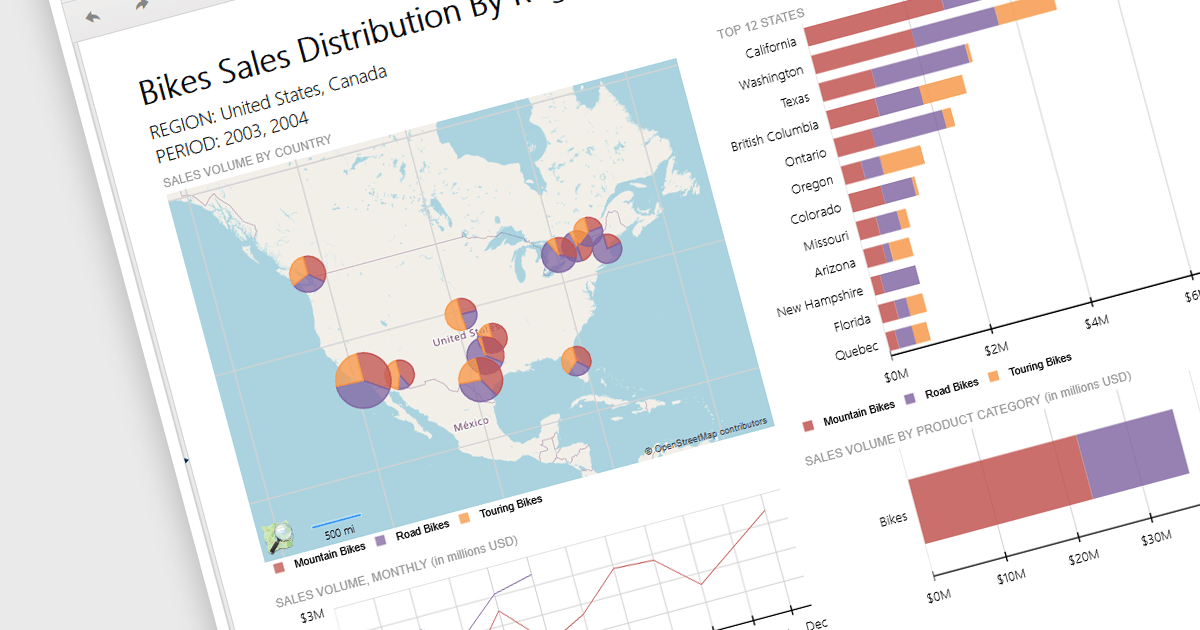
Reporting controls with map support empower developers to create insightful reports by visualizing location-based data. This functionality allows overlaying diverse datasets directly onto geographic layouts, facilitating spatial analysis and revealing patterns that might be hidden in traditional tables or charts. By integrating maps, reports become more interactive, engaging users and enabling location-specific data exploration. This ultimately enhances decision-making by providing clear and immediate visual insights into the geographical distribution of data. Maps offer a more intuitive way to communicate complex datasets, particularly valuable for demographics, regional sales, resource allocation, or any scenario where geographical context is crucial.
Several .NET 8 WinForms reporting controls offer maps, including:
For an in-depth analysis of features and price, visit our comparison of .NET 8 WinForms reporting controls.
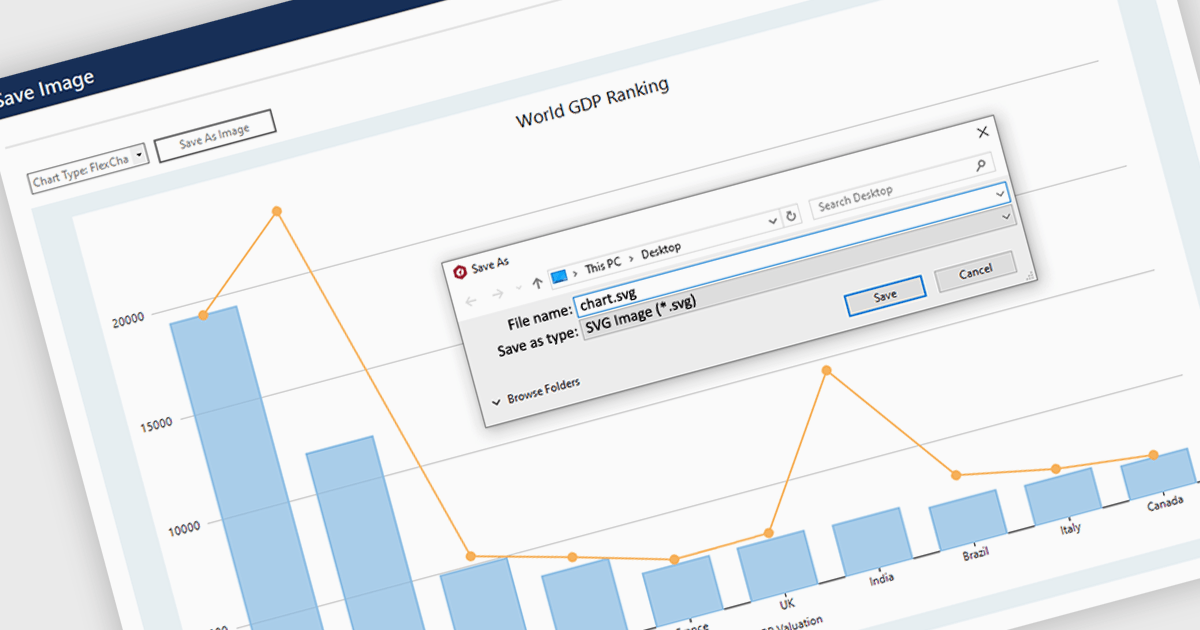
SVG export gives your users the ability to output charts in the Scalable Vector Graphics format. This offers superior quality for both print and web displays, ensuring that your charts remain crisp and detailed at any zoom level. This feature is particularly beneficial for professionals who require high-resolution graphics for presentations, reports, or publications. The SVG format also allows for easy editing and resizing without loss of quality, making it ideal for use across various media. Users can effortlessly integrate their analytical outputs into dynamically scalable projects and retain the aesthetic integrity of their visual data, streamlining the process from data exploration to communication.
Several WinForms chart controls offer SVG export including:
For an in-depth analysis of features and price, visit our WinForms chart controls comparison.
Syncfusion Essential Studio Windows Forms is a powerful UI component suite designed to enhance your WinForms development. It boasts over 100 high-performance controls, ranging from essential grids and charts to advanced schedulers and diagrams, enabling you to craft visually appealing and feature-rich applications with ease. Its extensive customization options and built-in themes allow for tailored user experiences, while touch-friendly design ensures seamless interaction across devices.
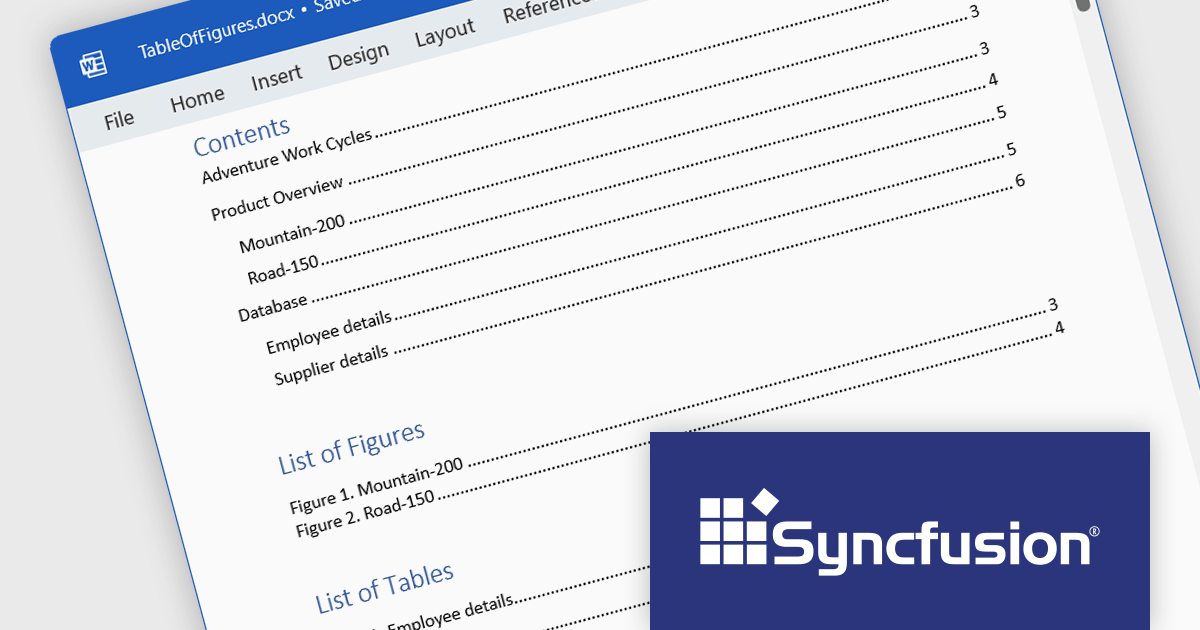
Syncfusion Essential Studio Windows Forms 2024 Volume 1 (25.1.35) enhances Word document table of contents (TOC) generation by introducing support for the \c and \a switches. The \c switch integrates captions of figures, tables, charts, and other SEQ field-numbered items into TOC entries, while the \a switch constructs a separate table of captions excluding labels and numbers. This empowers you to customize your TOC to effectively cater to the specific requirements of your document and target audience.
To see a full list of what's new in version 2024 Volume 1 (25.1.35), see our release notes.
Syncfusion Essential Studio Windows Forms is available as part of Syncfusion Essential Studio Enterprise which is licensed per developer starting with a Team License of up to five developers. It is available as a 12 Month Timed Subscription License which includes support and maintenance. See our Syncfusion Essential Studio Enterprise licensing page for full details.
For more information, visit our Syncfusion Essential Studio Windows Forms product page.
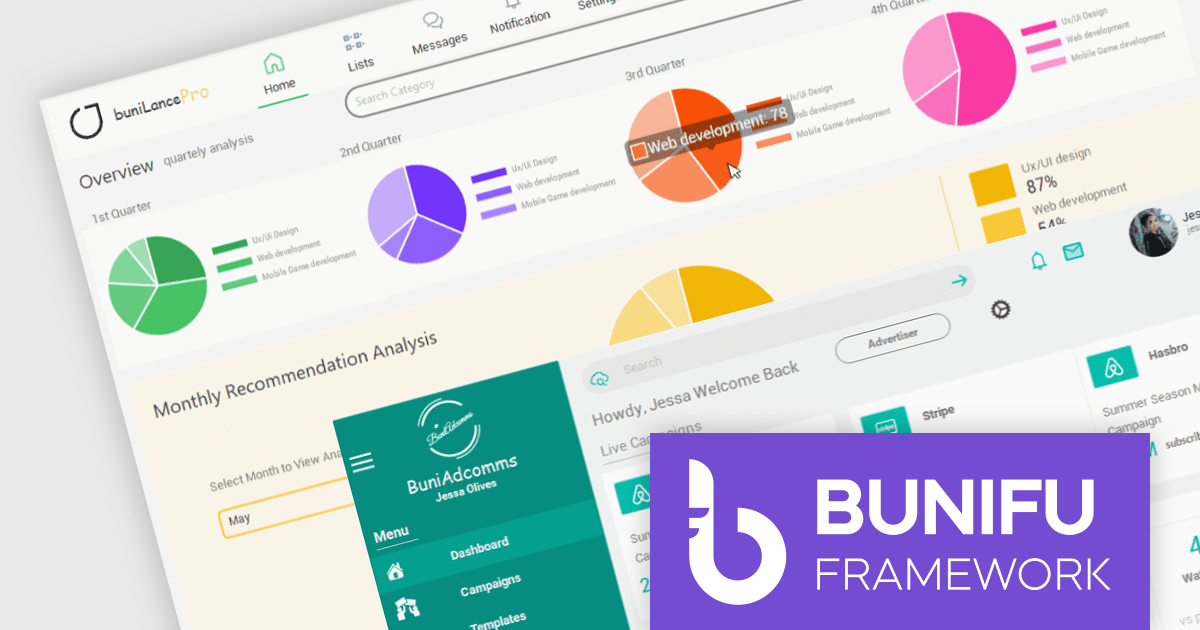
Bunifu UI WinForms is a user interface (UI) framework designed to streamline the development of modern and visually appealing desktop applications using Microsoft's WinForms platform. It provides a wide array of pre-built, customizable UI components, such as charts, a data grid, gradient panel, and slider, that emphasize a minimalist aesthetic while maintaining performance efficiency. With it developers can significantly streamline the UI development process, allowing them to drag-and-drop elements and leverage extensive design properties to create professional-looking applications in less time.
Bunifu UI WinForms v7.0 embraces the future of .NET development by adding support for Microsoft .NET 8. This unlocks a range of productivity and performance enhancements for developers, alongside an improved overall experience. By seamlessly integrating with modern software architectures and .NET components, Bunifu UI WinForms empowers you to craft responsive and visually stunning applications with greater ease.
To see a full list of what's new in v7.0.0, see our release notes.
Bunifu UI WinForms is licensed per developer and is available in four plans; three plans are an annual license while the other is a perpetual license. Annual licenses come with free updates and Premium support for the active license period. See our Bunifu UI WinForms licensing page for full details.
Bunifu UI WinForms is available in the following products:
Tel: (888) 850 9911
Fax: +1 770 250 6199


