













Fornecedor oficial
Como distribuidores oficiais e autorizados, nós fornecemos licenças legítimas diretamente de mais de 200 editores de software.
Ver todas as nossas marcas.
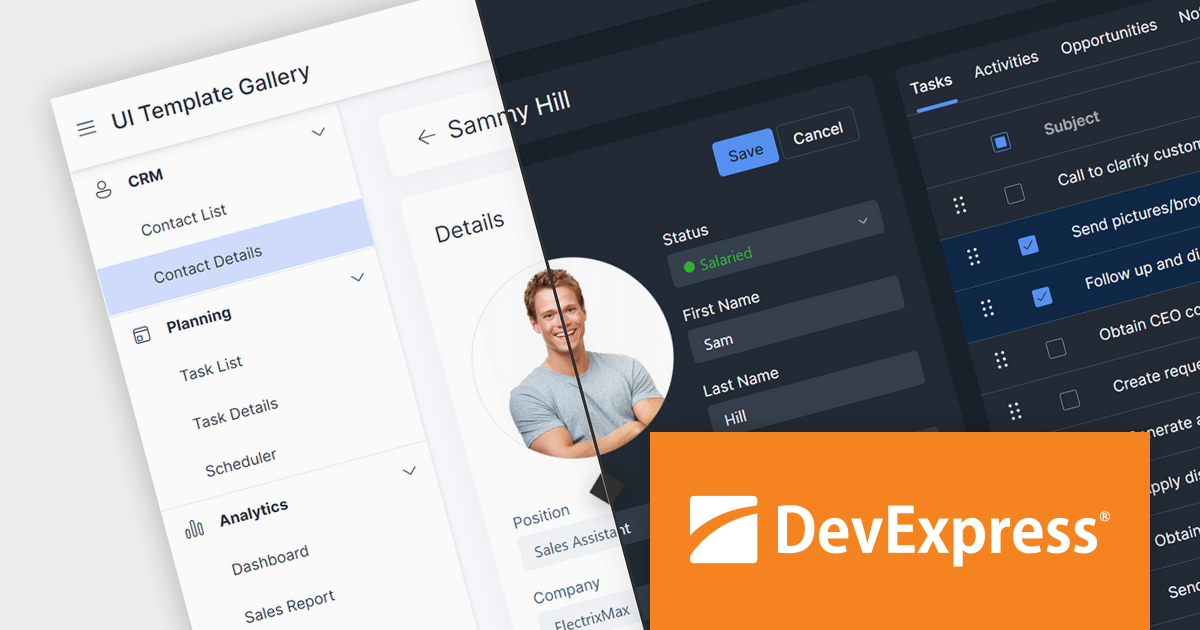
DevExpress ASP.NET Core is a powerful suite of UI components and reporting tools designed to enhance the development of modern, data-driven web applications built with ASP.NET Core. It leverages the flexibility of client-side JavaScript libraries like DevExtreme with the ease of server-side ASP.NET Core Razor syntax and Web APIs. This hybrid approach allows developers to build rich, responsive UIs with features like data grids, editors, schedulers, and charts, while maintaining the productivity and control of server-side development.
Version 23.2 introduces a new theme inspired by Microsoft's Fluent design system. This theme prioritizes accessibility, offering components with robust contrast color support. Users can choose between two distinct color schemes, Classic and Saas, and two size modes, Standard and Compact, to tailor the UI experience to their preferences. Enhancements extend beyond visuals, with the introduction of a dedicated DxFluent icon package that seamlessly integrates with the overall aesthetic. Developers can leverage the power of the ThemeBuilder tool to effortlessly customize and personalize the Fluent theme to match their specific brand identity and application demands.
To see a full list of what's new in version 23.2, see our release notes.
DevExpress ASP.NET and Blazor is licensed per developer and is available as a Perpetual License with a 12 month support and maintenance subscription. See our DevExpress ASP.NET and Blazor licensing page for full details.
DevExpress ASP.NET and Blazor is available to buy in the following products:
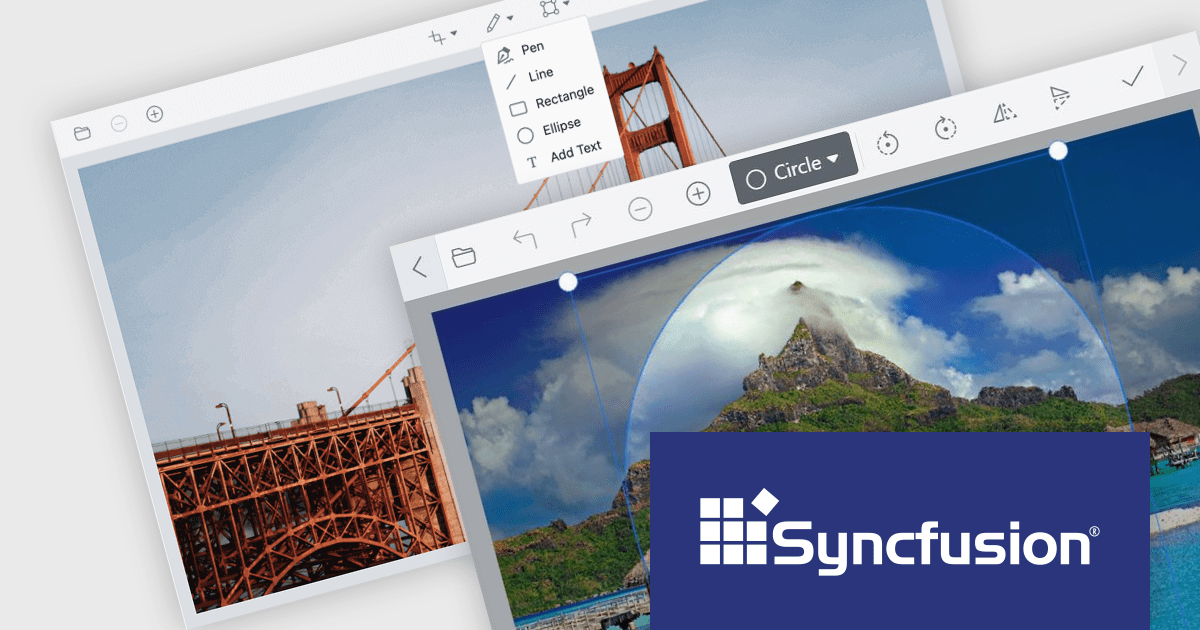
Syncfusion Essential Studio for Blazor (available as part of Syncfusion Essential Studio Enterprise) is a comprehensive UI component library designed to accelerate the development of high-performance, modern web applications using the Blazor framework. It boasts over 85+ responsive, lightweight, and modular components spanning various categories like data visualization, data editing, document processing, and interactive UI elements. This rich repertoire empowers developers to rapidly build user-friendly, feature-rich web interfaces, all with the advantage of seamless integration with both server-side and client-side Blazor applications.
Version 2023 Volume 4 (24.1.41) introduces the production-ready Blazor Image Editor component which allows you to crop, rotate, flip, zoom, and apply filters to your images. You can also add annotations like text, freehand drawings, shapes, and even other images. The Image Editor is designed for ease of use, with a drag-and-drop interface and a customizable toolbar that lets you tailor the editing experience to your specific needs. Additionally, it supports exporting images in various formats, including PNG, JPEG, and SVG, ensuring compatibility with your chosen workflow. The Blazor Image Editor is a valuable asset for any developer looking to add rich image editing capabilities to their Blazor applications.
To see a full list of what's new in version 2023 Volume 4 (24.1.41), see our release notes.
Syncfusion Essential Studio Blazor is available as part of Syncfusion Essential Studio Enterprise which is licensed per developer starting with a Team License of up to five developers. It is available as a 12 Month Timed Subscription License which includes support and maintenance. See our Syncfusion Essential Studio Enterprise licensing page for full details.
For more information, visit our Syncfusion Essential Studio Blazor product page.
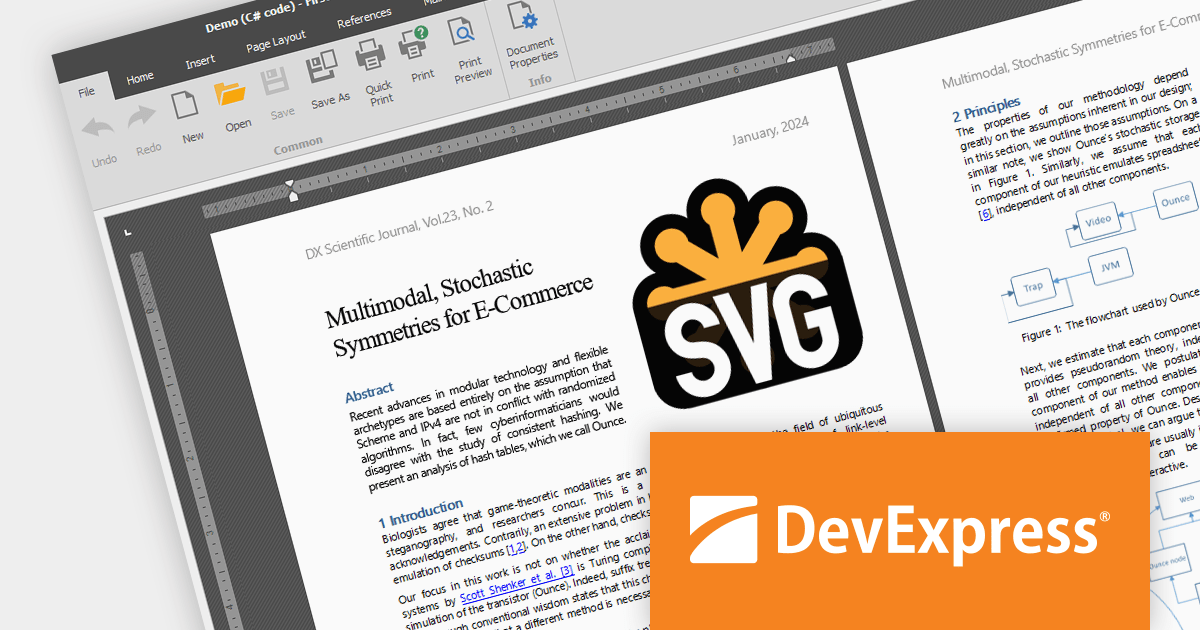
The DevExpress Office File API is a powerful .NET library designed to automate work with Microsoft Word documents, Excel spreadsheets, and PDF files without relying on any UI components. It empowers developers to programmatically create, read, edit, export, and print these crucial office files across various platforms, including Windows, Linux, macOS, and even Azure. Its feature set covers a wide range of tasks, from formatting text and inserting images in Word documents to manipulating data and generating charts in Excel workbooks, and even filling interactive forms or extracting text from PDFs. This comprehensive functionality allows developers to integrate seamless document handling directly into their applications, eliminating the need for external software and streamlining workflows.
The DevExpress Office File API 23.2 release adds SVG support, allowing you to seamlessly import, save, export (PDF), and edit your Word, Excel, and PDF documents with scalable vector graphics. It provides full control with features like resizing, moving, and aligning your SVGs.
To see a full list of what's new in version 23.2, see our release notes.
DevExpress Office File API is licensed per developer and is available as a Perpetual License with a 12 month support and maintenance subscription. See our DevExpress Office File API licensing page for full details.
DevExpress Office File API is available to buy in the following products:

Turning data into tangible insights is critical for businesses, and reporting tools can bridge the gap with robust printing capabilities. These tools support various paper sizes, orientations, and quality settings, ensuring accurate and professional representation of reports in physical form. Additional features like printer selection and print preview streamline the process, further enhancing efficiency.
Several WPF reporting components support printing including:
For an in-depth analysis of features and price, visit our WPF reporting comparison.
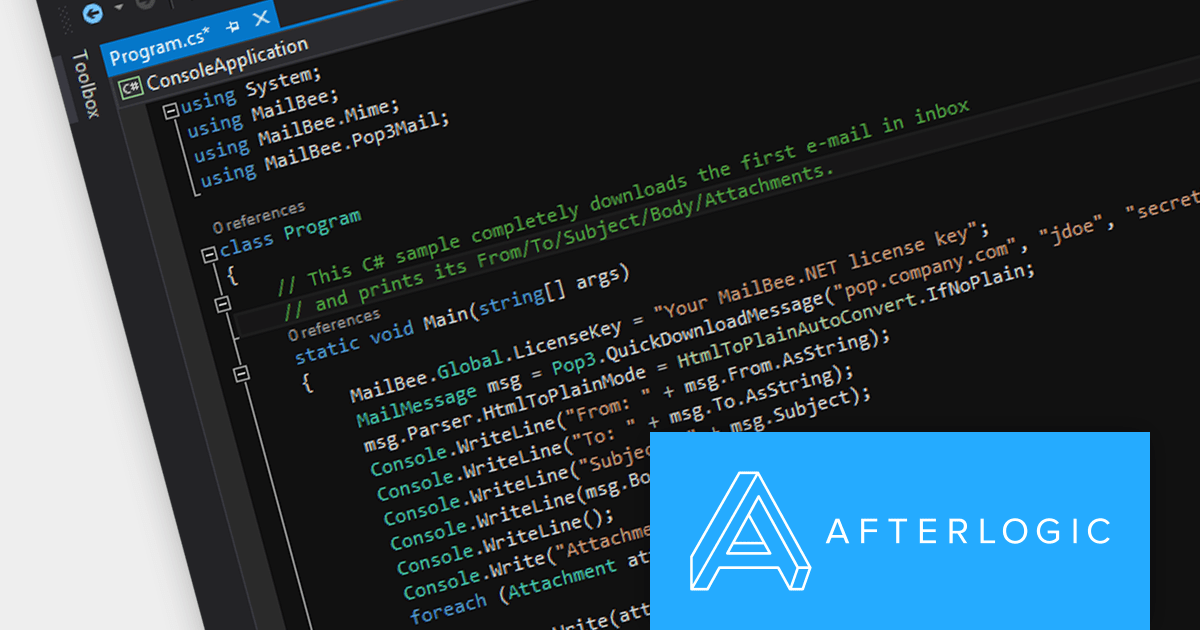
MailBee.NET Objects is a comprehensive suite of .NET components designed to empower developers with robust tools for integrating email functionality into their applications. It offers a wide array of features covering email creation, sending, receiving, processing, and management, ensuring flexibility and control over various email-related tasks.
The MailBee.NET Objects v12.4 release adds support for Microsoft .NET 8, allowing developers to enjoy the performance boosts, enhanced cross-platform compatibility, and new APIs in the latest version of Microsoft's popular development framework. It has also been fully tested with Visual Studio 2022, empowering developers to build robust, efficient, and adaptable email solutions that stand the test of time.
To see a full list of what's new in version 12.4, see our release notes.
MailBee.NET Objects is licensed per developer and is run-time royalty free. All licenses include a 12 month maintenance plan which provides all major and minor product updates and standard technical support. Extended (Priority) Support and Source Code options are also available. See our MailBee.NET Objects licensing page for full details.
For more information, visit our MailBee.NET Objects product page.
Tel: (888) 850 9911
Fax: +1 770 250 6199


