













Fornecedor oficial
Como distribuidores oficiais e autorizados, nós fornecemos licenças legítimas diretamente de mais de 200 editores de software.
Ver todas as nossas marcas.
ActiveReports.NET from MESCIUS, is a comprehensive reporting solution for developers building applications in .NET. It helps you to design and deliver visually appealing reports through user-friendly designers and a wide range of controls. ActiveReports simplifies report creation and distribution with a versatile API, rich data source connectivity, and support for multiple export formats. This translates to increased developer productivity and improved end-user experience with powerful reporting functionalities within your .NET applications.
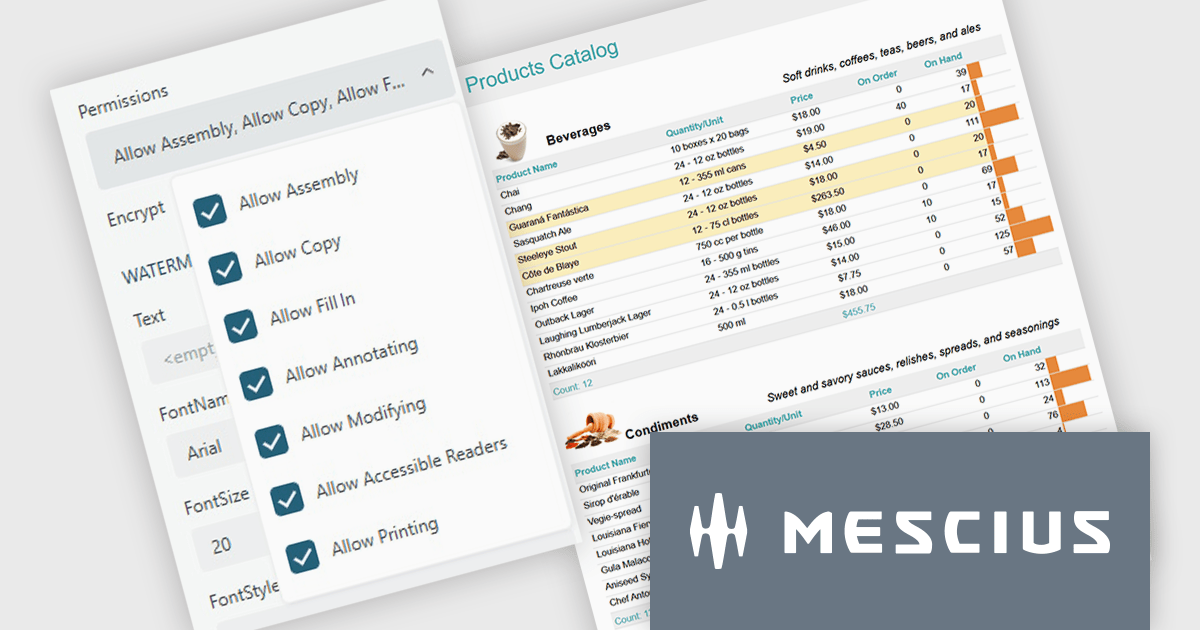
The ActiveReports.NET v19.2 update introduces configurable permissions for PDFs exported from Web Viewers, allowing developers to apply precise controls over how end users interact with generated documents. By enabling encryption and selecting permissions such as copying, printing, annotating, modifying, filling forms, and accessing content through assistive readers, developers can enforce security, compliance, and workflow requirements directly within the export process. This update optimizes permission management across the JS Viewer, Blazor Viewer, and ASP.NET WebViewer, providing a consistent and efficient way to govern document behavior without additional code or external tooling.
To see a full list of what's new in v19.2, see our release notes.
ActiveReports.NET is licensed per developer and is available with or without a 12 month support and maintenance subscription. See our ActiveReports.NET licensing page for full details.
Learn more on our ActiveReports.NET product page.
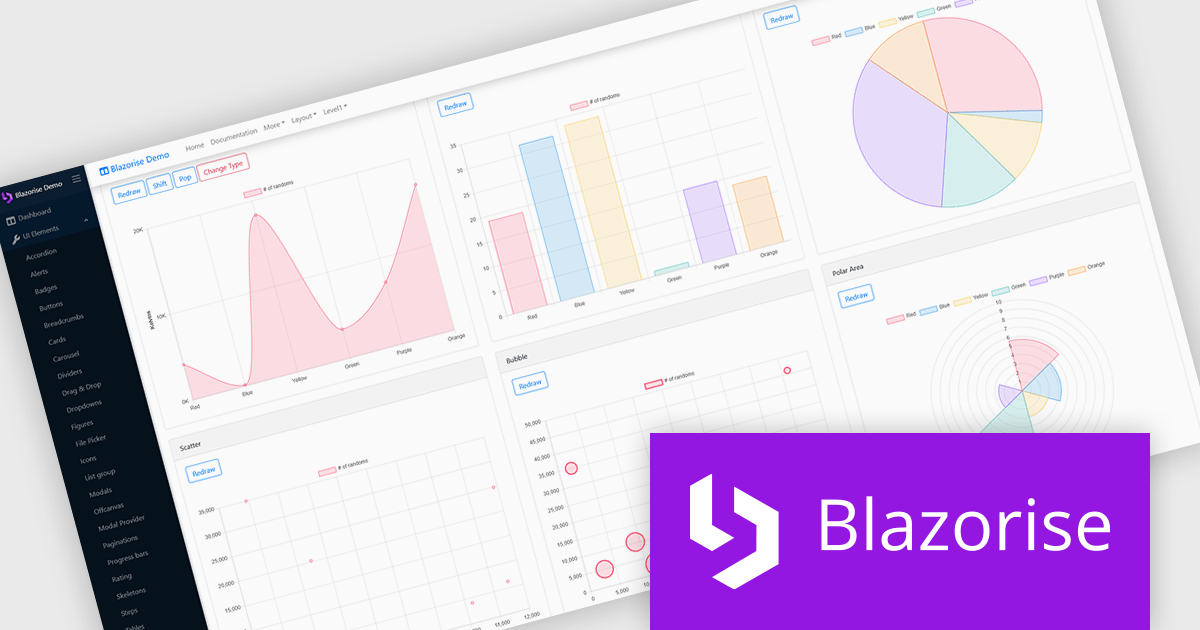
Blazorise is a versatile component library that empowers developers to build modern and feature-rich web applications using Blazor, a client-side web development framework from Microsoft. It offers a comprehensive collection of user interface components, including buttons, forms, charts, and navigation elements, all built with accessibility and responsiveness in mind.
The Blazorise 1.8.6 update delivers full compatibility with .NET 10, allowing existing Blazorise-based applications to run on the latest runtime without breaking changes. It enables projects to take advantage of new C# 14 language features, improved JIT and AOT performance, and the modernized Blazor hosting models introduced in .NET 10. This release helps standardize on the newest .NET stack while preserving current UI components and behavior, reducing migration risk and maintenance overhead for development teams.
To see a full list of what’s new in version 1.8.6, see our release notes.
Blazorise is licensed per developer and includes a 1 year subscription for updates and support. Professional, Enterprise, and Enterprise Plus editions are available, each offering tailored levels of support and service to meet varying business needs. See our Blazorise licensing page for full details.
For more information, visit our Blazorise product page.
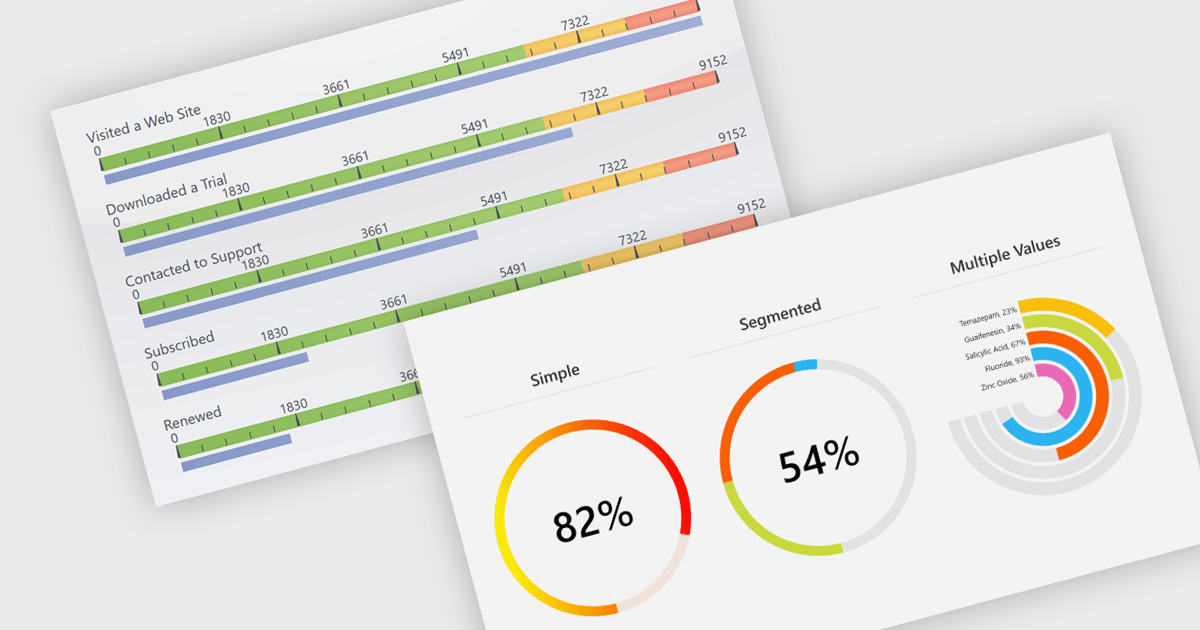
Gauges are specialized charting components used to visually display numerical values within a predefined range, often in formats such as radial, linear, or digital meters. They are commonly found in dashboards and monitoring tools, where their primary function is to provide immediate visual feedback on performance indicators or system metrics. Gauges are particularly useful for clearly communicating real-time data, allowing users to quickly assess the current state of a metric to determine whether a value is within acceptable limits or requires attention.
Several .NET charting components also offer gauges, including:
For an in-depth analysis of features and price, visit our comparison of .NET chart components.
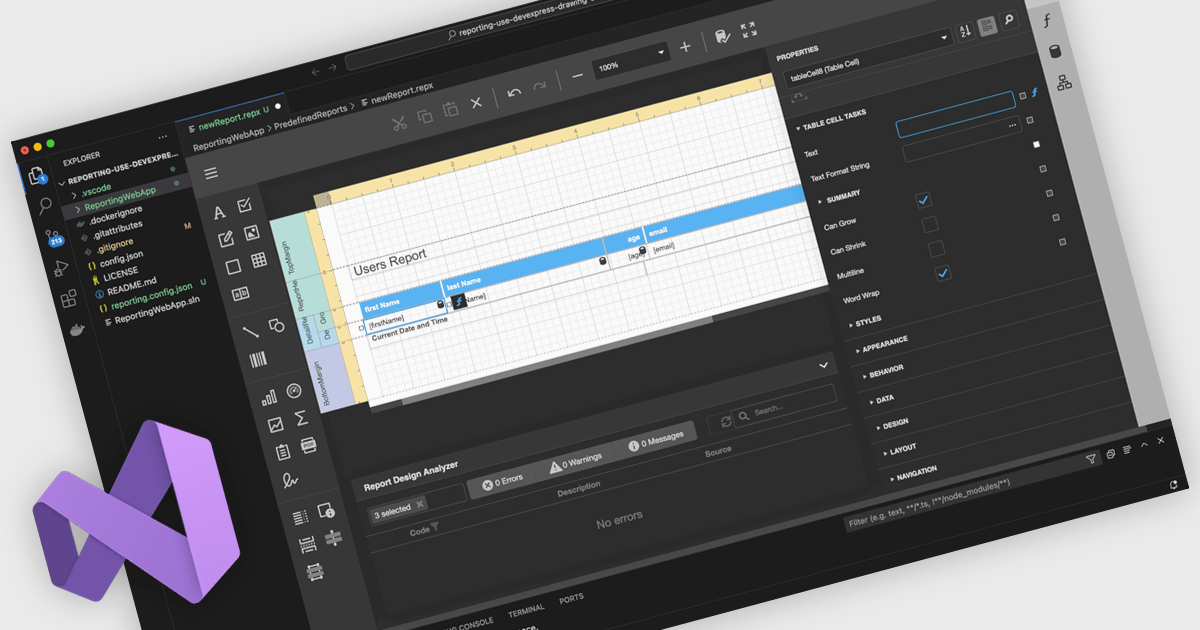
A Visual Studio integrated report designer lets developers create and edit report layouts directly inside the Visual Studio IDE, instead of using a separate reporting tool. Report definitions live alongside application code, data models, and resources, improving integration, maintenance, and use of source control and CI/CD. Developers work in a familiar environment with drag-and-drop layout design, property grids, and IntelliSense-backed expressions, plus the option to add custom logic in C# or VB. Typical use cases include interactive sales dashboards, operational reports, and audits where teams must quickly iterate, bind live data, and preview results.
Several .NET reporting controls offer Visual Studio integrated designers, including:
For an in-depth analysis of features and price, visit our .NET reporting controls comparison.
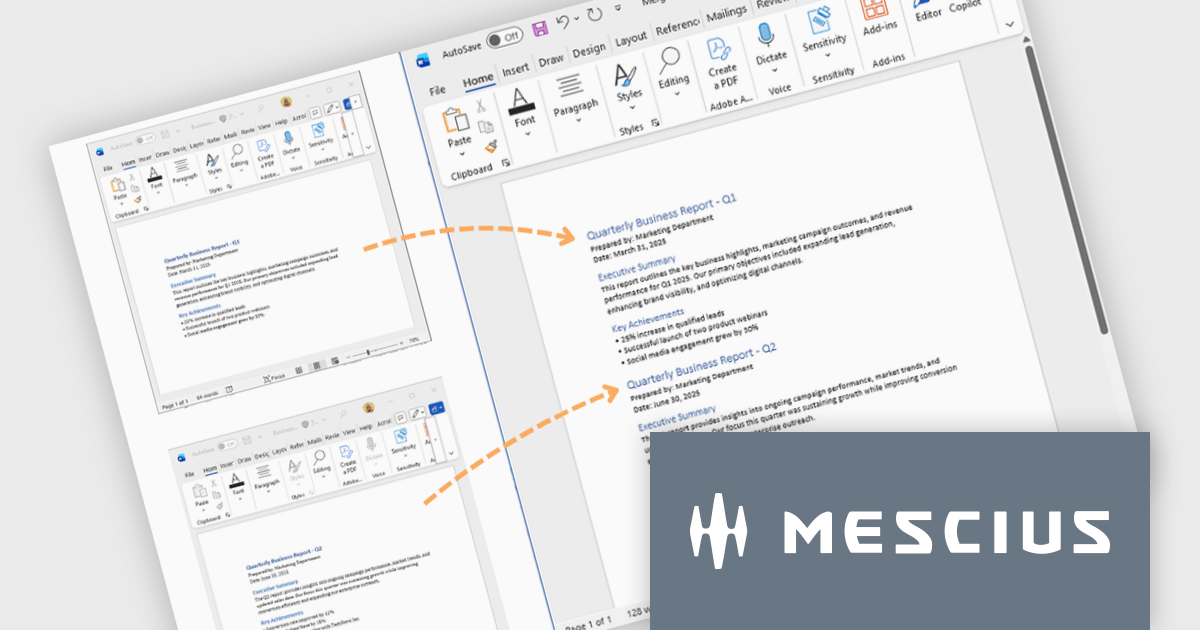
Document Solutions for Word is a comprehensive software development toolkit designed to facilitate the creation, manipulation, and management of Microsoft Word documents within various applications. It offers a robust API that provides developers with granular control over document structure, formatting, and content, enabling the integration of Word document functionality into custom applications. Key features include support for advanced formatting options, document automation, and compatibility with various Word document formats.
In this blog post, MESCIUS Product Marketing Specialist Mackenzie Albitz demonstrates how to use Document Solutions for Word to split large DOCX files into multiple documents and merge separate Word files into a single, properly formatted output. The steps include:
Detailed source code and examples are included to get you started.
Read the complete blog to learn how to efficiently split and merge Word DOCX files in .NET applications.
Document Solutions for Word is licensed per developer and is available in several license options for differing distribution needs. Team licenses are also available for multiple developers within the same organization. See our Document Solutions for Word licensing page for full details.
Document Solutions for Word is available to buy individually or as part of Document Solutions .NET Bundle.
Tel: (888) 850 9911
Fax: +1 770 250 6199


