













Fornecedor oficial
Como distribuidores oficiais e autorizados, nós fornecemos licenças legítimas diretamente de mais de 200 editores de software.
Ver todas as nossas marcas.
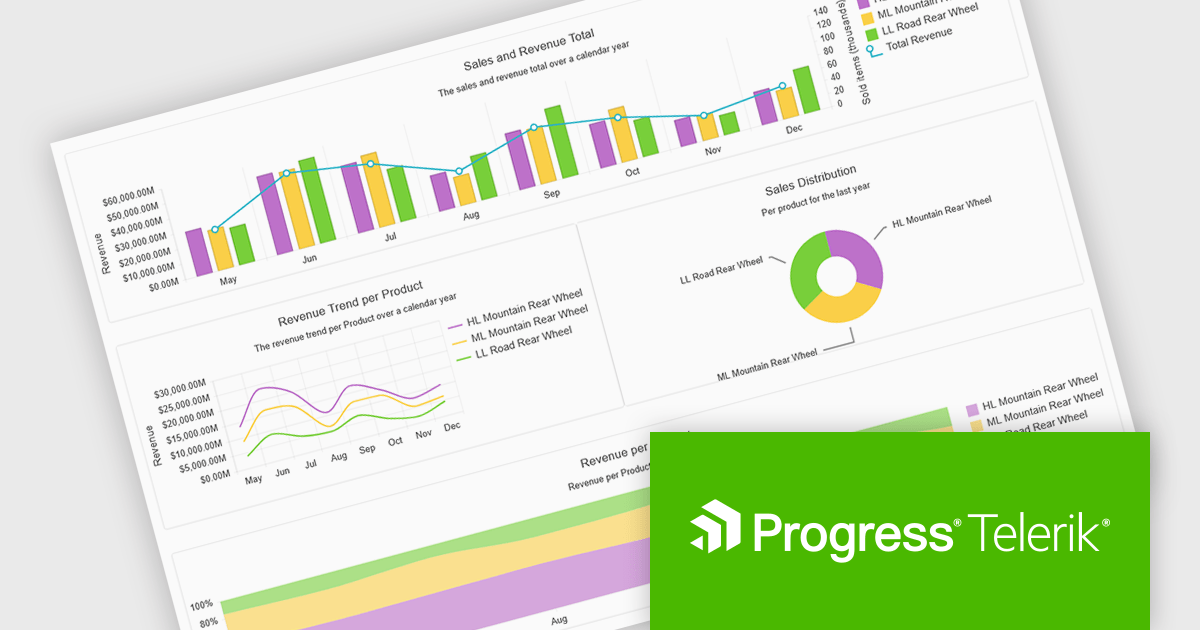
Progress Telerik is a leading provider of UI components, reporting software, and developer productivity tools. Its core Telerik UI product range provides a comprehensive set of libraries for building modern, high-performance and feature-rich applications. These suites are meticulously designed to integrate with .NET and facilitate rapid development across such platforms as ASP.NET Core/MVC/AJAX, Blazor, .NET MAUI, WPF, and WinForms.
Telerik’s .NET 10 support delivers full compatibility with .NET 10 across its .NET UI and developer tooling suites, meaning developers can immediately target the latest runtime and framework improvements. The commitment spans web, desktop and cross-platform stacks, including Blazor, ASP.NET Core, MAUI, WinForms and WPF, enabling teams to upgrade with confidence and leverage performance, security and tooling advancements baked into .NET 10.
Support for .NET 10 is available across the Telerik .NET product range:
Telerik DevCraft is licensed per developer and has two licensing models: an annual Subscription License and a Perpetual License. The Subscription license provides access to the latest product updates, technical support, and exclusive benefits for a flat annual fee, and must be renewed to continue using the software. The Perpetual license is a one-time purchase granting access to the current released version and includes a one-year subscription for product updates and technical support. After this initial period, users can choose to renew the subscription element to continue receiving updates and support; otherwise, they may continue using the installed version available during their active subscription term but will forgo future updates and support. See our Telerik DevCraft Ultimate licensing page for full details.
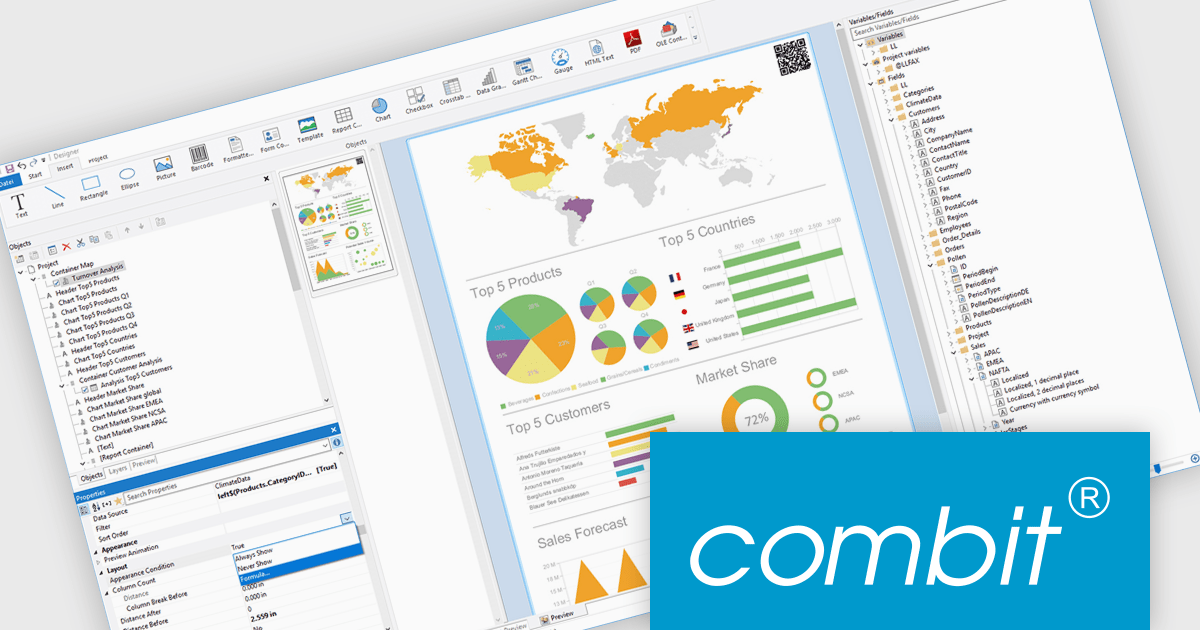
List & Label by combit is a software development toolkit that helps developers to integrate comprehensive reporting functionalities into their desktop, web, and cloud applications. It offers features such as data binding, complex data visualization, and a user-friendly report designer, along with printing, exporting, and previewing capabilities. List & Label operates independently of programming languages and data sources, providing developers with the flexibility to design and deliver informative reports within their development environment.
combit adds .NET 10 support to ensure developers can adopt the newest framework without compatibility concerns, allowing existing reporting logic, data integrations, and application code to run reliably on a modern, secure, and high-performance platform. This update helps teams optimize their upgrade path, maintain a consistent technology stack, and build applications that remain maintainable and future-ready as the .NET ecosystem evolves.
List & Label is licensed per developer and is available as a Perpetual License with a 12 month support and maintenance subscription. See our List & Label licensing page for full details.
List & Label is available in the following products:
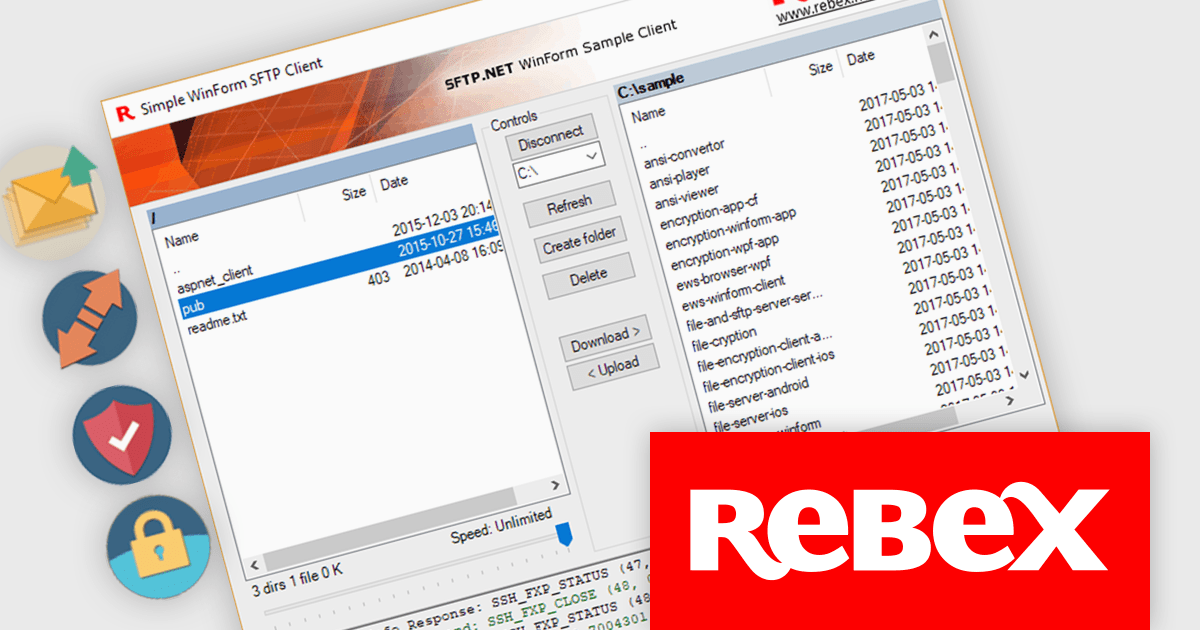
Rebex is a trusted provider of high-quality components and libraries designed to streamline the development of secure, efficient, and reliable software applications. Its product line focuses on enabling developers to integrate essential networking, file transfer, and cryptographic functionalities with ease. Key offerings include libraries for secure file transfer protocols like SFTP (SSH File Transfer Protocol) and FTPS (File Transfer Protocol Secure), email handling via SMTP (Simple Mail Transfer Protocol), IMAP (Internet Message Access Protocol), and POP3 (Post Office Protocol), as well as powerful cryptographic tools for securing data. These tools are designed for .NET developers, emphasizing ease of integration, robust security standards, and high performance, making Rebex a valuable resource for building modern software solutions.
The latest Rebex release introduces support for .NET 10, delivering a new set of binaries designed to run across a wide range of platforms. This includes Windows, Linux, macOS, as well as Android and Apple mobile ecosystems. With this update, developers targeting .NET 10 can confidently deploy Rebex components across both desktop and mobile systems, including iOS, iPadOS, and tvOS. This positions Rebex to fully support cross-platform development on the latest .NET framework.
Support for .NET 10 is available across the Rebex .NET product range:
Rebex products are licensed per developer. All new licenses include a 1 year support contract which includes priority support and all software updates during the support period. Support contract renewals are also available. See our Rebex licensing page for full details.
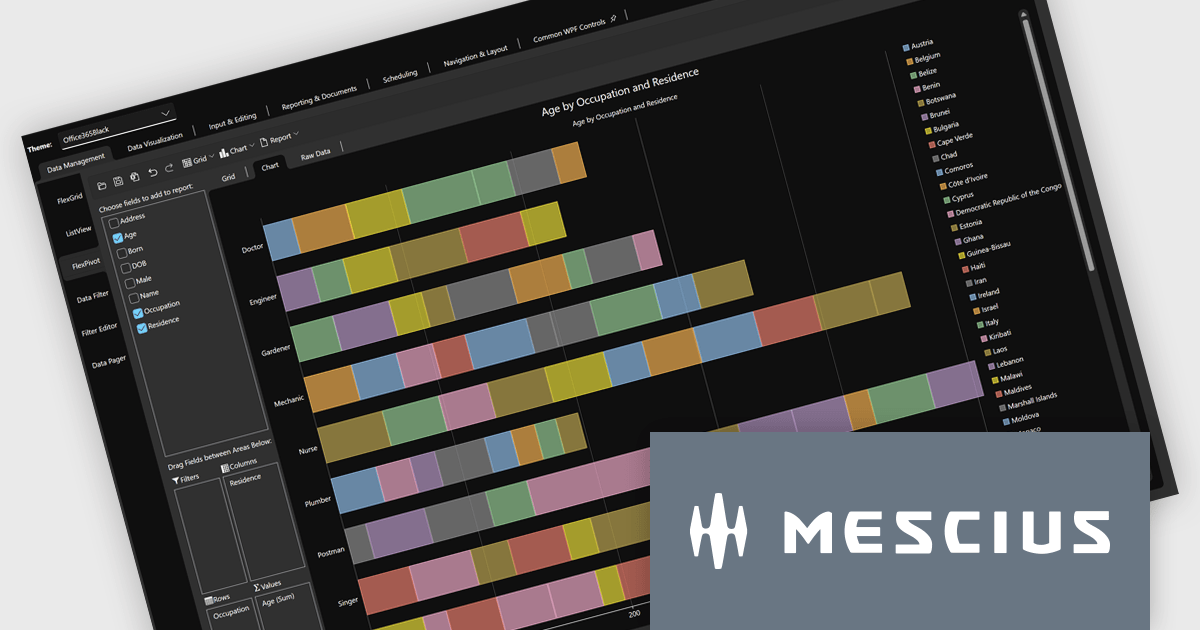
The ComponentOne Studio range by MESCIUS (formerly GrapeCity) is a comprehensive suite of UI controls for building rich, responsive, and cross-platform applications. It provides a wide range of components for desktop, web, and mobile development including high performance datagrids, charts, reporting components, dashboards, and other UI controls.
The latest release of .NET 10 has introduced noticeable gains in performance, memory usage, and deployment efficiency that elevate how ComponentOne controls operate across WinForms, WPF, Blazor, and MAUI. With smarter JIT optimizations, faster execution paths, enhanced AOT publishing, and expanded APIs for security, globalization, and JSON handling, applications become quicker to load, lighter to distribute, and more responsive during real-time workloads. These improvements also extend through the ecosystem, bringing refinements to desktop, web, and cross-platform stacks for a more unified development experience.
Developers can fully leverage these enhancements through ComponentOne’s comprehensive UI suite, which now supports .NET 10 across all major platforms with updated NuGet packages and optimized control behavior. Building modern interfaces is easier thanks to better runtime performance, enhanced tooling, and new features like WinForms dark mode for improved visual consistency. The migration process remains straightforward: update dependencies, verify UI behavior, and continue development using familiar practices - now supported by greater stability, faster builds, and a more efficient coding environment.
ComponentOne Studio products are licensed per developer on a perpetual basis and include a 12 month subscription. Priority Support is also available. See our ComponentOne Studio Enterprise licensing page for full details.
For more information, visit our ComponentOne Studio product pages:
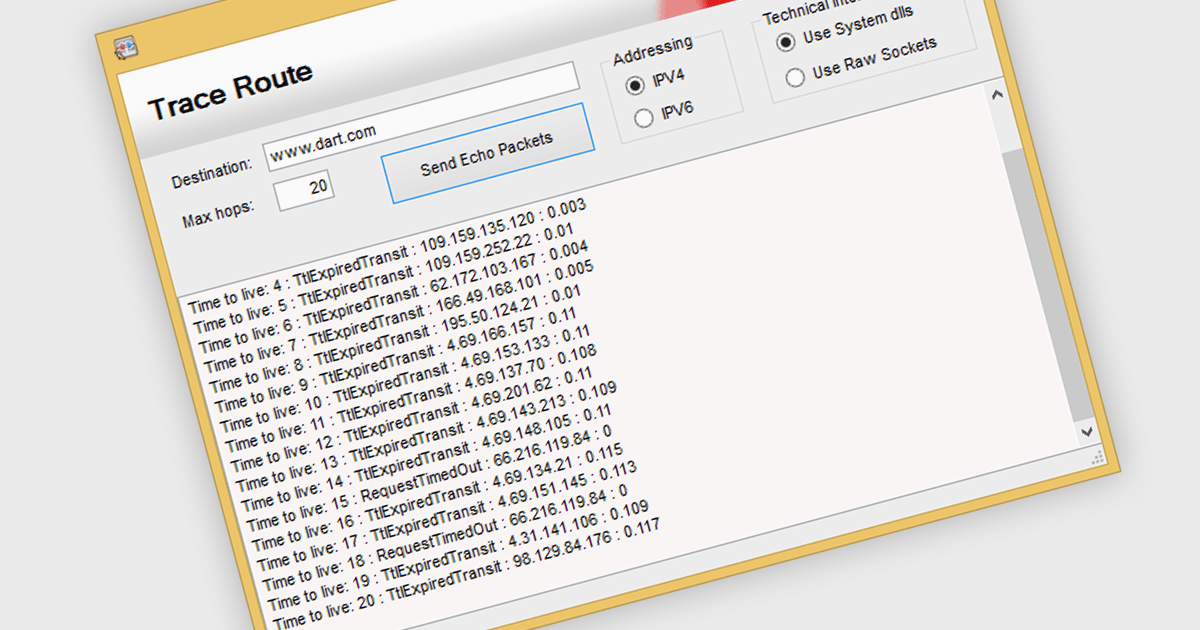
TraceRoute is a network diagnostic protocol used in .NET Communications and Messaging controls to determine the path packets take from the source to a destination across an IP network. It works by sending packets with incrementally increasing Time-To-Live (TTL) values, which prompts routers along the path to return error messages that help identify each hop and measure transit delays. This functionality is particularly useful for monitoring network latency, diagnosing connectivity issues, and understanding the routing behavior of networks in distributed systems. By integrating TraceRoute into a .NET application, developers gain visibility into network paths, enabling more informed troubleshooting and performance optimization of communication processes.
Several .NET Comms & Messaging components offer support for TraceRoute protocol including:
For an in-depth analysis of features and price, visit our comparison of .NET Comms & Messaging.
Tel: (888) 850 9911
Fax: +1 770 250 6199


