













Fornecedor oficial
Como distribuidores oficiais e autorizados, nós fornecemos licenças legítimas diretamente de mais de 200 editores de software.
Ver todas as nossas marcas.
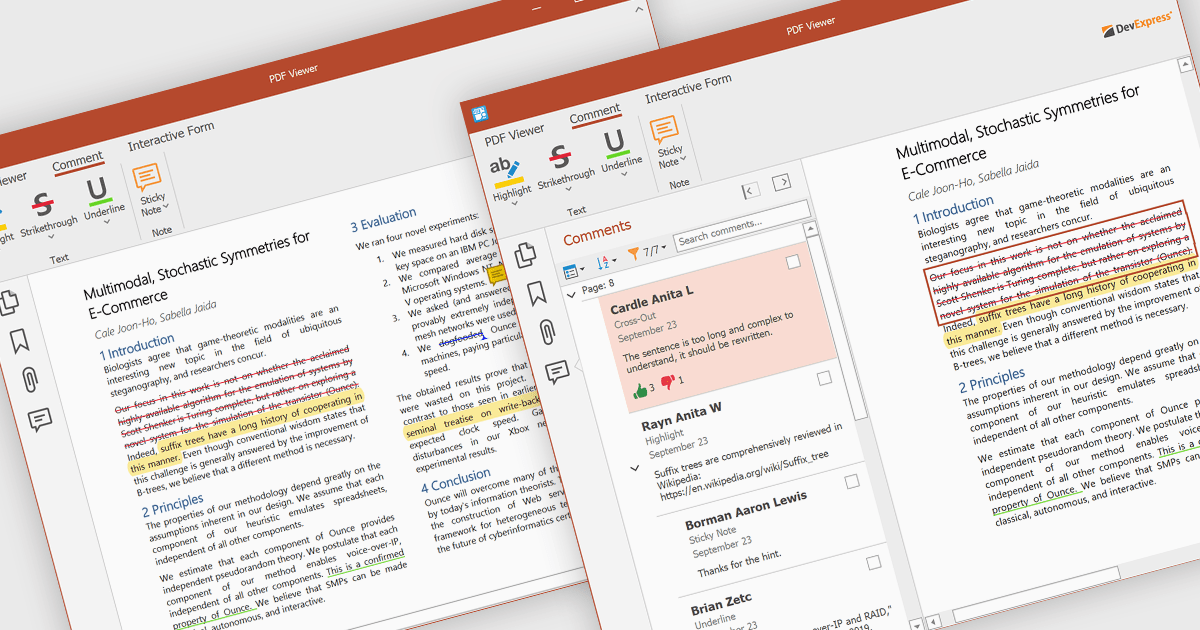
PDF sticky note annotations allow developers to enable users to attach virtual notes to specific locations within a PDF document. These annotations appear as icons that can be clicked to reveal additional text-based comments or instructions. This feature is particularly useful for collaborative workflows, review processes, and documentation tasks, as it enables users to provide contextual feedback without altering the original content. For developers, it offers a straightforward way to integrate lightweight commenting functionality into document-centric applications, enhancing usability and facilitating more efficient communication among users.
Several ASP.NET Core PDF components offer sticky note annotations including:
For an in-depth analysis of features and price, visit our ASP.NET Core PDF components comparison.
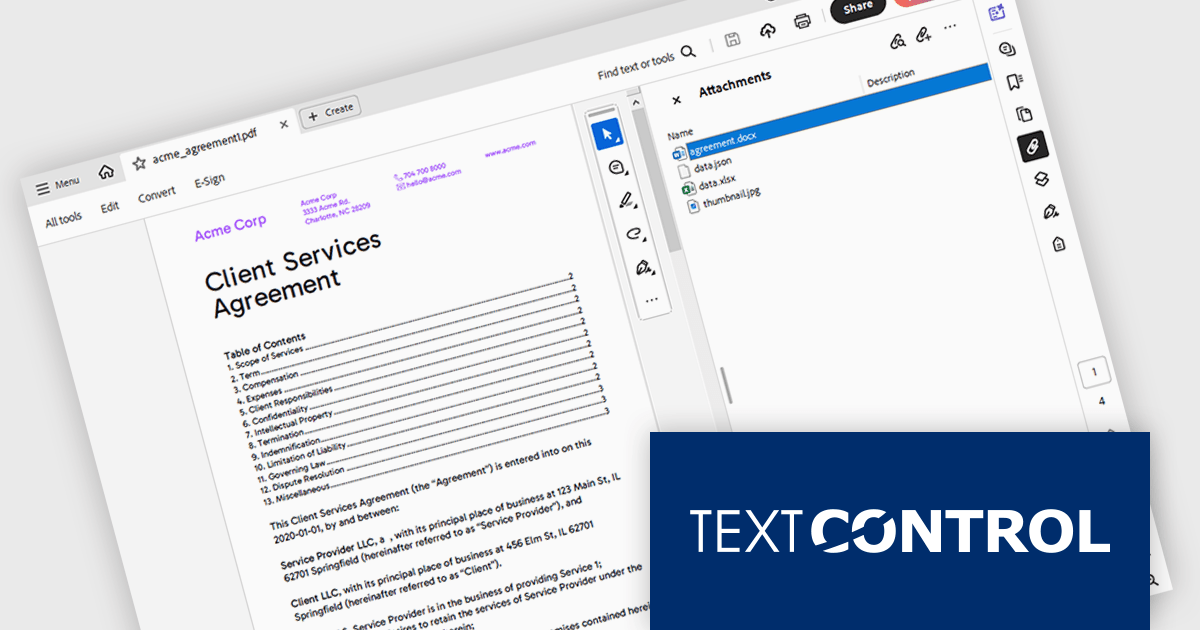
TX Text Control .NET is a royalty-free, fully programmable document editor that empowers developers to add rich WYSIWYG word processing to desktop and web applications across various platforms. It provides everything from comprehensive text formatting and mail merge to PDF creation and processing, all through a robust API and intuitive user interface.
The TX Text Control .NET 33.0 release enhances the DocumentServer PDF namespace, making it easier to extract attachments and embedded documents from PDFs. This feature is especially useful for bundling related materials - such as images, spreadsheets, or additional documents - without requiring separate file handling. A key application is electronic invoicing with standards like ZUGFeRD and XRechnung, where machine-readable data is embedded alongside human-readable invoices.
To see a full list of what's new in version 33.0, see our release notes.
TX Text Control .NET for Windows Forms and TX Text Control .NET for WPF are licensed per developer and are available as a Perpetual License with a 12 month support and maintenance subscription. See our TX Text Control .NET for Windows Forms licensing page or TX Text Control .NET for WPF licensing page for full details.
TX Text Control .NET is available to buy in the following products:
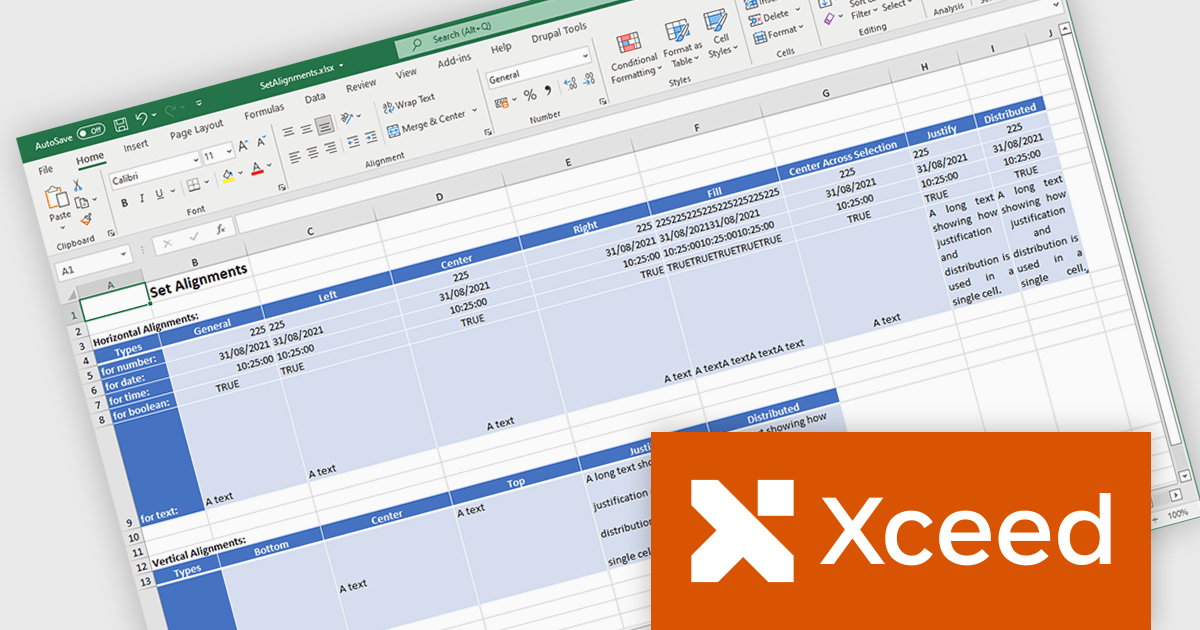
Xceed Workbooks for .NET is a software component designed for .NET developers that enables the creation and manipulation of Microsoft Excel .xlsx files directly within their applications, without requiring Microsoft Excel or Office to be installed; it provides an API that allows for programmatic control over spreadsheet content, formatting, and structure, facilitating tasks such as report generation, data analysis, and document automation.
The Xceed Workbooks for .NET 2.0 release adds support for .NET 9. This primarily ensures compatibility with the latest .NET ecosystem, allowing developers to leverage new features, performance improvements, and security enhancements within their applications. This compatibility future-proofs projects, minimizes integration issues, and maintains alignment with the evolving .NET platform, enabling developers to build more efficient and maintainable software using Xceed Workbooks.
To see a full list of what's new in version 2.0, see our release notes.
Xceed Workbooks for .NET is licensed per developer and is available as a perpetual license with 1 year of updates and support. See our Xceed Workbooks for .NET licensing page for full details.
Xceed Workbooks for .NET is available individually or as part of Xceed Ultimate Suite.
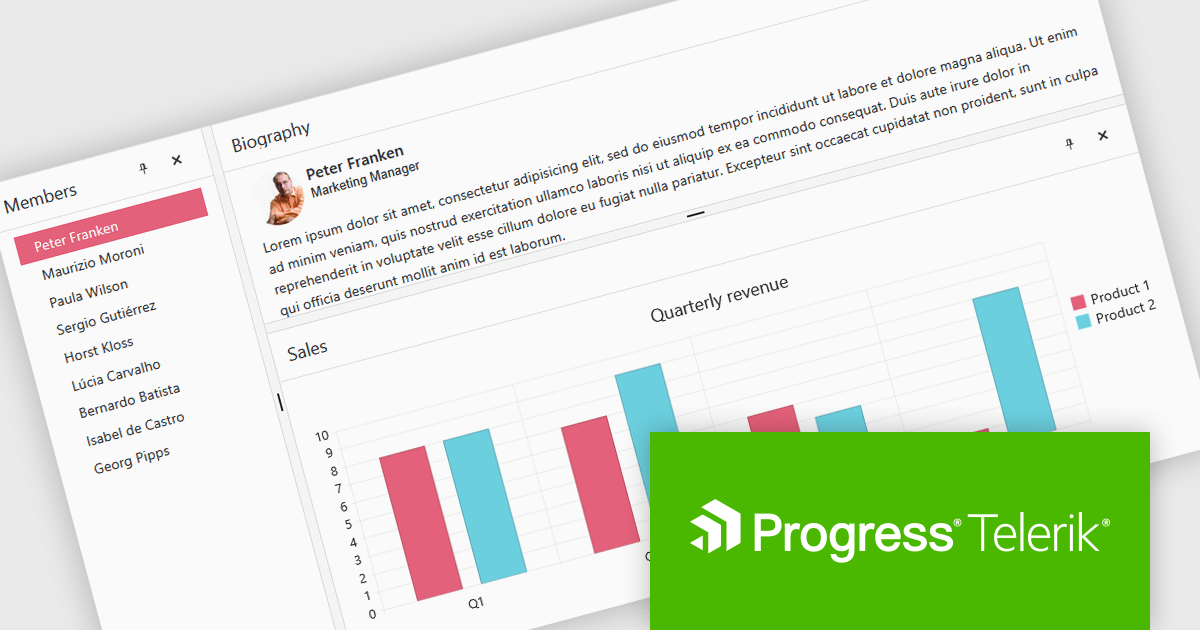
Telerik UI for Blazor is a comprehensive UI library that provides over 110 native and customizable Blazor components for building modern and feature-rich web applications. This professional-grade solution offers a complete set of components to satisfy all user interface requirements, saving time and effort in UI design.
The Telerik UI for Blazor 2025 Q1 update introduces the DockManager UI component, enabling developers to create desktop-like experiences within web applications. This new component allows users to efficiently manage multiple panes within a single container by supporting docking, undocking, resizing, and repositioning. It provides a flexible and customizable layout system, optimizing workspace organization for complex applications designed for larger screens.
To see a full list of what's new in 2025 Q1 (v8.0.0), see our release notes.
Telerik UI for Blazor is licensed per developer and has two licensing models: an annual Subscription License and a Perpetual License. The Subscription license provides access to the latest product updates, technical support, and exclusive benefits for a flat annual fee, and must be renewed to continue using the software. The Perpetual license is a one-time purchase granting access to the current released version and includes a one-year subscription for product updates and technical support. After this initial period, users can choose to renew the subscription element to continue receiving updates and support; otherwise, they may continue using the installed version available during their active subscription term but will forgo future updates and support. See our Telerik UI for Blazor licensing page for full details.
Telerik UI for Blazor is available individually or as part of the following products:
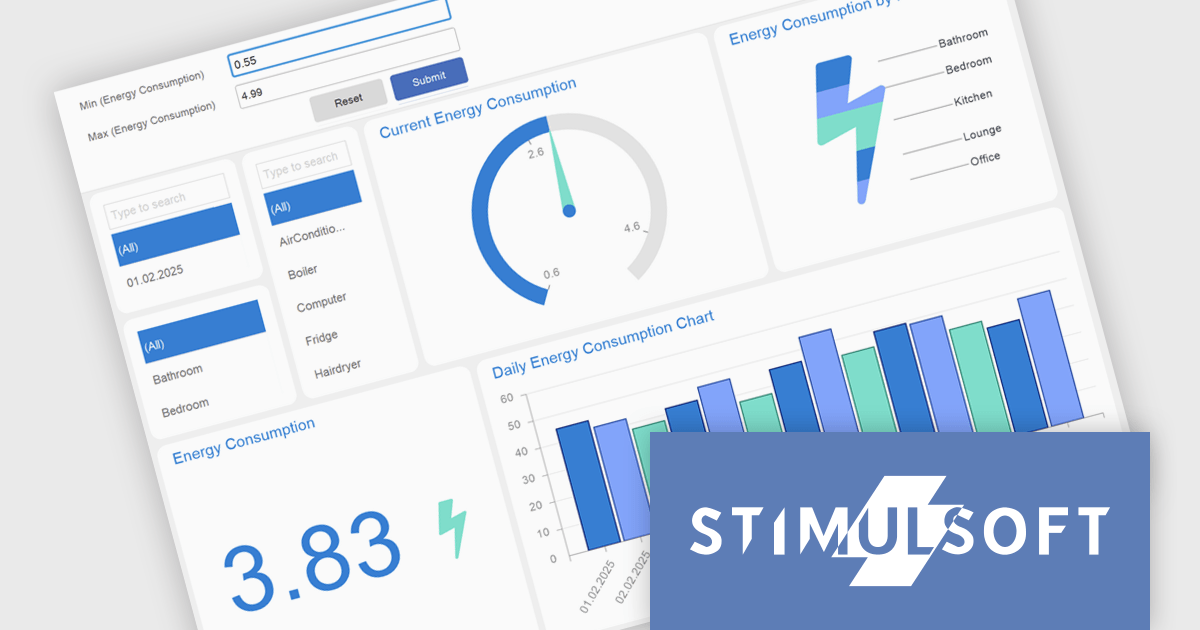
Stimulsoft Dashboards.WEB is a versatile suite of tools for crafting interactive data visualizations for web and desktop applications. It empowers developers to embed intuitive dashboards across various platforms, using the platform-specific components or a centralized cloud designer. With rich data analysis elements, extensive customization options, and pre-built templates, Stimulsoft Dashboards helps you transform complex data into clear, actionable insights for any audience.
The Stimulsoft Dashboards.WEB 2025.2.1 update introduces support for expressions in Gauge range fields, enabling developers to calculate minimum and maximum range bounds dynamically based on underlying data. This enhancement allows for greater flexibility in building responsive dashboards, as Gauge elements can now reflect real-time values without requiring manual adjustments. By integrating expressions directly into the range logic, developers can implement more sophisticated data visualizations that adapt to changing inputs and business logic. This feature streamlines development and supports more efficient maintenance of dynamic reporting scenarios.
To see a full list of what's new in 2025.2.1, see our release notes.
Stimulsoft Dashboards.WEB is licensed per developer and is available as a perpetual license with 1 year support and maintenance. See our Stimulsoft Dashboards.WEB licensing page for full details.
Stimulsoft Dashboards.WEB is available individually or as part of Stimulsoft Ultimate.
Tel: (888) 850 9911
Fax: +1 770 250 6199


