













Fornecedor oficial
Como distribuidores oficiais e autorizados, nós fornecemos licenças legítimas diretamente de mais de 200 editores de software.
Ver todas as nossas marcas.
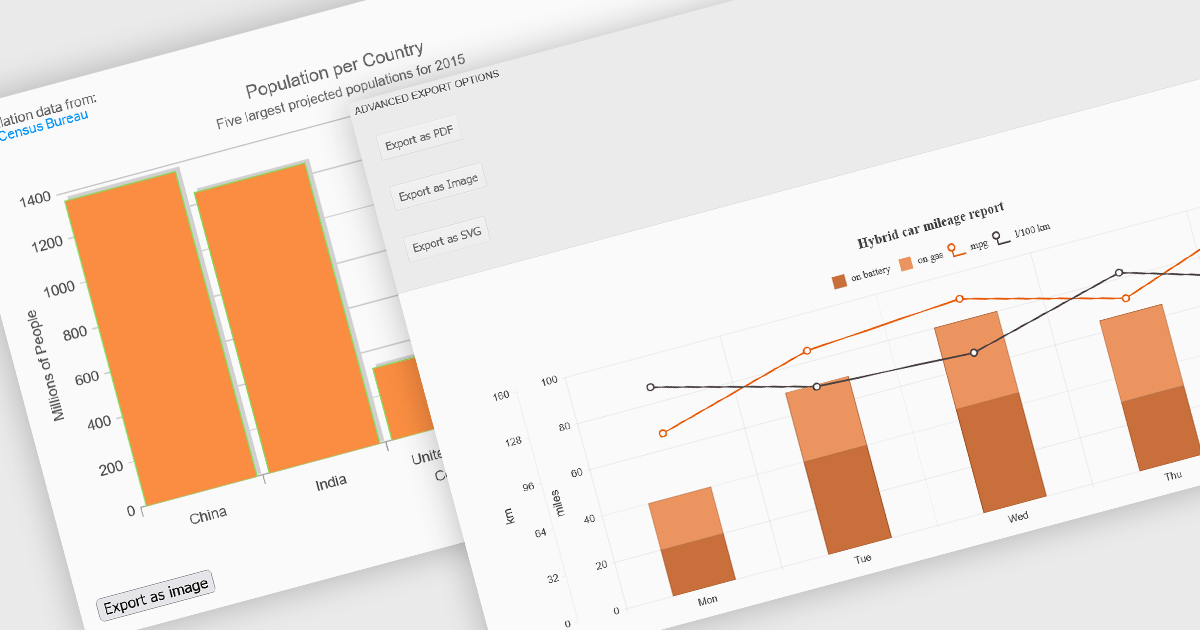
Export features in charting components allow developers and users to take visualized data beyond the browser, whether for sharing, archiving, or integrating into reports and presentations. These tools support a wide range of formats and workflows, transforming interactive charts into portable assets that can be printed, saved, or embedded in other applications. By offering export capabilities alongside dynamic charting, modern components bridge the gap between visual exploration and formal communication of data, ensuring insights can be distributed effectively in both digital and hardcopy formats.
Common features include:
For an in-depth analysis of features and price, visit our ASP.NET Core charting components comparison.
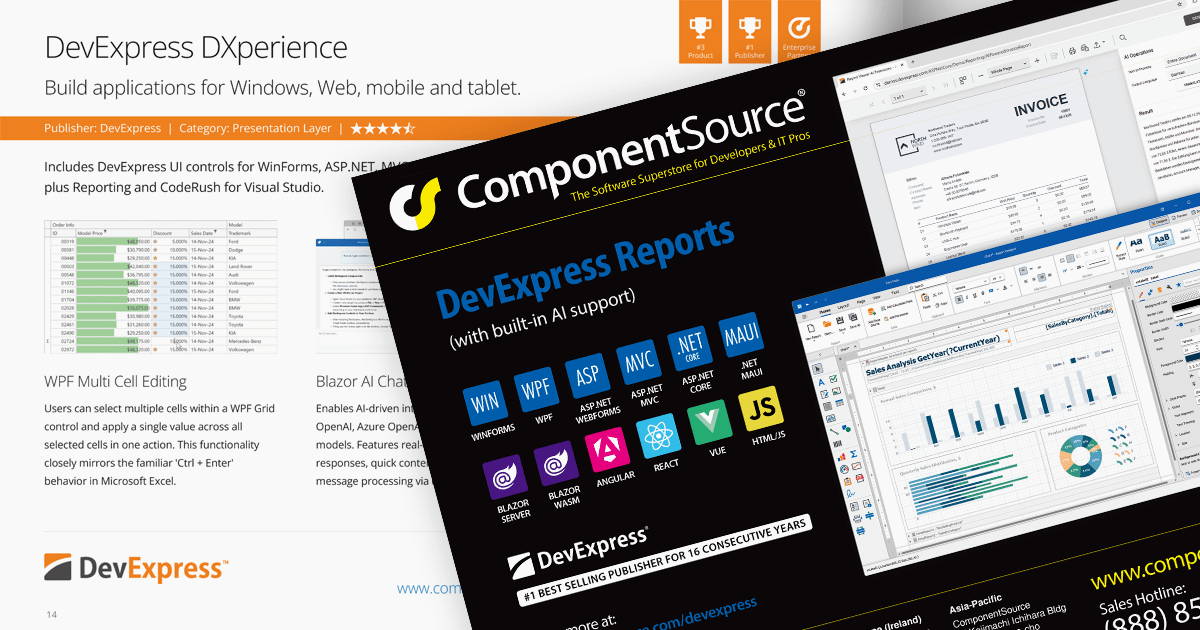
We are pleased to announce the publication of issue #118 of the ComponentSource Showcase Catalog. The latest edition includes a selection of components and tools designed to meet the needs of software developers and IT professionals.
Over the last 30 years, ComponentSource has built a comprehensive marketplace to help its users discover, compare and buy Enterprise-grade software components and tools. The ComponentSource Catalog showcases a range of products in an easy-to-digest print publication.
Issue #118 features an assortment of components and tools from market leading publishers including:
Products include file format APIs, reporting solutions, user interface controls for .NET and JavaScript, communications components, and much more.
Available in English, German, Korean and Japanese editions, the 48-page full color publication lets you easily browse selected products and read about highlighted features. If you want more information, the QR codes on each page (and links in the PDF version) take you directly to that product's page on the ComponentSource website.
You can browse the latest issue online or visit the ComponentSource Showcase Catalog page to download a PDF.
To receive your FREE physical copy of future issues (available in Europe, US, Canada, Japan and South Korea), simply follow these steps:
We'll deliver a new issue direct to your door four times per year.
ComponentOne Studio Enterprise is a comprehensive suite of .NET UI controls developed by MESCIUS (formerly GrapeCity) designed for building rich, interactive desktop, web, and mobile applications. It provides developers with a broad range of tools and components-including data grids, charts, reports, input controls, and advanced data visualization features-for platforms such as WinForms, WPF, ASP.NET Core, Blazor, WinUI, and .NET MAUI. The suite emphasizes performance, flexibility, and ease of integration, helping teams create consistent, feature-rich user experiences across multiple application types while maintaining a unified development approach.
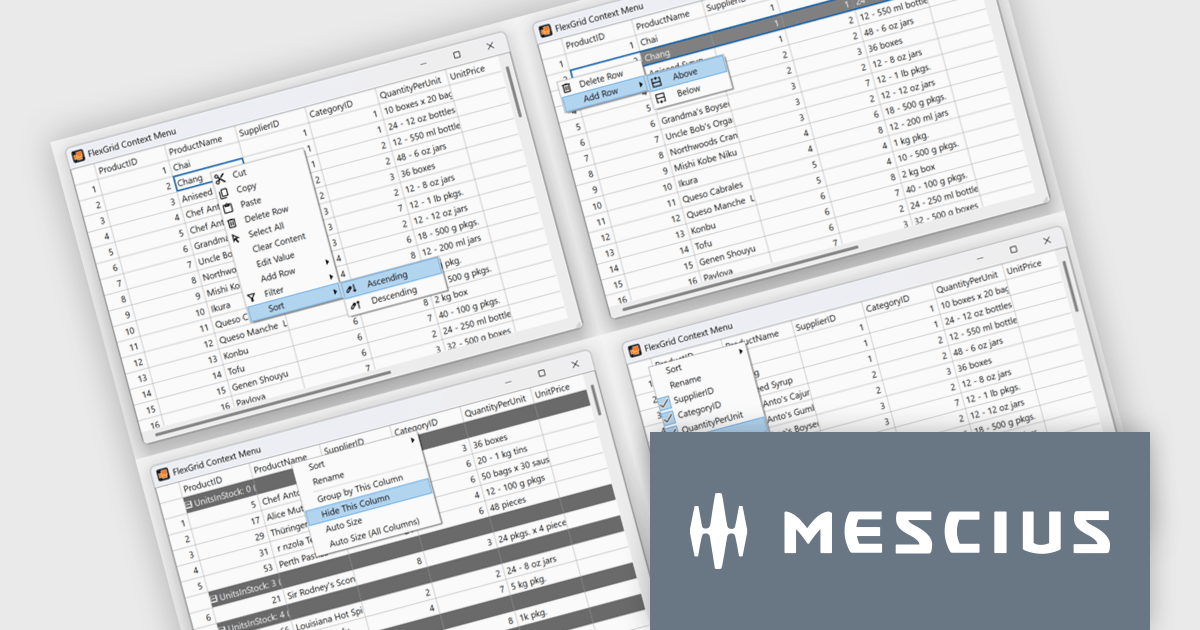
The ComponentOne 2025 v1.2 update includes a new sample demonstrating a complete, custom context menu solution for FlexGrid. It allows developers to define context-aware actions that adapt to different parts of the grid. This enables right-click functionality to insert rows, sort or group columns, and open a column picker directly within the grid. Developers benefit from the flexibility of FlexGrid’s API to implement tailored solutions while providing end users with a familiar, Excel-like experience that enhances efficiency and precision in data management tasks.
To see a full list of what's new in 2025 v1.2, see our release notes.
ComponentOne Studio Enterprise is licensed per developer on a perpetual basis and includes a 12 month subscription. Priority Support is also available. See our ComponentOne Studio Enterprise licensing page for full details.
Learn more on our ComponentOne Studio Enterprise product page.
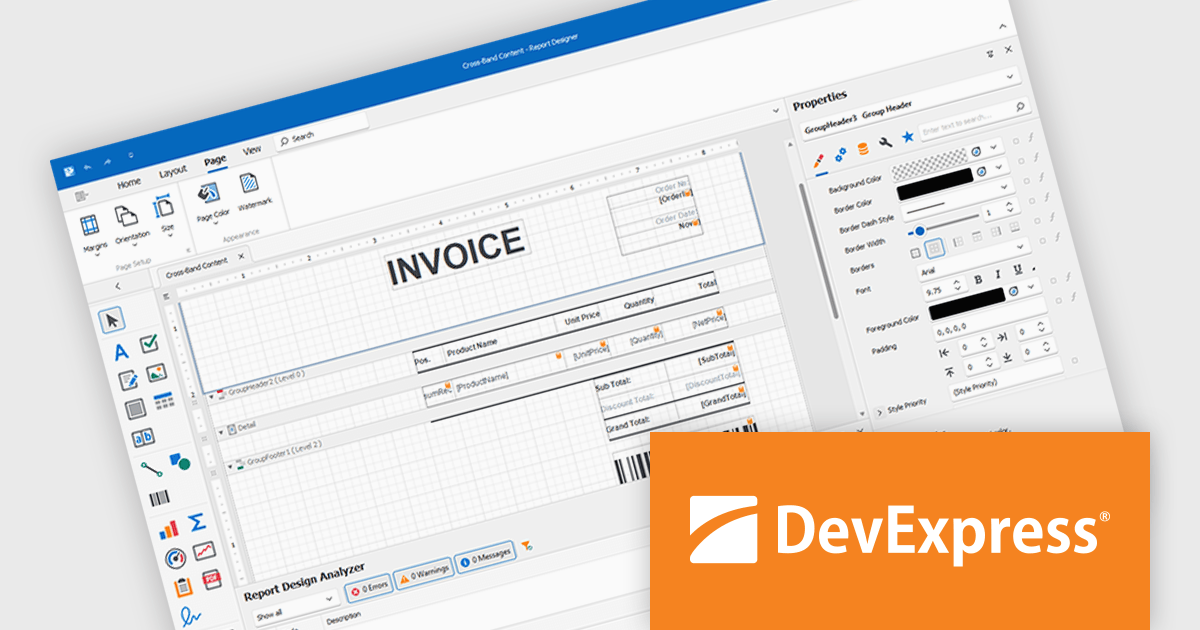
DevExpress Reporting is a comprehensive suite of reporting tools that help developers create visually stunning and highly customizable reports for various applications. With its rich feature set, including data binding, layout design, printing, and exporting capabilities, DevExpress Reporting enables the efficient creation of reports that meet the most demanding business requirements.
DevExpress Reporting lets developers build custom report controls that go beyond the built-in options, making it easier to meet specific project needs. These controls can include unique visual elements or functions that fit naturally into the existing reporting setup, keeping reports consistent in both appearance and behavior. Custom controls also help standardize design, support reusable logic, and handle specialized data presentation that standard controls may not cover, improving maintainability and scalability over time.
DevExpress Reporting is licensed per developer and is available as a Perpetual License with a 12 month support and maintenance subscription. See our DevExpress Reporting licensing page for full details.
DevExpress Reporting is available to buy in the following products:
Aspose.Font for Node.js via C++ is a native Node.js library that enables developers to load, manage, and process a wide range of font file formats directly within JavaScript applications. Built on C++ and exposed via WebAssembly, the library supports formats such as TrueType (TTF), OpenType (OTF), Web Open Font Format (WOFF/WOFF2), CFF, EOT, and Type 1 fonts. It provides functionality for reading font metadata, extracting glyphs, rendering individual characters, and converting fonts between formats, all without relying on any external software or font rendering engines.
The library offers clear advantages for applications that require programmatic font manipulation, inspection, or transformation. Developers working on document generation, digital publishing, or font auditing tools can use Aspose.Font to embed, subset, or convert fonts in workflows involving PDF or web content. Its ability to extract font details and render glyphs programmatically also makes it suitable for design automation, compliance checking, or branding systems where consistent typography handling is essential. The self-contained nature of the library ensures cross-platform compatibility and seamless integration into Node.js applications running on server or desktop environments.
Aspose.Font for Node.js via C++ is offered as Developer Small Business, Developer OEM, Developer SDK, Site Small Business, Site OEM and Site SDK licenses catering to a range of business needs. Licenses are perpetual, and include 1 year of support and maintenance. Subscription renewals are also available. See our Aspose.Font for Node.js via C++ licensing page for full details.
Aspose.Font for Node.js via C++ is available individually or as part of the following products:
Tel: (888) 850 9911
Fax: +1 770 250 6199


