













Fornecedor oficial
Como distribuidores oficiais e autorizados, nós fornecemos licenças legítimas diretamente de mais de 200 editores de software.
Ver todas as nossas marcas.
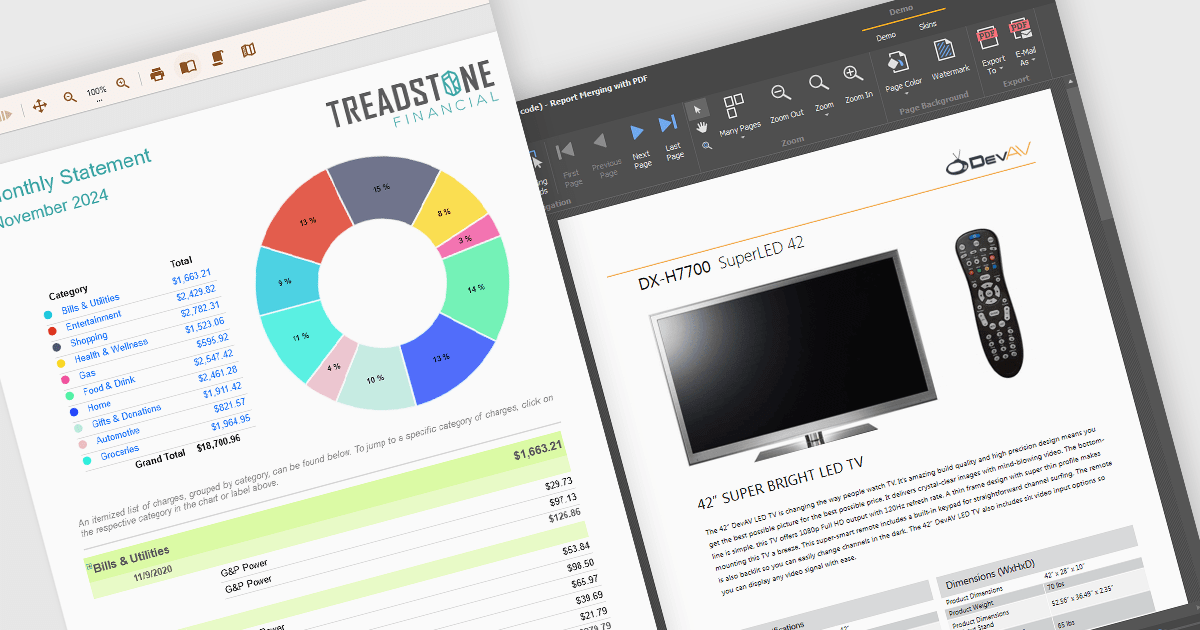
Text formatting functionality in reporting components lets users customize the appearance of text within reports, including options for fonts, sizes, colors, alignment, spacing, and styles such as bold or italic. Many components also support advanced features like conditional formatting, rich text, and HTML rendering, enabling developers to dynamically style content based on data or incorporate complex visual elements. This functionality is essential for creating professional and polished reports that are easy to read and visually appealing, helping users quickly identify key trends and insights. Use cases range from financial reporting, where precise alignment and emphasis are crucial, to marketing dashboards that require visually engaging presentations to communicate data effectively.
Several WinForms reporting controls offer support for formatted text including:
For an in-depth analysis of features and price, visit our WinForms reporting controls comparison.
PhpStorm by JetBrains is a sophisticated Integrated Development Environment (IDE) specifically designed for PHP and web development. It offers a range of features to enhance your coding experience, including syntax highlighting, intelligent code completion, on-the-fly error detection, built-in debugging tools, and advanced code refactoring capabilities. It also supports various web technologies like HTML, CSS, and JavaScript, making it a versatile tool for building complete web applications.
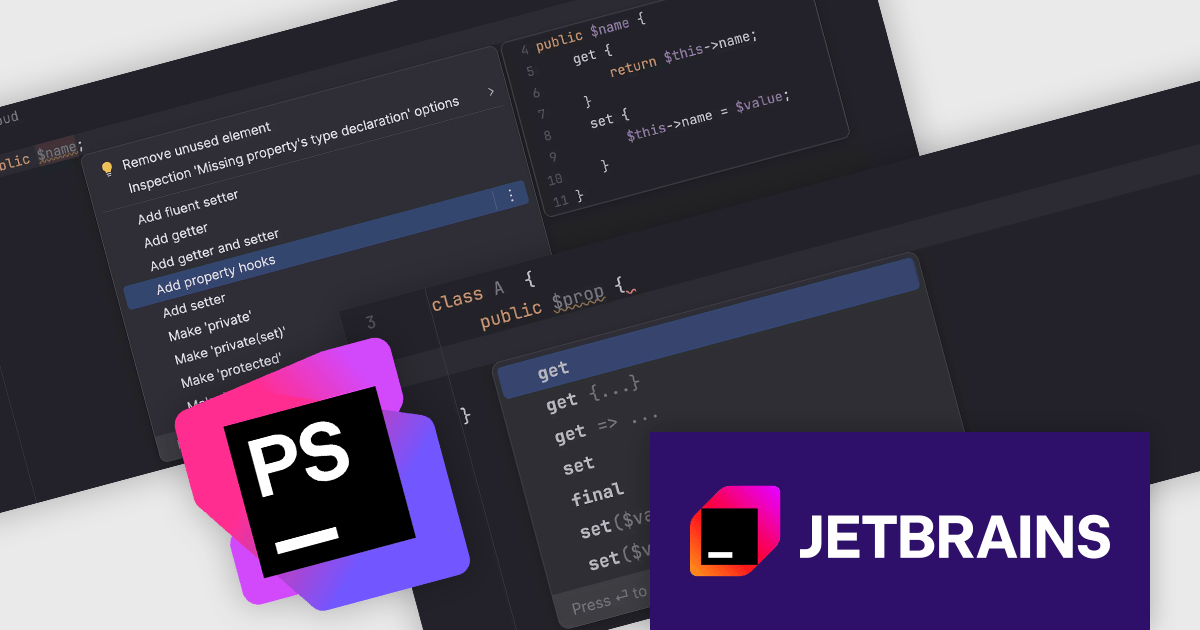
The JetBrains PhpStorm version 2024.3 release introduces property hooks, a transformative feature in modern PHP that eliminates the need for boilerplate getters and setters by enabling get and set hooks directly on properties, including promoted properties. This update streamlines coding workflows with tools like quick-fixes for replacing existing methods, automatic shorthand conversion, and code completion for hook syntax. By ensuring proper usage through syntax checks and offering efficient generation actions, PhpStorm empowers developers to write cleaner code. Ideal for modern PHP projects, this feature enhances productivity, simplifies property management, and supports the latest advancements in the PHP ecosystem.
To see a full list of what's new in version 2024.3, see our release notes.
PhpStorm is licensed per user, and is available as a commercial annual subscription license. We can supply new subscriptions, subscription renewals (including continuity discounts), lapsed renewals, and additional user licenses. See our PhpStorm licensing page for full details.
PhpStorm is available to buy in the following products:
Infragistics App Builder is a cloud-based, WYSIWYG development tool that streamlines enterprise application creation through drag-and-drop functionality. Designed to accelerate development lifecycles, it empowers users to build business apps more quickly with features like pre-built templates, real-time code generation, and instant previews. This low-code approach is ideal for businesses seeking to improve development efficiency and shorten time-to-market for web applications.
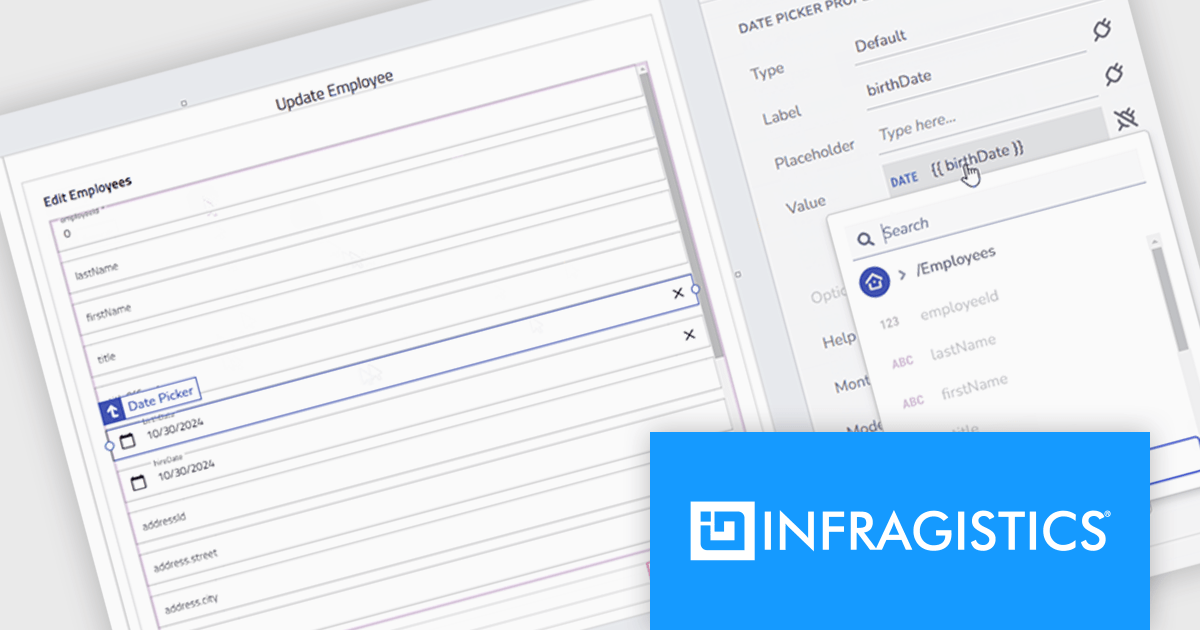
The new App Builder release introduces a drag-and-drop Forms Builder, a powerful tool that enables developers to rapidly create complex HTML forms without manual coding. By directly integrating with API endpoints, the Forms Builder automates form structure generation, streamlining development and ensuring seamless data synchronization. It also includes robust error handling and notifications for a user-friendly experience. This feature significantly reduces development time, making it ideal for building data-driven applications, internal tools, and customer-facing interfaces where efficient form creation is crucial. With its intuitive interface and advanced functionality, the Forms Builder empowers developers and teams to focus on business logic rather than repetitive tasks.
To see a full list of what's new, see our release notes.
Infragistics App Builder is licensed per developer as an annual subscription. See our Infragistics App Builder licensing page for full details.
For more information, visit our Infragistics App Builder product page.
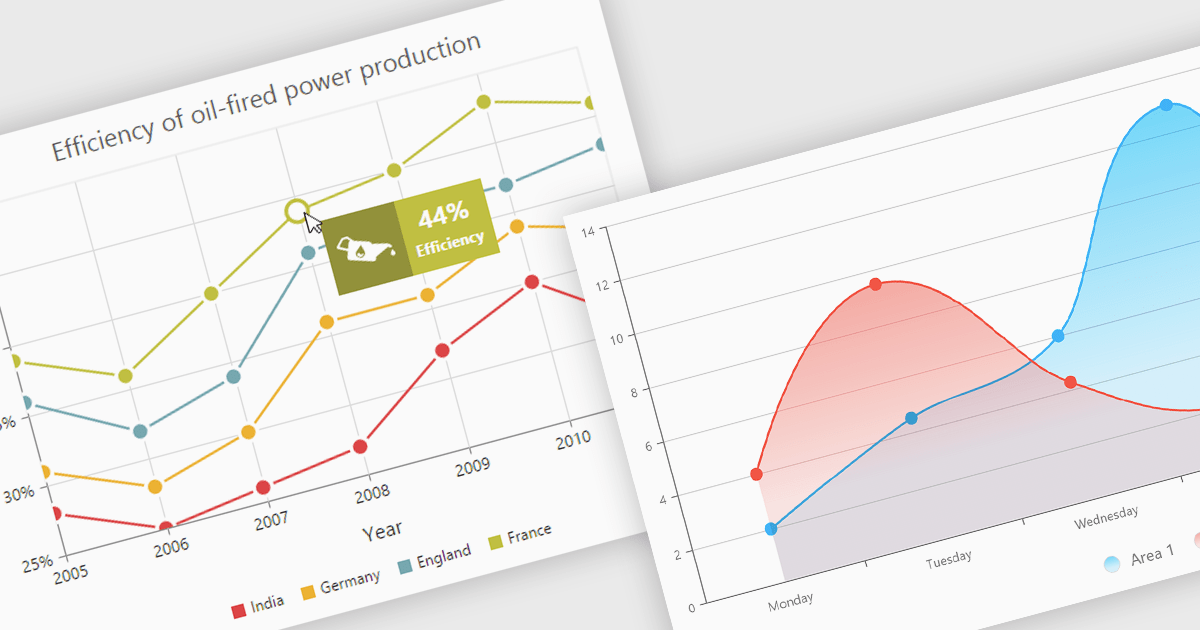
Chart tooltips provide interactive, on-demand insights by displaying detailed information about specific data points when users hover or click on them. They play a crucial role in improving data clarity, enhancing user engagement, and maintaining a clean, uncluttered chart layout. The benefits of tooltips include simplifying the exploration of complex datasets and offering customizable content, such as values, comparisons, or additional context. For example, tooltips can display product sales figures on a business dashboard or detailed stock breakdowns in financial reports. This functionality makes tooltips an indispensable feature for creating intuitive, data-driven applications that empower users to make informed decisions.
Several Angular chart controls offer tooltip support including:
For an in-depth analysis of features and price, visit our Angular chart controls comparison:
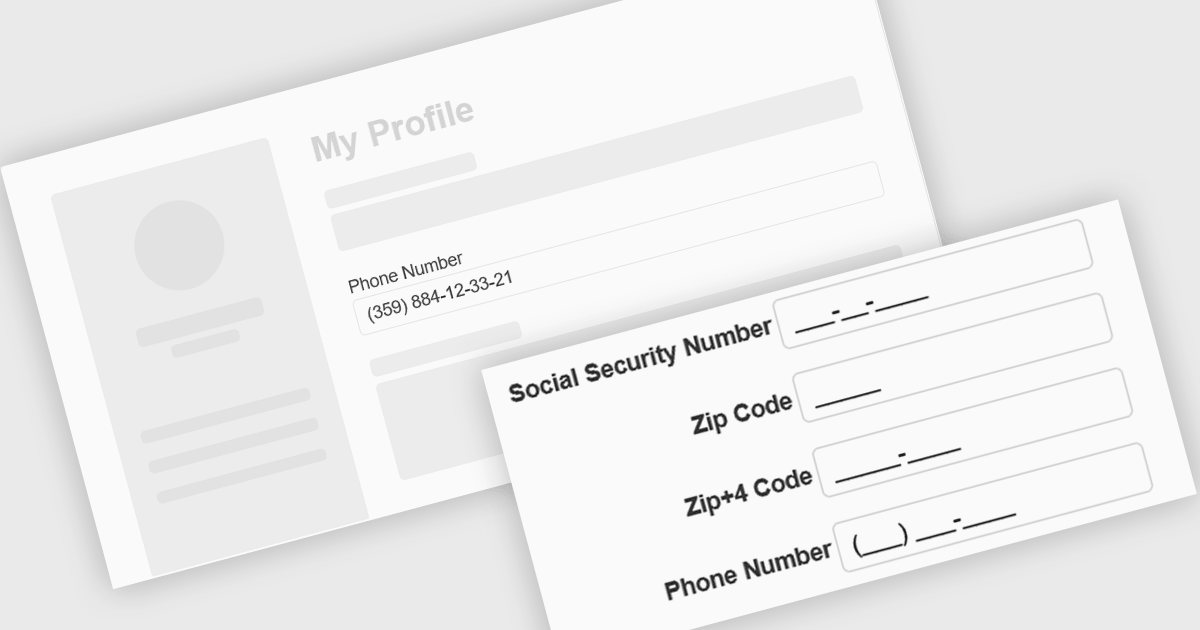
Input masking is a technique used in data editor components to format and restrict user input to specific patterns. By defining a predefined structure with placeholders, input masks guide users to enter data in a consistent and accurate manner. This approach significantly reduces data entry errors, improves data quality, and streamlines data processing. Input masks also enhance user experience by providing clear visual cues and automatically formatting input as it is typed, reducing the cognitive load on the user.
Several Angular data editors offer support for input masking including:
For an in-depth analysis of features and price, visit our Angular data editors comparison.
Tel: (888) 850 9911
Fax: +1 770 250 6199


