













Fornecedor oficial
Como distribuidores oficiais e autorizados, nós fornecemos licenças legítimas diretamente de mais de 200 editores de software.
Ver todas as nossas marcas.

DevExpress .NET MAUI is a collection of high-performance UI components specifically designed to build native cross-platform apps for iOS and Android using the .NET MAUI framework. From advanced data grids and charts to intuitive data editors and smooth PDF viewing, it empowers developers to quickly and easily craft feature-rich mobile experiences.
Version 24.1 adds an all-new TreeView control. This powerful feature lets you effortlessly display complex information in a user-friendly, hierarchical format. Ideal for visualizing intricate file structures, organizational charts, or nested data sets, the TreeView control provides a clear and intuitive way to navigate and explore information. You can even leverage it to build dynamic navigation menus within your applications. This addition to the .NET MAUI toolkit streamlines data presentation and enhances the overall user experience of your cross-platform apps.
To see a full list of what's new in version 24.1, see our release notes.
DevExpress .NET MAUI is included as part of DevExpress Universal which is licensed per developer and is available as a Perpetual License with a 12 month support and maintenance subscription. See our DevExpress Universal licensing page for full details.
DevExpress .NET MAUI is available in the following products:
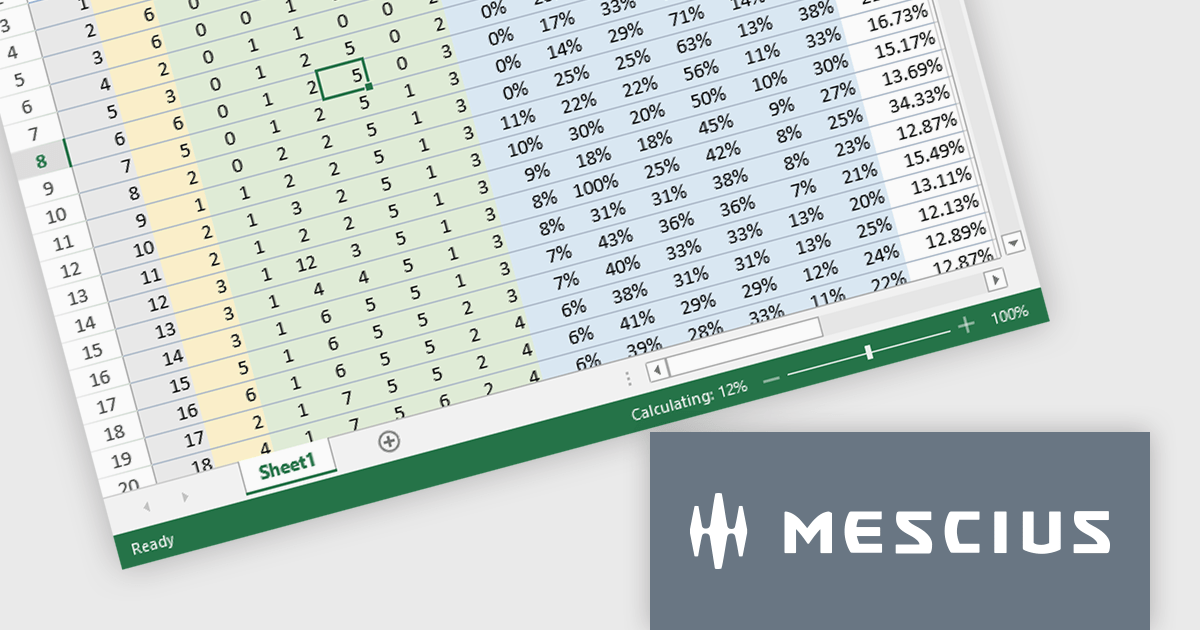
SpreadJS by MESCIUS is a JavaScript library offering a comprehensive spreadsheet solution for enterprise web applications. It delivers an Excel-like user experience with features like data tables, extensive charting, formatting options, and a powerful formula engine supporting over 500 functions. SpreadJS integrates with popular frameworks like React, Angular, and Vue.js, enabling developers to build high-performance, customizable spreadsheet functionalities within their web applications.
The SpreadJS v17.1 release enables incremental computation, which breaks down the entire calculation into pieces during execution. This enables responsiveness to user actions when the calculation task is large, preventing the UI from being unresponsive when a workbook has many formulas. Developers will only need to set the incrementalCalculation attribute of the Workbook class to true. This computation procedure is also displayed in the status bar.
To see a full list of what's new in 17.1.0, see our release notes.
SpreadJS is licensed per developer and includes 1 Year Maintenance (major and minor version releases and unlimited support phone calls). SpreadJS requires an Annual or Perpetual Deployment License. The optional Add-ons are available at an additional cost, and require a SpreadJS license. See our SpreadJS licensing page for full details.
Learn more on our SpreadJS product page.
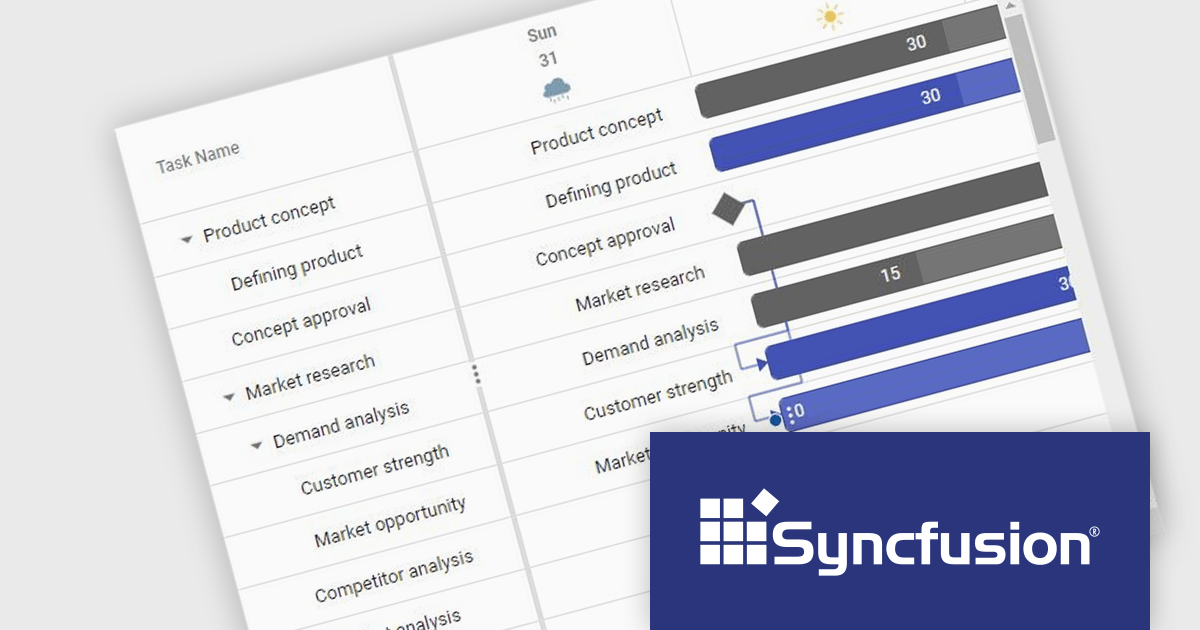
Syncfusion Essential Studio JavaScript, available as part of Syncfusion Essential Studio Enterprise, is a comprehensive UI library offering over 80 high-performance, lightweight, and responsive components to transform your web apps. Built from scratch with TypeScript, it boasts modularity and touch-friendliness, letting you pick and choose specific features while ensuring smooth mobile interaction. With rich themes, global accessibility features, and extensive documentation, it powers everything from basic buttons to interactive charts and data grids, simplifying front-end development across JavaScript, Angular, React, and Vue.
The Syncfusion Essential Studio JavaScript 2024 Volume 2 (26.1.35) release adds a new Timeline template feature to the Gantt control. This feature allows you to customize the appearance of timeline cells by using templates. You can now display images, buttons, or other custom content within timeline cells, making your Gantt chart more informative and visually appealing.
To see a full list of what's new in 2024 Volume 2 (26.1.35), see our release notes.
Syncfusion Essential Studio JavaScript is available as part of Syncfusion Essential Studio Enterprise which is licensed per developer starting with a Team License of up to five developers. It is available as a 12 Month Timed Subscription License which includes support and maintenance. See our Syncfusion Essential Studio Enterprise licensing page for full details.
Learn more on our Syncfusion Essential Studio JavaScript product page.

ONLYOFFICE Docs is a comprehensive online editor, allowing users to create text documents, spreadsheets, presentations, and forms. It enables your users to edit, share, and collaborate on documents online in their preferred browser, within your own application. It's fully compatible with OOXML (Office Open XML) formats and supports popular Microsoft Office and other document formats such as CSV, DOC, DOCX, EPUB, HTML, ODP, ODS, ODT, PDF, PPT, PPTX, RTF, TXT, XLS, and XLSX.
The ONLYOFFICE Docs v8.1.0 update enhances the native PDF editor with text editing capability. This new feature improves the workflow for developers integrating ONLYOFFICE Docs into their applications. It allows them to directly edit text within PDF files, ensuring an improved user experience for seamless content modifications, without the need for external tools. This update provides a more integrated and streamlined approach to document editing, catering to the needs of developers seeking robust and reliable PDF editing capabilities within their software solutions.
To see a full list of what's new in v8.1.0, see our release notes.
ONLYOFFICE Docs is licensed by the number of simultaneous document connections and is available as an annual license with 1 year support and upgrades. See our ONLYOFFICE Docs licensing page for full details.
For more information, see our ONLYOFFICE Docs product page.
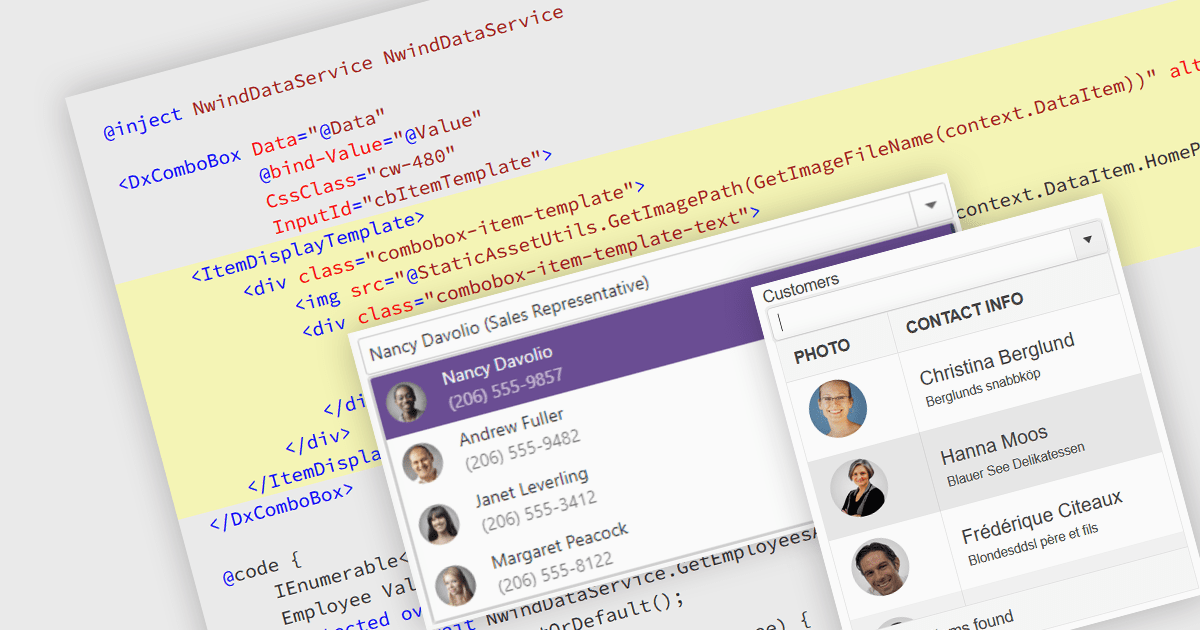
An image combobox is a custom UI component that combines a traditional dropdown menu with the ability to display an image alongside each item. Image comboboxes can enhance user experience by providing a more intuitive way to identify and select options, especially for items that benefit from visual representation. This approach can be particularly useful for non-text-based data or for catering to users who prefer visual cues. Image comboboxes are valuable for tasks like selecting product variations based on color or choosing countries with a flag icons.
Several ASP.NET Core data editor controls support image combobox functionality, including:
For an in-depth analysis of features and price, visit our ASP.NET Core data editors comparison.
Tel: (888) 850 9911
Fax: +1 770 250 6199


