













Fornecedor oficial
Como distribuidores oficiais e autorizados, nós fornecemos licenças legítimas diretamente de mais de 200 editores de software.
Ver todas as nossas marcas.
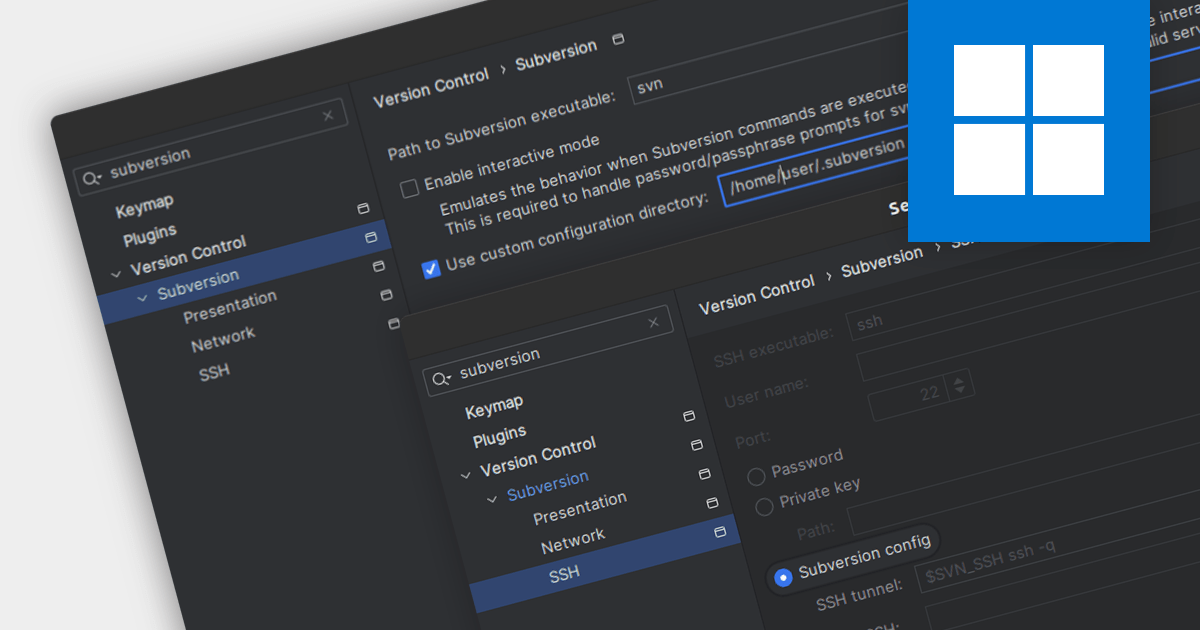
Subversion (SVN) is a mature, open-source version control system (VCS) designed for reliable collaboration and historical tracking of digital assets. It employs a centralized repository to store and manage file revisions, enabling teams to track changes, revert to previous versions, and merge concurrent edits seamlessly. Integrated Development Environments (IDEs) with Subversion support help manage changes to files such as source code, web pages and documentation over time, without leaving the environment.
Several IDEs offer Subversion capabilities including:
For an in-depth analysis of features and price, visit our IDEs comparison.
RubyMine by JetBrains is a powerful Integrated Development Environment (IDE) specifically designed for Ruby and Ruby on Rails development. It offers a comprehensive suite of features to boost your coding efficiency, including smart code completion, syntax highlighting, code refactoring tools, built-in debugging and testing frameworks, and seamless integration with popular libraries and databases. Whether you're a seasoned Rails developer or just starting out, RubyMine's intuitive interface and robust features can help you write cleaner, more maintainable code and accelerate your development workflow.
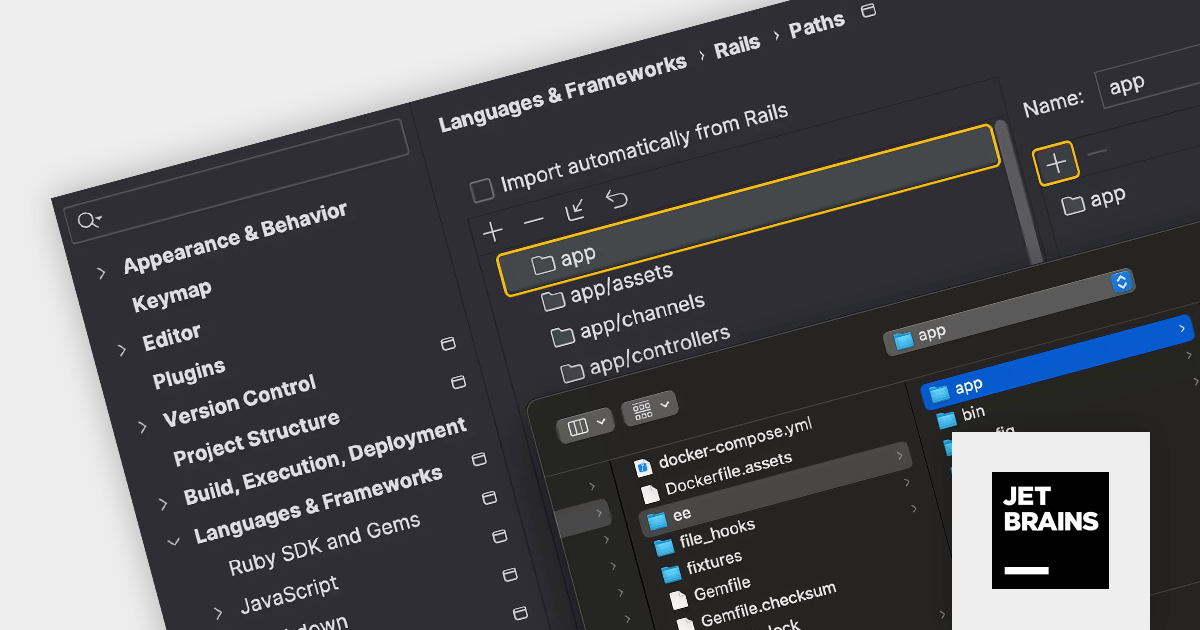
The RubyMine 2023.3 release adds support for custom paths for Rails applications and engines. In addition to the default paths, such as app, app/controllers, and app/models, RubyMine now embraces your custom folder structures in Rails projects. This means you can redefine the layout while still enjoying the IDE's powerful code insight features. Simply set your preferred paths in settings and RubyMine will automatically detect them every time you open the project.
To see a full list of what's new in version 2023.3, see our release notes.
RubyMine is licensed per user, and is available as a commercial annual subscription license. We can supply new subscriptions, subscription renewals (including continuity discounts), lapsed renewals, and additional user licenses. See our RubyMine licensing page for full details.
For more information, visit our RubyMine product page.
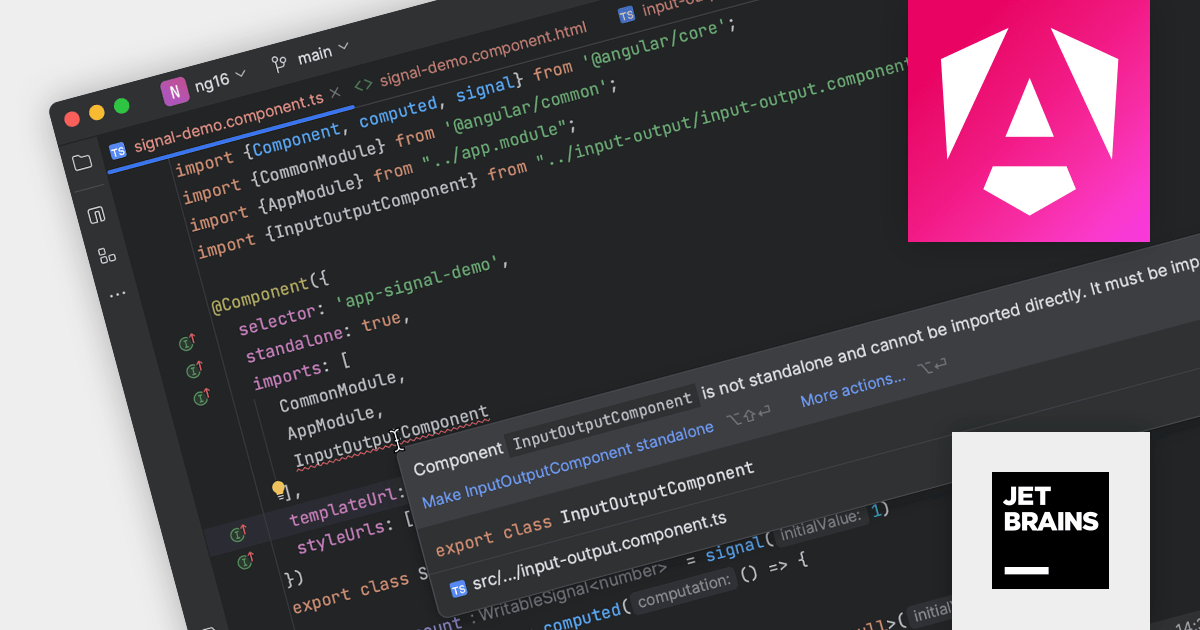
JetBrains WebStorm is a powerful and modern Integrated Development Environment (IDE) specifically designed for web development. It offers a feature-rich environment that supports popular web technologies like JavaScript, HTML, CSS, and Node.js. WebStorm helps you write cleaner, more efficient code with features like syntax highlighting, autocompletion, code refactoring, and built-in testing tools. It integrates seamlessly with various web frameworks and libraries, making it a versatile choice for both front-end and back-end development.
Version 2023.3 is a major release for Angular developers, including:
To see a full list of what's new in version 2023.3, see our release notes.
WebStorm is licensed per user, and is available as a commercial annual subscription license. We can supply new subscriptions, subscription renewals (including continuity discounts), lapsed renewals, and additional user licenses. See our WebStorm licensing page for full details.
For more information, visit our WebStorm product page.
PhpStorm by JetBrains is a sophisticated Integrated Development Environment (IDE) specifically designed for PHP and web development. It offers a range of features to enhance your coding experience, including syntax highlighting, intelligent code completion, on-the-fly error detection, built-in debugging tools, and advanced code refactoring capabilities. Additionally, it supports various web technologies like HTML, CSS, and JavaScript, making it a versatile tool for building complete web applications.
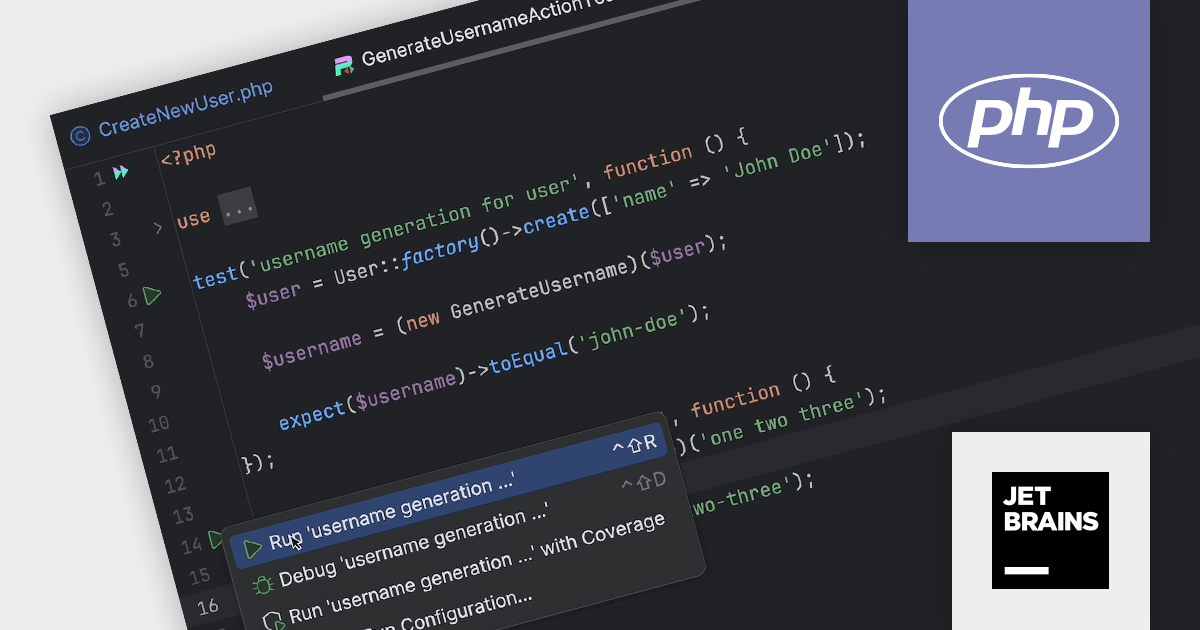
The PhpStorm 2023.3 release now supports the Pest test framework out of the box. Pest is a testing tool for PHP with a focus on simplicity. It uses familiar concepts from PHPUnit but wraps them in a more readable interface. If offers clear error messages, colorful outputs, and features like coverage reports and parallel testing. Using PhpStorm 2023.3 you can now run Pest tests from inside the IDE. When you position your caret within a test and then run it, the IDE will automatically generate a configuration tailored to that particular test.
To see a full list of what's new in version 2023.3, see our release notes.
PhpStorm is licensed per user, and is available as a commercial annual subscription license. We can supply new subscriptions, subscription renewals (including continuity discounts), lapsed renewals, and additional user licenses. See our PhpStorm licensing page for full details.
For more information, visit our PhpStorm product page.
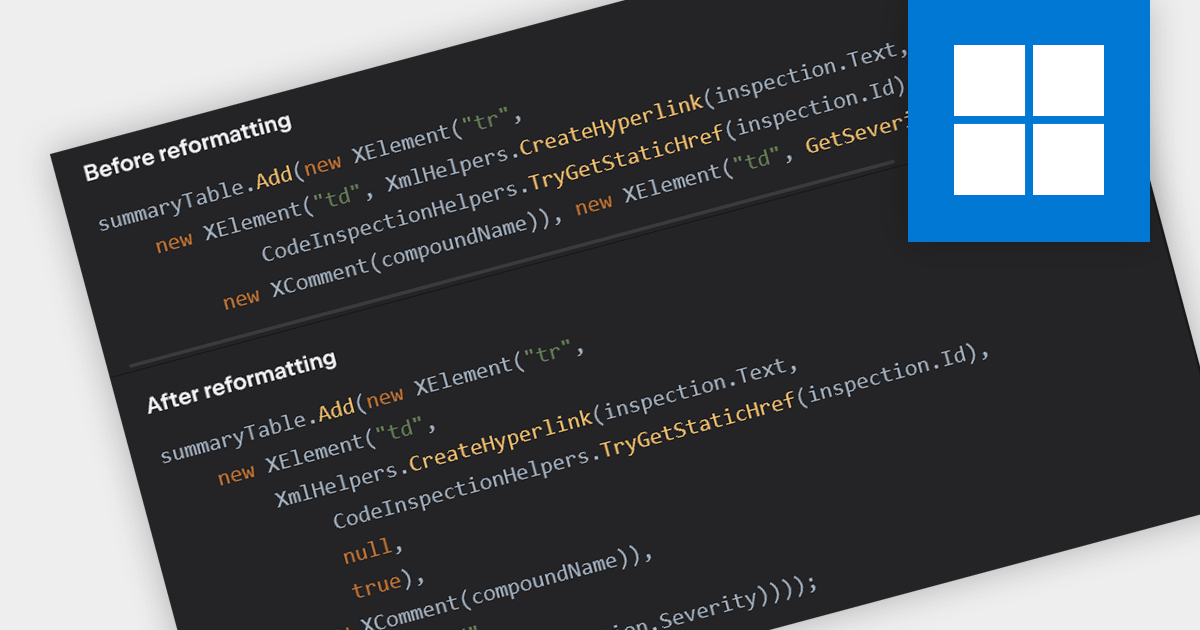
Consistent code formatting makes code clearer and easier to understand, allowing teams to focus on function rather than fighting inconsistencies. Many IDEs enhance productivity by offering auto-formatting, saving time, preventing indentation issues and highlighting syntax errors as you type. This leads to a more robust codebase, ready for version control with clear diffs and minimized merge conflicts. Beyond individual developers, formatting empowers the entire team through streamlined code reviews and improved communication.
Several IDEs incorporate code formatting features including:
For an in-depth analysis of features and price, visit our IDEs comparison.
Tel: (888) 850 9911
Fax: +1 770 250 6199


