Notícias sobre IDEs

Integre o trabalho de colaboradores externos ao seu projeto

Outubro 6, 2023
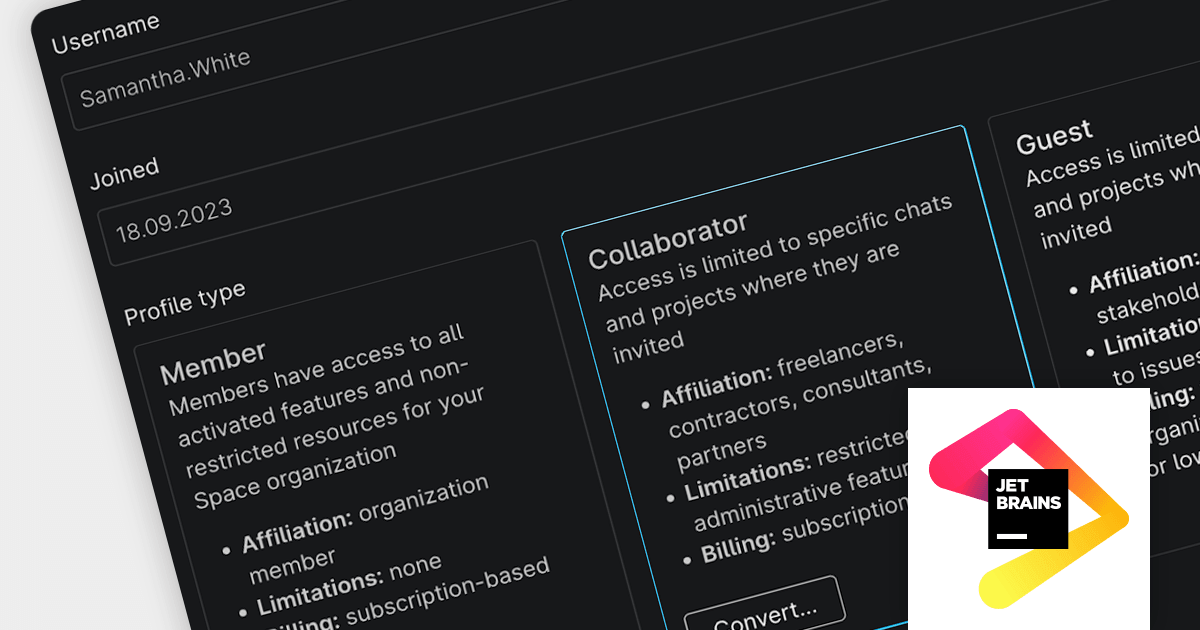
O Space by JetBrains adiciona a nova função Collaborator, projetada especificamente para autônomos ou especialistas terceirizados que contribuem ativamente para o seu projeto.

Space is an all-in-one team collaboration platform that tightly integrates communication, process management and software development tools in a single Web or desktop interface.

The latest release of Space adds a Collaborator role, which allows you to involve external users directly in your pipeline to increase productivity, shorten the feedback cycle and deliver results faster. It also ensures that all project information is in one place and increases the transparency of your development process and ease of collaboration. Additionally, administrators can choose to grant Collaborators additional permissions, such as the ability to create and edit projects, teams, and other resources.

To see a full list of what’s new in the new version, see our release notes.

For more information, visit our Space product page.
Melhorando a qualidade do código com testes de unidade

Agosto 10, 2023
Erradique bugs e melhore a capacidade de manutenção desempenhando o teste de unidade do seu código diretamente em um IDE.

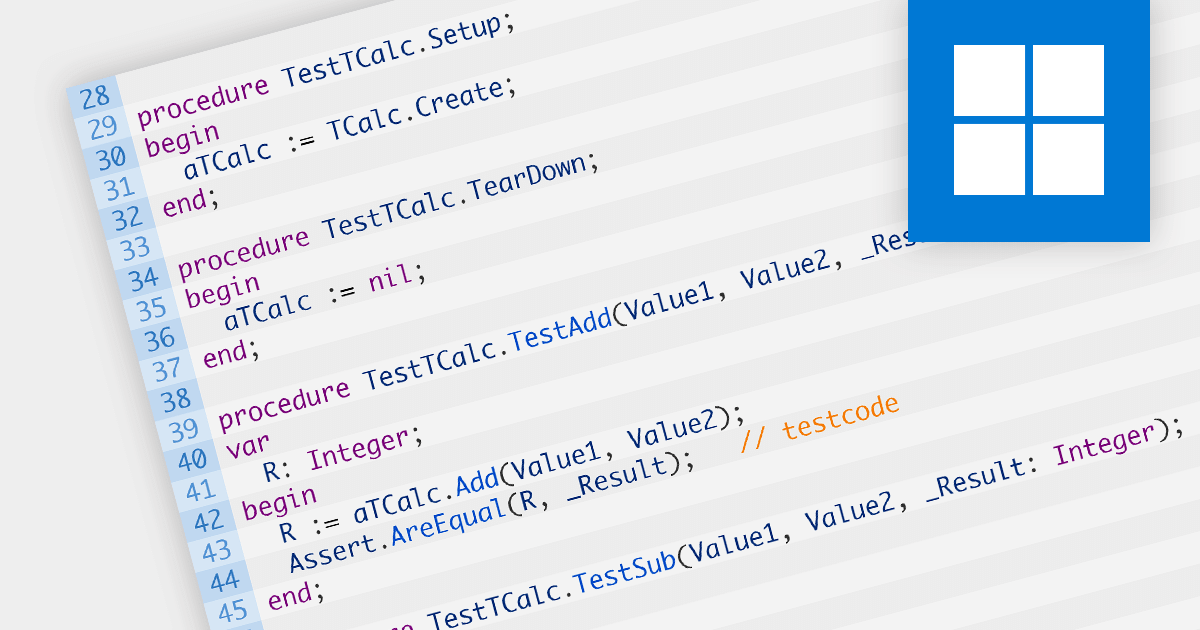
Unit testing involves testing individual units of code to ensure their correctness and functionality. It focuses on testing small, isolated parts of a program, typically individual functions or methods, in isolation from the rest of the system. Unit testing helps identify bugs early in the development cycle, promotes code reusability, and improves overall code quality and maintainability.

Several IDEs offer unit testing including:

  • IntelliJ IDEA (by JetBrains) offers a robust testing framework, enabling developers to write and execute unit tests seamlessly. With its intuitive interface, it aids in catching bugs early.
  • Delphi Enterprise (by Embarcadero) provides an integrated testing environment for efficient unit testing. It assists developers in creating and running tests effortlessly, ensuring reliable and bug-free code.
  • EiffelStudio (by Eiffel Software) incorporates a comprehensive testing suite, enabling developers to test their code section by section. Its feature-rich tools facilitate the creation and execution of unit tests, contributing to software stability.
  • RemObjects Elements offers unit testing capabilities across various programming languages. Its integrated approach simplifies the testing process, promoting code reliability and maintainability.

For an in-depth analysis of features and price, visit our comparison of IDEs.
Compare IDEs

Refatoração de códigos com IDEs

Julho 27, 2023
Simplifique seu código e melhore o desempenho do aplicativo com a refatoração.

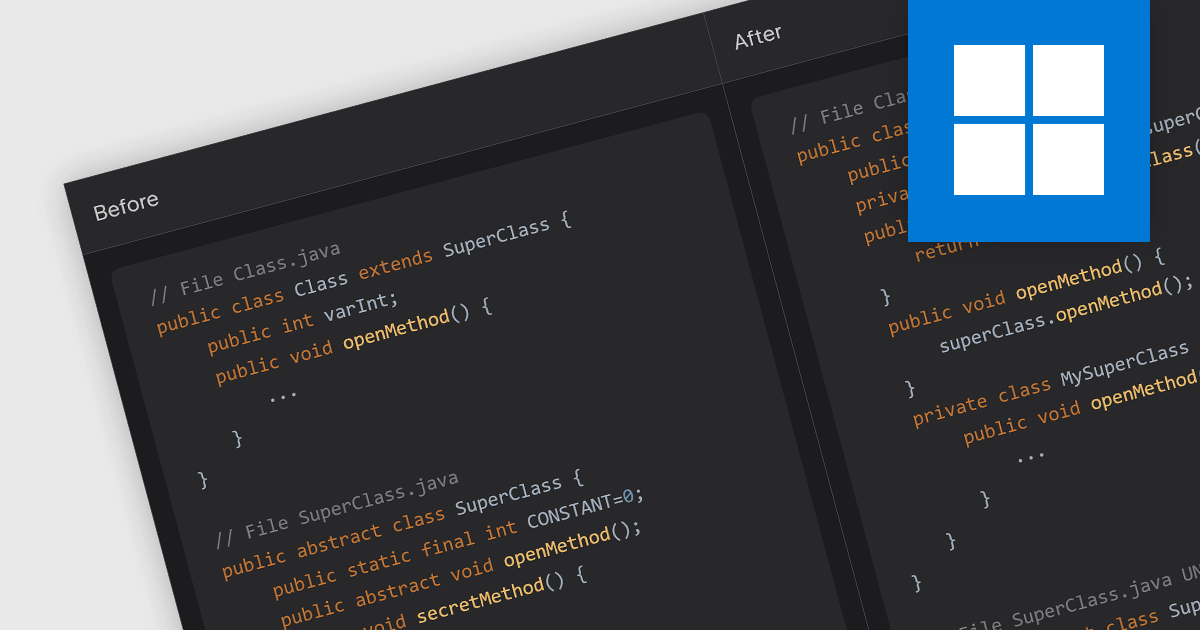
Code refactoring is the process of restructuring existing code without changing its external behavior. It typically includes actions such as renaming variables, extracting methods, rearranging code blocks, and optimizing algorithms. Refactoring can improve the readability, design, structure, performance, and/or implementation of the software, without altering its functionality.

Several IDEs offer code refactoring capabilities, including:

  • Delphi Enterprise by Embarcadero provides comprehensive refactoring support, including renaming, extracting methods, and changing method signatures. It allows developers to maintain clean and organized code, improving productivity.
  • EiffelStudio by Eiffel Software caters specifically to Eiffel developers and comes with a range of built-in refactoring options. EiffelStudio assists in restructuring code to improve its quality and readability.
  • Rider by JetBrains provides a powerful set of tools for refactoring code, including the ability to rename, move, and delete symbols throughout the solution.
  • RemObjects Elements offers powerful refactoring tools for developers working with Oxygene, C#, Swift, and other languages. The IDE's refactoring support helps developers maintain code integrity and adhere to best practices.

For an in-depth analysis of features and price, visit our comparison of IDEs.
Compare IDEs

Melhore a clareza do código com sintaxe colorizada

Junho 16, 2023
Destaque elementos-chave da linguagem para facilitar a leitura do código, revisar mais rápido e simplificar a depuração de projetos de qualquer porte.

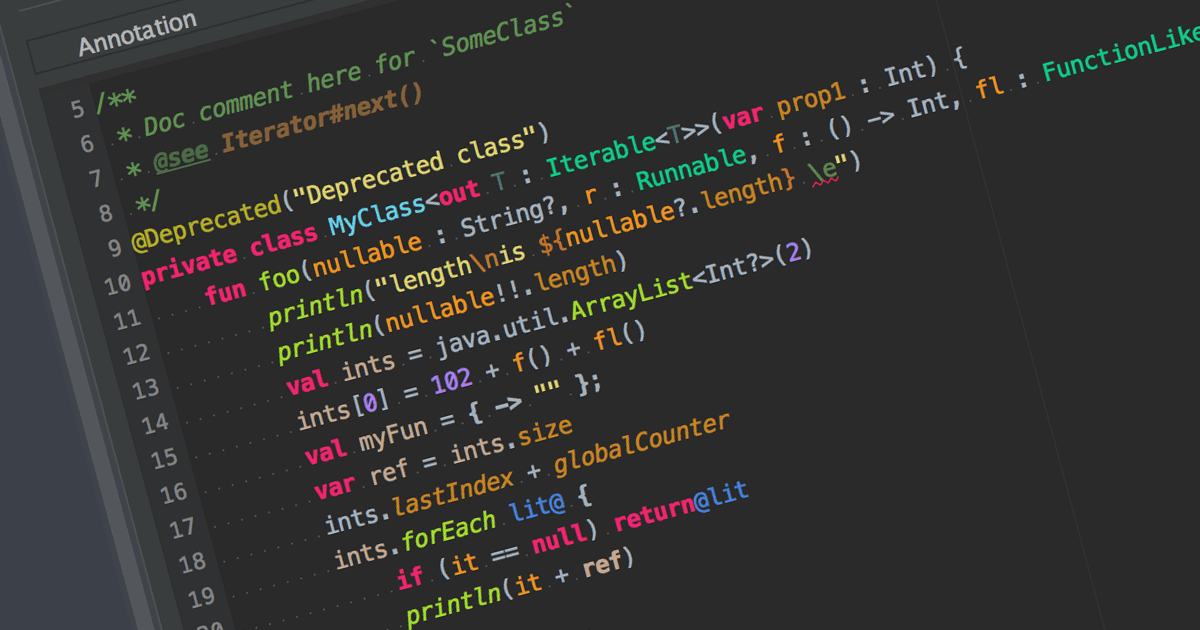
Syntax highlighting is a feature in text editors and IDEs that colorizes code based on programming language syntax. It improves code readability by visually differentiating keywords, variables, and other elements. This reduces syntax-related errors, helping developers quickly spot mistakes and better understand the structure and logic of their code.

Many IDEs offer syntax highlighting, including:

  • IntelliJ IDEA by JetBrains delivers intelligent syntax highlighting that adapts to the context of the code, combining color differentiation with real-time analysis.
  • UltraEdit Enterprise is a powerful IDE that supports syntax highlighting for various programming languages such as C++, Java and more.
  • B4i (iOS) by Anywhere Software is an IDE with syntax highlighting support, specifically designed for iOS app development.
  • PrimalScript by SAPIEN Technologies is a comprehensive IDE with support for multiple programming languages, including PowerShell, VBScript, and JavaScript.

For an in-depth analysis of features and price, visit our comparison of IDEs.
Compare IDEs

Apresentamos a nossa nova Comparação de IDEs

Abril 20, 2023
Compare, classifique e filtre Ambientes de Desenvolvimento Integrado por estrutura, linguagem, função e preço.

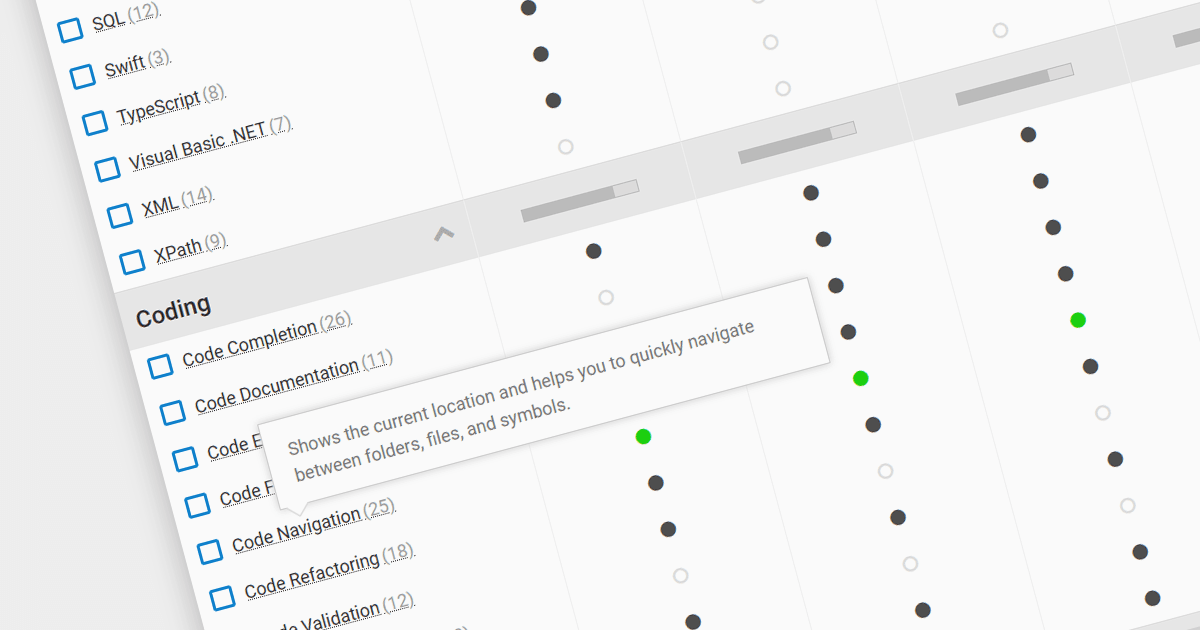
We are pleased to announce our new IDE Comparison tool. This comprehensive tool is designed help developers and programmers select the most suitable Integrated Development Environment (IDE) for their specific needs.

An essential part of every developer's toolkit, IDEs are designed to maximize programmer productivity by providing powerful components with similar user interfaces. They provide many features for authoring, modifying, compiling, deploying and debugging software, and make coding easier with features like syntax highlighting and code completion.

Our IDE Comparison provides an intuitive platform that simplifies the process of evaluating IDEs based on various criteria. It simplifies the decision-making process by offering a side-by-side evaluation of popular IDEs, highlighting their key features, language compatibility and framework support performance. These valuable insights into each IDE's capabilities enable developers to make informed decisions that align with their project requirements and personal preferences.

Compare major IDEs including:

  • IntelliJ IDEA by JetBrains - an advanced Java-based IDE with powerful code analysis, debugging, and refactoring tools for efficient development.
  • Delphi Enterprise by Embarcadero - a rapid application development IDE for building high-performance, data-rich applications for Windows, macOS, iOS, Android, and Linux.
  • EiffelStudio - by Eiffel Software - an IDE for the Eiffel programming language featuring a powerful compiler, automatic testing, and integrated debugging tools.
  • Microsoft Visual Studio Professional - a feature-rich IDE for multiple languages and platforms, providing extensive tools, debugging, and collaboration capabilities.
  • RemObjects Elements - a multi-platform IDE for Oxygene, C#, Swift, and Java, enabling seamless development across diverse ecosystems.

For an in-depth analysis of features and price, visit our comparison of Integrated Development Environments.

Compare IDEs