













Fornecedor oficial
Como distribuidores oficiais e autorizados, nós fornecemos licenças legítimas diretamente de mais de 200 editores de software.
Ver todas as nossas marcas.
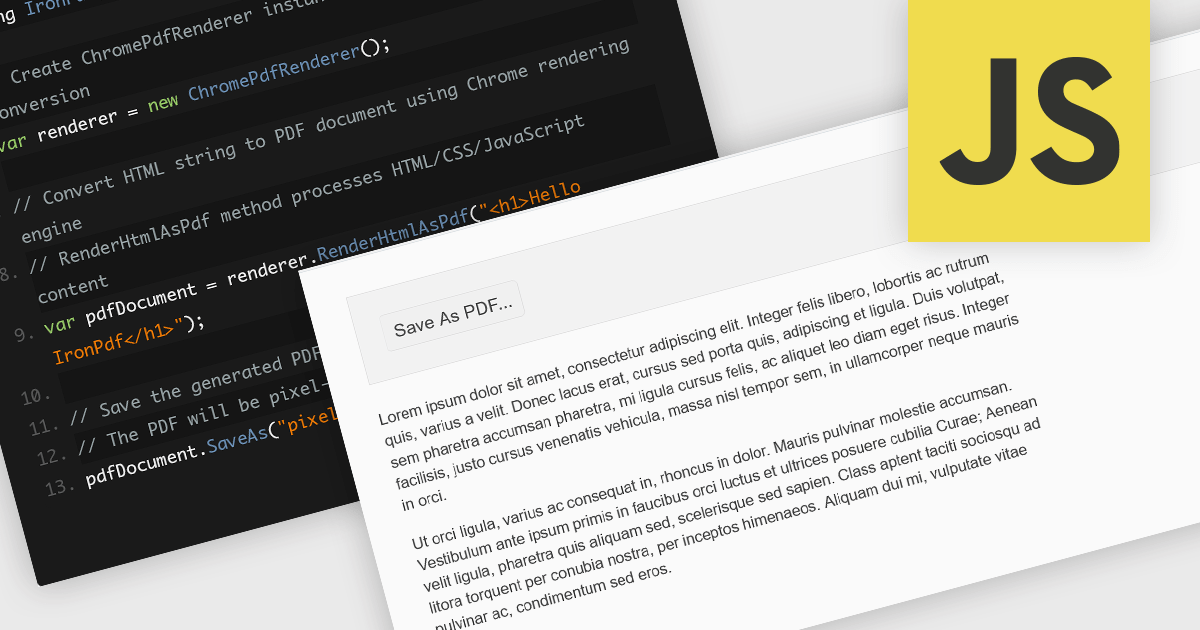
Converting HTML files to PDF within PDF component libraries offers an easy way to capture richly styled, web-based content in a fixed, shareable format. This feature typically uses a browser-like rendering engine to accurately represent CSS, images, fonts, and links, ensuring that what you see in the browser is preserved in the document. It's especially useful for generating reports, invoices, documentation, and static snapshots of dynamic web pages, combining familiarity of web-based layout with the portability and consistency of PDFs.
Several JavaScript PDF controls offer HTML fo PDF conversion including:
For an in-depth analysis of features and price, visit our JavaScript PDF controls comparison.
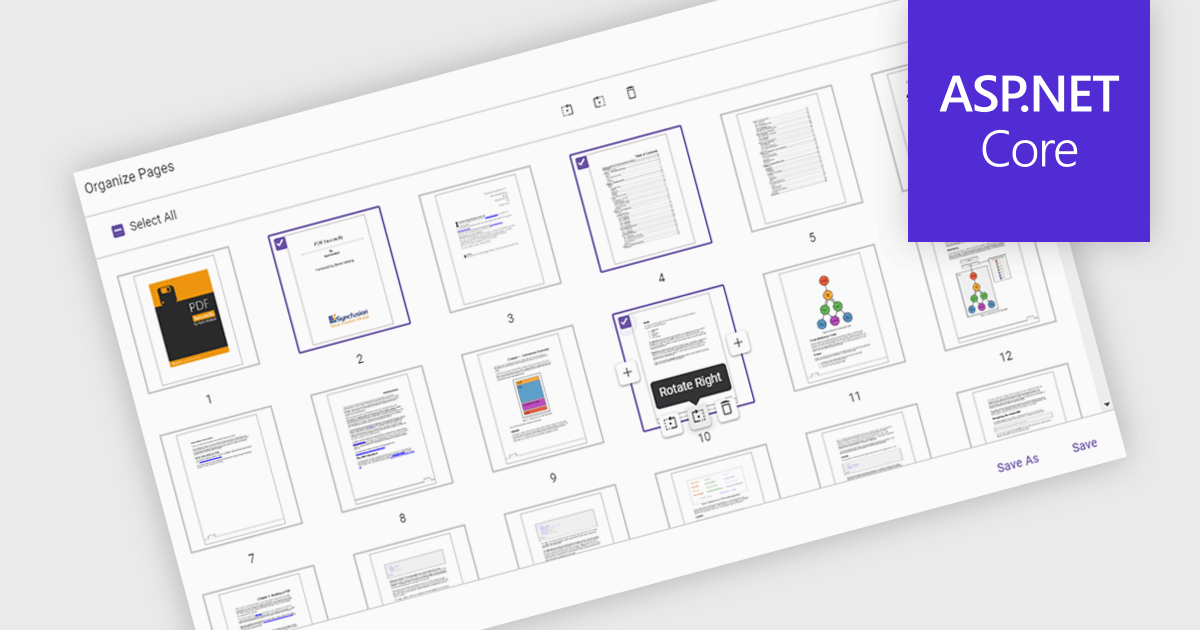
Moving pages in a PDF Viewer refers to the ability to change the order of pages within a document to better organize content, improve readability, or tailor the structure for specific purposes. This feature is especially useful when compiling reports, combining multiple documents, or correcting the sequence of scanned pages. By simply dragging and dropping pages into the desired order, users can streamline workflows without the need for re-creating or re-exporting files. Benefits include enhanced document clarity, improved presentation flow, and increased efficiency in content management. For example, a marketing team can reorder proposal sections for greater impact, or a legal department can organize case files by relevance.
Several ASP.NET Core PDF Viewer components allow you to move pages within a PDF file, including:
For an in-depth analysis of features and price, visit our comparison of ASP.NET Core PDF Viewer components.

Syncfusion Essential Studio WPF (available as part of Syncfusion Essential Studio Enterprise) is a powerful suite of over 95 UI controls, 50+ charts, and document processing libraries designed to boost the development of high-performance line-of-business applications for the Windows Presentation Foundation (WPF) framework. With built-in themes, touch-friendly interfaces, and seamless Visual Studio integration, it empowers developers to craft modern, feature-rich, and cross-platform experiences with ease.
The Syncfusion Essential Studio WPF 2025 Volume 2 update introduces AES GCM encryption support for PDF documents, giving developers a reliable and efficient way to implement modern, standards-based security in their applications. This enhancement allows for both encryption and decryption of PDFs using a cryptographic method that ensures data confidentiality and integrity, making it easier to comply with industry regulations and safeguard sensitive content. By integrating AES GCM, developers can build secure document workflows with performance-optimized encryption that is widely supported across current platforms and environments.
To see a full list of what's new in 2025 Volume 2, see our release notes.
Syncfusion Essential Studio WPF is available as part of Syncfusion Essential Studio Enterprise which is licensed per developer starting with a Team License of up to five developers. It is available as a 12 Month Timed Subscription License which includes support and maintenance. See our Syncfusion Essential Studio Enterprise licensing page for full details.
Learn more on our Syncfusion Essential Studio WPF product page.
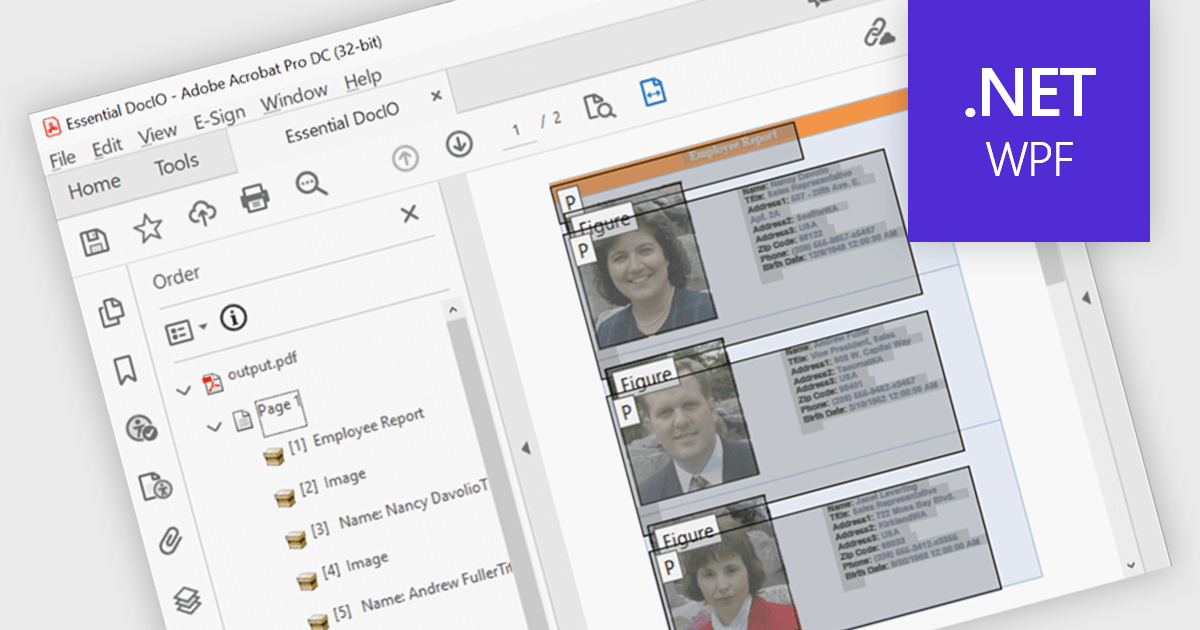
Accessibility support in PDF components enables developers to produce documents that are easier to navigate for users who rely on assistive technologies. These enhancements include automated tagging for headings, lists, and tables, improved support for screen readers, and logical reading order preservation. By integrating features that align with standards like WCAG and PDF/UA, modern PDF libraries help ensure that documents are not only visually accurate but also semantically rich. This allows developers to meet accessibility requirements with greater ease, particularly in sectors where compliance and usability are essential.
Several .NET WPF PDF components feature accessibility support, including:
For an in-depth analysis of features and price, visit our comparison of .NET WPF PDF components.
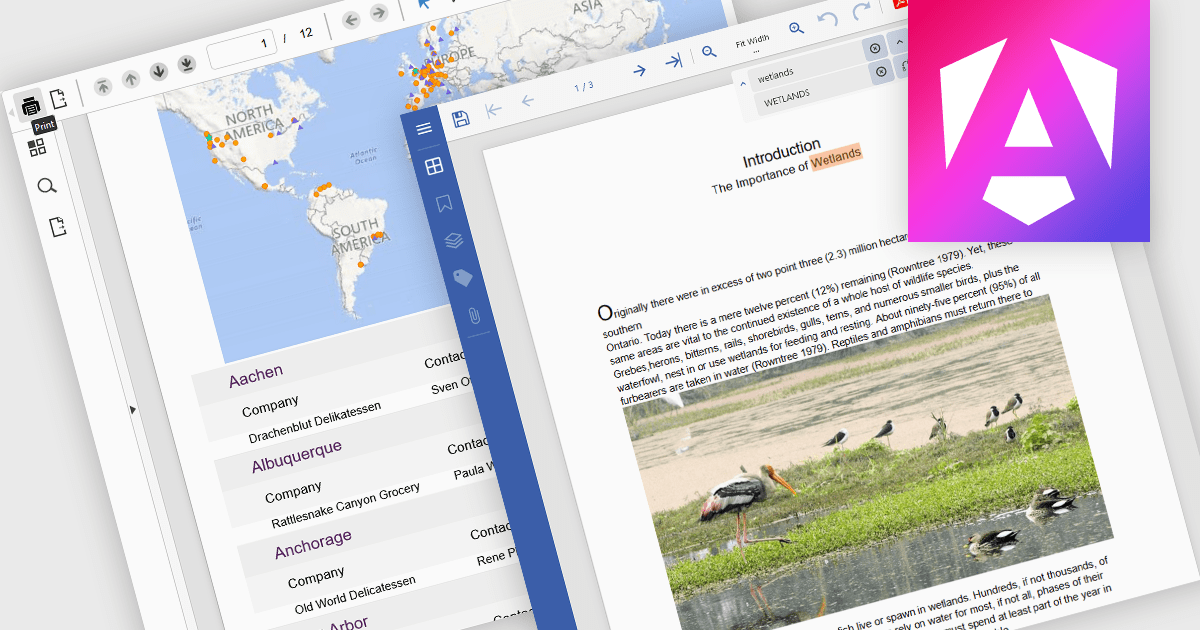
PDF reading and writing capabilities in viewer components are essential for applications that handle document management or display. These features allow developers to integrate PDF interaction directly into web or desktop applications, enabling end-users to open, view, annotate, and sometimes even modify PDF files without relying on external software. By supporting both the consumption and output of PDF content, these components improve workflows across document-heavy environments, such as enterprise reporting, legal systems, and educational platforms.
Common features include:
For an in-depth analysis of features and price, visit our Angular PDF Viewer components comparison.
Tel: (888) 850 9911
Fax: +1 770 250 6199


