













Fornecedor oficial
Como distribuidores oficiais e autorizados, nós fornecemos licenças legítimas diretamente de mais de 200 editores de software.
Ver todas as nossas marcas.
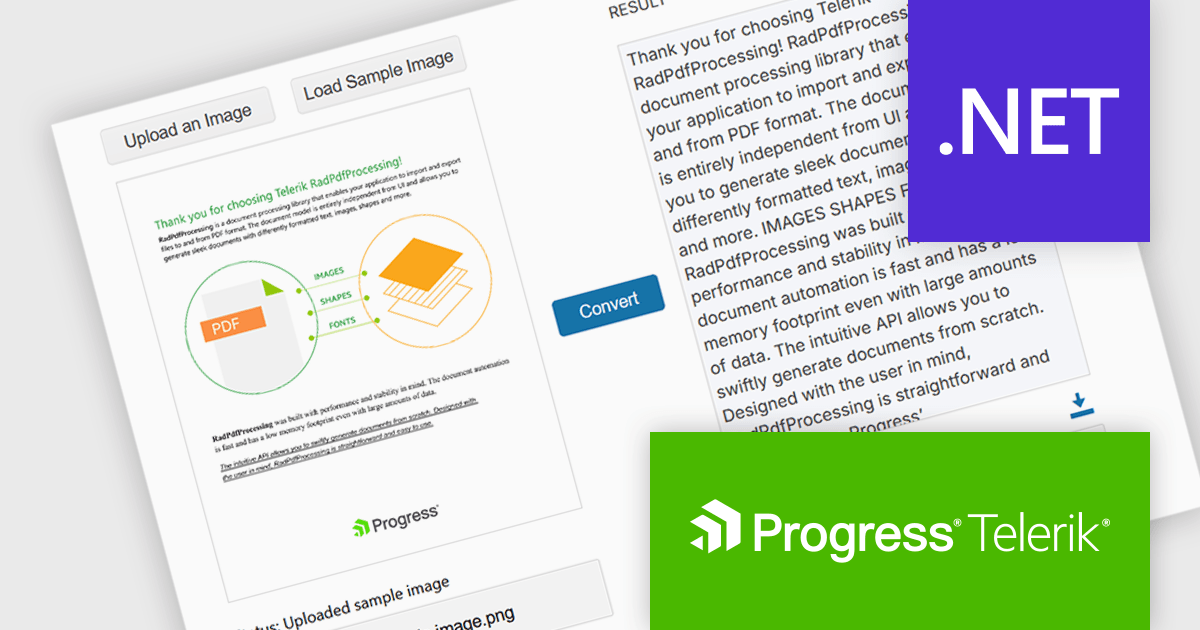
Telerik Document Processing is a suite of document processing libraries designed for web, desktop and cross-platform .NET applications. It enables developers to create, read, edit, and convert a wide range of document formats, including PDF, DOCX, XLSX, ZIP and HTML, without relying on external software such as Microsoft Office or Adobe Acrobat. These libraries are independent from the user interface (UI) and are built for high performance and accuracy, providing convenient APIs that give flexibility and control so you can integrate document processing capabilities into your applications with only a few lines of code.
The Telerik Document Processing Libraries 2025 Q2 (2025.2.520) update adds Optical Character Recognition (OCR) support to the PDFProcessing library, enabling developers to extract machine-readable text from scanned PDFs and images directly within .NET applications. This functionality facilitates the conversion of previously inaccessible content, such as scanned contracts, forms or handwritten notes, into editable and searchable machine-encoded text, providing users with extracted text along with a PDF containing the image with selectable text. By integrating OCR capabilities, developers can now streamline data extraction and analysis tasks, reducing the need for manual data entry and improving overall efficiency in handling diverse document types.
To see a full list of what's new in 2025 Q2 (2025.2.520), see our release notes.
Telerik UI is licensed per developer and has two licensing models: an annual Subscription License and a Perpetual License. The Subscription license provides access to the latest product updates, technical support, and exclusive benefits for a flat annual fee, and must be renewed to continue using the software. The Perpetual license is a one-time purchase granting access to the current released version and includes a one-year subscription for product updates and technical support. After this initial period, users can choose to renew the subscription element to continue receiving updates and support; otherwise, they may continue using the installed version available during their active subscription term but will forgo future updates and support. See our Telerik DevCraft Ultimate licensing page for full details.
The Telerik Document Processing Libraries are available in the following products:
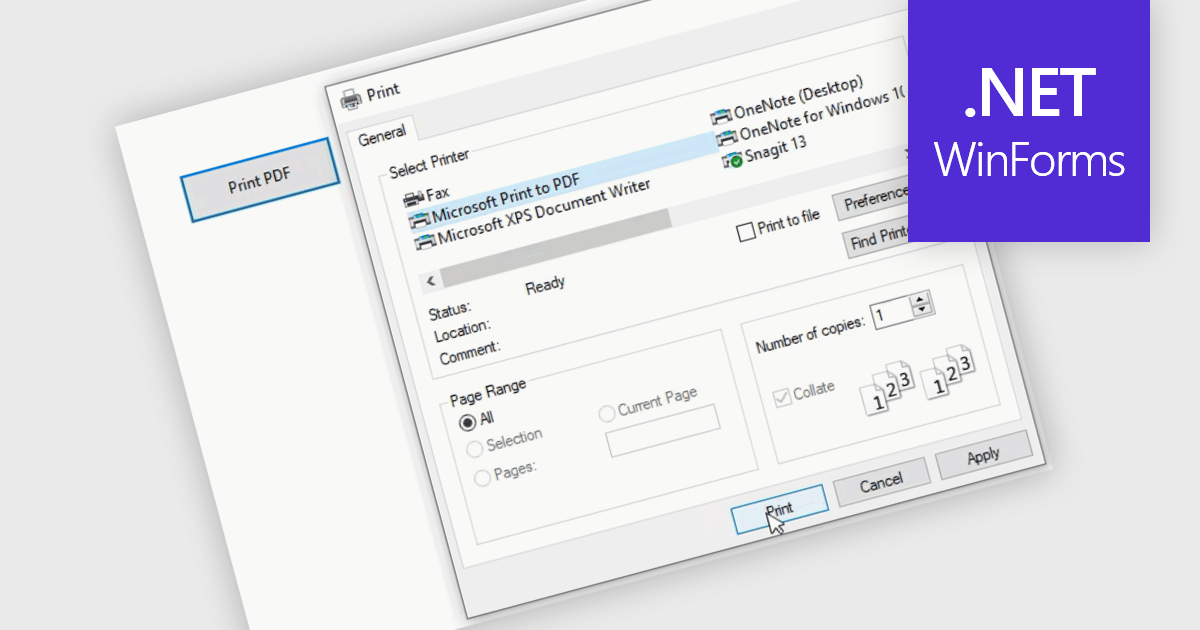
Printing to PDF allows users to save an existing document, webpage, or file as a PDF by using a virtual printer. It captures the document exactly as it would appear if printed, preserving the formatting, layout, and styling. The resulting document is typically static and cannot be edited, ideal for archiving or sharing finalized versions of a document. This feature is particularly useful for standardizing outputs across different software, ensuring consistent presentation, and providing an easy way to generate PDFs from files that do not natively support the format.
Several WinForms PDF controls offer the ability to print/save to PDF including:
For an in-depth analysis of features and price, visit our WinForms PDF controls comparison.
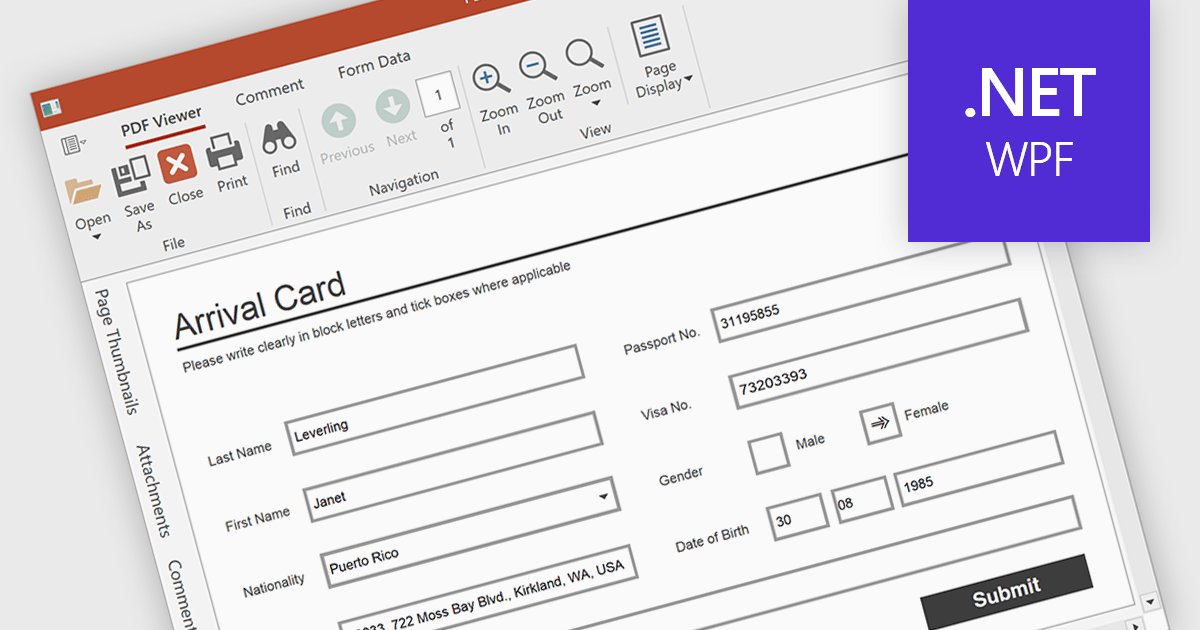
Form filling in a PDF Viewer enables users to interact with editable fields such as text boxes, checkmarks, radio buttons, and selection lists - right inside the document. This functionality is ideal for scenarios like contracts, surveys, and registration forms, where structured input is essential. By integrating these capabilities, developers can improve user interactions and allow form submission without leaving the application, enhancing data capture and eliminating the need for external tools.
Several WPF PDF Viewers feature support for form filling, including:
For an in-depth analysis of features and price, visit our comparison of WPF PDF viewers.
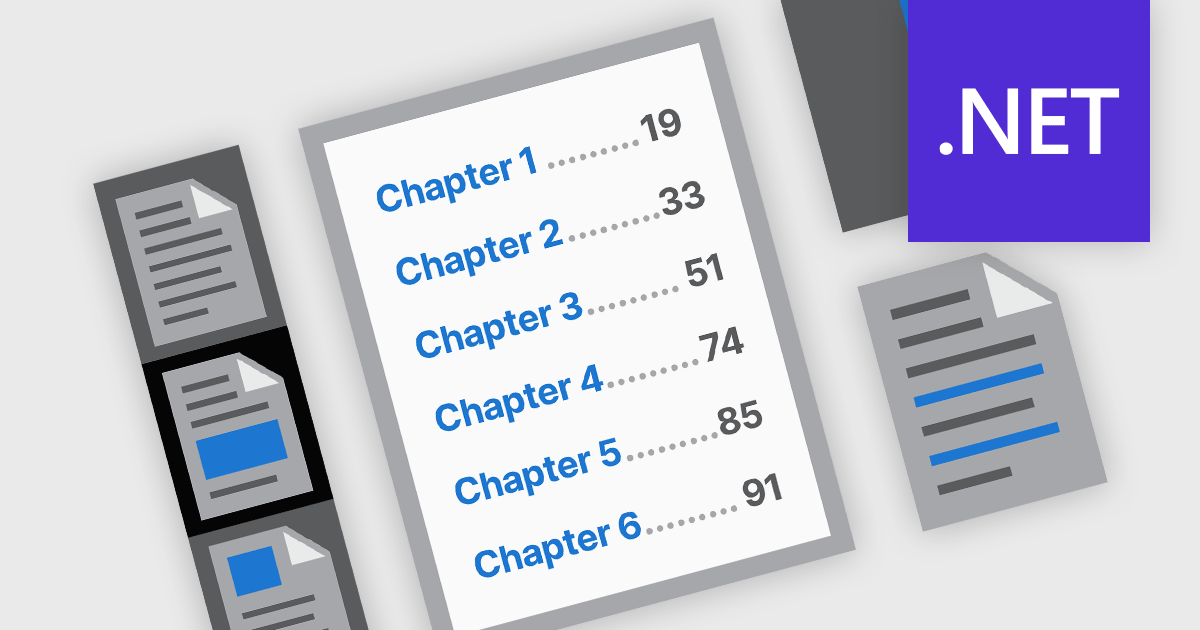
PDF navigation features play a crucial role in enhancing the usability and accessibility of digital documents. In modern PDF components, navigation tools are designed to provide intuitive access to document content, helping users locate specific sections, pages, or topics quickly. These tools are particularly important in lengthy or complex PDFs such as manuals, reports, and eBooks, where efficient navigation can significantly improve the reading experience and reduce time spent searching for information.
Common features include:
For an in-depth analysis of features and price, visit our .NET PDF components comparison.
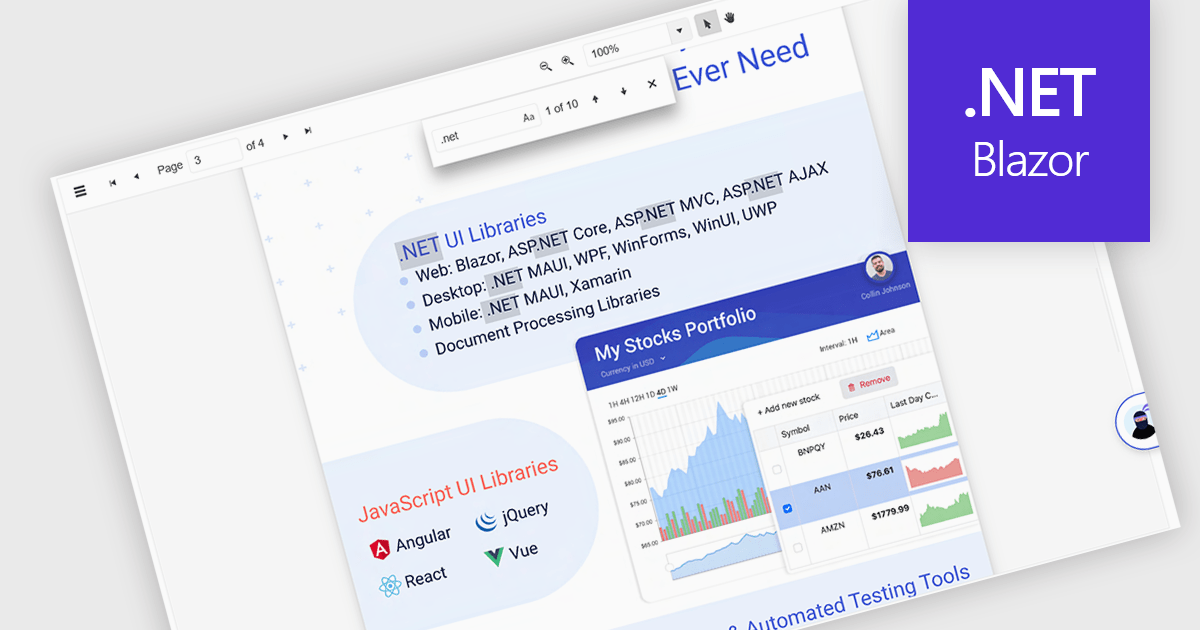
Text Searching in a PDF Viewer .NET Blazor component enables users to locate specific words, terms or phrases within a PDF document. This capability enhances document navigation and accessibility by enabling users to quickly identify and move to relevant content without manually scanning each page. Typically supporting case-sensitive and whole-word matching options, the search can be triggered through UI controls and backend logic, making it a flexible feature for applications that handle large or complex PDF files. This is particularly beneficial for developers building document-heavy applications, as it improves user efficiency and ensures precise content discovery.
Several Blazor PDF Viewers allow users to search for text, including:
For an in-depth analysis of features and price, visit our comparison of Blazor PDF viewers.
Tel: (888) 850 9911
Fax: +1 770 250 6199


