













Fornecedor oficial
Como distribuidores oficiais e autorizados, nós fornecemos licenças legítimas diretamente de mais de 200 editores de software.
Ver todas as nossas marcas.

ComponentSource and EPPlus Software have enjoyed a successful three-year partnership, dedicated to providing high-quality tools to developers around the world. This collaboration reflects their shared mission to empower developers with innovative solutions that boost productivity and support the creation of reliable, high-performance applications.
EPPlus Software is the creator of EPPlus, a widely used .NET library for managing Office Open XML spreadsheets. Offering advanced features such as styling, charts, formulas, and pivot tables, it simplifies data processing and reporting. By adopting EPPlus, organizations can streamline spreadsheet-driven workflows, improve accuracy, and reduce costs.
As a leading distributor of software components and development tools, ComponentSource has helped to expand EPPlus Software’s global reach. This collaboration has brought tangible benefits to the developer community, making cutting-edge spreadsheet tools readily available. As we celebrate this three-year milestone, we look forward to strengthening our partnership and continuing to deliver innovative solutions that drive developer success on a global scale.
Learn more about EPPlus Software.
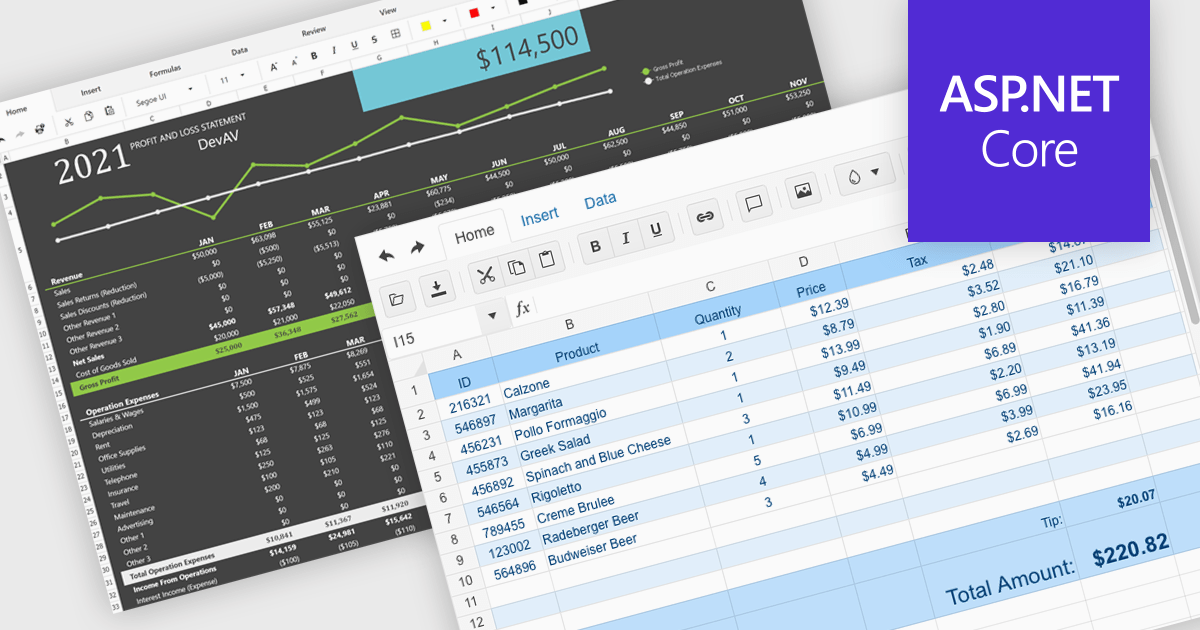
Modern spreadsheet components bring the power of Excel-like functionality to web applications, enabling users to create, edit, and manipulate data within an interactive grid. These components typically support formulas, formatting, data validation, and seamless integration with various data sources. Advanced features such as pivot tables, conditional formatting, and charting allow users to analyze and visualize data efficiently. Designed for performance and scalability, these spreadsheet controls cater to both enterprise applications and smaller projects that require robust data processing capabilities.
Several ASP.NET Core UI suites offer spreadsheet components including:
For an in-depth analysis of features and price, visit our ASP.NET Core UI suites comparison.
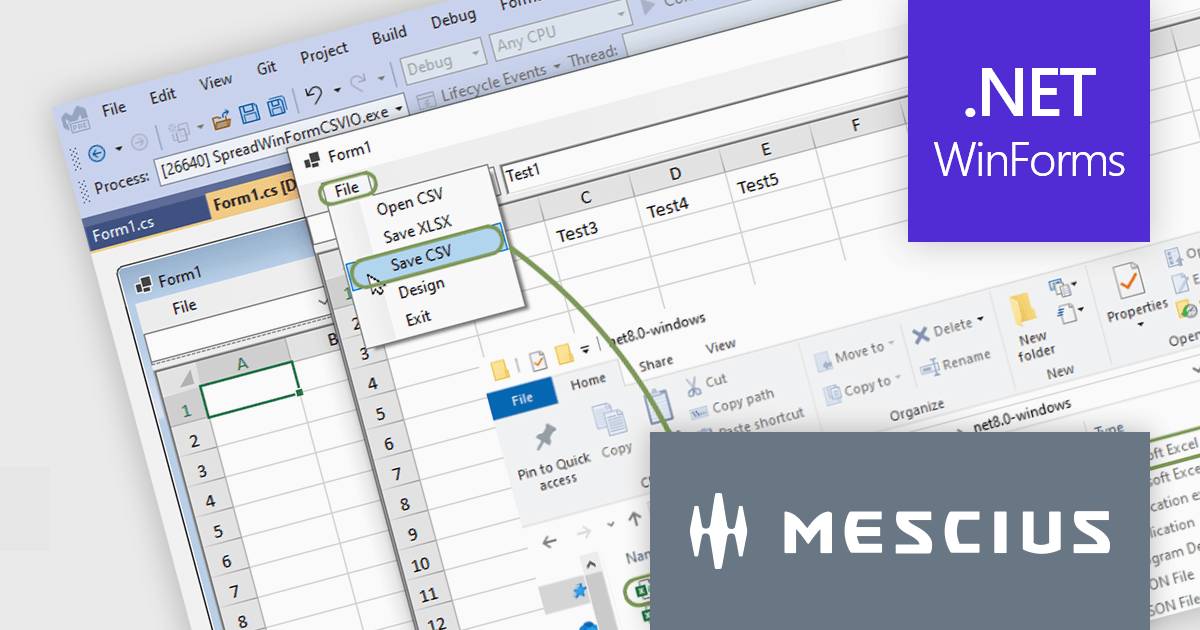
Spread.NET helps you create spreadsheets, grids, dashboards, and forms. It includes a powerful calculation engine with 450+ functions and the ability to import and export Excel spreadsheets. Leverage the extensive .NET spreadsheet API and powerful calculation engine to create analysis, budgeting, dashboard, data collection and management, scientific, and financial applications.
In this blog post, MESCIUS Product Marketing Specialist Mackenzie Albitz guides you through the four essential steps to import and export Excel spreadsheets on your way to creating robust .NET WinForms spreadsheet applications with Spread.NET. These steps include:
Sample code is included in the blog and you can download the sample app in either C# or VB.
Read the full blog post to discover how to use the full capabilities of the Spread.NET WinForms component.
Spread.NET is licensed per developer and is available as a Perpetual License with a 12 month support and maintenance subscription. We can supply any Spread.NET license including new licenses, maintenance renewals, and upgrade licenses. See our Spread.NET licensing page for full details.
For more information, visit our Spread.NET product page.
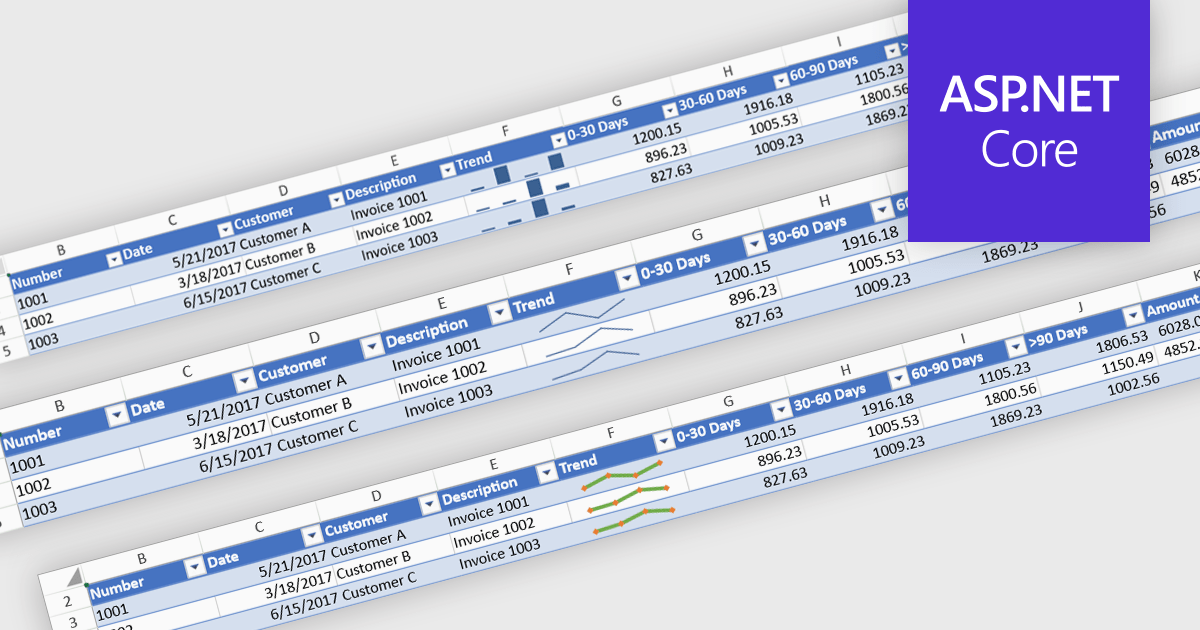
Sparklines are compact, embedded charts that provide a visual representation of data trends within individual spreadsheet cells. Unlike traditional charts, they do not require a separate charting area, making them ideal for summarizing data patterns, such as sales performance, stock trends, or operational metrics, in a space-efficient manner. These microcharts enhance readability and decision-making by offering a quick, at-a-glance view of trends without overwhelming users with excessive detail.
Several ASP.NET Core spreadsheet controls offer sparkline functionality including:
For an in-depth analysis of features and price, visit our ASP.NET Core spreadsheet controls comparison.
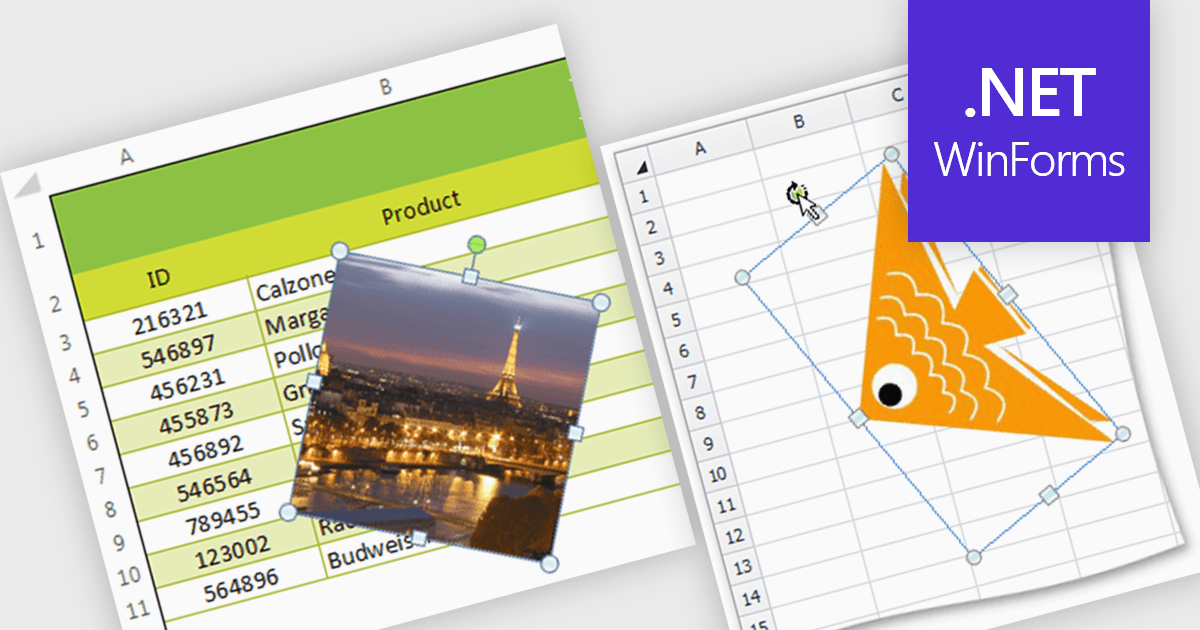
Image support within a spreadsheet component allows developers to seamlessly integrate and manipulate images directly within the spreadsheet environment, enabling features such as inserting, resizing, positioning, and formatting images within cells or as background elements. By embedding images alongside numerical or textual data, users can enhance data visualization, streamline report generation, and provide richer context for decision-making, ultimately improving communication and enabling more effective data analysis within applications.
Several WinForms spreadsheet components support inserting images, including:
For an in-depth analysis of features and price, visit our WinForms spreadsheet controls comparison.
Tel: (888) 850 9911
Fax: +1 770 250 6199


