













Fornecedor oficial
Como distribuidores oficiais e autorizados, nós fornecemos licenças legítimas diretamente de mais de 200 editores de software.
Ver todas as nossas marcas.
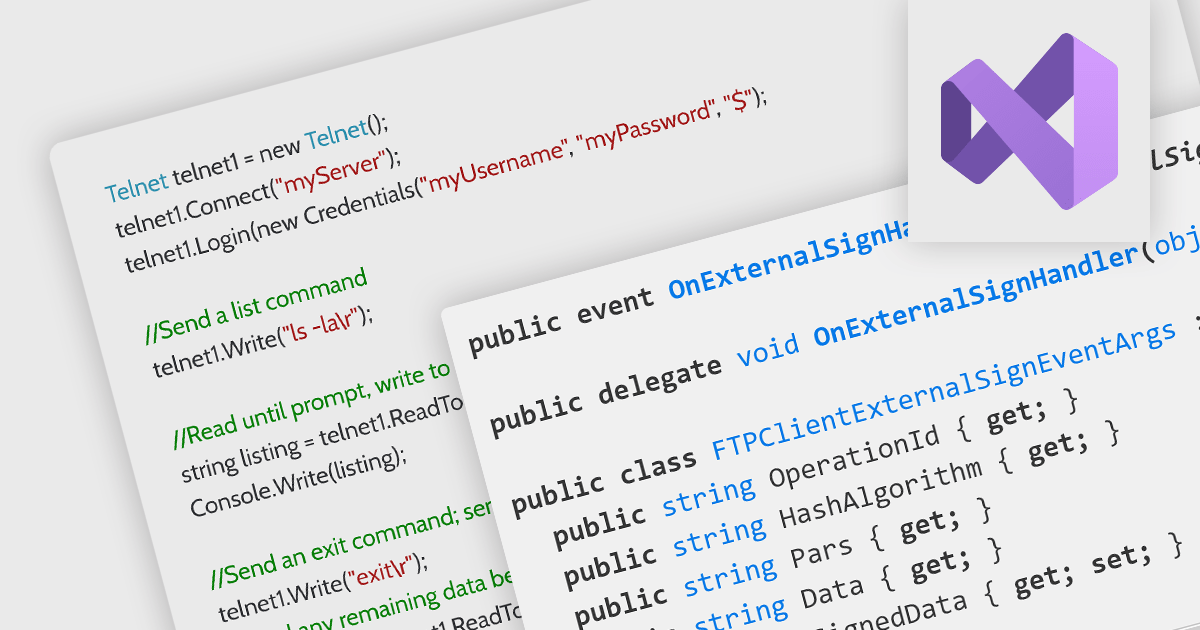
Microsoft Visual Studio 2022 is a powerful Integrated Development Environment (IDE) that empowers developers to build applications for various platforms like Windows, macOS, and Linux. It offers a comprehensive suite of tools including a code editor, compiler, debugger, tester, source control integration, deployment tools, and a profiler, streamlining the entire development lifecycle.
Several .NET comms and messaging components support Visual Studio 2022, including:
For an in-depth analysis of features and price, visit our comparison of .NET communications and messaging components.
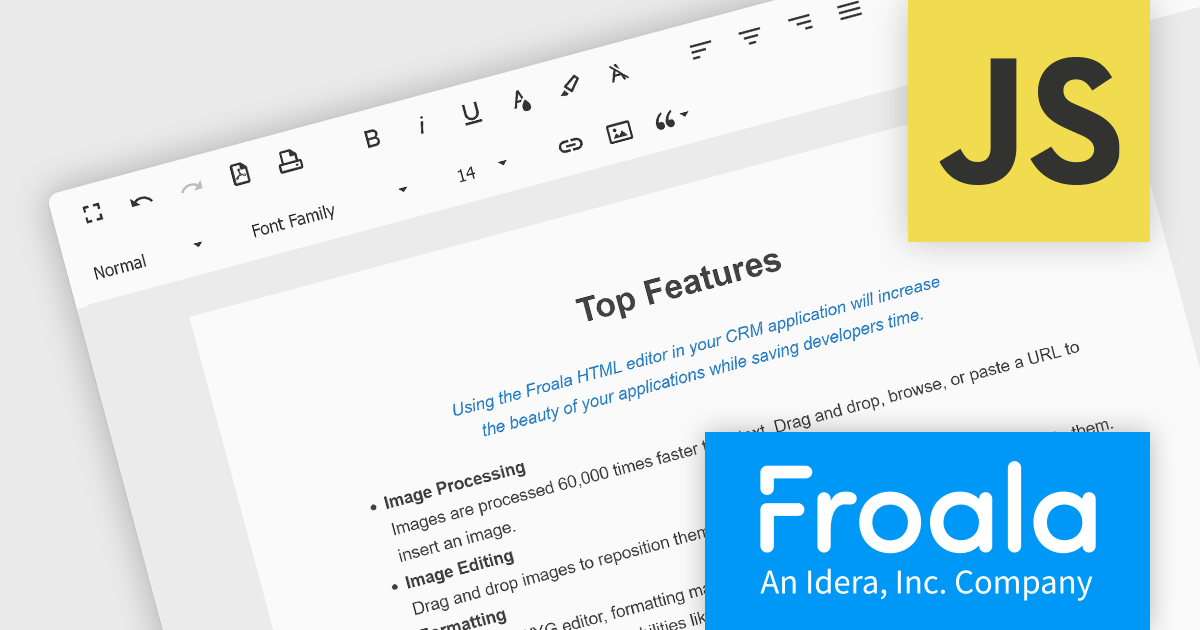
Froala Editor is a JavaScript-based WYSIWYG HTML editor that empowers developers to seamlessly integrate rich text editing functionalities into their applications. Despite its extensive feature set of over 100 options, Froala prioritizes user experience through a cleverly designed toolbar. Actions are categorized into four intuitive scopes, ensuring every feature is readily accessible while maintaining a clean and uncluttered interface. This balance of power and usability makes Froala Editor a versatile solution for a wide range of content creation scenarios.
Froala Editor's powerful features for creating dynamic page content include:
View the full blog post to learn more about this customizable editor for your business.
Froala Editor is licensed on an annual or perpetual basis, with annual licenses available for 1, 2, or 3 years. See our Froala Editor licensing page for full details.
For more information, see our Froala Editor product page.
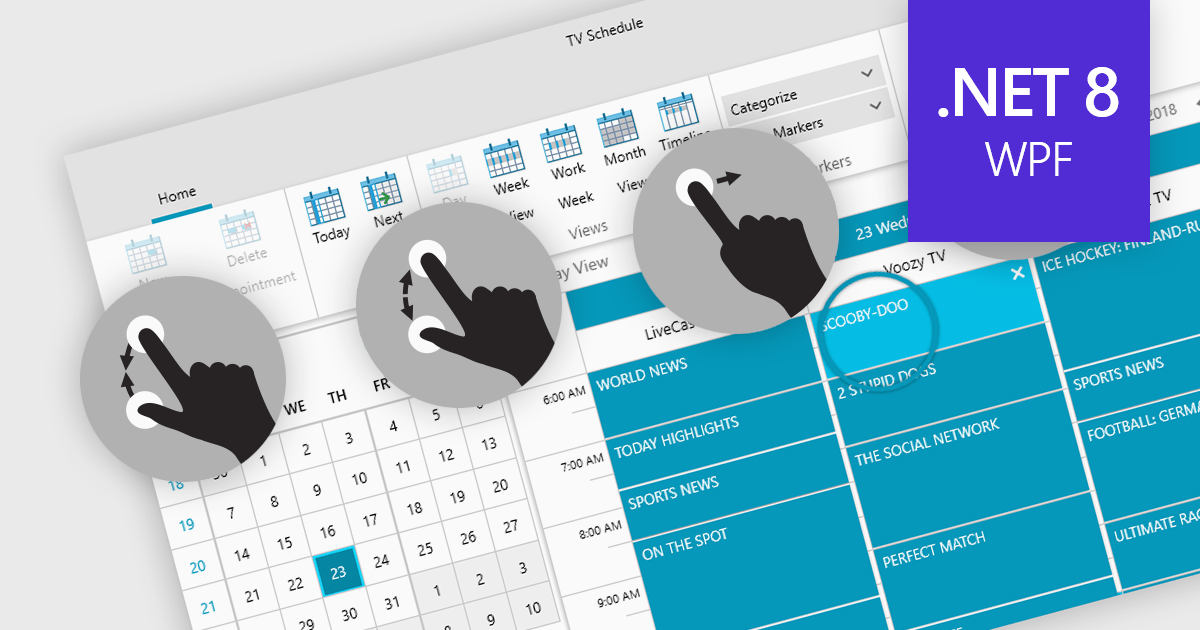
Data editors with touch support revolutionize user interaction by enabling intuitive gestures, taps, and swipes. This fosters a seamless experience, particularly on touchscreens found in smartphones, tablets, and even touch-enabled laptops. Developers can leverage this functionality to create applications with effortless navigation, data manipulation, and command execution through touch. This broader accessibility empowers a wider range of users, enhancing usability and fostering a more engaging and efficient interaction that capitalizes on the hardware capabilities of modern devices.
Many .NET 8 WPF collections contain Data Editors with Touch Support including:
For an in-depth analysis of features and price, visit our comparison of .NET 8 WPF Data Editors.
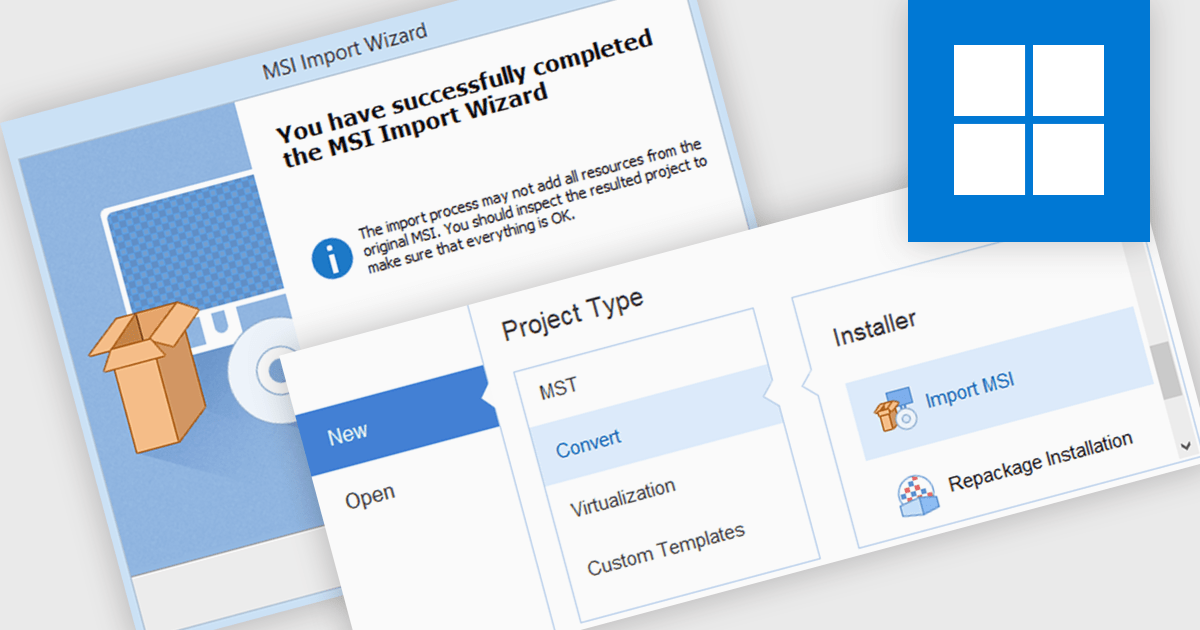
MSI import functionality allows software developers to leverage existing MSI packages within a new installer project. This functionality streamlines the development process by incorporating pre-built components and configurations, saving time and effort compared to manually recreating them within the new installer. This can be particularly beneficial when deploying applications that rely on external libraries or dependencies already distributed as MSIs.
Several installation tools offer MSI import including:
For an in-depth analysis of features and price, visit our comparison of Installation Tools.

Grial UI Kit by UXDivers is a collection of pre-designed user interface components and templates specifically built for Xamarin.Forms and .NET MAUI app development. It offers a wide range of customizable XAML code snippets, custom controls, and helpers, allowing developers to rapidly build modern and visually appealing mobile applications for Android and iOS platforms while focusing on the core functionalities of the app.
The Grial UI Kit 4.2.115 release introduces the Swipeable Layout control, allowing you to create dynamic and engaging user experiences within your app. This versatile feature enables the creation of both swipeable card interfaces, perfect for showcasing product galleries or image carousels, and simple binary choice interfaces for actions like yes/no confirmations, all utilizing intuitive swipe gestures. This addition empowers developers to design a wider range of interactive elements, enhancing user immersion and simplifying common interactions within their applications.
To see a full list of what's new in 4.2.115.0, see our release notes.
Grial UI Kit is licensed per application and is available as an perpetual license. See our Grial UI Kit licensing page for full details.
For more information, see our Grial UI Kit product page.
Tel: (888) 850 9911
Fax: +1 770 250 6199


