













Fornecedor oficial
Como distribuidores oficiais e autorizados, nós fornecemos licenças legítimas diretamente de mais de 200 editores de software.
Ver todas as nossas marcas.

PDF reading and writing features form a core part of modern PDF components, allowing applications to view, generate, edit, and share PDF documents consistently across platforms. These capabilities cover common tasks such as displaying and searching documents, as well as creating and exporting PDFs programmatically with reliable rendering and standards compliance.
Common features include:
For an in-depth analysis of features and price, visit our WinForms PDF components comparison.
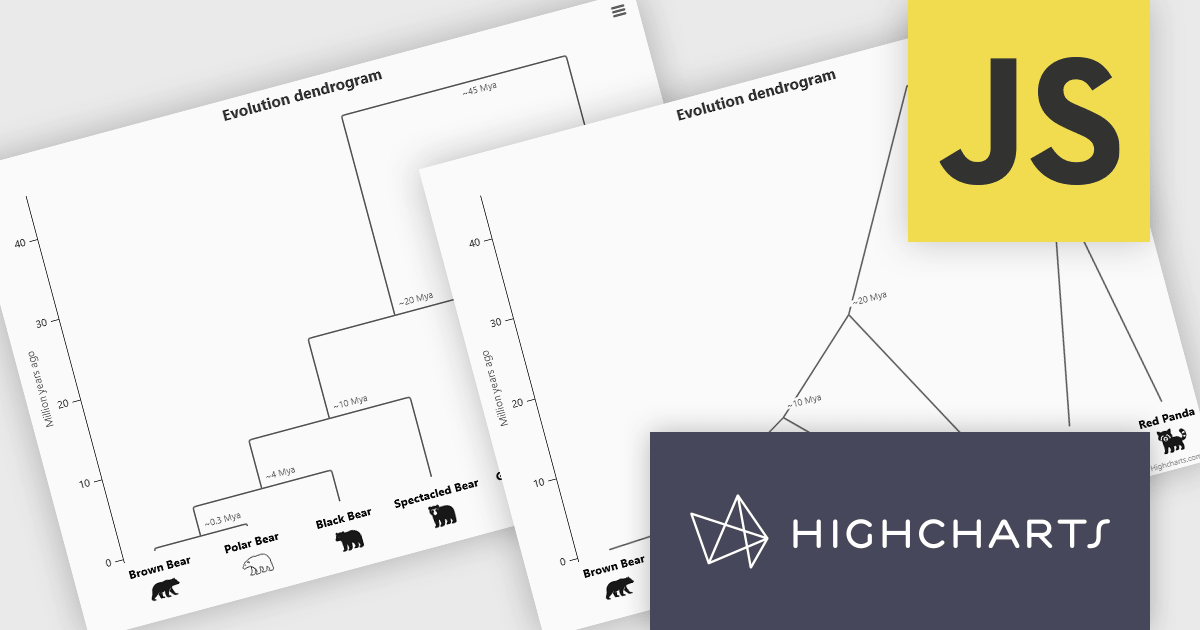
Highcharts is a JavaScript charting framework that allows web developers and data analysts to generate dynamic, visually appealing charts and graphs for websites and web applications. It can display a variety of chart types, including line, spline, area, column, bar, pie, scatter, and many more. Highcharts is well-known for its ease of use, rich documentation, and ability to handle huge datasets efficiently. Features include responsive design, accessibility support, and cross-browser compatibility. Its customization capabilities allow users to create bespoke data visualizations that increase engagement and provide insightful data presentations.
The Highcharts 12.5 update introduces dendrogram support, allowing developers to visualize hierarchical relationships and similarity levels directly within their charts using treegraph-based diagrams. This enhancement makes it easier to represent the output of hierarchical clustering algorithms, taxonomies, and other structured datasets in a clear and interpretable way. By mapping similarity or progression along an axis and using branch height to indicate relationships, developers can present complex hierarchical data more effectively.
To see a full list of what's new in 12.5, see our release notes.
Highcharts Core is licensed on an annual or perpetual basis, OEM licenses, and Advantage Renewals. It is licensed per Developer and has several license options including Internal, SaaS, SaaS+, and Self Hosted. See our Highcharts Core licensing page for full details.
Learn more on our Highcharts Core product page.
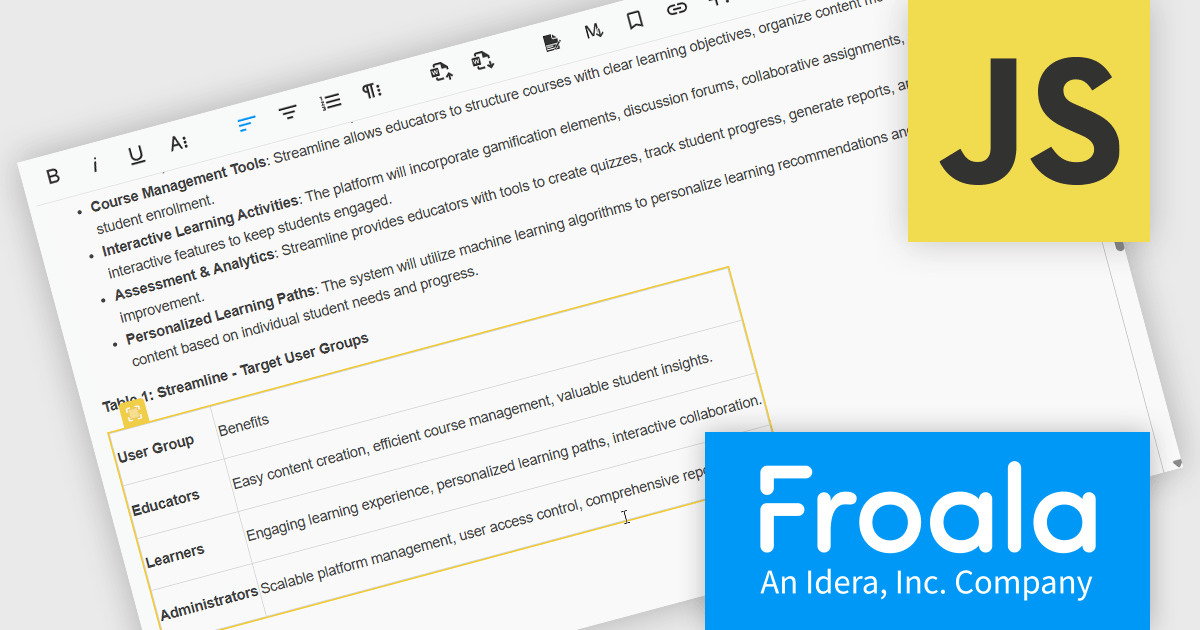
Froala Editor is a lightweight, modern WYSIWYG (What You See Is What You Get) rich text editor designed for web applications, offering a clean interface, fast performance, and extensive customization options. Built with a focus on usability and developer flexibility, it provides a wide range of formatting tools, media management capabilities, and advanced features such as inline editing, collaborative functionality, and mobile responsiveness. Its modular architecture, robust API, and broad framework integrations make it suitable for embedding into enterprise-level platforms as well as smaller applications requiring a polished content-editing experience.
The Froala v5.0.0 update introduces support for importing content directly from Microsoft Word documents. This allows users to bring in Word-authored content while keeping the original formatting, styles, and structure intact. The update removes the need for custom cleanup scripts, helping produce more reliable and consistent HTML during content transfers.
To see a full list of what's new in v5.0.0, see our release notes.
Froala Editor is licensed per product and domain. It is available as an annual or perpetual license with version upgrades and support. See our Froala Editor licensing page for full details.
For more information, visit our Froala Editor product page.
Skyvia Data Integration is a cloud-based platform that provides a unified environment for managing data pipelines, ETL processes, and data synchronization between various data sources and destinations. It offers a low-code interface for creating and configuring data integration workflows, automating routine tasks, and ensuring data consistency across different systems. The platform supports a wide range of data formats and protocols, including relational databases, MySQL databases, cloud storage, and APIs, making it a versatile tool for data professionals and developers.
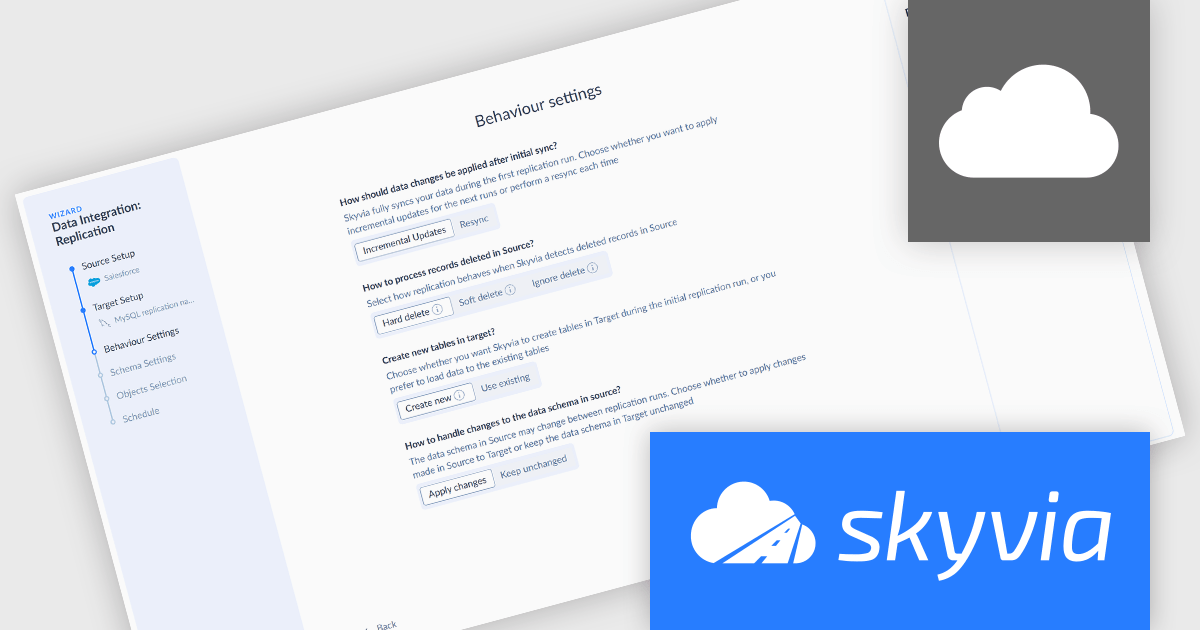
The latest Skyvia Data Integration release adds a new Replication Wizard enhancing the usability and efficiency of setting up data replication tasks by guiding users through configuration with a clear, step-by-step process. Rather than starting from a blank integration editor, users are prompted to define source and target connections, choose replication behavior (such as full resync or incremental updates), set up target schema and naming conventions, select the data to replicate, and optionally schedule automatic runs, all within a structured flow that reduces complexity and setup time. This wizard lowers the entry barrier for new users, minimizes configuration errors, and accelerates the deployment of replication pipelines, while retaining the option to bypass the wizard and use the traditional editor for advanced customization.
To see a full list of what's new, see our release notes.
Skyvia Data Integration is licensed based on the number of records processed per month and is available as an Annual License. See our Skyvia Data Integration licensing page for full details.
Learn more on our Skyvia Data Integration product page.

PDF redaction is the process of permanently removing sensitive or confidential content from PDF documents, ensuring that the information cannot be recovered or exposed after the file is shared. This feature is essential in legal, financial, medical, and corporate environments where data privacy and compliance with regulations such as GDPR or HIPAA are critical. Redaction can include the deletion of text, images, annotations, or metadata, and often involves replacing the removed content with black bars or blank spaces to indicate intentional removal.
Several .NET PDF viewer components allow you to redact PDF content, including:
For an in-depth analysis of features and price, visit our comparison of .NET PDF viewer components.
Tel: (888) 850 9911
Fax: +1 770 250 6199


