













Fornecedor oficial
Como distribuidores oficiais e autorizados, nós fornecemos licenças legítimas diretamente de mais de 200 editores de software.
Ver todas as nossas marcas.
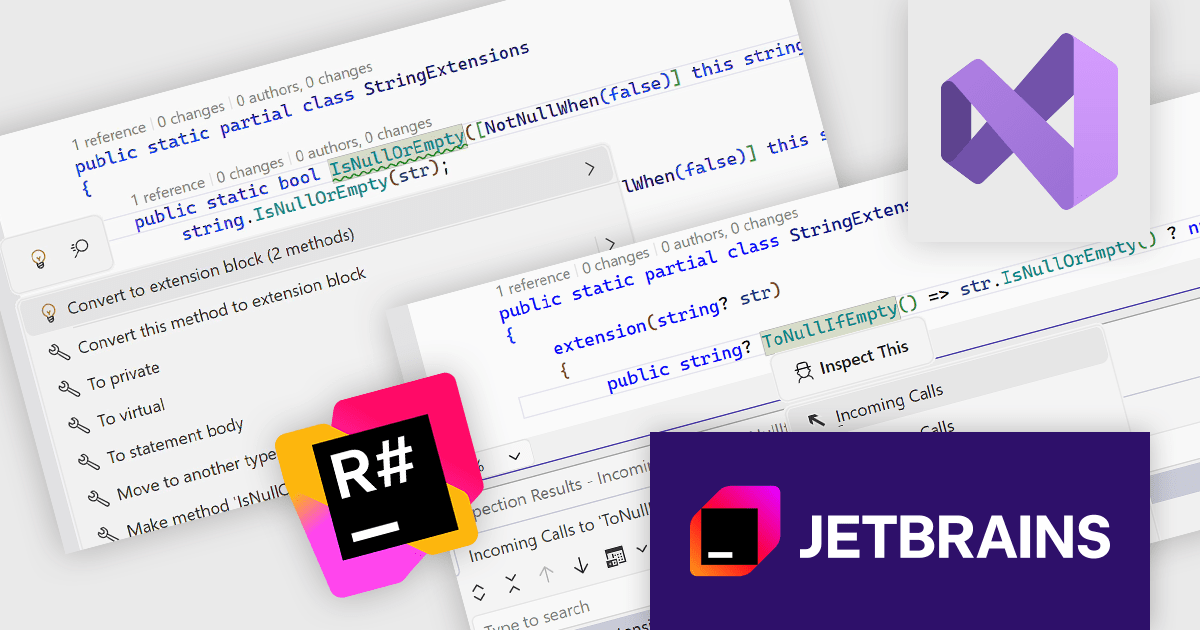
ReSharper is a productivity and code quality plugin for Visual Studio, developed by JetBrains. It helps .NET developers write cleaner, more efficient code. By analyzing code on-the-fly, ReSharper identifies potential errors and suggests fixes. It also automates code refactoring, allowing developers to safely restructure their codebase. These features improve developer productivity and maintainability of the code, making ReSharper a valuable tool for both individual developers and development teams.
The ReSharper 2025.3 update improves support for C# 14 extension members by enabling developers to work with the new syntax more accurately and efficiently across the entire toolset. Refactorings such as Change Signature, Convert Method to Property, Make Static, and Safe Delete now function reliably with extension methods, properties, and operators, while navigation, value tracking, and usage analysis correctly interpret these new member types. The update also enhances import completion and optimize-using operations to recognize extension members in more contexts, and adds inspections and quick-fixes that help developers transition smoothly between classic and modern extension patterns.
To see a full list of what's new in version 2025.3, see our release notes.
ReSharper is licensed per user, and is available as a commercial annual subscription license. We can supply new subscriptions, subscription renewals, lapsed renewals, and additional user licenses. See our ReSharper licensing page for full details.
ReSharper is available to buy in the following products:
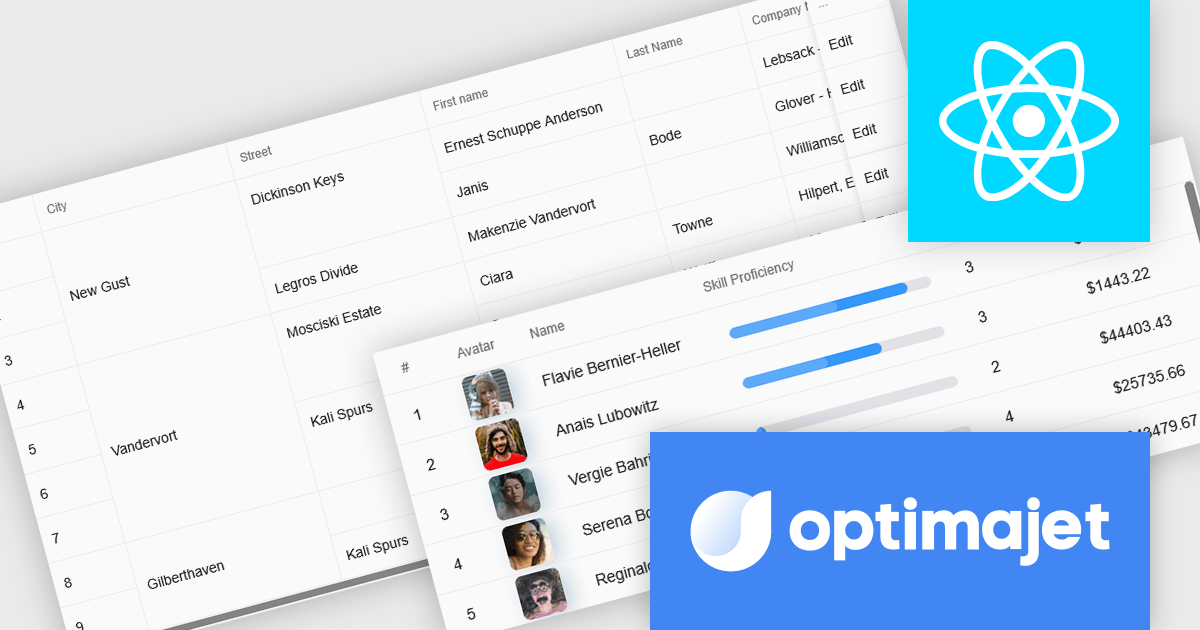
Optimajet FormEngine is a drag-and-drop React form builder that lets teams create, manage, and render complex web forms without writing frontend code. It allows developers and business users to visually design forms, store them as JSON, and render them at runtime. As a React JS library, it easily integrates into existing applications while giving developers full control over form logic, structure, and data flow, making it well suited for complex data collection.
The Optimajet FormEngine v7.3.0 update introduces a new Table component that allows developers to structure form inputs in organized rows and columns, making it easier to handle multi-row or repeatable data within a single form. This addition enables cleaner data modeling, improves usability for scenarios that require tabular entry, and integrates with existing FormEngine features such as validation, conditional logic, and JSON-based configuration.
To see a full list of what's new in version v7.3.0, see our release notes.
Optimajet FormEngine is licensed based on usage type (internal commercial use, public web/SaaS, or OEM embedding), number of domains for the visual editor, and access to additional ready-made components. Licenses are perpetual and include 6 months or 1 year of updates and support. See our Optimajet FormEngine licensing page for full details.
For more information, visit our Optimajet FormEngine product page.
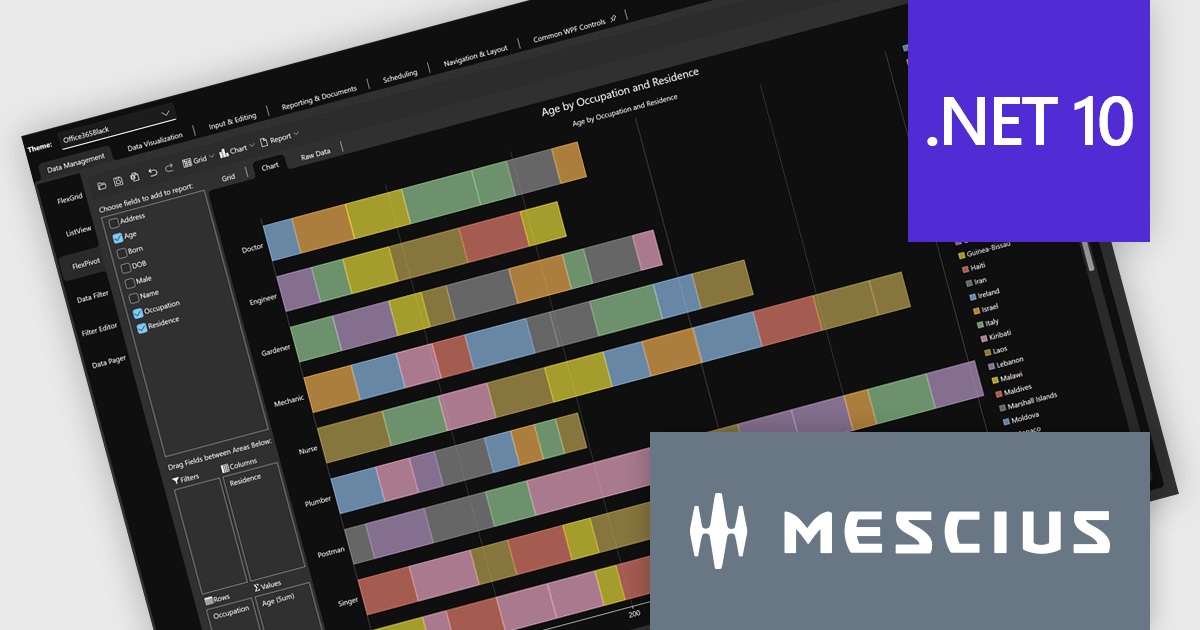
The ComponentOne Studio range by MESCIUS (formerly GrapeCity) is a comprehensive suite of UI controls for building rich, responsive, and cross-platform applications. It provides a wide range of components for desktop, web, and mobile development including high performance datagrids, charts, reporting components, dashboards, and other UI controls.
The latest release of .NET 10 has introduced noticeable gains in performance, memory usage, and deployment efficiency that elevate how ComponentOne controls operate across WinForms, WPF, Blazor, and MAUI. With smarter JIT optimizations, faster execution paths, enhanced AOT publishing, and expanded APIs for security, globalization, and JSON handling, applications become quicker to load, lighter to distribute, and more responsive during real-time workloads. These improvements also extend through the ecosystem, bringing refinements to desktop, web, and cross-platform stacks for a more unified development experience.
Developers can fully leverage these enhancements through ComponentOne’s comprehensive UI suite, which now supports .NET 10 across all major platforms with updated NuGet packages and optimized control behavior. Building modern interfaces is easier thanks to better runtime performance, enhanced tooling, and new features like WinForms dark mode for improved visual consistency. The migration process remains straightforward: update dependencies, verify UI behavior, and continue development using familiar practices - now supported by greater stability, faster builds, and a more efficient coding environment.
ComponentOne Studio products are licensed per developer on a perpetual basis and include a 12 month subscription. Priority Support is also available. See our ComponentOne Studio Enterprise licensing page for full details.
For more information, visit our ComponentOne Studio product pages:

The NEW Highcharts Grid Pro provides IT professionals with a powerful JavaScript component to build interactive and customizable data grids which enable efficient data editing, filtering, and management within complex datasets, enhancing the usability of data-intensive applications across various technical fields.
On Wednesday, November 19th at 1:00 PM EST, Highcharts Chief Product Officer Øystein Moseng & Product Manager Stian Totland will be presenting a LIVE tutorial-stye and interactive walkthrough of Grid Pro, demonstrating how to edit and validate data seamlessly with Grid Pro's intuitive tools.
As part of the official launch of Highcharts Grid Pro, this webinar will guide you through the many powerful feature of Grid Pro, including:
Register for the LIVE Webinar today and mark your calendar for November 19th!
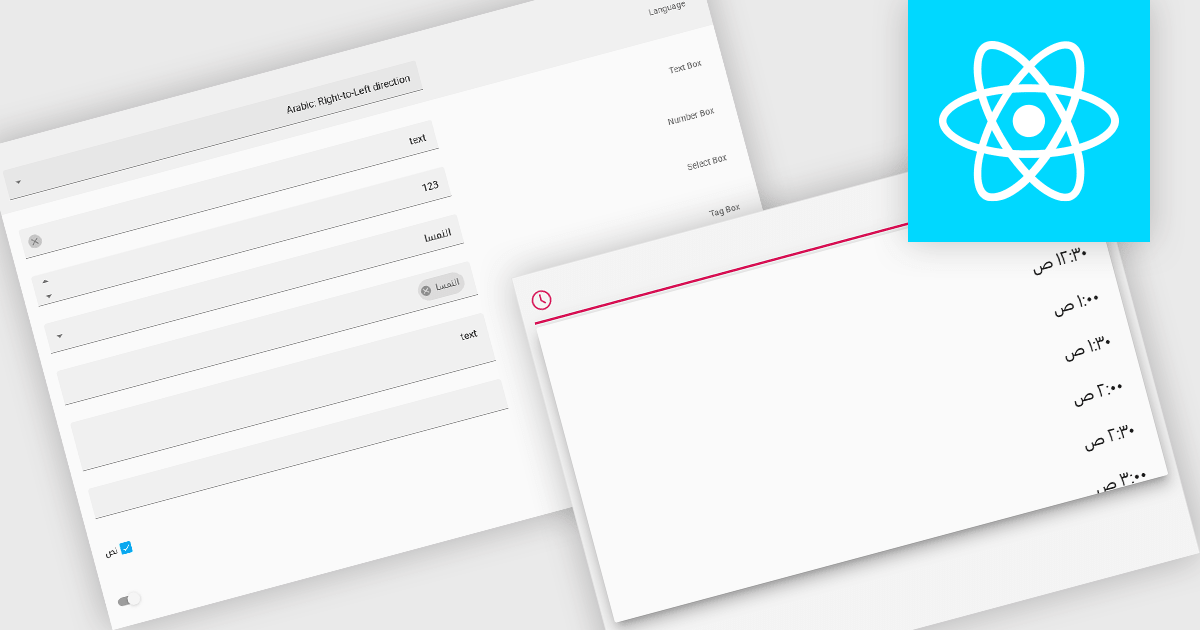
Right-to-left (RTL) support in a data editor component enables the user interface and content layout to be displayed in a direction consistent with languages that are read from right to left, such as Arabic or Hebrew. This includes aligning text, input fields, table structures, and control elements to the right side of the screen, while preserving correct data formatting and interaction behavior. For software developers, RTL support ensures that applications can be properly localized for RTL language audiences without compromising usability or data readability.
Several React data editors offer right to left (RTL) support including:
For an in-depth analysis of features and price, visit our React data editors comparison.
Tel: (888) 850 9911
Fax: +1 770 250 6199


