













Fornecedor oficial
Como distribuidores oficiais e autorizados, nós fornecemos licenças legítimas diretamente de mais de 200 editores de software.
Ver todas as nossas marcas.
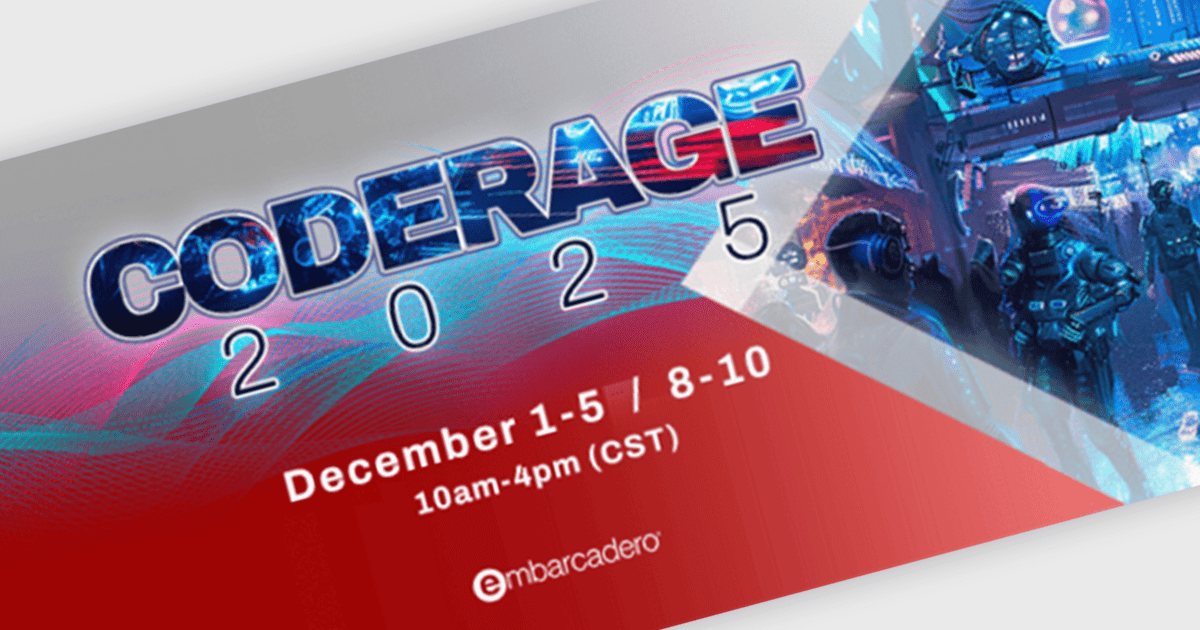
CodeRage 2025 is Embarcadero’s highly popular and widely anticipated online conference on software development. This year, CodeRage is scheduled for 1 to 10 December, and will involve dozens of online sessions by recognized experts, with live Q&A, on the hottest topics software developers are interested in today.
Hosted by widely-renown Delphi and C++Builder experts, you will benefit from in-depth online sessions that include clear demos on multicore tasks, Windows and mobile deployment, and modern UI patterns - with working code and tested methods - expanded Q&A, and much more!
Register now and join thousands of software developers for expert talks and live Q&A over 8 full days of CodeRage, tackling the hottest topics in the industry today.
Sessions are still being added and finalized, so check the updated schedule regularly to ensure that you find the right sessions for all the topics you are interested in.
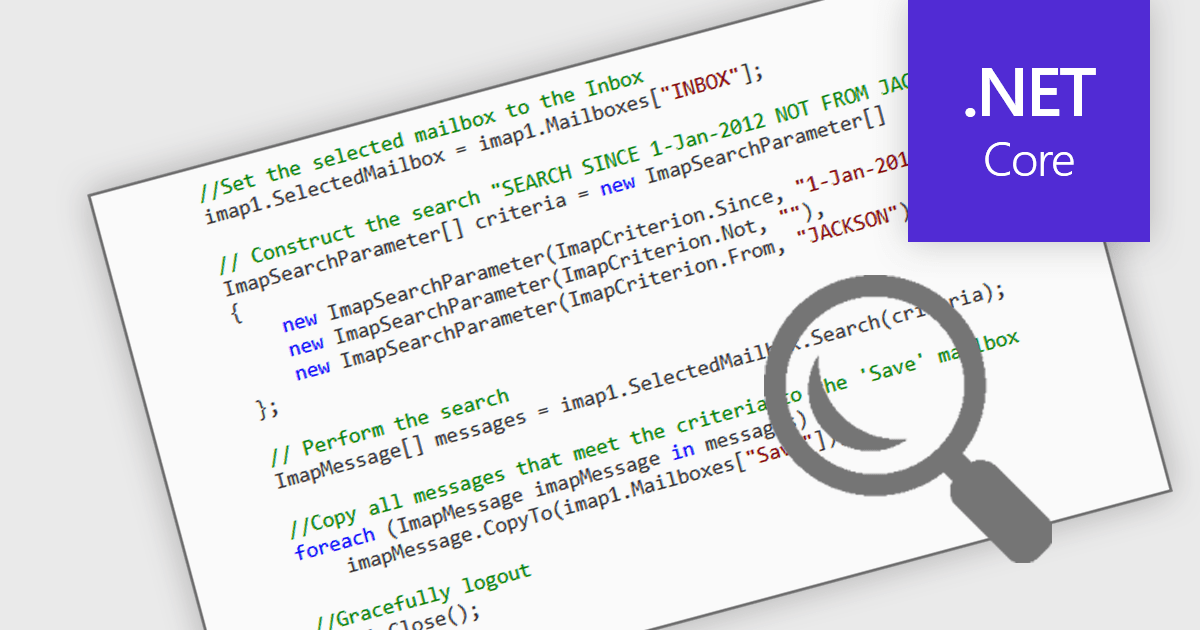
Searching and filtering mail in a Comms & Messaging .NET Core component refers to the ability to locate and narrow down email messages based on specific criteria such as sender, subject, date, or content. This feature is implemented through programmatic access to email metadata and message bodies, enabling developers to build custom filters or queries directly into their applications. It improves efficiency by allowing faster access to relevant messages and simplifies tasks such as audit logging, automated processing, or user-driven searches within large volumes of communication data.
Several Comms & Messaging components for .NET Core offer support for searching and filtering mail including:
For an in-depth analysis of features and price, visit our comparison of .NET Core Comms & Messaging.
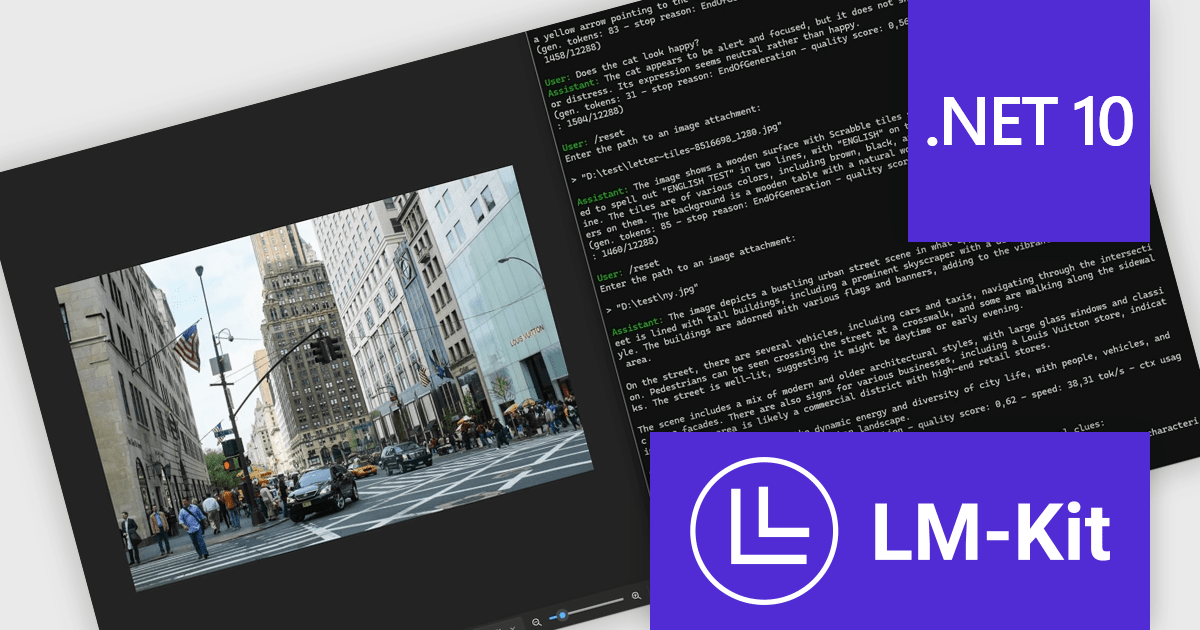
LM-Kit.NET is a cross-platform software development kit (SDK) designed for .NET applications, enabling on-device execution of large and small language models without relying on external cloud services. It supports a broad range of natural language processing tasks, including text generation, translation, summarization, and entity recognition, executed locally on CPU or GPU, with compatibility across Windows, Linux, and macOS. The SDK provides native integration through a NuGet package, allowing developers to embed AI capabilities directly into desktop, server, or edge applications while maintaining full control over data, performance, and compliance requirements. It supports multiple model architectures and inference backends, giving developers flexibility to tailor performance and resource usage to their specific environments.
The LM-Kit.NET 2025.11.2 update adds a native assembly targeting .NET 10, giving developers improved runtime performance, stronger compatibility with modern .NET environments, and direct access to the latest framework optimizations. This enhancement supports smoother project upgrades, reduces reliance on compatibility layers, and enables more efficient, maintainable applications that align with current and future .NET development practices.
To see a full list of what's new in version 2025.11.2, see our release notes.
LM-Kit.NET is licensed per deployed commercial application per year. The license is subscription-based and must be renewed every year to continue using the Software. See our LM-Kit.NET licensing page for full details.
Learn more on our LM-Kit.NET product page.
Telerik UI for .NET MAUI is a robust suite of user interface components designed to simplify the creation of cross-platform applications using .NET Multi-platform App UI (MAUI). It offers a wide range of pre-built controls, including charts, grids, and navigation elements, enabling developers to build visually appealing, high-performance apps for Android, iOS, Windows, and macOS from a shared codebase. By ensuring a consistent user experience across platforms, it accelerates development and allows a focus on functionality, making it ideal for business applications, dashboards, and data-driven projects.
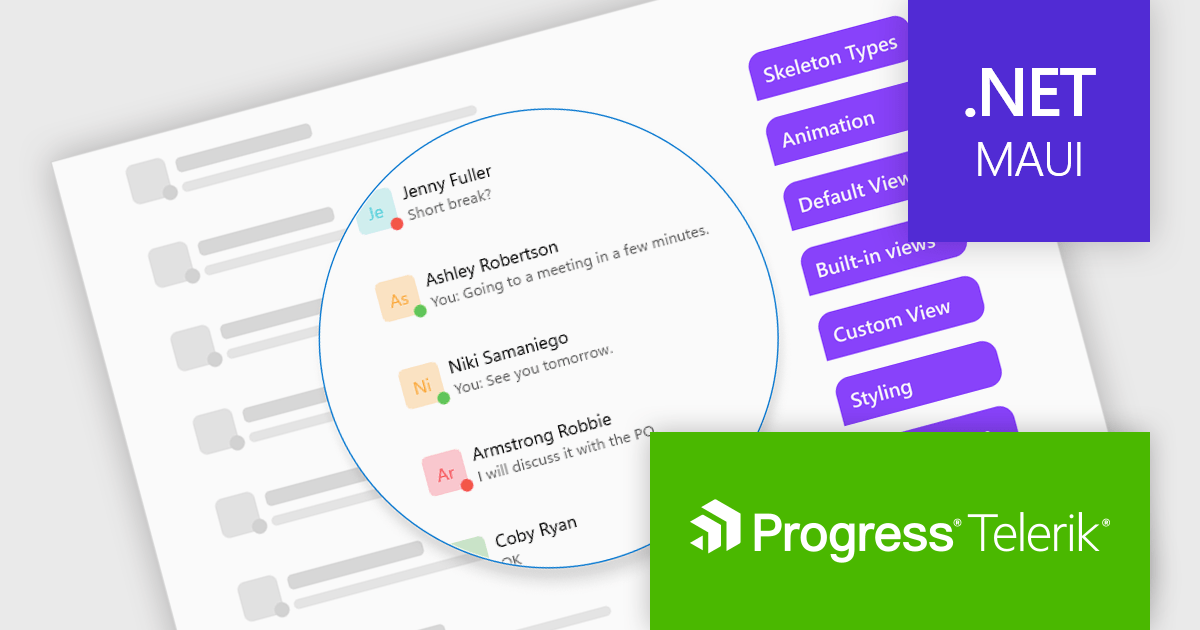
The Telerik UI for .NET MAUI 2025 Q4 update introduces the new Skeleton Component, which enables developers to present structured loading placeholders that match the layout of their final content. This improves perceived responsiveness by keeping the interface stable while data is retrieved, reducing layout shifts and allowing users to understand the expected structure of the page before it fully renders. With built-in templates for common UI patterns, the component improves implementation and helps teams deliver more consistent, polished loading experiences across their applications.
To see a full list of what's new in 2025 Q4 (v12.0.0), see our release notes.
Telerik UI for .NET MAUI is licensed per developer and has two licensing models: an annual Subscription License and a Perpetual License. The Subscription license provides access to the latest product updates, technical support, and exclusive benefits for a flat annual fee, and must be renewed to continue using the software. The Perpetual license is a one-time purchase granting access to the current released version and includes a one-year subscription for product updates and technical support. After this initial period, users can choose to renew the subscription element to continue receiving updates and support; otherwise, they may continue using the installed version available during their active subscription term but will forgo future updates and support. See our Telerik UI for .NET MAUI licensing page for full details.
Telerik UI for .NET MAUI is available individually or as part of the following products:
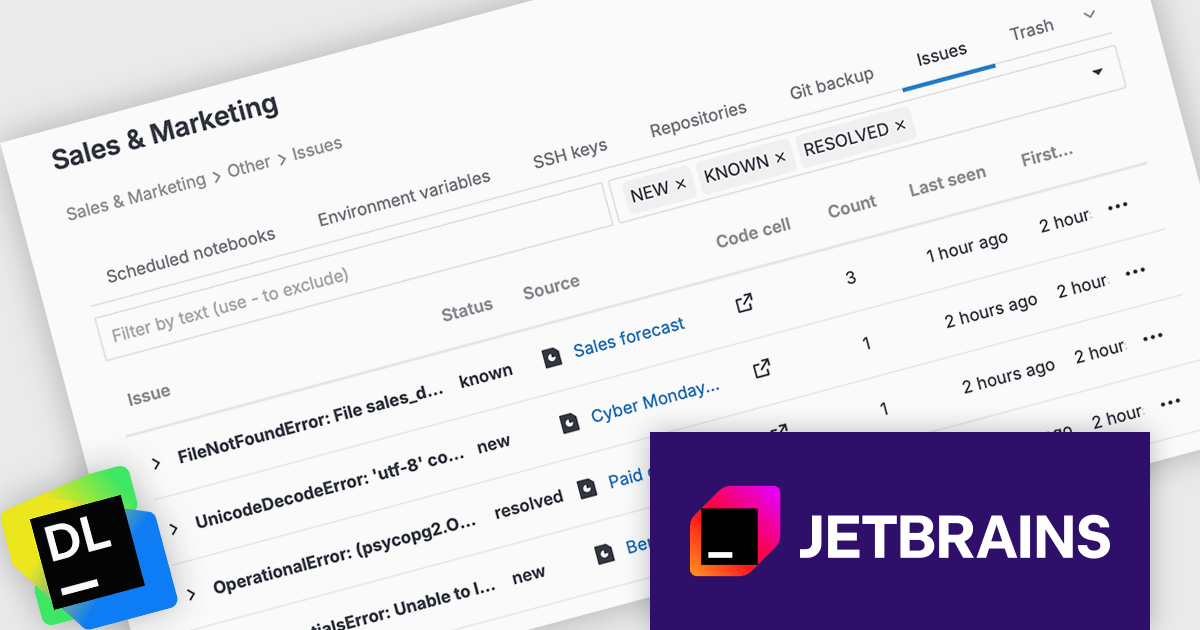
JetBrains Datalore is a collaborative data science platform that streamlines data exploration, analysis, and visualization through Jupyter-compatible notebooks. It empowers teams with features like automatic visualizations, pre-configured environments, interactive controls, and seamless collaboration functionalities. Datalore offers both cloud-based and self-hosted deployment options, catering to both individual and team-based data science workflows.
The Datalore 2025.6 update introduces the new Issue Center, a dedicated space for handling errors in published reports. Since reports run code in the background and keep technical details hidden from viewers, detecting and resolving issues has traditionally been a challenge. The Issue center addresses this by collecting all report errors across a workspace in one location, where they can be easily searched, filtered, and addressed. This update significantly improves visibility into report execution problems and simplifies ongoing maintenance for teams managing multiple published outputs.
To see a full list of what's new in version 2025.6, see our release notes.
Datalore is licensed per user, and is available as a commercial annual subscription license. See our Datalore licensing page for full details.
For more information, visit our Datalore product page.
Tel: (888) 850 9911
Fax: +1 770 250 6199


