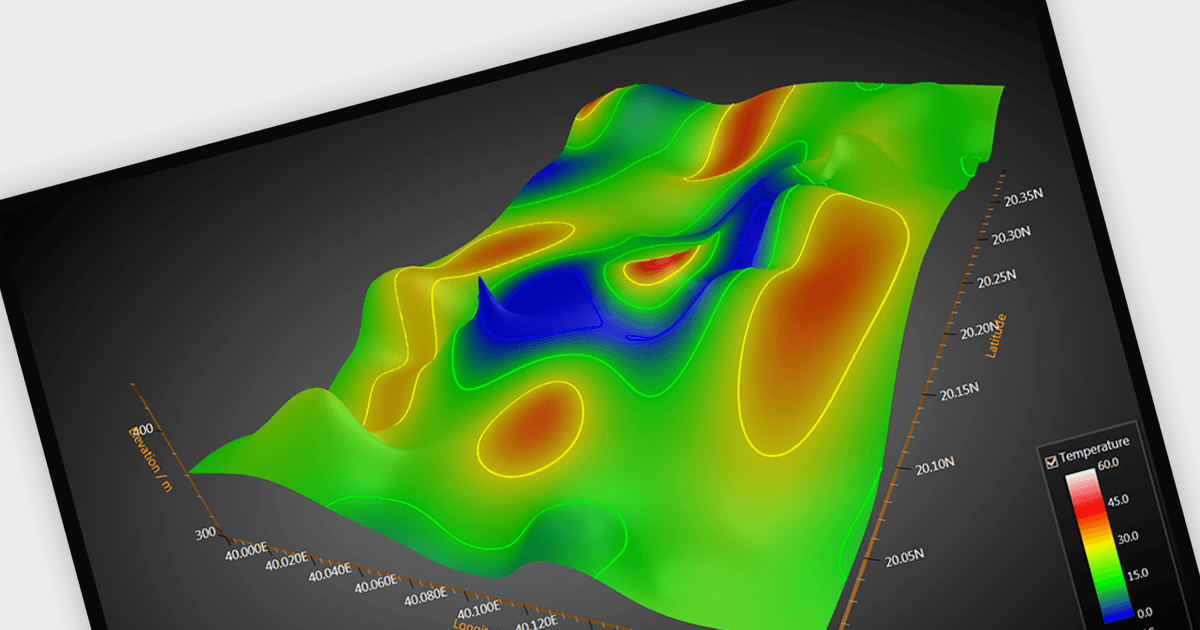
用 Surface Charts 揭示数据见解

1月 22, 2024
通过将直观的 3D 可视化效果添加到您的 WPF 应用程序来帮助用户了解复杂的数据交互。

继续用英语阅读:

Surface charts are graphical representations that depict three-dimensional data in a two-dimensional format, typically using a grid of rows and columns. These charts provide a visual representation of how two independent variables (typically represented on the X and Y axes) influence a dependent variable, represented by the height or color of the surface. The primary benefit of surface charts lies in their ability to reveal complex relationships within datasets, making it easier for analysts and decision-makers to grasp patterns and trends. Surface charts offer a valuable tool for analyzing data in fields such as scientific research, engineering, finance, and various other domains.

Several WPF chart controls offer Surface charts including:

  • DevExpress WPF Chart (part of DevExpress WPF) allows you to create surface charts with smooth gradients, interactive rotations, and endless customization options.
  • ComponentOne Charts for WPF (part of ComponentOne Studio WPF by MESCIUS) offers interactive 3D surface charts, featuring customizable gradients, rotations, and lighting.
  • LightningChart .NET lets you use surface charts to sculpt data landscapes, uncover hidden patterns, and personalize with interactive rotations, zooms, and customization options.
  • Infragistics WPF Charts (part of Infragistics Ultimate UI for WPF) allows you to transform multidimensional data into visually compelling surface charts.
  • Syncfusion WPF Chart (part of Syncfusion Essential Studio Enterprise) provides you with immersive 3D surface charts, with customizable shading, lighting, and rotations.

For an in-depth analysis of features and price, visit our WPF chart controls comparison.

Compare WPF Chart Controls