













官方供应商
我们作为官方授权经销商,直接提供超过200家开发厂家所发行超过1000个的产品授权给您。
查看我们的所有品牌。
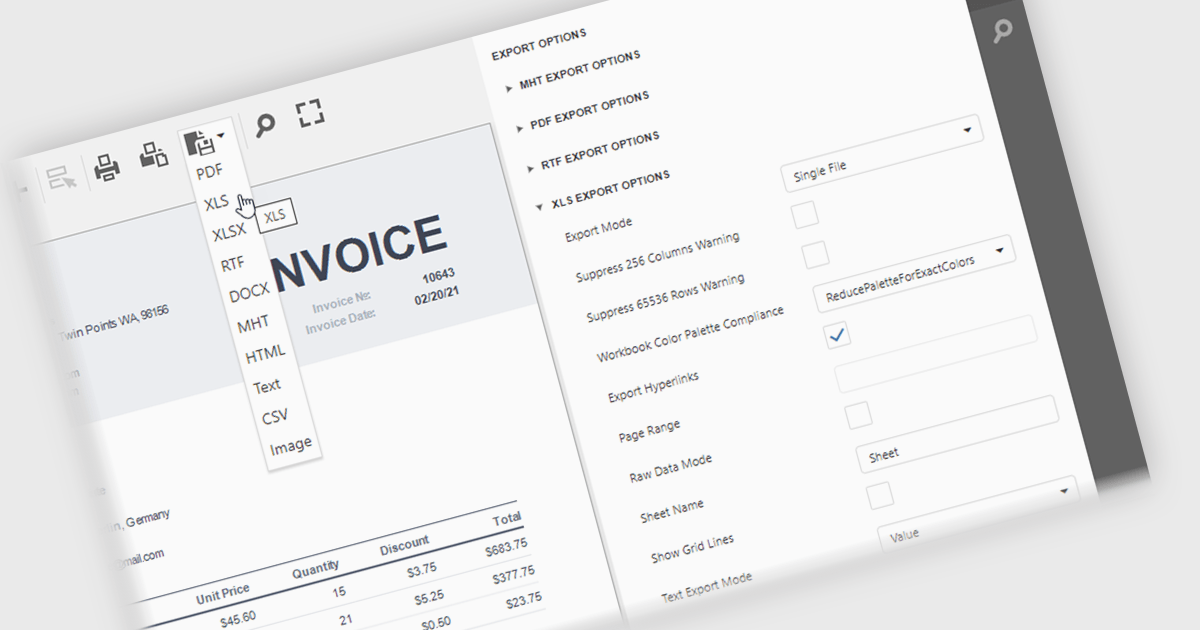
XLS/XLSX export in an ASP.NET Core reporting component allows generated reports to be saved in Microsoft Excel spreadsheet formats while preserving data, formatting, formulas and worksheet structure. This makes it straightforward for users to open report data in Excel for further analysis, filtering, sorting, calculations, or sharing, while giving developers a reliable way to deliver report output in a widely supported business format that integrates well with existing workflows and office productivity tools.
Several ASP.NET Core reporting controls offer export to XLS/XLSX including:
For an in-depth analysis of features and price, visit our ASP.NET Core reporting controls comparison.
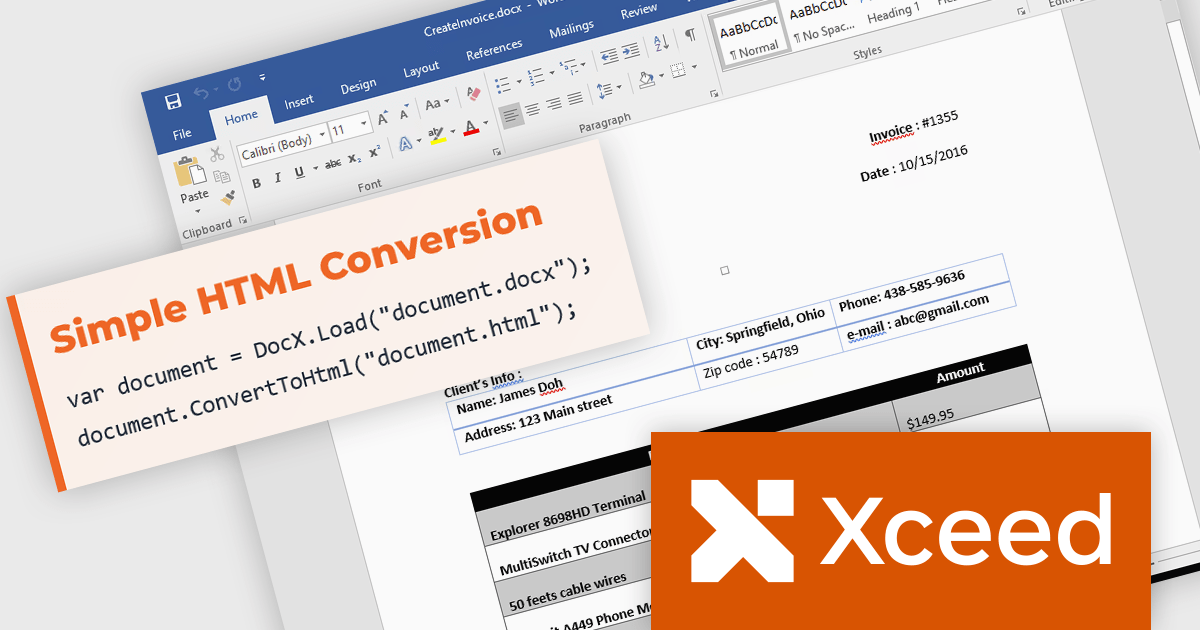
Xceed Words for .NET is designed to enable .NET developers to programmatically create, modify, and convert Microsoft Word (.docx) documents without requiring Microsoft Word or Office to be installed. It provides a comprehensive API for manipulating document elements, including paragraphs, tables, images, and formatting, and extends functionality to include PDF conversion, allowing for robust document generation and processing within .NET applications.
The Xceed Words for .NET 6.0 update introduces Word to HTML conversion, enabling developers to transform Word documents into clean, standards compliant HTML through a single API call. The exporter preserves complex document content including tables, lists, headers, footers, tracked changes, and embedded fonts while providing flexible control over CSS, images, and font handling. Support for multiple HTML and XHTML standards simplifies integration with websites, content management systems, and publishing pipelines, while deterministic output, semantic HTML, ARIA support, and preserved alternative text improve version control, accessibility, and the quality of generated web content.
To see a full list of what's new in version 6.0, see our release notes.
Xceed Words for .NET is licensed per developer and is available as a perpetual license with 1 year of updates and support. See our Xceed Words for .NET licensing page for full details.
Xceed Words for .NET is available individually or as part of Xceed Ultimate Suite.
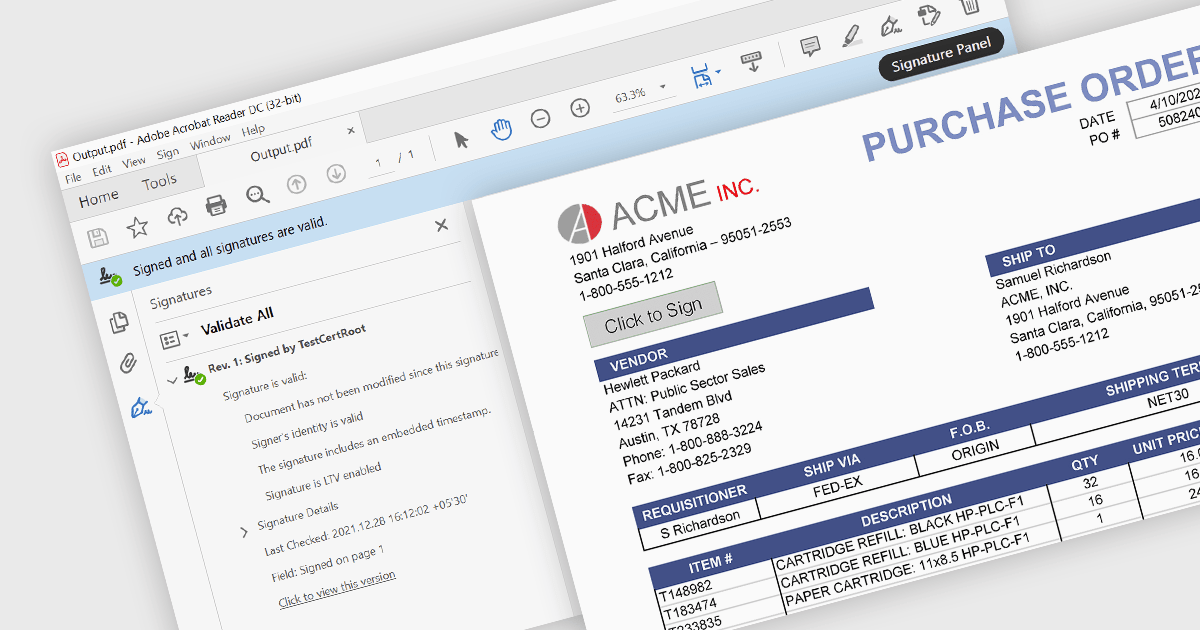
PDF signing is the process of adding a digital signature to a Portable Document Format (PDF) file to help verify the identity associated with the signing certificate and confirm that the signed content has not been altered since the signature was applied. Digital signatures help verify a document's authenticity and integrity while providing evidence of who signed it, making them suitable for contracts, approvals, compliance workflows, and other business processes that require trusted electronic documents. By reducing reliance on printed paperwork and manual signing, PDF signing can also improve efficiency while helping organizations meet security, audit, and regulatory requirements.
Several ASP.NET Core PDF components enable PDF signing, including:
For an in-depth analysis of features and price, visit our comparison of ASP.NET Core PDF components.
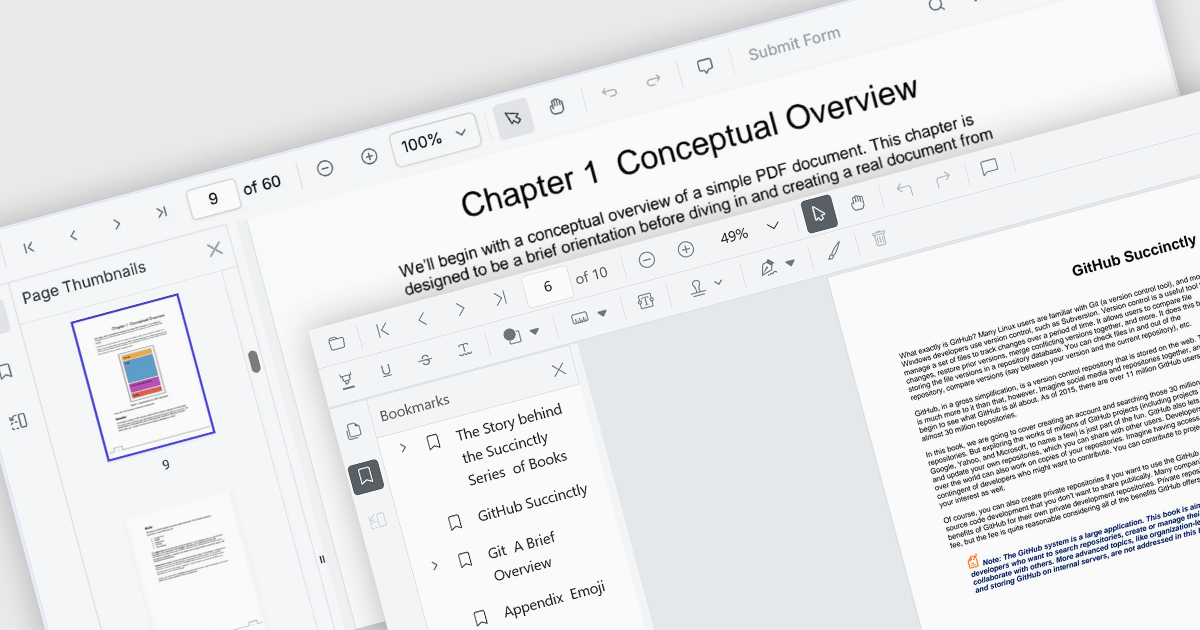
ASP.NET Core PDF viewer components provide several features for the seamless and efficient navigation of complex documents, enhancing the user experience in web applications. These viewers allow users to move through PDFs using intuitive controls that support structured document exploration. By leveraging advanced navigation features, developers can integrate smooth, user-friendly access to content, whether through previews in the form of thumbnail images, internal links, or predefined document structures i.e. a table of contents.
Common features include:
For an in-depth analysis of features and price, visit our ASP.NET Core PDF viewer components comparison.
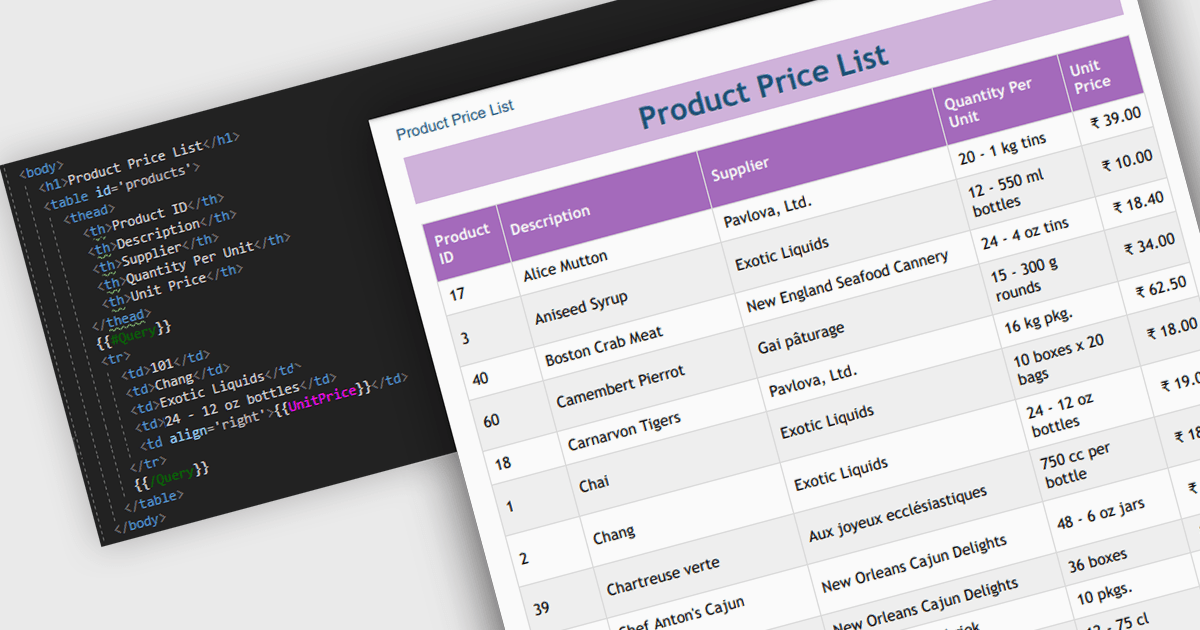
Convert HTML to PDF is a feature in a .NET PDF Viewer component that enables developers to generate PDF documents from HTML content, including text, images, styles, and web-based layouts, while preserving the original formatting. It is commonly used for creating reports, invoices, forms, and archived web content directly within .NET applications. The capability helps maintain consistent document presentation across platforms, supports automated document generation workflows, reduces the need for manual formatting, and allows existing HTML and CSS assets to be reused when producing professional-quality PDF output.
Several .NET PDF components offer convert HTML to PDF including:
For an in-depth analysis of features and price, visit our comparison of .NET PDF components.
联系电话: (888) 850 9911
传真: +1 770 250 6199


