













官方供应商
我们作为官方授权经销商,直接提供超过200家开发厂家所发行超过1000个的产品授权给您。
查看我们的所有品牌。
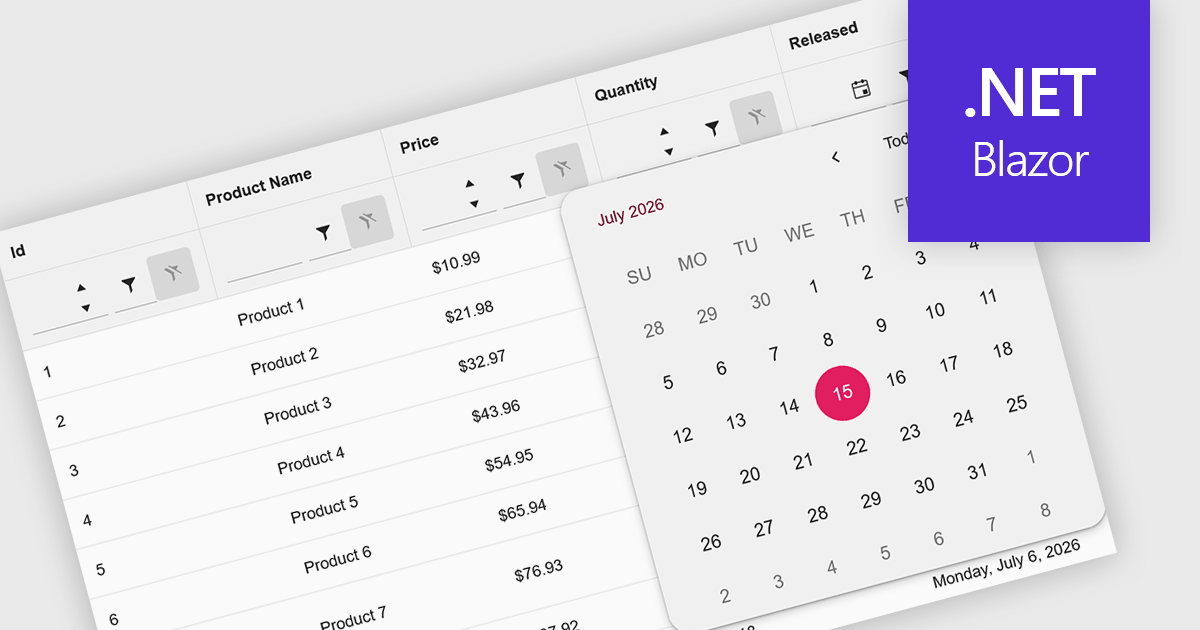
Calendar data entry components provide an integrated date picker that allows users to select dates quickly and accurately instead of entering them manually. This simplifies date input, reduces formatting and typing errors, and creates a more intuitive user experience. By ensuring consistent date values and improving data accuracy, they help developers build more reliable business applications. Common use cases include scheduling appointments, managing project timelines, recording employee leave, booking events, and capturing any information that depends on accurate date selection.
Several .NET Blazor data editor collections offer calendar controls including:
For an in-depth analysis of features and price, visit our comparison of .NET Blazor Data Editors.
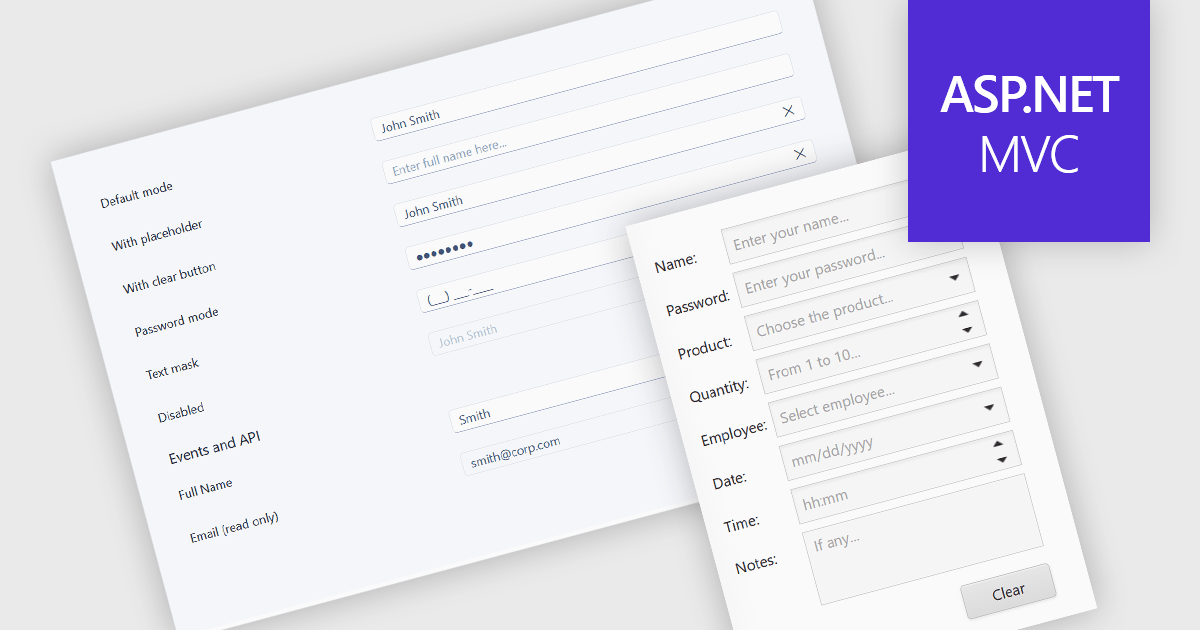
Text box components are user interface controls that allow users to enter and edit text within an application. They are commonly used for tasks such as data entry, search, and form completion, and often provide features including validation, formatting, placeholder text, and accessibility support. By helping developers create consistent user experiences, improve data quality, and reduce implementation effort through reusable functionality, text box components are a fundamental part of modern web and desktop applications.
Several ASP.NET MVC data editor collections provide a text box component, including:
For an in-depth analysis of features and price, visit our comparison of ASP.NET MVC data editor collections.
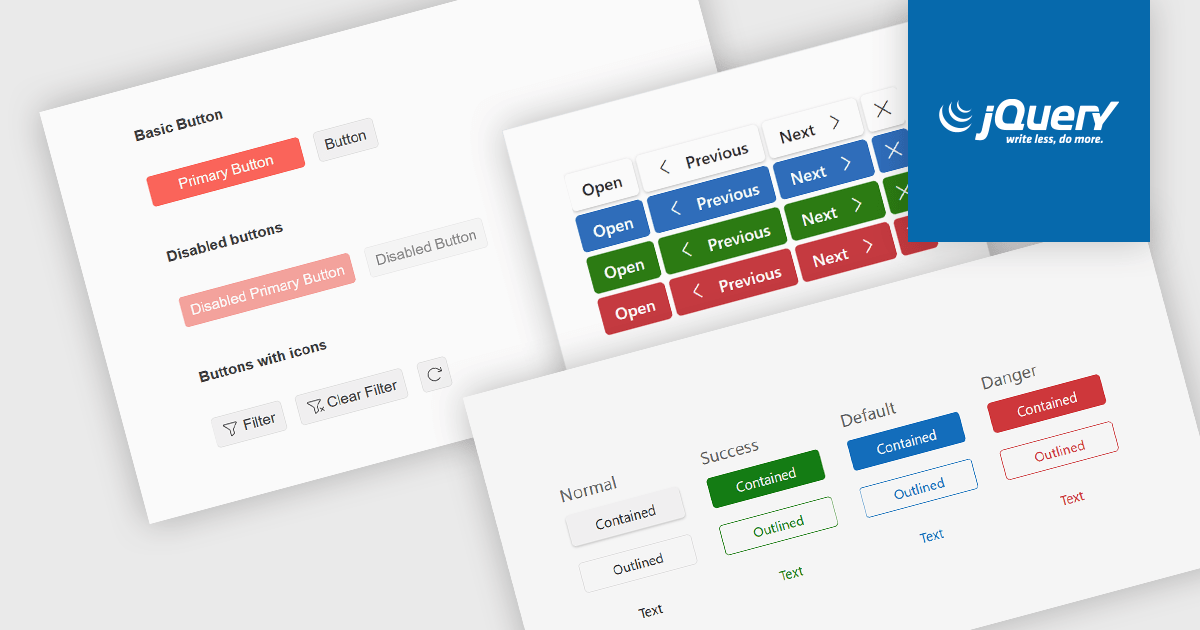
Button editors are user interface (UI) components that enable users to initiate actions within an application, such as submitting data, opening dialogs, clearing input, or executing custom commands. Modern button components often provide options for customizing appearance, icons, size, placement, and behavior, helping developers create consistent, accessible interfaces while supporting application-specific workflows and improving the overall user experience.
Several jQuery data editor collections provide you with button editor controls, including:
For an in-depth analysis of features and price, visit our comparison of jQuery data editors.
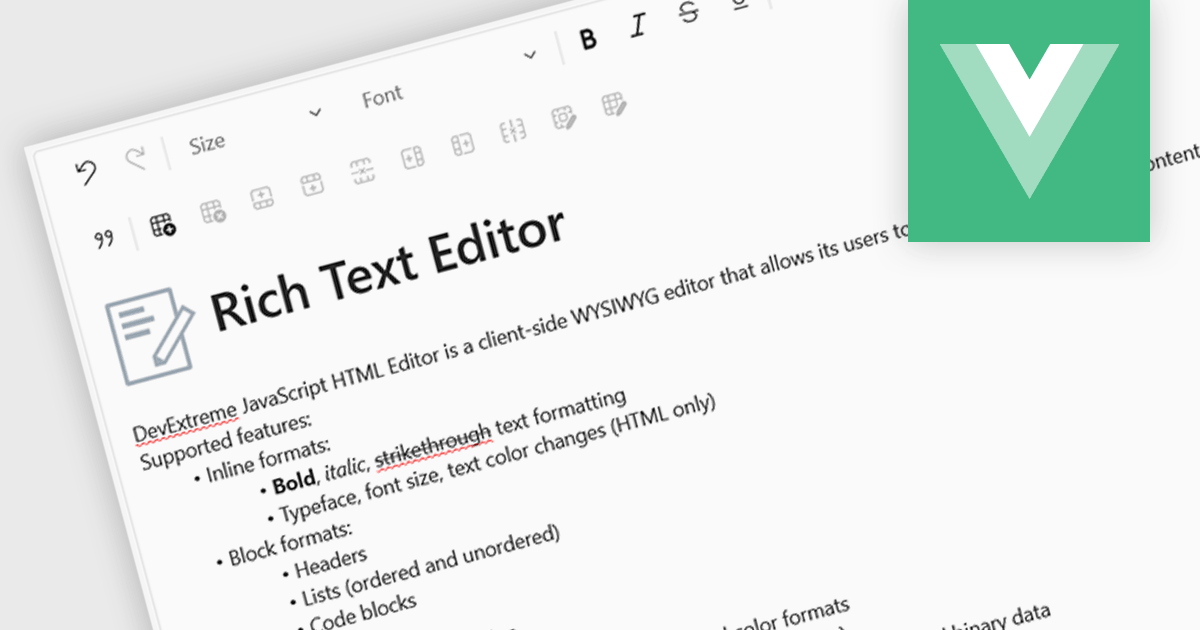
An RTF (Rich Text Format) Editor is a user interface component for Vue.js applications that provides a visual, word processor-style editing experience, allowing users to create and edit formatted content such as bold and italic text, headings, lists, tables, links, images, and other rich content without writing HTML directly. It typically outputs HTML or another structured format for storage and display, while integrating with Vue.js data binding and application state. For software developers, an RTF editor component reduces the effort required to implement advanced text editing features, offers a consistent editing experience across applications, supports extensibility through plugins and customization, and helps accelerate development of content management systems, documentation platforms, messaging applications, and other software that requires user-generated formatted content.
Several Vue.js data editor collections include rich text editing, including:
For an in-depth analysis of features and price, visit our comparison of Vue.js data editor collections.
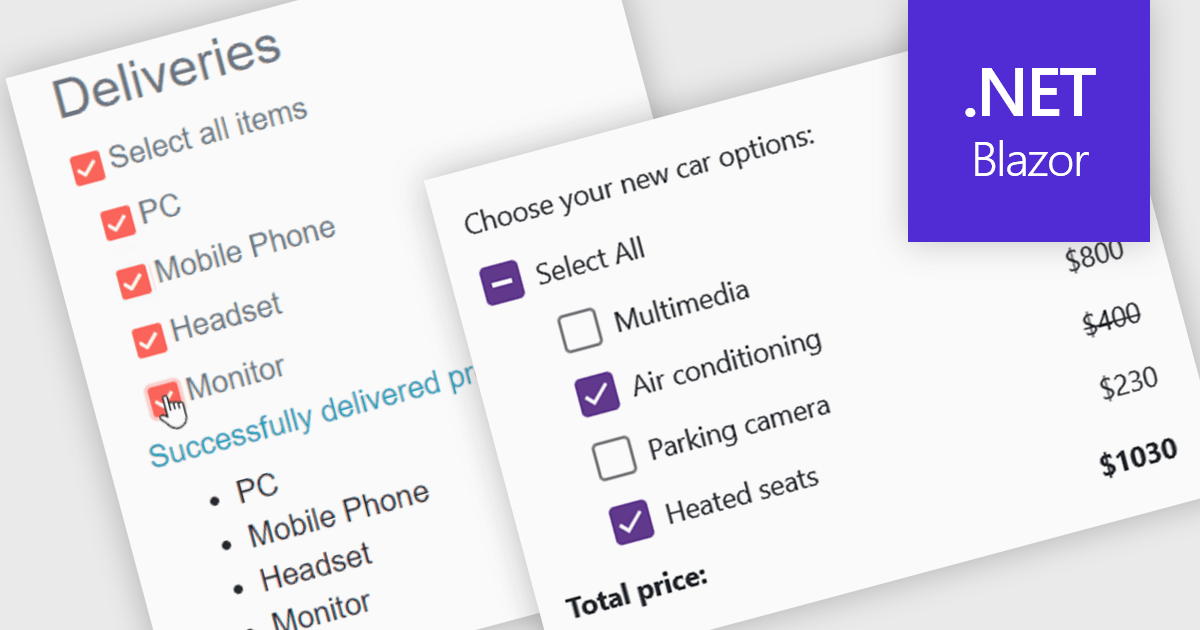
A checkbox data editor is a user interface element that enables users to view and modify Boolean values within forms, data grids, or other data-bound components. It provides an intuitive way to represent true/false, enabled/disabled, or selected/unselected states while maintaining synchronization between the user interface and the underlying data model. For developers, checkbox data editors simplify data entry and validation, improve usability by presenting state-based values in a familiar format, reduce input errors compared to manual text entry, and integrate with Blazor’s data binding and event-handling capabilities to support responsive, maintainable applications.
Several .NET Blazor data editor collections contain checkbox editors including:
For an in-depth analysis of features and price, visit our comparison of .NET Blazor data editors.
联系电话: (888) 850 9911
传真: +1 770 250 6199


