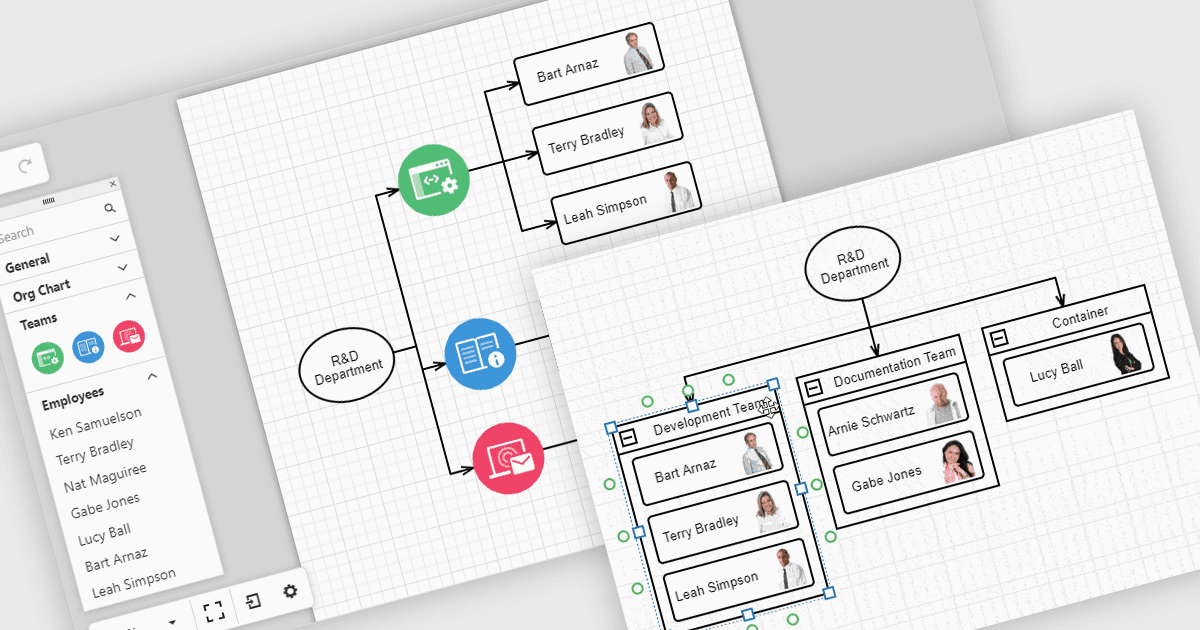
用交互式关系图可视化数据

9月 18, 2025
将组织结构图和工作流等复杂结构转换为易于更新和理解的清晰、动态的视觉效果。

继续用英语阅读:

Diagrams in UI toolkits help turn complex data into easy-to-understand visuals that teams can interact with. For example, organizational charts show company structures and reporting lines in a layout that can be updated automatically from HR data. These charts can be expanded, collapsed, or reorganized with drag-and-drop tools, making it easier to understand team relationships and keep information up to date. Diagrams can also be used for workflows, decision trees, and network maps, giving teams a clear, flexible way to present and manage information.

Several React UI suites offer diagram controls including:

  • DevExtreme Complete by DevExpress lets you build interactive diagrams, including organizational charts, process flows, and network structures, with responsive layouts.
  • SmartClient by Isomorphic Software facilitates advanced diagramming, supporting hierarchical org charts, decision trees, and workflow visualizations.
  • Syncfusion Essential Studio Enterprise allows you to create rich diagrams with data binding, automatic layouts, and interactive editing for diverse enterprise applications.

For an in-depth analysis of features and price, visit our React UI suite comparison.

Compare React UI Suites Controls