用筛选和分组组织报表

11月 7, 2025
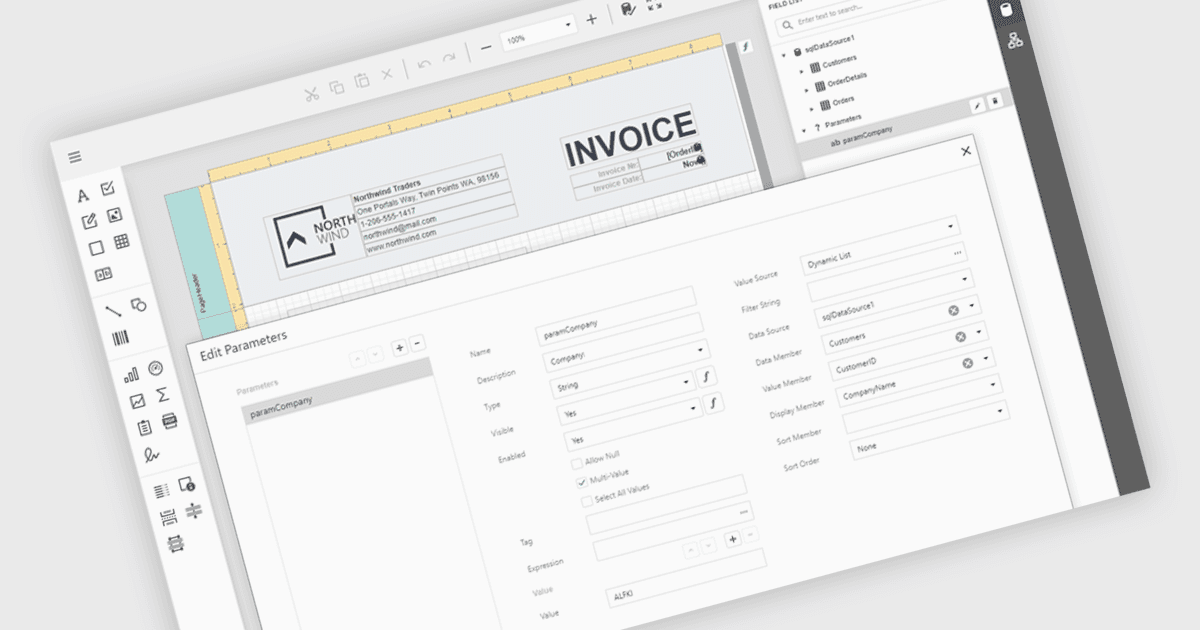
通过可视化的分组参数增强报表的清晰度和可用性,该参数使每个用户都能直观高效地进行复杂数据的筛选。

继续用英语阅读:

Data filtering and grouping in reporting help users organize and analyze information more efficiently by showing only the data that matters most. Filtering refines report results based on specific criteria such as date, category, or value, while grouping arranges related data into clear sections for easier comparison. Together, they improve clarity, speed up analysis, and reveal meaningful patterns. For example, a sales manager can view current quarter transactions grouped by region, or a finance team can review expenses filtered by department for more accurate insights.

Several .NET Blazor reporting controls offer data filtering and grouping including:

  • DevExpress Reports (Multi-Platform) lets you create interactive, dynamic reports with advanced data filtering and grouping for clear, customizable data presentation.
  • Telerik Reporting allows you to filter, group, and visualize data effortlessly, delivering precise, organized insights across web and desktop platforms.
  • Stimulsoft Reports.WEB enables flexible filtering and intuitive data grouping within web-based reports, helping users uncover trends and analyze information efficiently.
  • FastReport .NET WEB facilitates powerful data filtering and grouping, allowing users to generate structured, interactive reports directly in browser-based applications.

For an in-depth analysis of features and price, visit our comparison of .NET Blazor Reporting Controls.

Compare .NET Blazor Reporting Controls