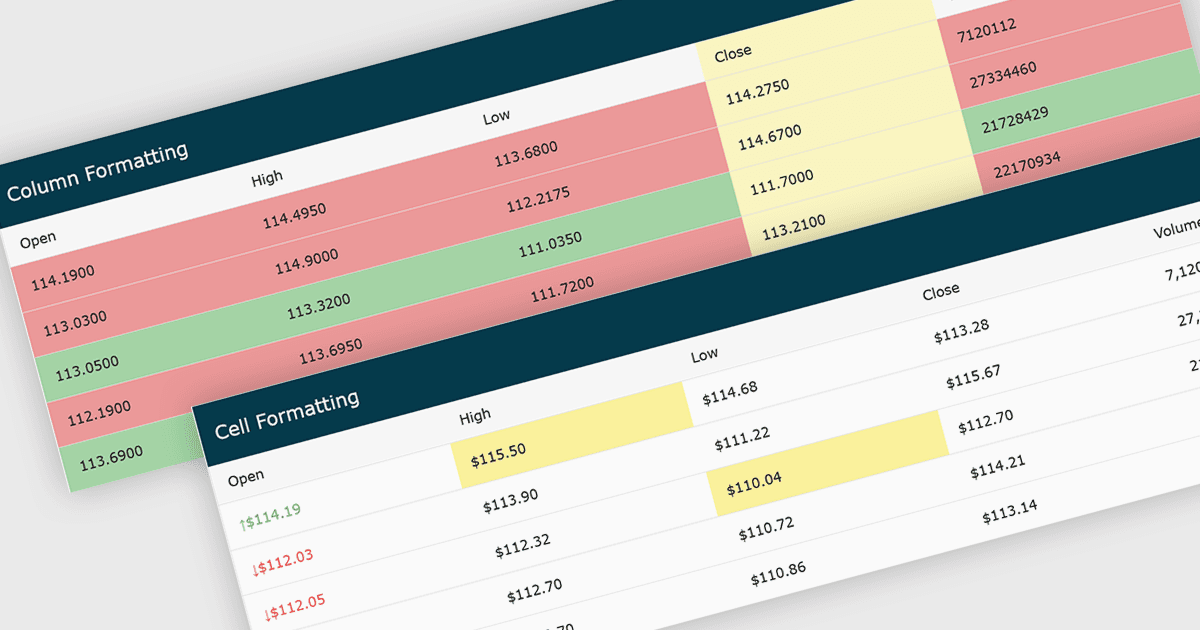
用条件格式突出显示关键见解

4月 16, 2026
用条件格式在网格中提高数据可见性,利用视觉提示揭示重要的模式和异常。

继续用英语阅读:

Conditional formatting in grids automatically applies visual styles such as colors or icons based on defined rules, making it easier to interpret large datasets at a glance. It improves readability, highlights patterns and outliers, and supports faster, more informed decision making by surfacing key insights in real time. Common use cases include flagging budget issues in financial reports, emphasizing top performing sales data, monitoring KPIs, and drawing attention to errors or critical statuses in operational tools.

Several JavaScript grid controls offer conditional formatting, including:

  • KendoReact Data Grid (part of KendoReactby Telerik) lets you apply conditional formatting rules to style cells, highlighting trends, outliers, and key values for better insights.
  • FusionGrid by FusionCharts facilitates real time conditional formatting in large datasets, helping users quickly spot trends, exceptions, and performance indicators.
  • Handsontable by Handsoncode allows you to visually emphasize important data using conditional formatting, improving readability and enabling faster identification of patterns.
  • ZingGrid lets you customize conditional formatting rules to automatically highlight critical data points, enhancing usability and supporting faster, more informed decision making.

For an in-depth analysis of features and price, visit our comparison of JavaScript Grid controls.

Compare JavaScript Grid Controls