













官方供应商
我们作为官方授权经销商,直接提供超过200家开发厂家所发行超过1000个的产品授权给您。
查看我们的所有品牌。
IPWorks by /n software is a comprehensive development library designed to streamline your creation of internet-enabled applications. It offers pre-built, secure components for common functionalities like sending emails, transferring files, and consuming web services. This allows you to focus on your application's core logic while leveraging pre-tested, robust tools for essential internet interactions.
IPWorks enhances security by providing developers with advanced tools for certificate validation, ensuring that only trusted and verified certificates are used in applications. With support for Certificate Revocation Lists (CRL) and Online Certificate Status Protocol (OCSP) methods, IPWorks enables real-time checks to confirm the validity of certificates and detect revocations, reducing the risk of compromised or untrustworthy communication endpoints. This robust validation mechanism helps protect sensitive data, prevent man-in-the-middle attacks, and maintain secure connections, making it an essential component for building reliable and secure software solutions.
IPWorks is licensed per developer and is available as a Perpetual License with a 12 month support and maintenance subscription. See our IPWorks licensing page for full details.
IPWorks is available to buy in the following products:

Sparklines are compact, embedded charts that provide a visual representation of data trends within individual spreadsheet cells. Unlike traditional charts, they do not require a separate charting area, making them ideal for summarizing data patterns, such as sales performance, stock trends, or operational metrics, in a space-efficient manner. These microcharts enhance readability and decision-making by offering a quick, at-a-glance view of trends without overwhelming users with excessive detail.
Several ASP.NET Core spreadsheet controls offer sparkline functionality including:
For an in-depth analysis of features and price, visit our ASP.NET Core spreadsheet controls comparison.
Stimulsoft Dashboards.WEB is a versatile suite of tools for crafting interactive data visualizations for web and desktop applications. It empowers developers to embed intuitive dashboards across various platforms, using the platform-specific components or a centralized cloud designer. With rich data analysis elements, extensive customization options, and pre-built templates, Stimulsoft Dashboards helps you transform complex data into clear, actionable insights for any audience.
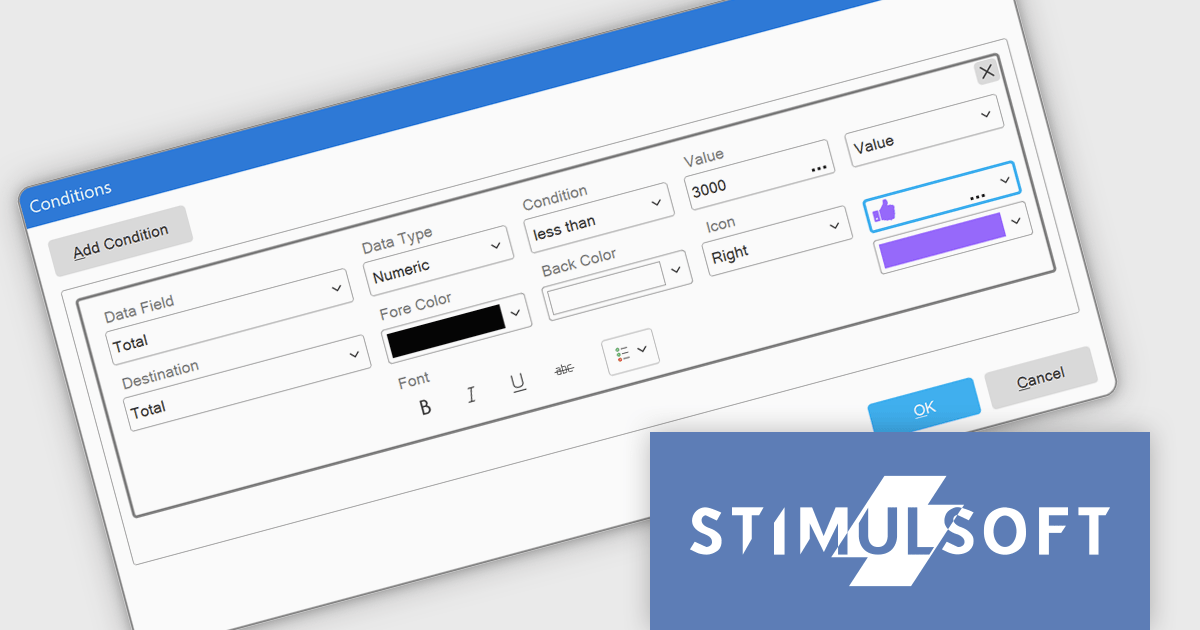
The Stimulsoft Dashboards.WEB 2025.1.1 update introduces the ability to apply visual indicators in conditional formatting for table elements, providing users with a powerful tool to enhance data visualization. This feature allows icons or custom uploaded images to be dynamically applied to table cells based on predefined conditions, enabling more precise and intuitive representation of data. By integrating this functionality, developers can create dashboards that effectively highlight critical information, improve data readability, and deliver a more engaging user experience, all while maintaining flexibility for customization and alignment with specific project needs.
To see a full list of what's new in 2025.1.1, see our release notes.
Stimulsoft Dashboards.WEB is licensed per developer and is available as a perpetual license with 1 year support and maintenance. See our Stimulsoft Dashboards.WEB licensing page for full details.
Stimulsoft Dashboards.WEB is available individually or as part of Stimulsoft Ultimate.

Arrow annotations are visual tools that allow users to draw attention to specific elements within a PDF by using arrows as directional indicators. These annotations are especially useful for guiding readers through complex diagrams, workflows, or technical illustrations where clarity is critical. By pointing to key areas, arrows help eliminate confusion, ensure important details aren't overlooked, and streamline communication during document reviews or collaborative discussions. Common use cases include annotating engineering schematics, marking areas for revision in design drafts, and highlighting specific data points in reports. The result is a more intuitive and engaging document that effectively conveys its intended message. Many PDF processing libraries support creating, customizing, and manipulating arrow annotations programmatically, offering options such as color, thickness, transparency, and positioning to fit various use cases.
Several ASP.NET Core PDF components offer arrow annotations including:
For an in-depth analysis of features and price, visit our ASP.NET Core PDF components comparison.
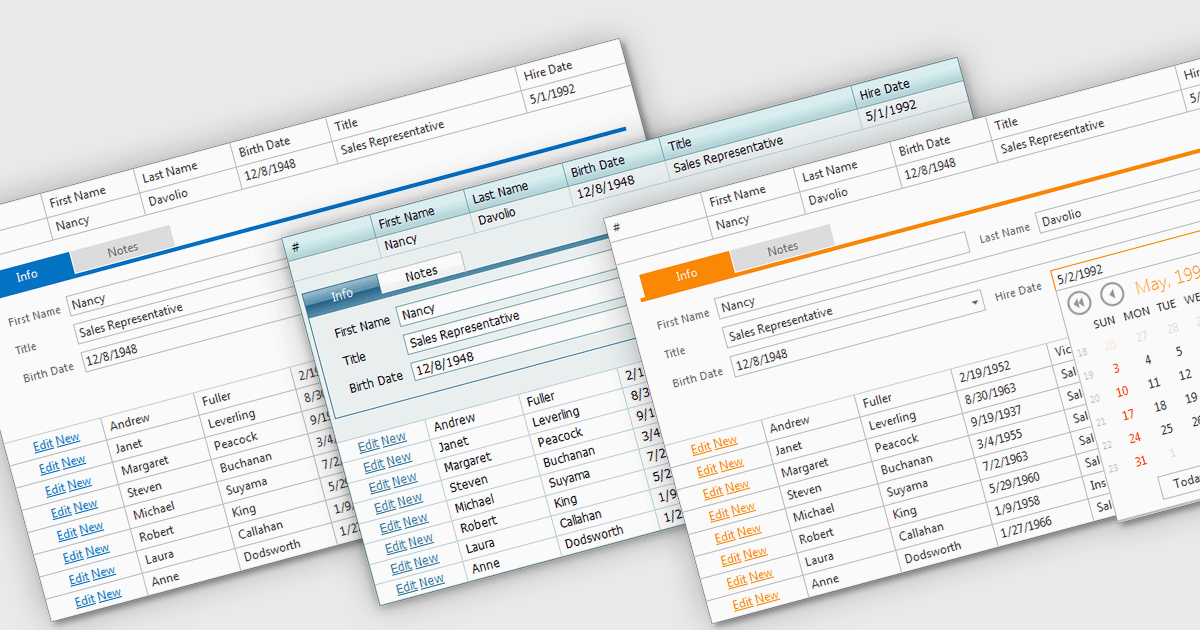
Built-in grid themes are pre-designed styling frameworks within components, providing developers with an efficient way to create visually consistent and professional grid-based interfaces. These themes streamline development by eliminating the need for custom grid designs, ensuring responsiveness across devices, and incorporating accessibility features such as proper color contrast and keyboard navigation. Built-in grid themes enhance the usability and scalability of data-intensive applications, making them ideal for business dashboards, analytics tools, and e-commerce platforms where clean, structured, and polished grid visuals are essential. By leveraging these themes, developers can prioritize functionality while delivering an intuitive, engaging, and inclusive grid experience.
Several ASP.NET Core grid components offer built in theme support including:
For an in-depth analysis of features and price, visit our ASP.NET Core grid controls comparison.
联系电话: (888) 850 9911
传真: +1 770 250 6199


