













官方供应商
我们作为官方授权经销商,直接提供超过200家开发厂家所发行超过1000个的产品授权给您。
查看我们的所有品牌。
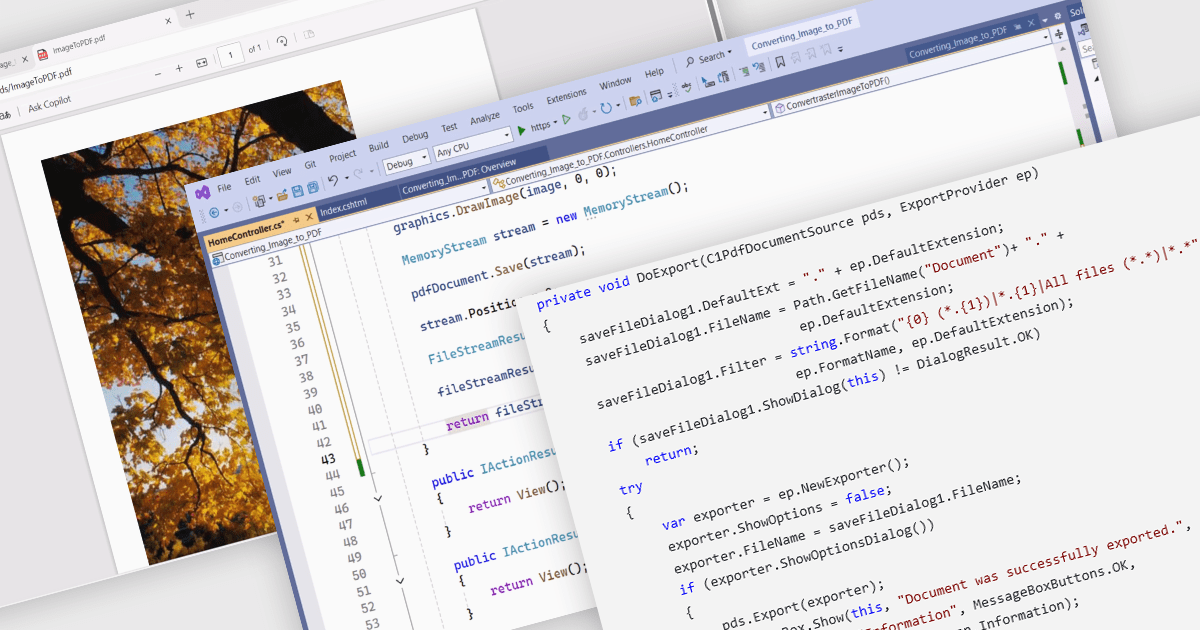
PDF conversion capabilities are a core feature of many PDF components, enabling interoperability between different document formats. These tools are essential where content needs to be shared, archived, or presented in a consistent and platform-independent way. Whether integrating into enterprise applications or powering document automation solutions, PDF conversion features allow developers to manipulate and repurpose content while preserving layout fidelity and document integrity across varied formats.
Common features include:
For an in-depth analysis of features and price, visit our WinForms PDF components comparison.
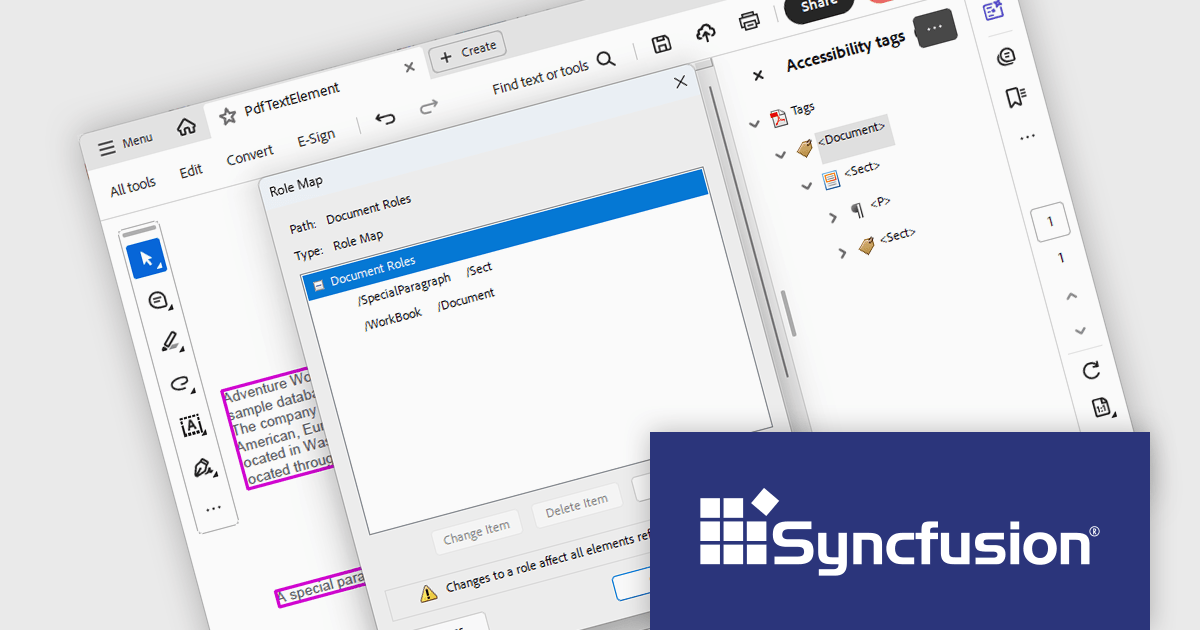
Syncfusion Essential Studio Windows Forms (available as part of Syncfusion Essential Studio Enterprise) is a powerful UI component suite designed to enhance your WinForms development. It boasts over 100 high-performance controls, ranging from essential grids and charts to advanced schedulers and diagrams, enabling you to craft visually appealing and feature-rich applications with ease. Its extensive customization options and built-in themes allow for tailored user experiences, while touch-friendly design ensures seamless interaction across devices.
The Syncfusion Essential Studio Windows Forms 2025 Volume 1 release improves the PDF library by introducing support for custom role mapping in tagged PDF documents. This advancement allows developers to define specific roles for structural elements, ensuring that the document's semantic structure aligns with accessibility standards such as PDF/UA (ISO 14289-1). By enabling precise role assignments, screen readers and other assistive technologies can more accurately interpret and navigate the content, thereby improving the reading experience for users with disabilities.
To see a full list of what's new in 2025 Volume 1, see our release notes.
Syncfusion Essential Studio Windows Forms is available as part of Syncfusion Essential Studio Enterprise which is licensed per developer starting with a Team License of up to five developers. It is available as a 12 Month Timed Subscription License which includes support and maintenance. See our Syncfusion Essential Studio Enterprise licensing page for full details.
Learn more on our Syncfusion Essential Studio Windows Forms product page.
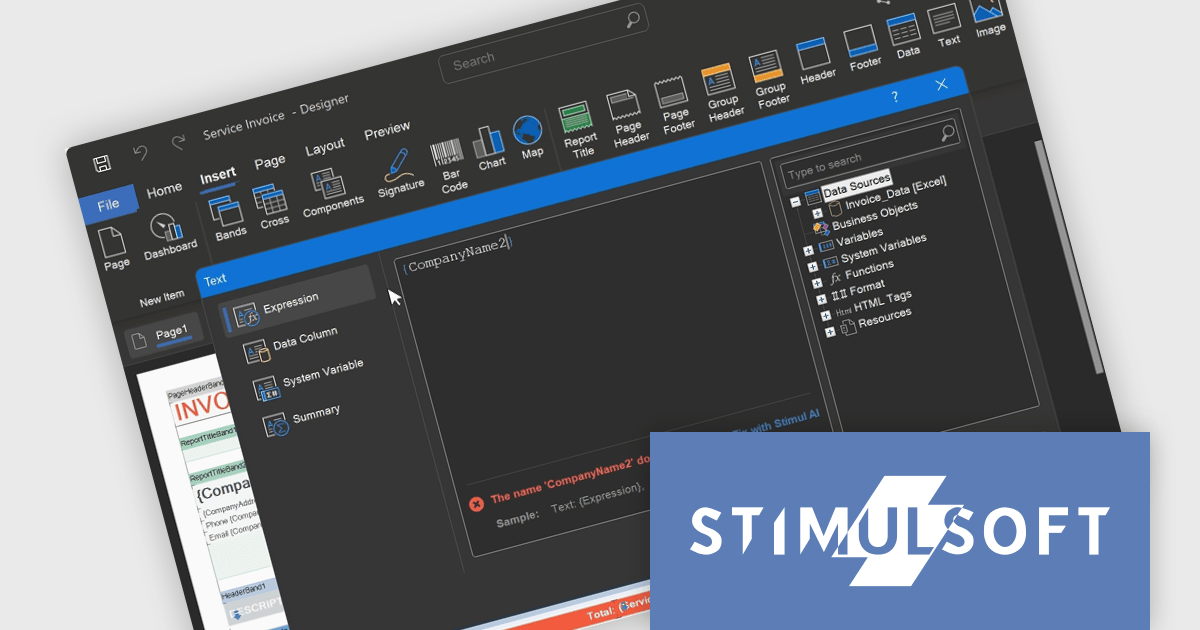
Stimulsoft BI Designer is a powerful reporting tool designed to create visually appealing and interactive reports. It empowers users to design and develop complex reports with ease, integrating data from various sources and presenting it in a clear, concise, and informative manner. With its rich feature set, Stimulsoft BI Designer is widely used in diverse industries, including finance, healthcare, retail, and manufacturing, to generate reports for analysis, decision-making, and compliance purposes. Key benefits include its intuitive interface, extensive customization options, and support for multiple data sources, making it an essential tool for organizations seeking to enhance their reporting capabilities and gain valuable insights.
The Stimulsoft BI Designer 2025.2.1 update introduces an updated expression editor that supports real-time calculation and automatic interpretation. When the report's calculation mode is set to Interpretation, expressions are evaluated instantly as the developer types, with results displayed directly in the editor. This significantly improves the speed and accuracy of report design by reducing context switching and allowing immediate validation of logic. Combined with editor interface improvements and built-in expression samples, the update provides a more efficient and responsive environment for building complex, data-driven reports.
To see a full list of what's new in 2025.2.1, see our release notes.
Stimulsoft BI Designer is available as a perpetual license and is licensed per creator. A creator has an account on the server, has access from the client-side, registered as an editor, and uses the product to work with report templates and dashboards - create, edit, view, delete, etc. See our Stimulsoft BI Designer licensing page for full details.
Stimulsoft BI Designer is available individually or as part of Stimulsoft Ultimate.
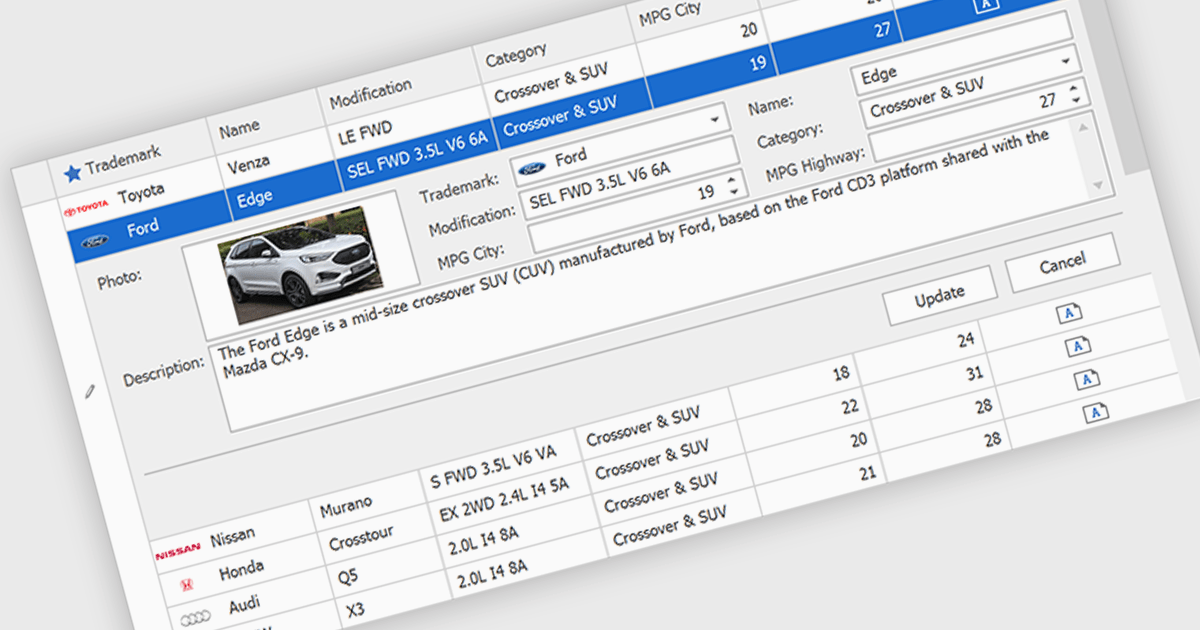
Customized Forms in .NET Grid components allow developers to tailor the structure and layout of data entry interfaces within grid-based controls, providing flexibility to match specific application requirements. These forms enable the addition of custom fields, validation logic, and user interface elements directly into the grid's editing workflow, enhancing the user experience and ensuring that data entry aligns with business rules. By offering control over how data is captured and displayed, customizable edit forms simplify complex data interactions, reduce the need for separate dialog windows, and support consistent, efficient data management within enterprise applications.
Many .NET Grid collections enable edit forms including:
For an in-depth analysis of features and price, visit our .NET grid controls comparison.
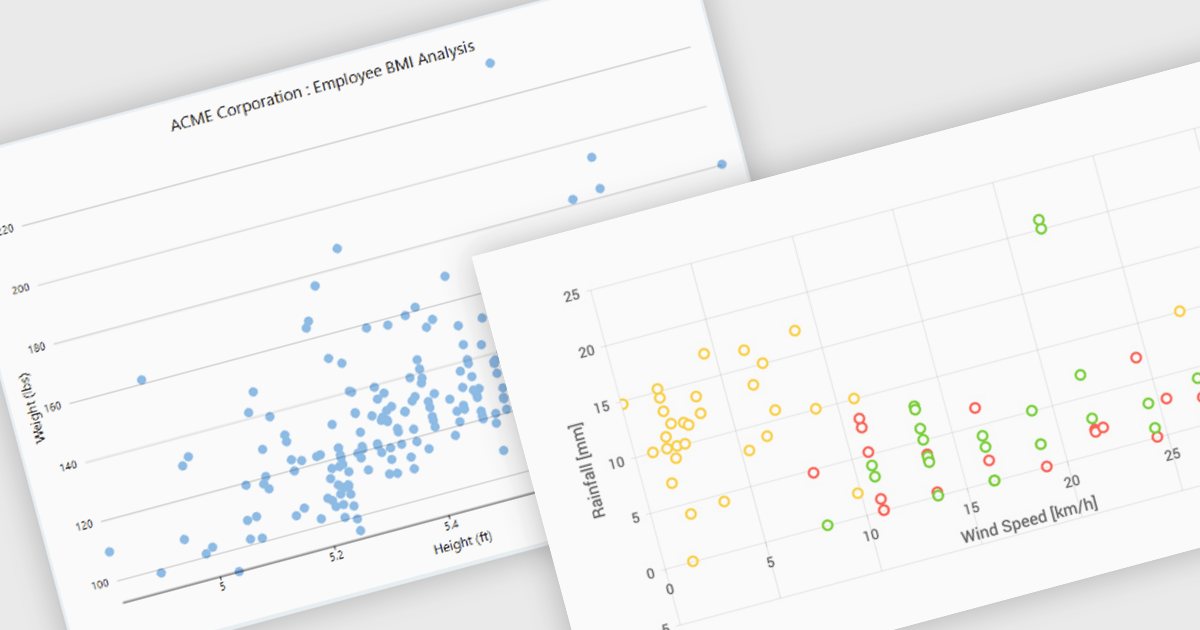
Scatter charts, also known as scatter plots or scatter diagrams, are fundamental visualization tools used to explore the relationship between two continuous variables by plotting data points, where each point's position is determined by its corresponding values for the two variables. This visual representation effectively reveals correlations and helps identify outliers, clusters, and the overall range and distribution of the data. The benefits of using scatter charts include their simplicity in conveying complex relationships, their ability to highlight anomalies that might be missed in tabular data, and their role as a precursor to more advanced statistical analyses like regression.
Several .NET WinForms chart controls offer scatter charts including:
For an in-depth analysis of features and price, visit our .NET WinForms chart controls comparison.
联系电话: (888) 850 9911
传真: +1 770 250 6199


