













官方供应商
我们作为官方授权经销商,直接提供超过200家开发厂家所发行超过1000个的产品授权给您。
查看我们的所有品牌。
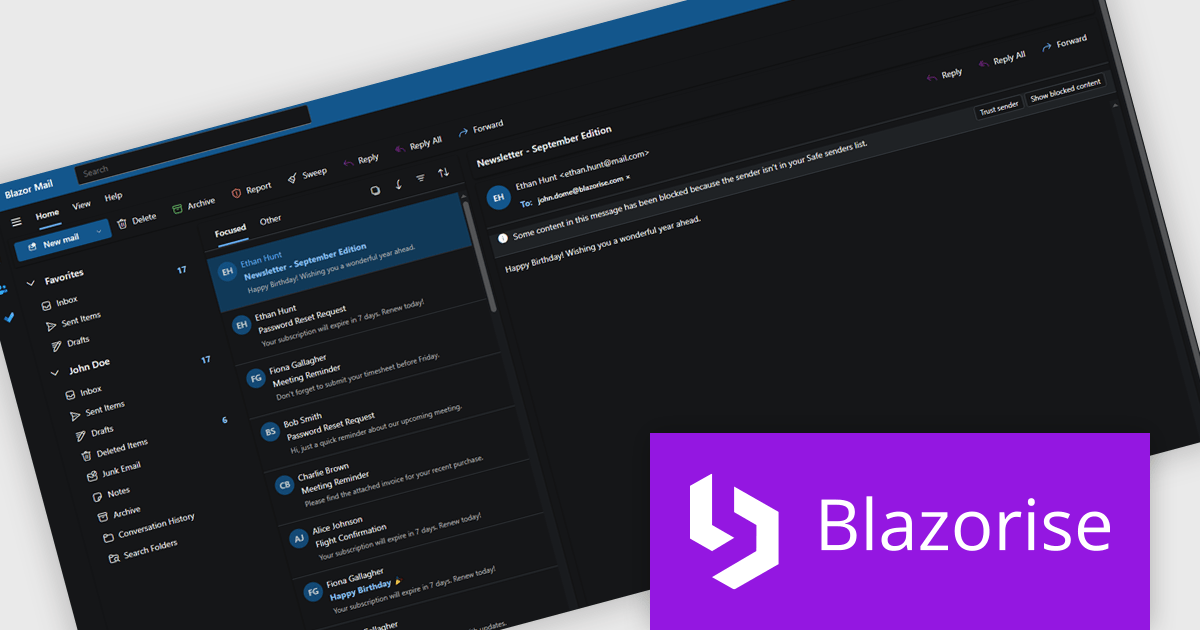
Blazorise is a versatile component library that empowers developers to build modern and feature-rich web applications using Blazor, a client-side web development framework from Microsoft. It offers a comprehensive collection of user interface components, including buttons, forms, charts, and navigation elements, all built with accessibility and responsiveness in mind.
The Blazorise 1.8.2 update introduces a Fluent UI Dark Theme that enables developers to deliver a consistent and accessible dark mode experience across their applications. It provides a complete set of tuned color tokens covering surfaces, typography, and accents, ensuring all Fluent UI components such as DataGrid, Modal, Sidebar, Dropdown, Button, and Tabs maintain visual coherence without additional customization. The theme also integrates with existing light and dark mode toggling, automatically adapting to the application’s current color scheme.
To see a full list of what’s new in version 1.8.2, see our release notes.
Blazorise is licensed per developer and includes a 1 year subscription for updates and support. Professional, Enterprise, and Enterprise Plus editions are available, each offering tailored levels of support and service to meet varying business needs. See our Blazorise licensing page for full details.
For more information, visit our Blazorise product page.
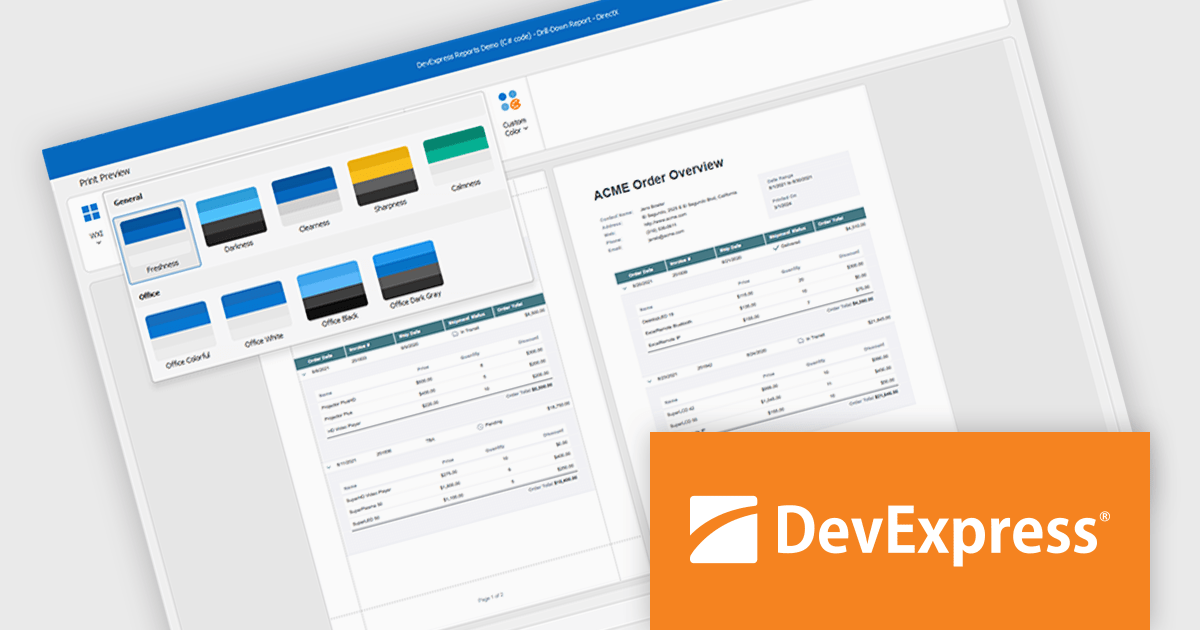
DevExpress DXperience is a comprehensive development suite that enables developers to build high-performance applications for Windows, Web, mobile, and tablet platforms using a unified set of controls and tools. It includes hundreds of desktop UI controls for WinForms, WPF, and reporting, as well as web UI controls for Blazor, ASP.NET, MVC, Core, Bootstrap Web Forms, JavaScript, Angular, React, Vue, and web reporting, plus productivity tools like XPO ORM and CodeRush for Visual Studio. With its extensive component library, DXperience accelerates development, ensures visually consistent and responsive interfaces, and is ideal for creating enterprise applications, data-driven web apps, dashboards, and reporting solutions.
DevExpress DXperience enhances application development with new app-wide themes and skins, allowing developers to apply a consistent, modern visual style across entire projects with minimal configuration. By providing professionally designed themes that align with Microsoft Office and Windows 11 aesthetics, along with built-in tools for customizing these designs, it improves the UI design process and reduces the need for manual styling. This enables developers to focus on functionality while delivering polished, cohesive user interfaces that improve usability and maintain a professional appearance across all application modules.
DevExpress DXperience is licensed per developer and is available as a Perpetual License with a 12 month support and maintenance subscription. See our DevExpress DXperience licensing page for full details.
For more information, visit our DevExpress DXperience product page.
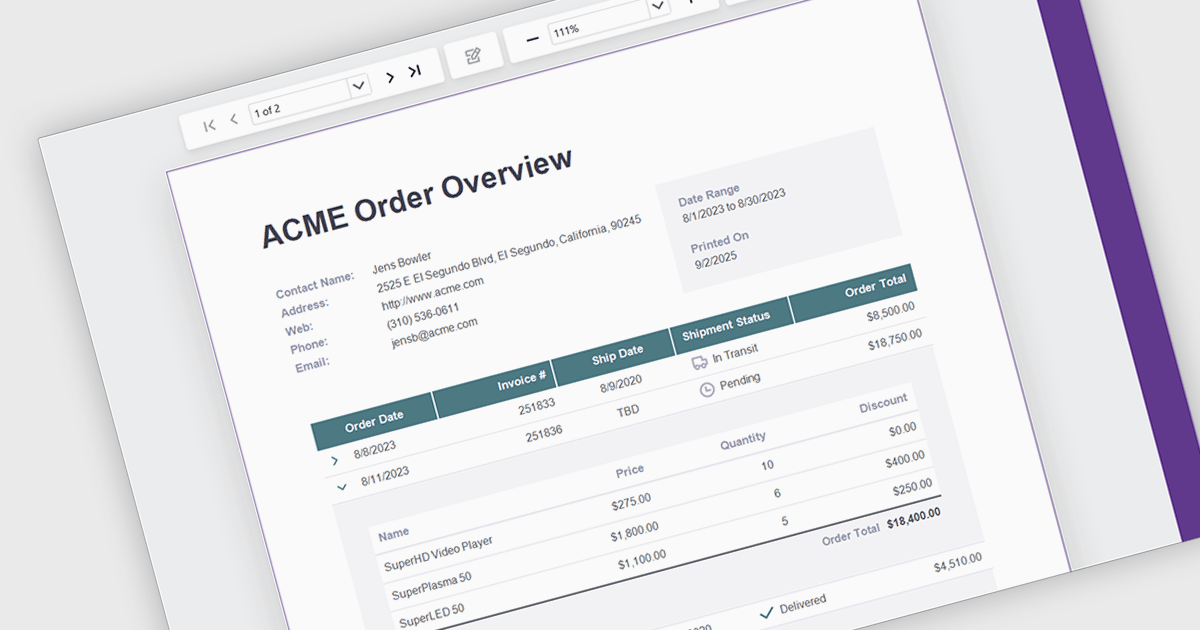
Drill down support in reporting components enables developers to design interactive reports that progressively reveal more detailed data as users click on summary items. This feature allows users to explore underlying datasets directly within the report interface, eliminating the need to switch between views or load separate reports. By structuring data hierarchically, developers can provide a more intuitive and efficient navigation experience for end-users. It is especially valuable in dashboards or business intelligence tools where data granularity is critical for analysis and decision-making.
Several .NET Blazor Reporting controls support drill down features including:
For an in-depth analysis of features and price, visit our comparison of .NET Blazor Reporting Controls.
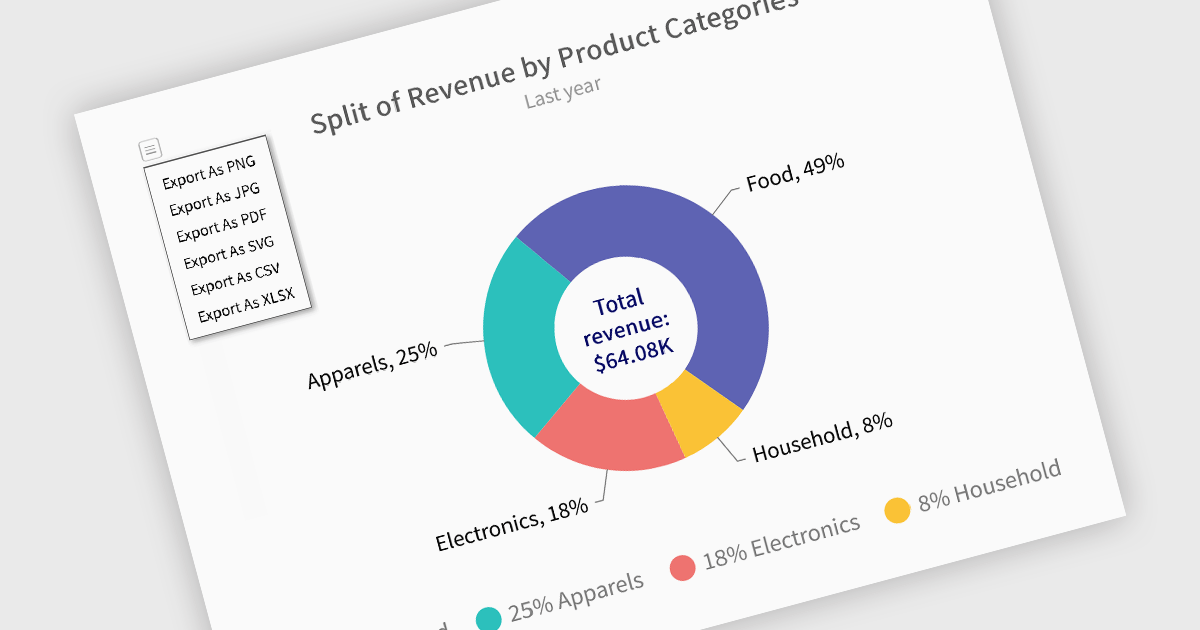
Exporting charts to XLS or XLSX formats enables developers to extract the structured underlying data from visualizations and make it available for deeper analysis or downstream processing. Rather than being confined to image or PDF exports, this approach allows for easy integration of chart data with spreadsheet tools and data workflows. By converting charts into Excel files, users gain the ability to manipulate, filter, or augment data, ideal for reporting, auditing, or business intelligence scenarios where numerical insights must be both visual and actionable.
Several Blazor charting controls offer the ability to export charts to XLS/XLSX including:
For an in-depth analysis of features and price, visit our Blazor charting controls comparison.
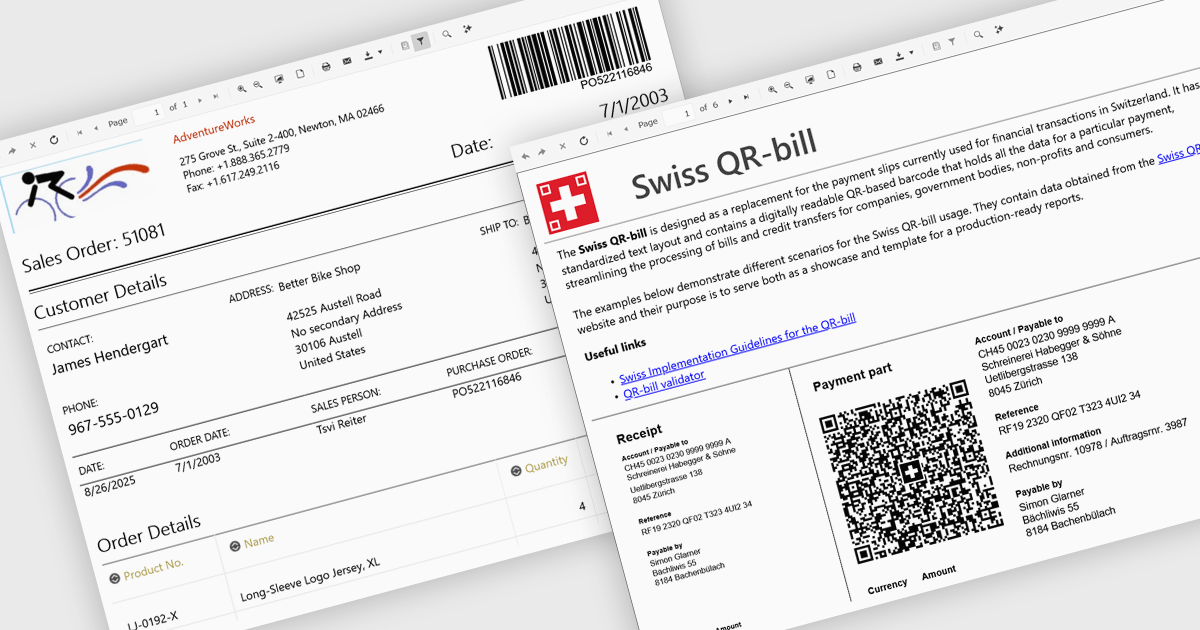
Adding barcodes to reports means embedding machine-readable codes like QR or Code 128 directly into printed or digital outputs. These can be scanned by barcode readers, making data entry faster, reducing errors, and improving traceability. Barcodes also support integration with inventory, logistics, or ERP systems. This feature is especially useful in manufacturing, retail, healthcare, and supply chain environments where accuracy and speed are essential.
Several .NET Blazor Reporting controls include Barcodes including:
For an in-depth analysis of features and price, visit our comparison of .NET Blazor Reporting Controls.
联系电话: (888) 850 9911
传真: +1 770 250 6199


