













官方供应商
我们作为官方授权经销商,直接提供超过200家开发厂家所发行超过1000个的产品授权给您。
查看我们的所有品牌。

ComponentSource and Dynamsoft have enjoyed a successful 20-year partnership focused on delivering document capture and barcode reading tools to the global developer community. This long-standing cooperation demonstrates a shared commitment to providing developers with tools that enable precise data extraction, optimize workflow automation, and enhance the accuracy and efficiency of application processes.
Dynamsoft is a leading provider of software development kits (SDKs), specializing in barcode scanning, document capture, and TWAIN scanning solutions. Its core competencies lie in delivering high-performance, scalable solutions to enterprise-level financial, logistics, retail, and healthcare companies. Dynamsoft offers tools that enable seamless integration of computer vision functionalities into web, desktop, and mobile applications, empowering developers to build high-performance, scalable solutions tailored to diverse enterprise needs. Choosing Dynamsoft products enables businesses to drive digital transformation, improve operational efficiency, and achieve significant cost savings.
ComponentSource, a leading distributor of software components and development tools, has played a crucial role in expanding the reach of the Dynamsoft range. Through this partnership, ComponentSource has helped make products such as Dynamic Web TWAIN and Dynamsoft Barcode Reader accessible to a broader audience of developers.
The enduring collaboration between ComponentSource and Dynamsoft has had a significant, positive impact on the developer community by making advanced imaging and barcode scanning tools more accessible. As we celebrate this two decade partnership, we look forward to strengthening our relationship and continuing to provide developers worldwide with innovative, reliable solutions to meet their evolving technology needs.
Learn more about Dynamsoft.
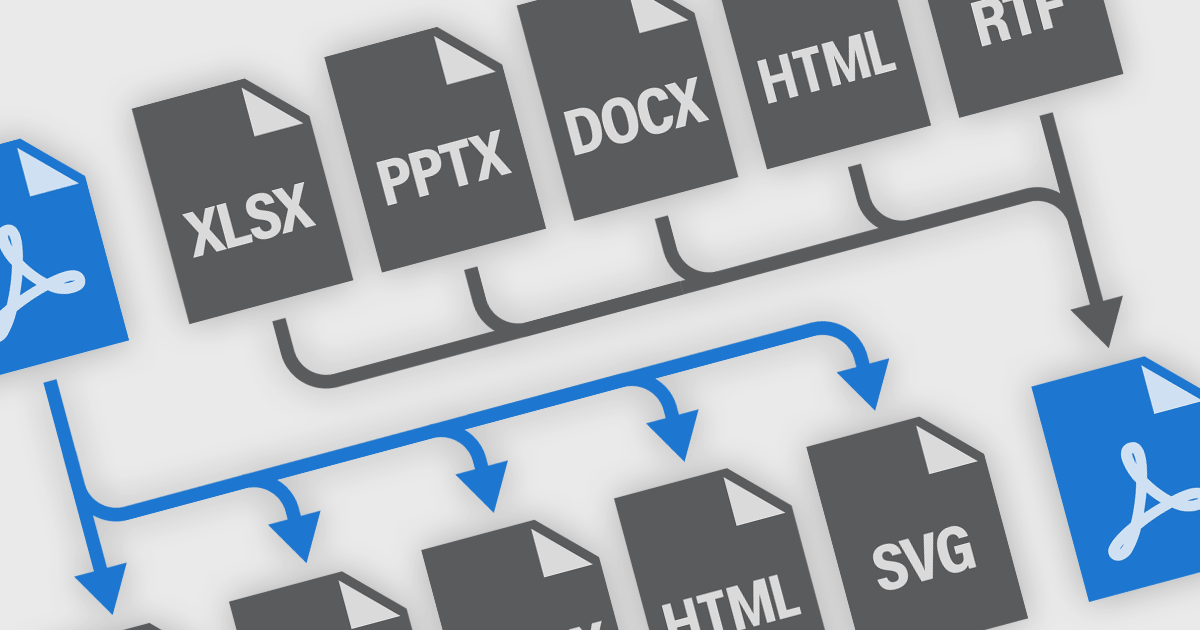
PDF conversion functionality is a versatile and essential tool for managing digital documents, enabling seamless transformation between PDF and formats like Microsoft Word, Excel, PowerPoint, and image files. Many PDF components offer robust conversion support, allowing easy integration into various workflows. Converting to PDF ensures consistent formatting and layout across devices, enhancing professionalism in presentations, reports, and legal documents. Converting PDFs back to editable formats facilitates modifications and content reuse, boosting collaboration and efficiency. Benefits include improved document security with encryption and password protection, reduced file sizes for easier sharing and storage, and the ability to create interactive forms and multimedia-rich publications. Whether for business communications, academic research, or personal organization, PDF conversion is crucial for maintaining the integrity, accessibility, and functionality of digital information.
Common features include:
For an in-depth analysis of features and price, visit our .NET PDF components comparison.
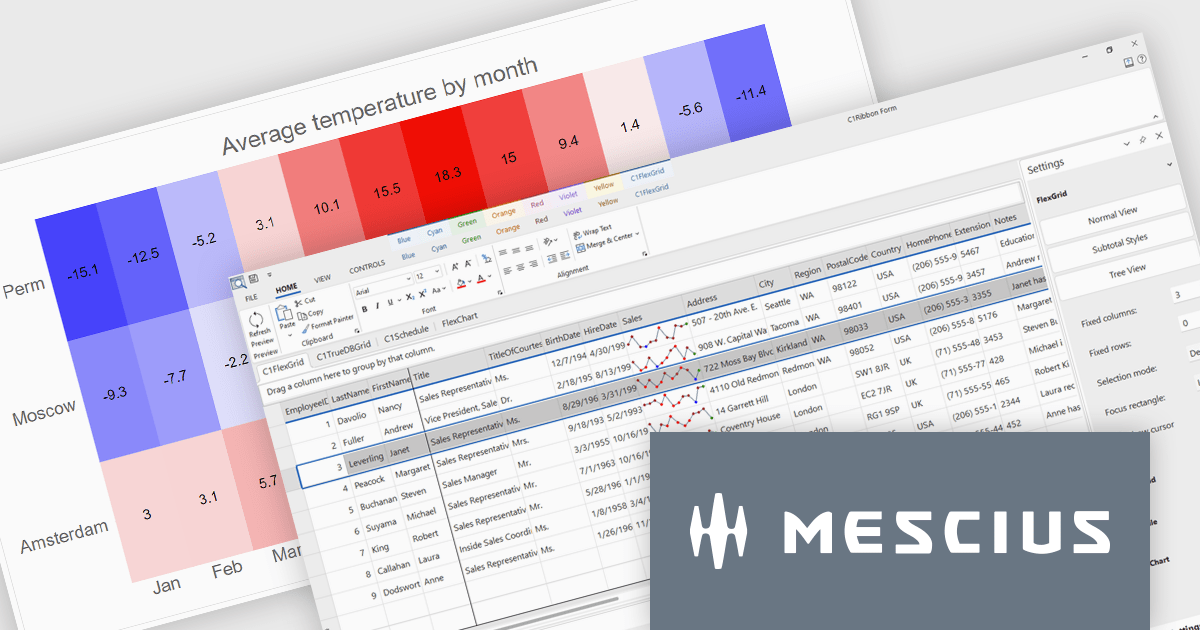
The ComponentOne Studio range by MESCIUS (formerly GrapeCity) is a comprehensive suite of UI controls for building rich, responsive, and cross-platform applications. It provides a wide range of components for desktop, web, and mobile development including high performance datagrids, charts, reporting components, dashboards, and other UI controls.
The latest release of .NET 9 has brought significant performance enhancements, and MESCIUS has announced that its extensive library of components is now updated with support for the latest .NET release. This ensures that developers can reap the benefits of the framework's performance improvements. This release introduces new Microsoft 365-inspired desktop themes, and significant updates to the entire “Flex” family of controls across the .NET stack.
Developers can now effortlessly embark on their .NET 9 projects with the introduction of production-ready Office 365 themes for WinForms, offering modern desktop styles inspired by Microsoft’s latest software, and FlexChart enhancements, including built-in zoom and panning behaviors for more dynamic data visualization.
To see a full list of what's new in version 2024 v2, see our release notes.
ComponentOne Studio products are licensed per developer on a perpetual basis and include a 12 month subscription. Priority Support is also available. See our ComponentOne Studio Enterprise licensing page for full details.
For more information, visit our ComponentOne Studio product pages:
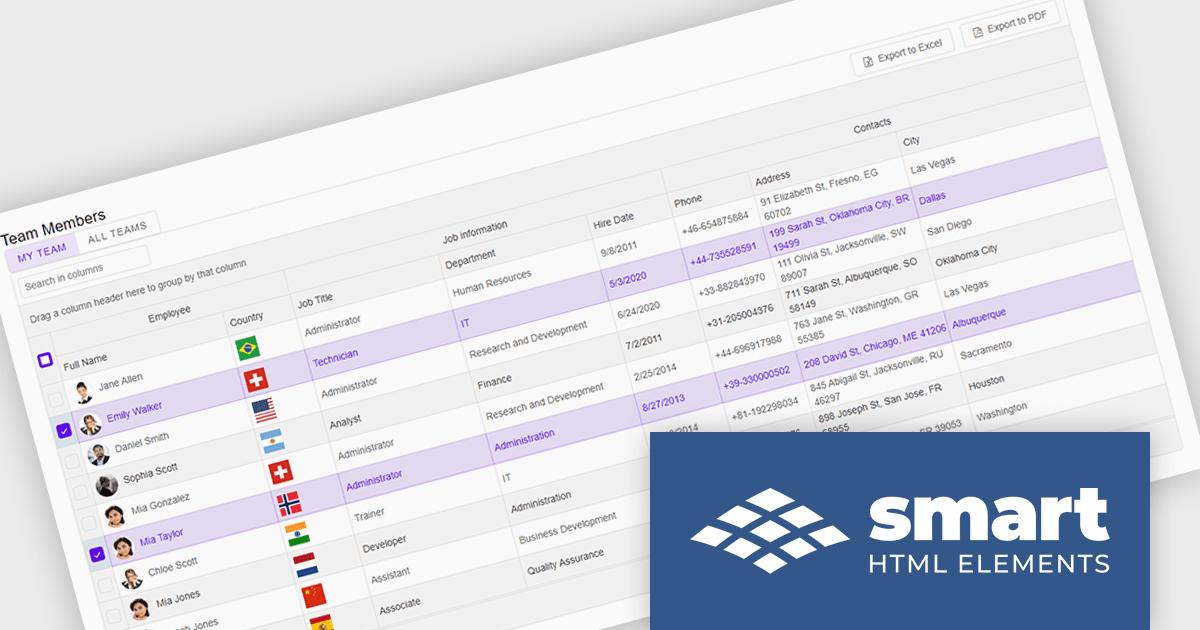
Smart UI by Smart HTML Elements is an enterprise-grade UI library offering pre-built web components for developers in Angular, React, Vue, Blazor, and JavaScript. It boasts over 60 ready-to-use components like grids, charts, schedulers, and editors, all featuring two-way data binding, responsiveness, accessibility, and theming capabilities. This library helps developers rapidly build dynamic and modern web applications with consistent look-and-feel and rich functionalities, accelerating development time and ensuring professional quality.
The Smart UI v21.0.0 release introduces significant enhancements to grid Excel export functionality. Users can now export one or more images from grids or components directly into Excel files and limit exports to selected rows or cells. These features provide greater flexibility, enabling users to include precisely the data they need while adding visual context to enhance understanding. The ability to tailor exports in this way ensures clearer communication of the underlying meaning and significance of the data.
To see a full list of what's new in v21.0.0, see our release notes.
Smart UI (Smart HTML Elements) is licensed per developer and is available as a perpetual license with 1 year support and maintenance. It includes distribution to unlimited Web applications, SaaS projects, Intranets and Websites. Team, OEM and Enterprise licensing options are also available. See our Smart UI licensing page for full details.
Learn more on our Smart UI product page.
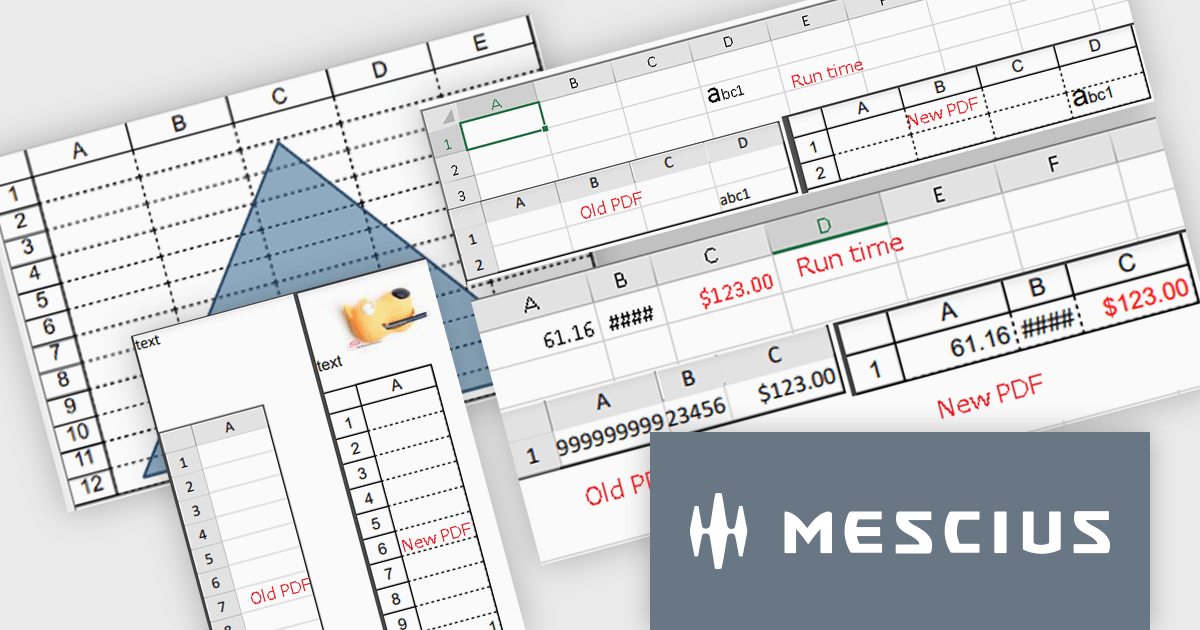
Spread.NET by MESCIUS is a versatile spreadsheet component for .NET applications, enabling developers to integrate Excel-compatible functionalities into Windows Forms, WPF and ASP.NET. With features like advanced data visualization, pivot tables, conditional formatting, and customizable formulas, Spread.NET handles large data sets efficiently and allows seamless Excel import/export. This tool is ideal for applications needing robust data analytics and reporting, such as financial software and business intelligence solutions, enhancing user experience with a familiar spreadsheet interface.
The Spread.NET 18 update enhances PDF export capabilities by delivering high-resolution outputs with improved image quality and rendering precision. This update aligns closely with Excel-compatible printing features, ensuring accurate representation of rich text, flat style modes, transparent shapes and header/footer images in PDF documents. Developers can now save individual sheets, entire workbooks or directly print to PDF, providing greater flexibility and efficiency. With these improvements, the PDF export functionality meets professional-grade standards, making it a reliable tool for creating polished, high-quality outputs directly from .NET spreadsheets.
To see a full list of what's new in version 18, see our release notes.
Spread.NET is licensed per developer and is available as a Perpetual License with a 12 month support and maintenance subscription. We can supply any Spread.NET license including new licenses, maintenance renewals, and upgrade licenses. See our Spread.NET licensing page for full details.
For more information, visit our Spread.NET product page.
联系电话: (888) 850 9911
传真: +1 770 250 6199


