













官方供应商
我们作为官方授权经销商,直接提供超过200家开发厂家所发行超过1000个的产品授权给您。
查看我们的所有品牌。
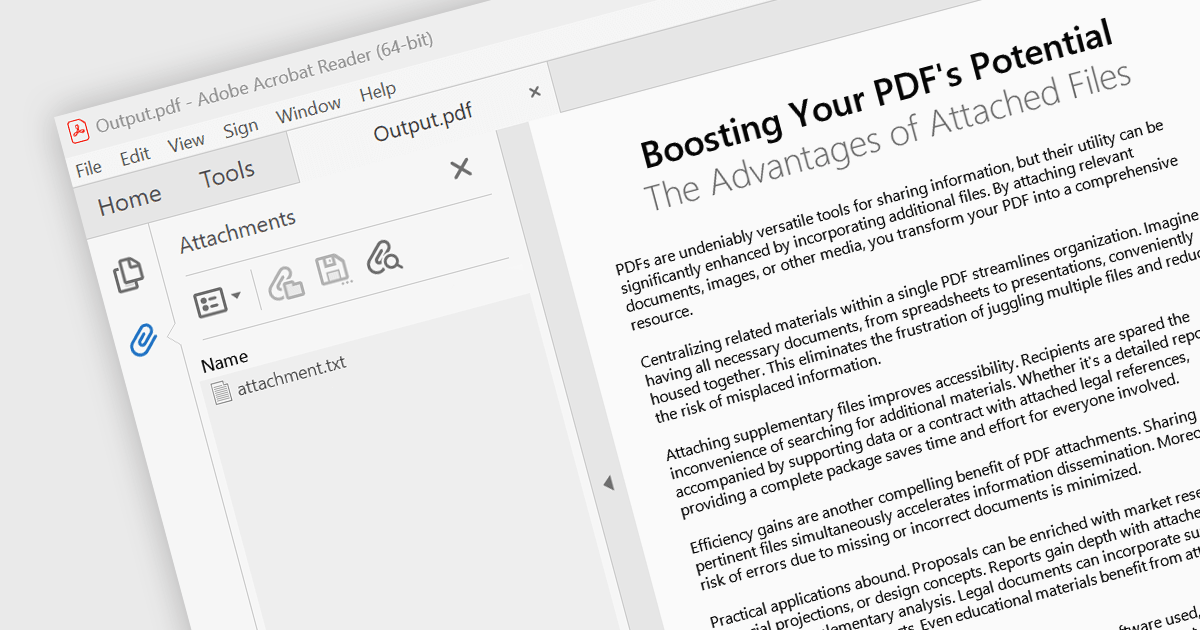
Attaching files to PDF documents involves embedding external files directly into the PDF structure. This capability offers several advantages, including consolidating related data into a single package, improving file management, and enhancing document accessibility. Practical use cases span various industries, from attaching supporting documents to invoices and contracts in business applications to embedding multimedia content like images or audio files within educational or marketing materials.
Several .NET 8 WinForms PDF components support attachments including:
For an in-depth analysis of features and price, visit our comparison of .NET 8 WinForms PDF components.

Infragistics Ignite UI for Blazor is a comprehensive UI component library designed specifically for .NET developers building modern web applications with Blazor. It offers a rich set of over 60 components, including performant data grids, interactive charts, and essential UI elements. This allows developers to craft visually appealing, feature-packed Blazor applications with a focus on data visualization, user interaction, and a variety of design themes.
The Ignite UI for Blazor 24.1 release introduces the the 'HighlightingMode' property to the treemap control. This feature empowers developers to customize how treemap items respond to mouse-over events. The 'Brighten' options isolates the highlight to the hovered item, while the 'FadeOthers' options subtly dims all other items to accentuate the focused element. To refine the visual experience, developers have control over the animation speed, allowing for smooth and engaging transitions between highlighted and non-highlighted states.
To see a full list of what's new in version 24.1 (23.2.257), see our release notes.
Infragistics Ignite UI for Blazor is part of Infragistics Ignite UI which is licensed per developer and is available as a Perpetual License with a 1, 2 or 3 year support and maintenance subscription. See our Infragistics Ignite UI licensing page for full details.
Infragistics Ignite UI for Blazor is available in the following products:
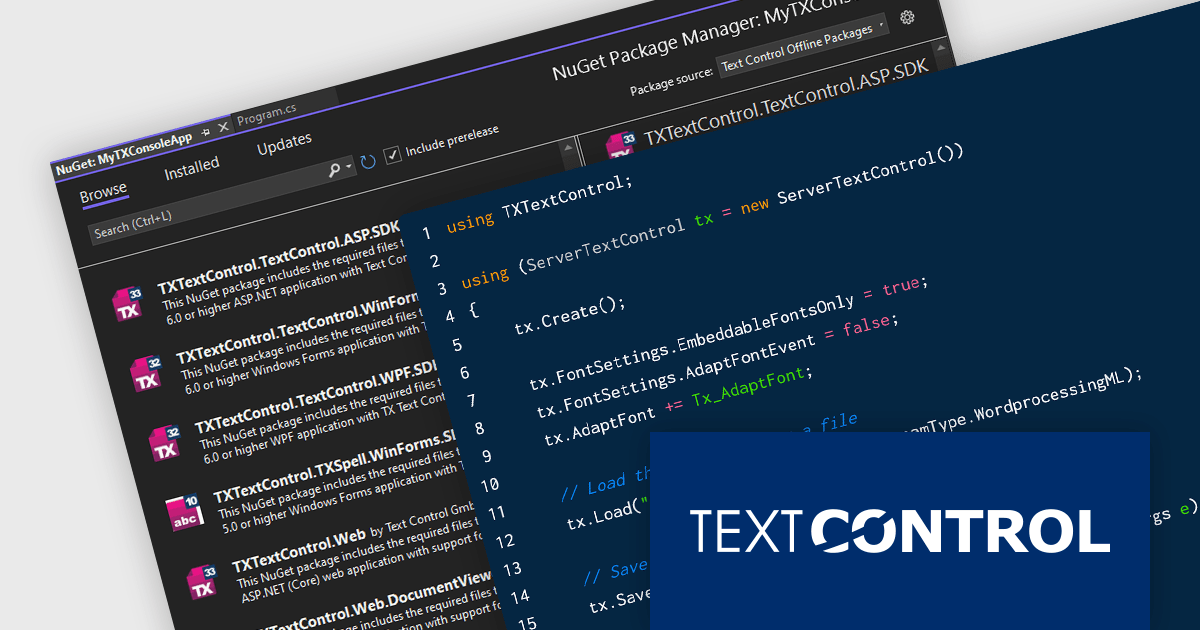
TX Text Control .NET Server for ASP.NET is a server-side component that equips developers with a powerful word processing engine for web applications. It integrates seamlessly with ASP.NET, ASP.NET Core, popular frameworks like Angular and React, and JavaScript, allowing you to build dynamic document editing and generation features directly within your web applications. This empowers you to create documents on the fly using data from various sources, edit existing documents in the browser, and handle functionalities like PDF processing and form filling, all on the server-side.
Converting Microsoft Word documents to PDF is a common requirement across a wide range of applications. From dynamic document generation through mail merges with data sources like JSON to create invoices and other deliverables, the final output often requires PDF conversion for distribution. Additionally, PDF/A, an ISO standard, is essential for the secure, long-term archiving of documents. In this blog post, Text Control's Bjoern Meyer shows you how to convert a DOCX file to PDF using TX Text Control in a .NET 8 console application. Steps include:
Read the complete blog now and learn how to accomplish this very common task quickly and easily using TX Text Control.
TX Text Control .NET Server for ASP.NET is licensed per Developer and includes Run-time licensing for up to 5 Servers. Licensing is perpetual, and include a 1-year subscription. See our TX Text Control .NET Server for ASP.NET licensing page for more details.
Learn more about TX Text Control .NET Server for ASP.NET.
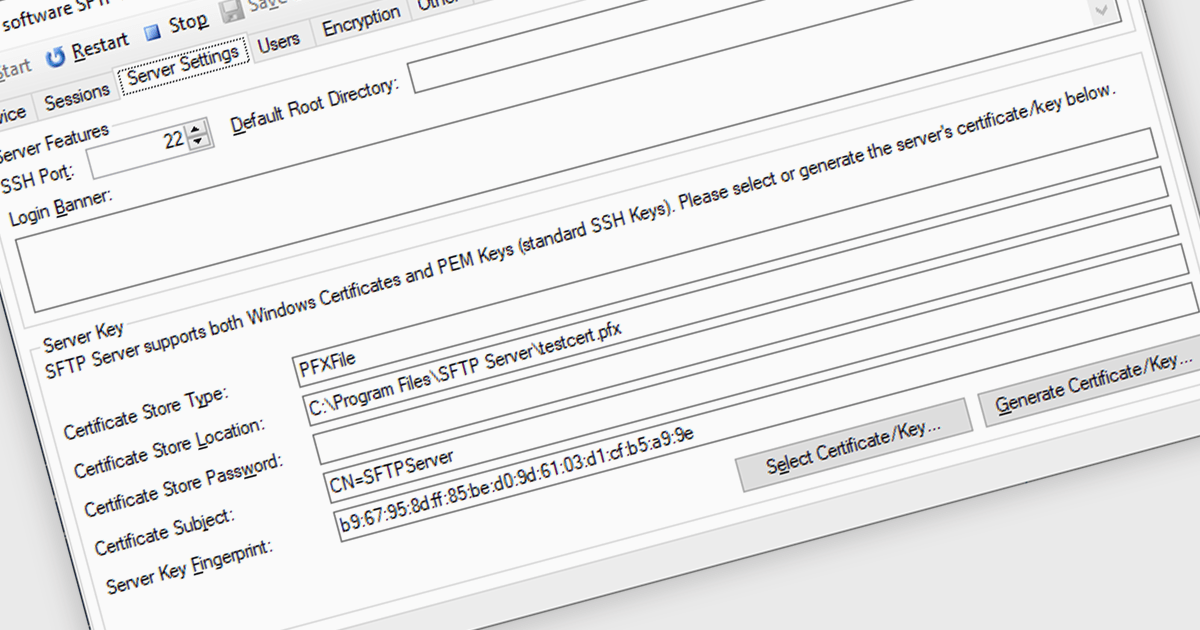
Cryptography and encryption are fundamental to secure internet communications. These techniques transform data into an unreadable format, safeguarding sensitive information from unauthorized access. By employing robust algorithms and cryptographic keys, communications components protect data transmission and storage. This ensures confidentiality, integrity, and authenticity, preventing data breaches, eavesdropping, and tampering. Cryptography's benefits are paramount in protecting personal information, financial transactions, and sensitive business data, fostering trust and security in the digital realm.
Several .NET 8 communications and messaging components offer cryptography/encryption support including:
For an in-depth analysis of features and price, visit our .NET 8 communications and messaging components comparison.
Infragistics Ultimate UI for WPF is a comprehensive suite of UI controls designed to streamline development and enhance the user experience of desktop applications. Boasting over 100 components, it offers a rich set of functionalities, including data visualization tools, high-performance grids, and modern UI elements that mimic the look and feel of Microsoft Office. These feature-packed libraries empower developers to craft powerful, visually appealing applications with a consistent user experience.
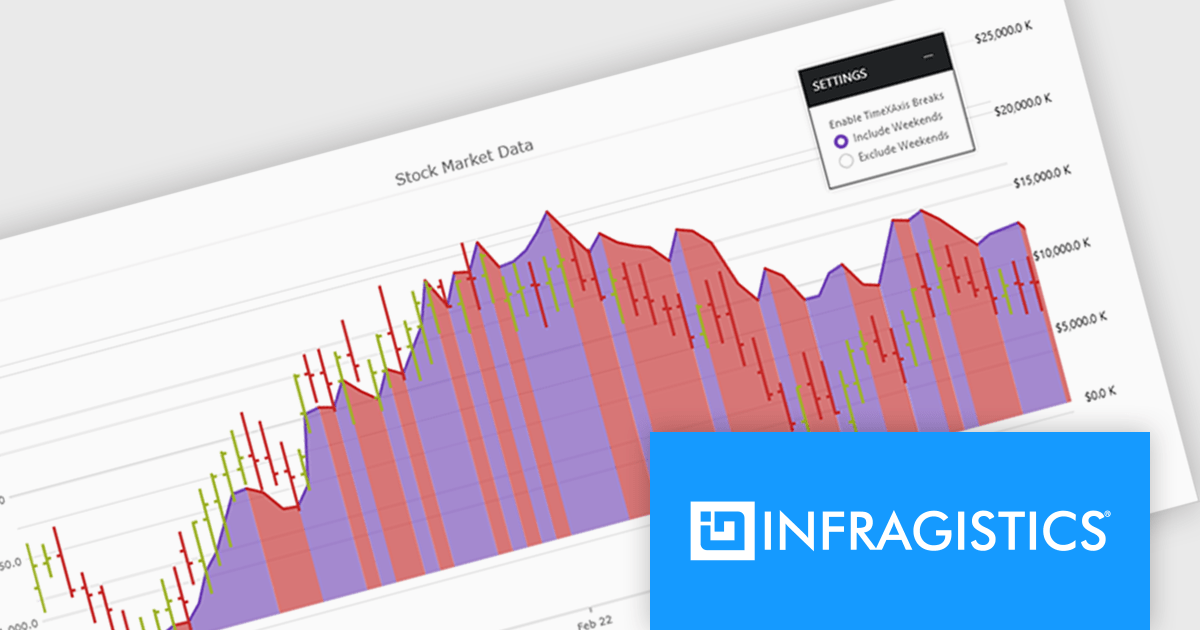
The Infragistics Ultimate UI for WPF 24.1 release offers enhanced chart interactivity with the new series selection feature. Applicable to category, financial, and radial charts, this feature allows users to select individual series and visually differentiate them using color changes or adding focus outlines. Developers have granular control over selection behavior, choosing to affect entire series or specific data items, and can manage multiple selections simultaneously. This functionality proves invaluable for highlighting data patterns and trends, facilitating comparisons between data points.
To see a full list of what's new in 24.1, see our release notes for Infragistics Ultimate UI for WPF.
Infragistics Ultimate UI for WPF is licensed per developer and is available as a Perpetual License with 1, 2 or 3 year support and maintenance subscription. See our Infragistics Ultimate UI for WPF licensing page for full details.
Infragistics Ultimate UI for WPF is available to buy in the following products:
联系电话: (888) 850 9911
传真: +1 770 250 6199


