













官方供应商
我们作为官方授权经销商,直接提供超过200家开发厂家所发行超过1000个的产品授权给您。
查看我们的所有品牌。

Map component extend your Blazor app's functionality by facilitating the display of geographic information. This allows you to visualize data with real-world location context, enhancing user understanding and engagement. Blazor map components often integrate with popular map providers and support features such as markers, layers, and customization, allowing you to create interactive and informative map experiences within your web application.
Several Blazor UI suites feature map components including:
For an in-depth analysis of features and price, visit our Blazor UI Suites comparison.
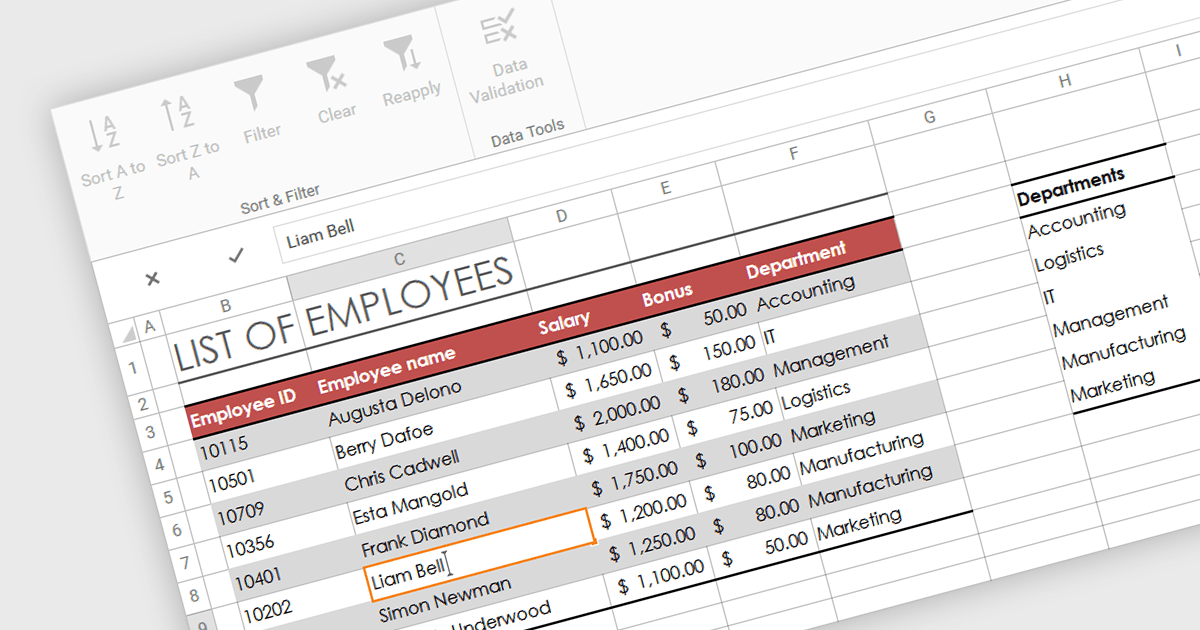
In-cell data editing refers to the functionality within spreadsheet software that allows users to directly click on and modify the contents of a cell without the need for separate data entry forms or pop-up dialogs. This feature allows for quicker and more direct changes to the data displayed on the screen, enhancing productivity by reducing the steps required for data manipulation.
Several .NET 8 WPF spreadsheet controls support in-cell data editing including:
For an in-depth analysis of features and price, visit our comparison of .NET 8 WPF Spreadsheet Controls.

Leverage the power of PDF components to enhance your .NET application with user-friendly PDF form filling capabilities. These libraries offer programmatic access to manipulate existing PDF forms, allowing you to easily integrate data entry fields and streamline user interaction. This functionality improves data collection efficiency and simplifies the process of working with fillable PDFs directly from your application. Components with PDF Form Read/Write functionality allow your app to retrieve existing data from form fields and populate them with new data programmatically.
Several .NET PDF components offer PDF Form functionality including:
For an in-depth analysis of features and price, visit our comparison of .NET PDF Components.
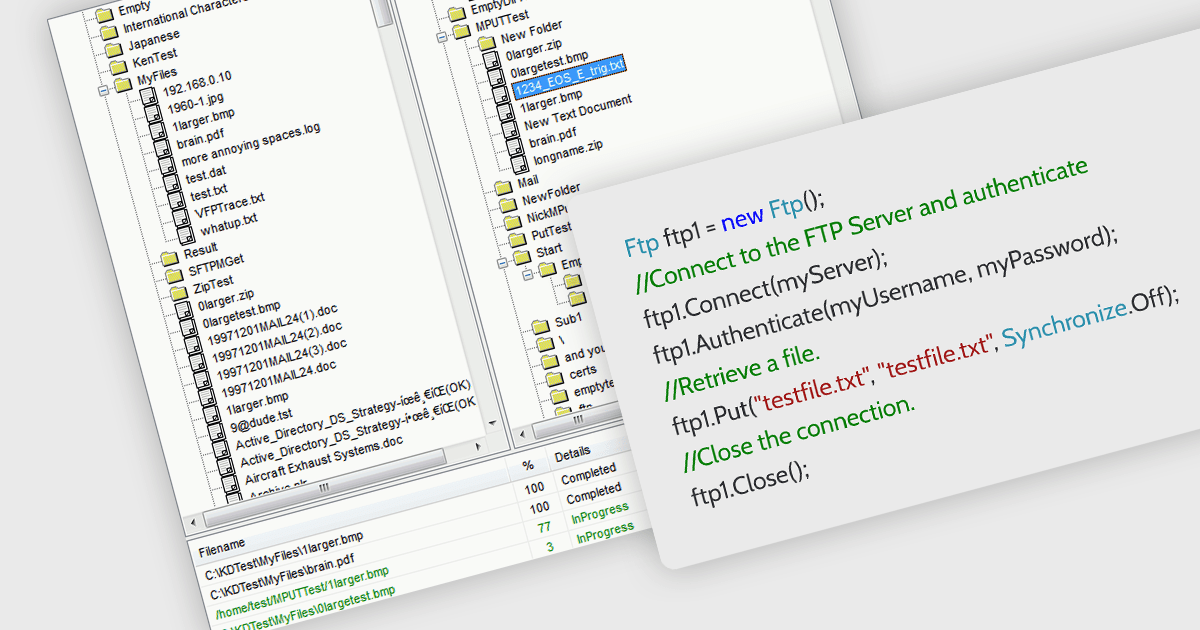
.NET communications components with FTP support allow your application to directly interact with FTP servers. , allowing seamless uploading, downloading, and remote file management. Many libraries provide features like secure connections (FTPS), progress monitoring, directory operations, and wildcards for bulk transfers. They often include high-level functions for ease of use alongside lower-level controls for customization, making them suitable for both rapid development and complex scenarios. With an FTP-enabled .NET component, you can streamline file transfer operations and keep your code focused on core functionalities.
Several .NET communications and messaging components support FTP, including:
For an in-depth analysis of features and price, visit our comparison of .NET communications and messaging components.
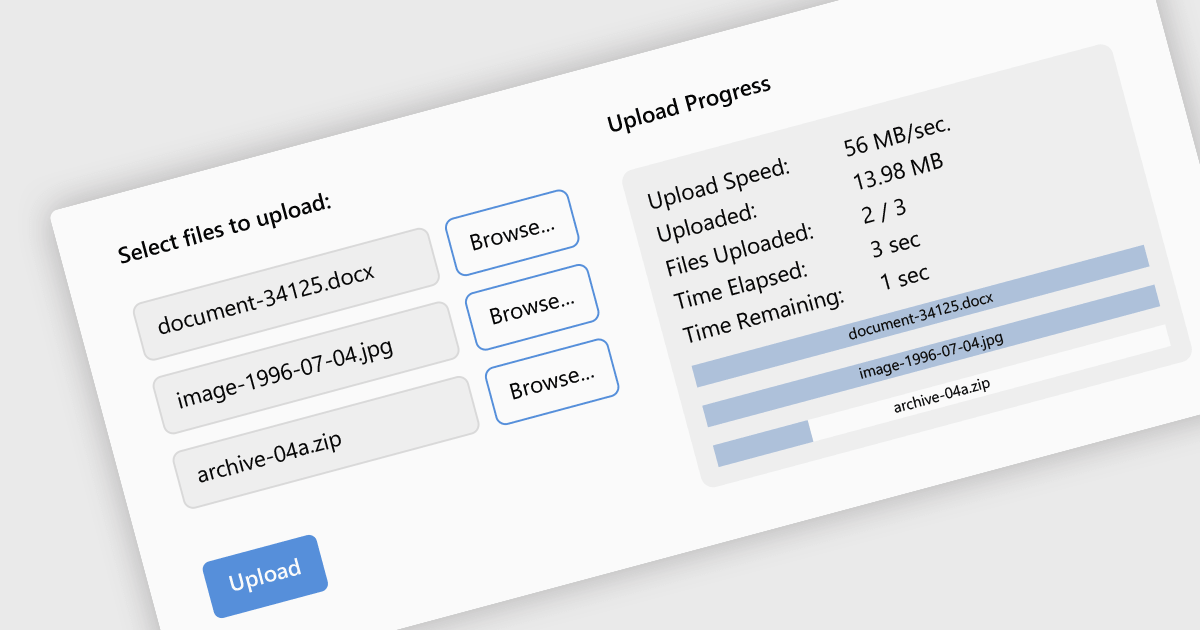
Leveraging a communications component for file uploads in your .NET application streamlines development and enhances maintainability. These pre-built components handle the complexities of file transfer protocols and boundary conditions, allowing you to focus on core application logic. Additionally, they often provide features like progress tracking and error handling, improving the user experience and simplifying debugging. By enabling file uploads, your application can collect user-generated content, facilitate document sharing, or streamline data ingestion, enriching the overall user experience and potential use cases for your app.
Several .NET communications and messaging components support the upload of files to web servers, including:
For an in-depth analysis of features and price, visit our comparison of .NET comms & messaging components.
联系电话: (888) 850 9911
传真: +1 770 250 6199


