













官方供应商
我们作为官方授权经销商,直接提供超过200家开发厂家所发行超过1000个的产品授权给您。
查看我们的所有品牌。
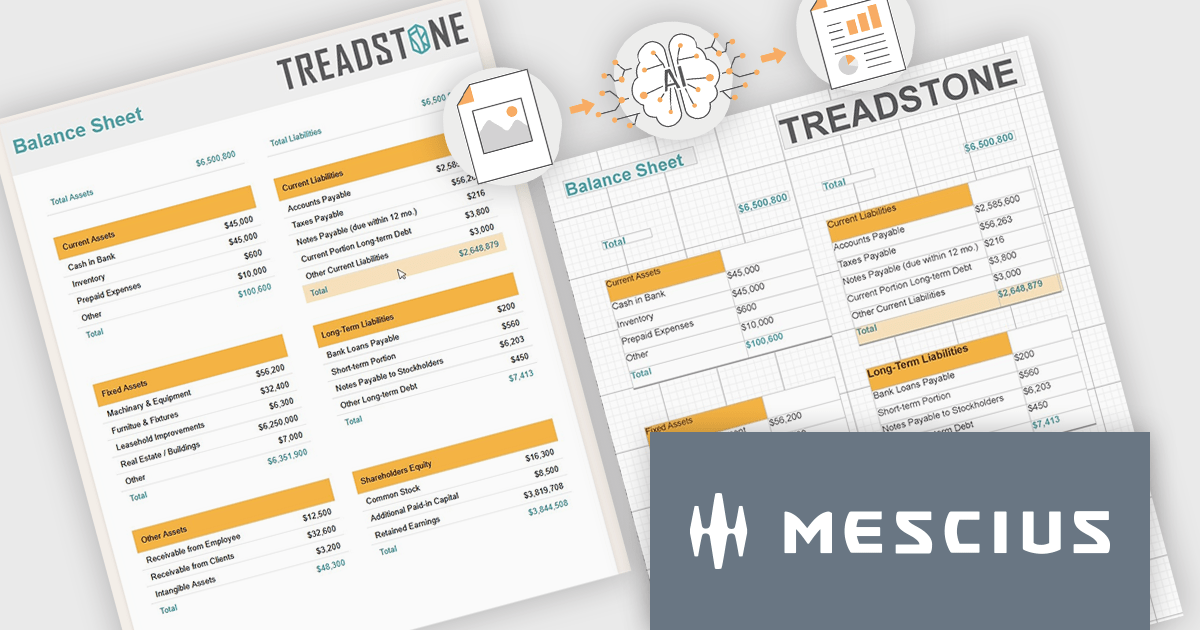
ActiveReports.NET by MESCIUS is a reporting solution for the Microsoft .NET platform that enables developers to create and deliver data-driven reports in web, desktop, and cloud applications. It supports multiple report types, including section, page, and RDL (Report Definition Language) reports, and provides visual designers, a robust rendering engine, and export options such as PDF and Excel. Designed to integrate with modern .NET and ASP.NET Core applications, it helps teams build interactive, enterprise-grade reporting features into their software.
The ActiveReports.NET v20 update introduces a new AI powered image to report capability that enables developers to convert static report images such as screenshots, mockups, PDFs, or even photos of printed pages into fully editable report layouts in minutes. By leveraging Azure Document Intelligence to analyze page structure, text, and visual elements, it significantly reduces the manual effort required to recreate existing reports, accelerates the modernization of legacy assets, and streamlines migrations from other reporting platforms. This capability provides a practical starting point for rebuilding or refining reports while preserving full control over layout structure, styling, grouping, and data bindings to ensure alignment with application architecture and development standards.
To see a full list of what's new in v20, see our release notes.
ActiveReports.NET is licensed per developer. Dependent on geographic location it is available as either an Annual (Timed) Subscription License or as a Perpetual Developer License which comes with 1 year of software updates and support. Each developer requires a license to design, develop, or maintain applications. The Annual Subscription License must be renewed each year to continue to work with the software. Published applications are royalty free and do not expire. Optional pipeline licenses available for CI/CD build servers. See our ActiveReports.NET licensing page for full details.
Learn more on our ActiveReports.NET product page.
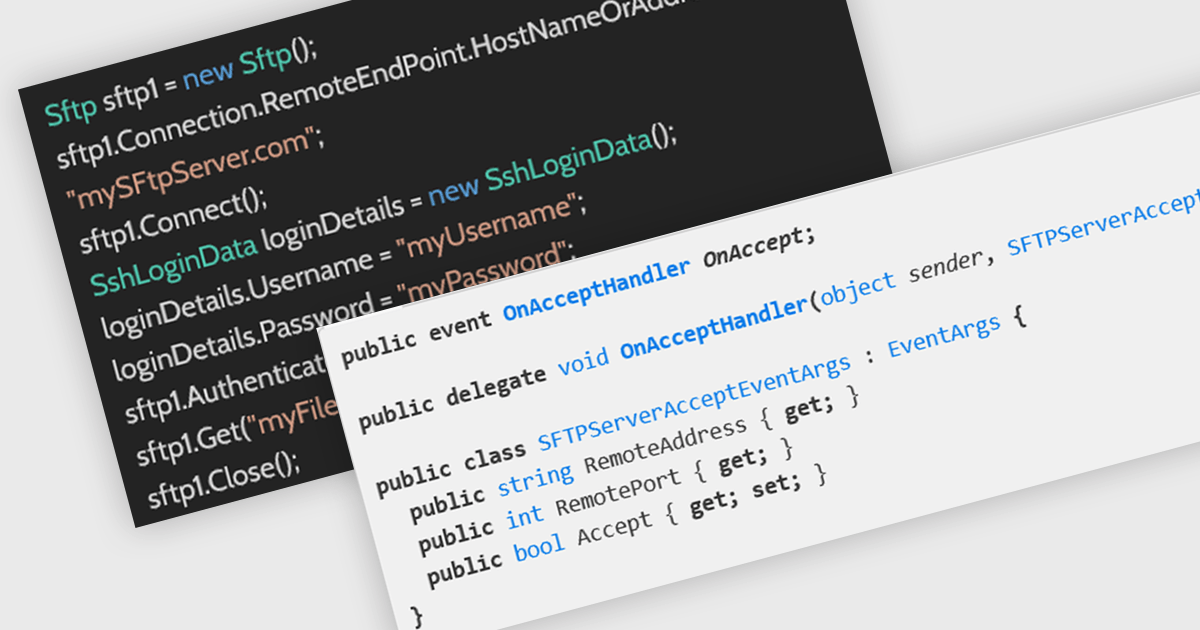
SFTP support in an internet communications .NET component refers to the ability to securely transfer files using the SSH File Transfer Protocol (SFTP), a network protocol that runs over Secure Shell (SSH) to provide encrypted file access, transfer, and management across systems. By integrating SFTP capabilities directly into a .NET application, developers can programmatically upload, download, and manage remote files while ensuring data confidentiality and integrity through strong encryption and authentication mechanisms such as passwords or public key pairs. This helps organizations meet security and compliance requirements when handling sensitive data across untrusted networks.
Several .NET communications and messaging components offer support SFTP including:
For an in-depth analysis of features and price, visit our comparison of .NET Comms & Messaging components.
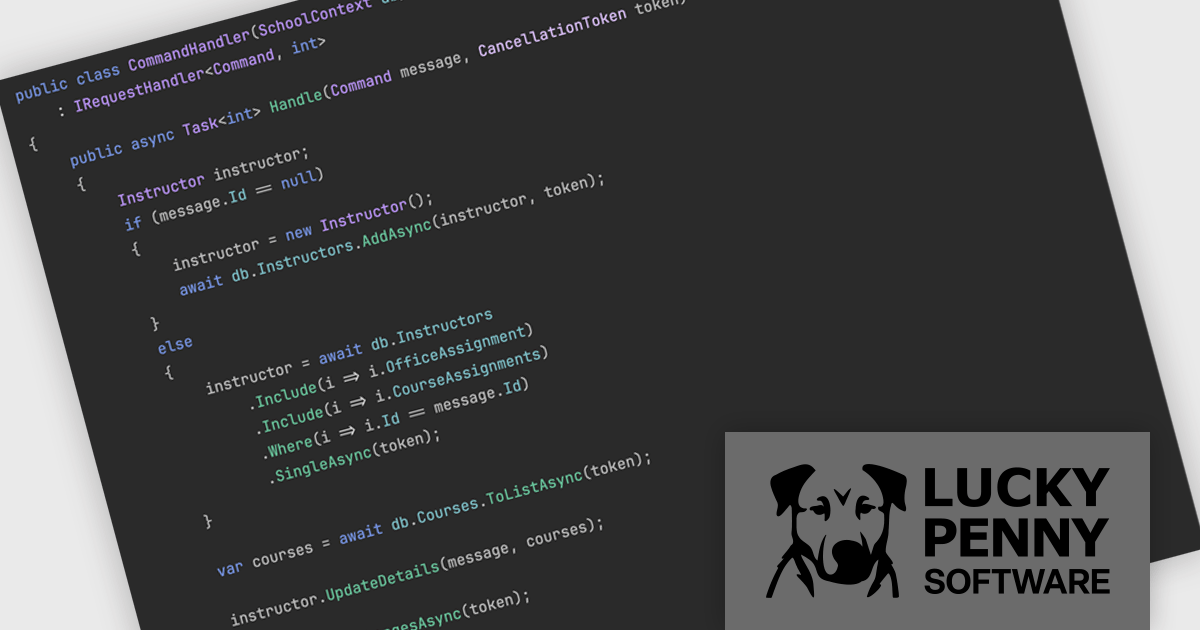
MediatR, by Lucky Penny Software, is a .NET library that implements the mediator and command dispatcher patterns to simplify in-process messaging within applications. It provides a clean and consistent way to handle requests, commands, queries, and notifications, while reducing direct dependencies between components. MediatR integrates with Clean and Vertical Slice architectures, making it a trusted solution for modern .NET development.
By decoupling components and centralizing message handling, MediatR improves maintainability, testability, and code organization. It helps teams manage growing applications without unnecessary complexity and supports clear separation of concerns. Suitable for everything from modern APIs and microservices to large enterprise systems, MediatR enables developers to build scalable, flexible architectures that can evolve with business needs.
MediatR is licensed on an annual subscription basis per development team, with Standard (1–10 developers), Professional (11–50 developers), and Enterprise (unlimited developers) tiers. See our MediatR licensing page for full details.
For more information, visit our MediatR product page.
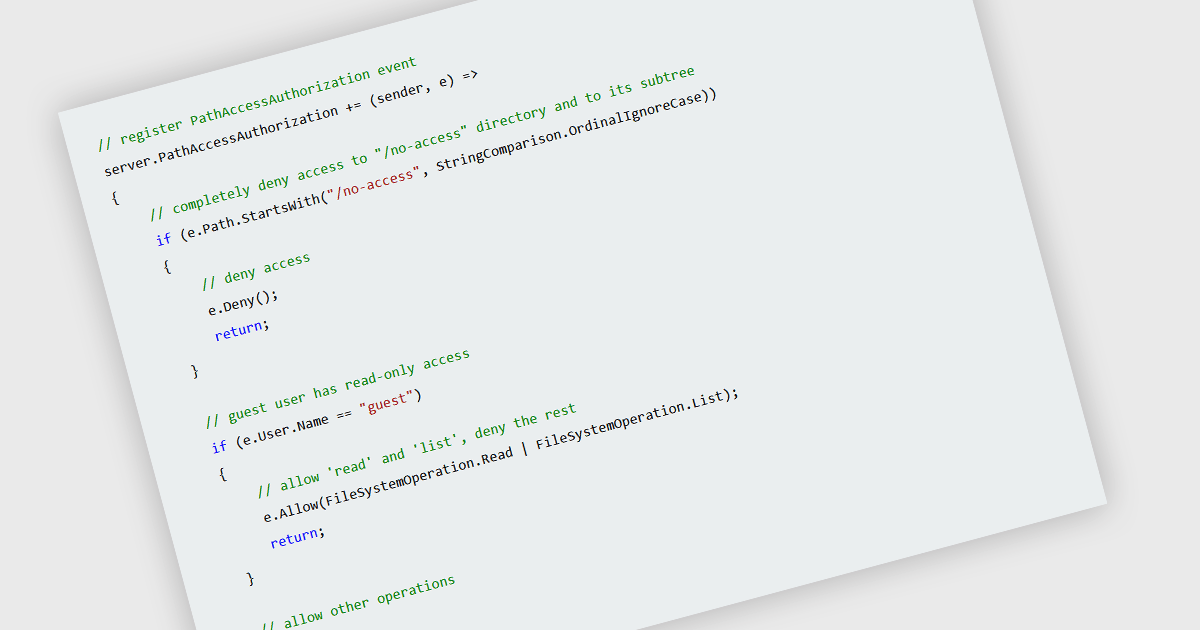
Access control for server files is the practice of restricting who can view, modify, create, or delete data stored on a server. It is typically implemented through authentication mechanisms that verify user identity and authorization rules that define permitted actions. By enforcing clearly defined permissions, organizations can reduce the risk of unauthorized access, protect sensitive information, support regulatory compliance, and maintain data integrity. Effective access control also improves operational oversight by ensuring that users and systems interact only with the resources necessary for their roles.
Several .NET communication and messaging components grant you access control, including:
For an in-depth analysis of features and price, visit our comparison of .NET communication and messaging components.
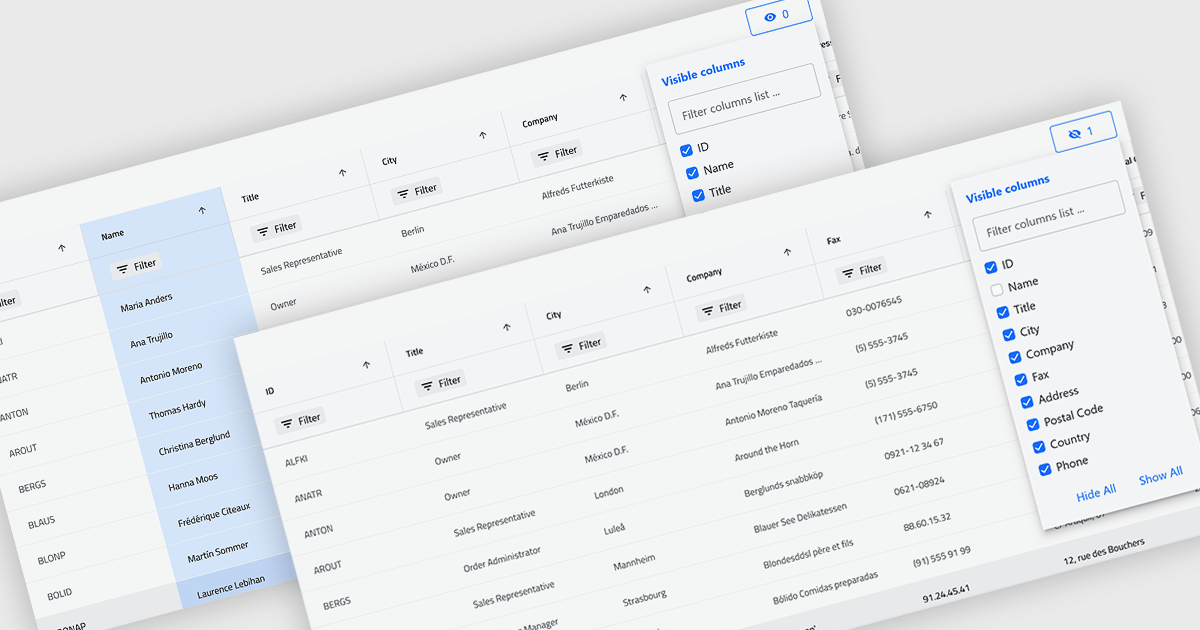
Column hiding in grids allows users to temporarily remove selected columns from view without deleting the underlying data. This provides a more focused and flexible way to work by showing only the fields relevant to a specific task or role. By reducing visual clutter and optimizing screen space, it improves readability and makes data easier to scan and analyze. For example, a financial analyst might display only revenue and profit columns for performance review, while a project manager may hide technical fields to focus on timelines and resources. Because columns can be restored at any time, the feature supports personalized, non-destructive customization.
Several .NET Blazor Grid controls offer the ability to hide columns including:
For an in-depth analysis of features and price, visit our .NET Blazor Grid controls comparison.
联系电话: (888) 850 9911
传真: +1 770 250 6199


