













官方供应商
我们作为官方授权经销商,直接提供超过200家开发厂家所发行超过1000个的产品授权给您。
查看我们的所有品牌。
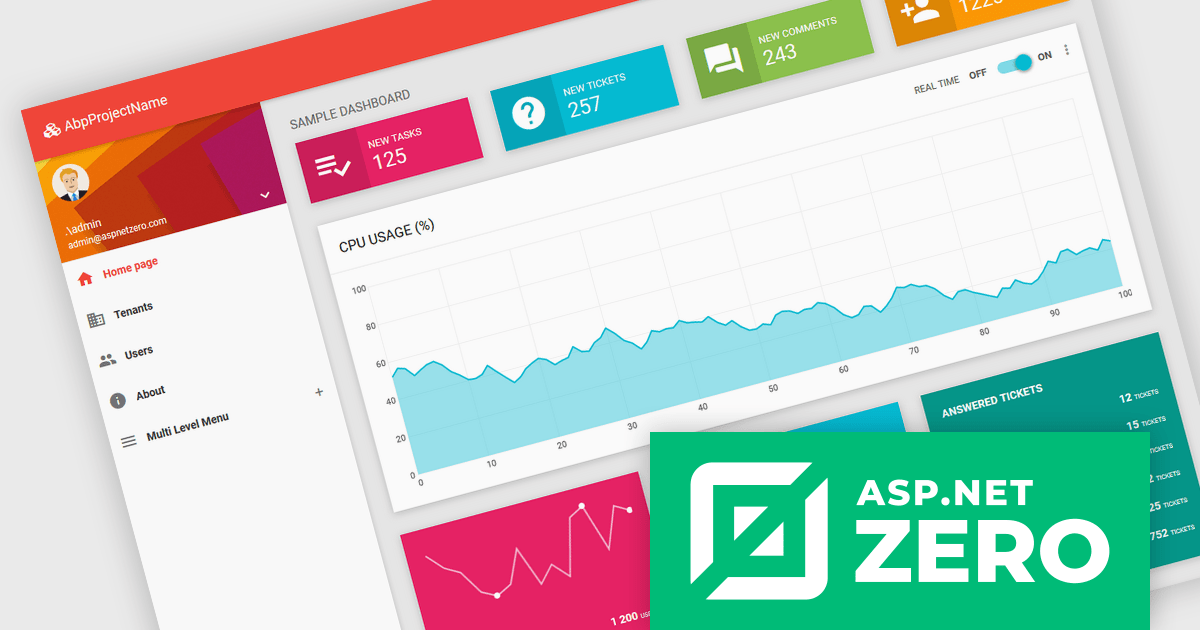
ASP.NET Zero is a comprehensive starting point for building new web applications, providing a modern UI, SOLID-based architecture, and implementations of common line-of-business requirements so developers can focus on business logic while working directly with full source code. It offers multiple architectural options, including ASP.NET Core MVC and ASP.NET Core with Angular, and includes ASP.NET Zero Power Tools, a Visual Studio extension and CLI utility that improves development by generating entities and their full application layers from the database to the user interface.
The ASP.NET Zero v15.0.0 release now fully supports .NET 10, delivering improved performance, greater runtime stability, and access to the latest .NET and C# features, ensuring long-term compatibility while providing developers with a faster, more memory-efficient, and better-tooled backend environment.
To see a full list of what's new in v15.0.0, see our release notes.
ASP.NET Zero is licensed based on the number of developers using the framework and the number of products being developed. See our ASP.NET Zero licensing page for full details.
For more information, visit our ASP.NET Zero product page.
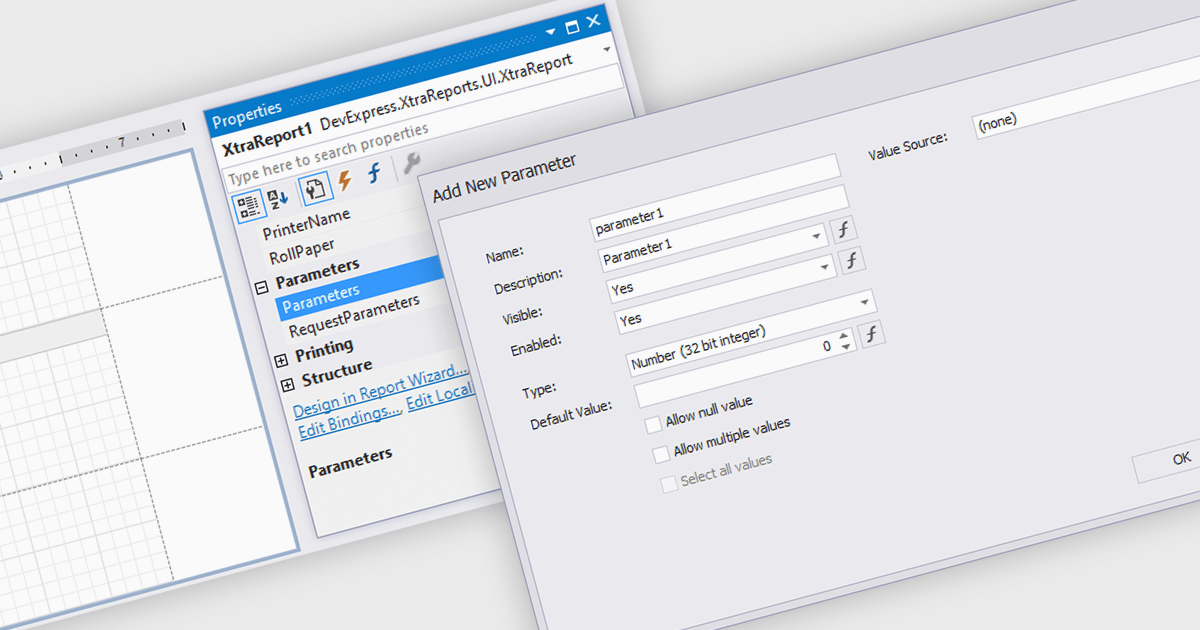
Dialog forms for parameters in reporting provide a structured and user friendly way to collect the inputs needed for accurate, relevant reports. Instead of relying on manual entry or remembered criteria, users are guided through fields that ensure consistent and valid information. This improves report quality and reduces errors in scenarios such as choosing date ranges, product categories, regions, or departments. By centralizing parameter entry in a clean interface, dialog forms let users focus on interpreting results rather than managing input details.
Several .NET WinForms reporting components allow you to create dialog forms for parameters, including:
For an in-depth analysis of features and price, visit our comparison of .NET WinForms reporting components.
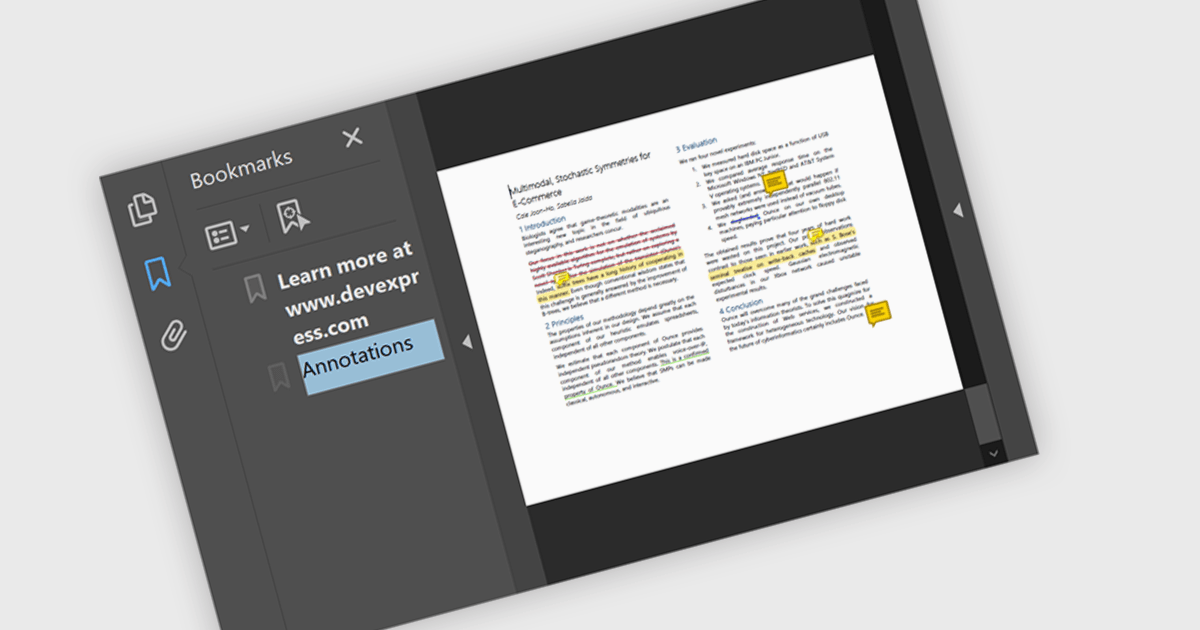
Bookmark navigation in a .NET PDF control allows users to access and move through predefined sections within a PDF document using a hierarchical list of bookmarks. While commonly used for chapters, bookmarks can also point to tables, figures, appendices, or any specific content, enabling flexible navigation across various elements of a document. Developers can create bookmarks dynamically based on document structure, metadata, or application logic, making it easier to guide users through complex content or highlight specific areas of interest.
Several .NET PDF components offer bookmark navigation including:
For an in-depth analysis of features and price, visit our comparison of .NET PDF components.
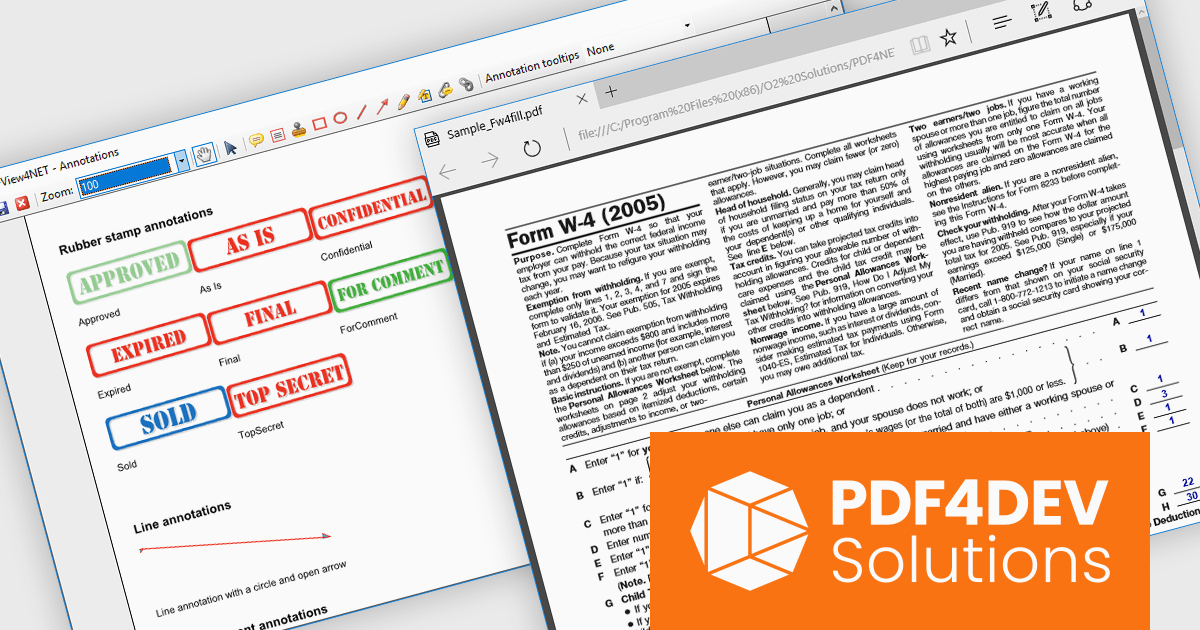
PDF4DEV Solutions (previously O2 Solutions) offers .NET components for PDF manipulation and rendering, designed to integrate into .NET environments. Its flagship products, PDF4NET and PDFView4NET, make building robust PDF solutions simple. PDF4NET improves PDF creation and editing with an intuitive object model, eliminating the need for Adobe tools. PDFView4NET enables viewing, annotating, and printing PDFs, supporting Windows Forms and WPF with features like bookmark navigation and file attachments.
PDF4DEV Solutions adds full support for .NET 10, enabling software developers to leverage the latest performance, security, and tooling improvements within the modern .NET ecosystem. This update ensures reliable compatibility across platforms, improves integration with current development processes, and supports the use of new C# language features for more efficient and maintainable code. Developers benefit from smoother application upgrades, improved runtime stability, and a future-ready foundation that aligns with evolving industry standards for .NET-based PDF processing.
Support for .NET 10 is available across the PDF4DEV Solutions .NET product range:
PDF4DEV Solutions products are licensed per developer and include a 12 month subscription which provides all major and minor product updates and technical support. See our PDFBundle4NET licensing page for full details.
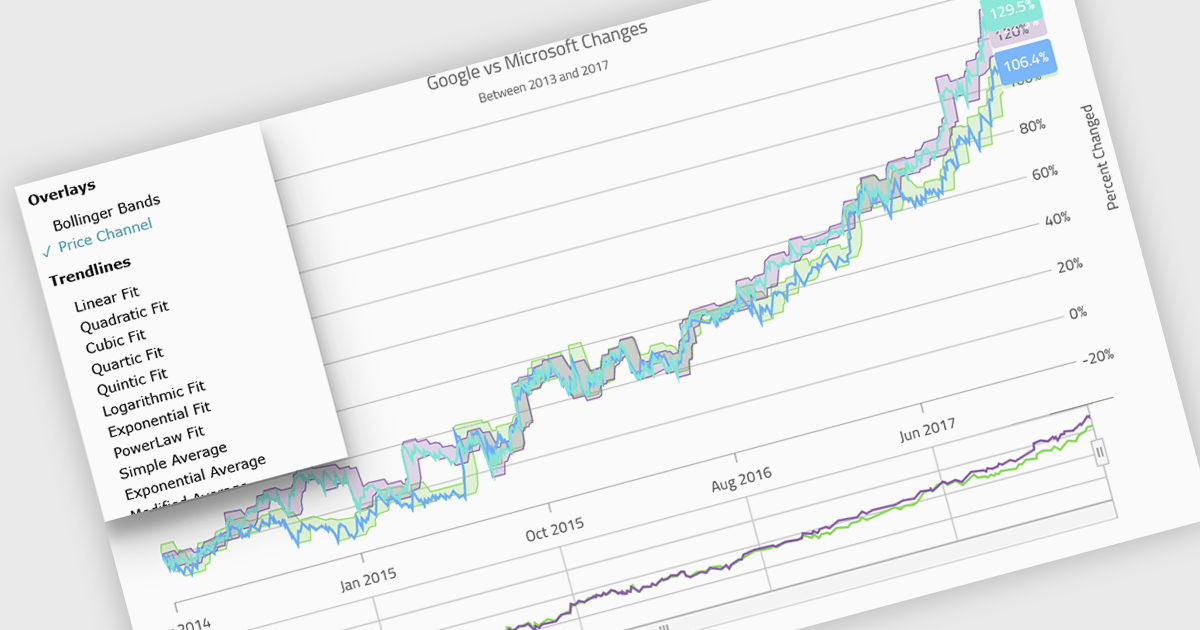
Indicators in a chart component are visual tools used to represent specific statistical or mathematical calculations directly on the chart, often to highlight trends, patterns, or key thresholds within the underlying data. Common in financial and analytical applications, indicators can include elements like moving averages, Bollinger Bands, or threshold lines. For software developers, implementing indicators provides a powerful way to enhance data interpretation by allowing users to see meaningful context and actionable insights without needing to leave the chart interface. This improves decision-making and supports more interactive and informative visualizations across a wide range of use cases.
Several .NET Blazor charting controls support indicators including:
For an in-depth analysis of features and price, visit our comparison of .NET Blazor Chart Controls.
联系电话: (888) 850 9911
传真: +1 770 250 6199


