













官方供应商
我们作为官方授权经销商,直接提供超过200家开发厂家所发行超过1000个的产品授权给您。
查看我们的所有品牌。

Bunifu Technologies is a leading provider of UI/UX components, design tools and data visualization components for developers building WinForms applications, and for integrating charting functionality. The Bunifu Ultimate Bundle offers a comprehensive suite of premium grids, charts, forms, and navigation components that make it easy to craft visually stunning, user-centric interfaces. By leveraging Bunifu’s expertise, developers can significantly improve the look and feel of their applications while reducing development time, ultimately delivering exceptional user experiences.
With support for Microsoft .NET 9, developers can use Bunifu UI WinForms and BuniCharts to create high quality applications that combine modern user interface elements with high-performance data visualization. This compatibility aligns these components with the latest advancements in the .NET ecosystem, allowing developers to deliver more modern, stable, and future-proof applications without compromising on design or performance.
Bunifu products are licensed per developer and are available in four plans, three of which are annual licenses while the other is perpetual. All plans come with free version updates and Premium support for the active license period. See our Bunifu Ultimate Bundle licensing page for full details.
For more information, see the following product pages:
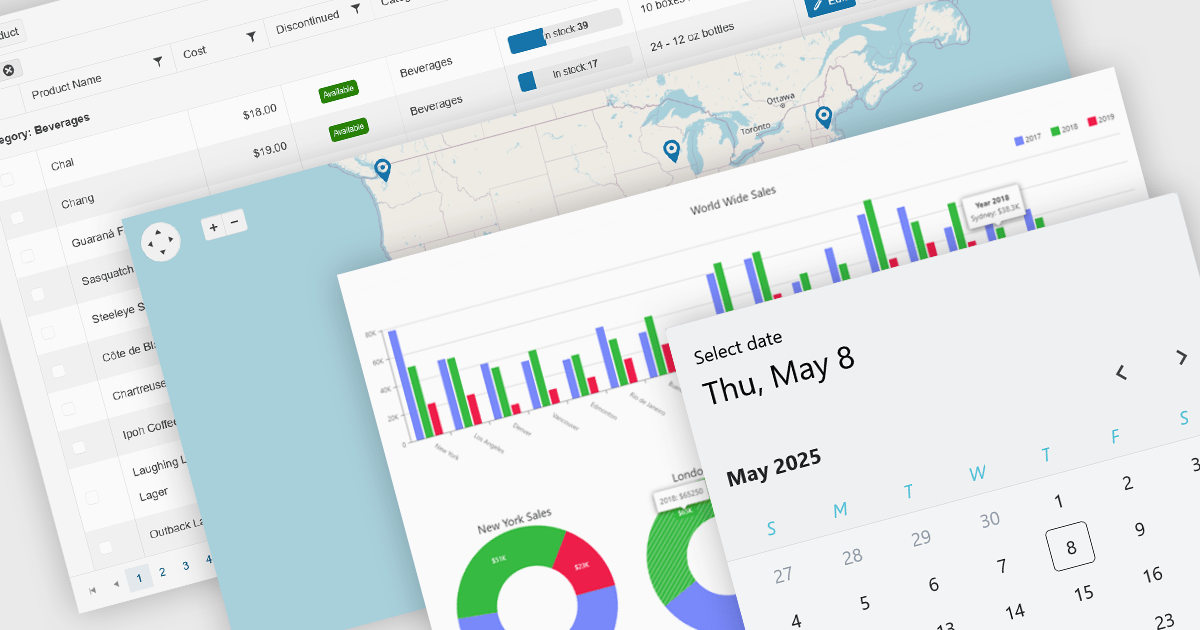
UI controls designed for use with Microsoft's Blazor framework, support full-stack development in C# and .NET, simplifying the creation of modern web applications. These controls are typically bundled into UI suites, providing developers with pre-built, customizable elements that improve the creation of rich, interactive web interfaces without needing JavaScript. By leveraging WebAssembly or server-side rendering, Blazor UI suites allow for an easy developer experience, consistent performance, and strong integration with existing .NET libraries and tooling.
Common controls include:
For an in-depth analysis of features and price, visit our Blazor UI suites comparison.
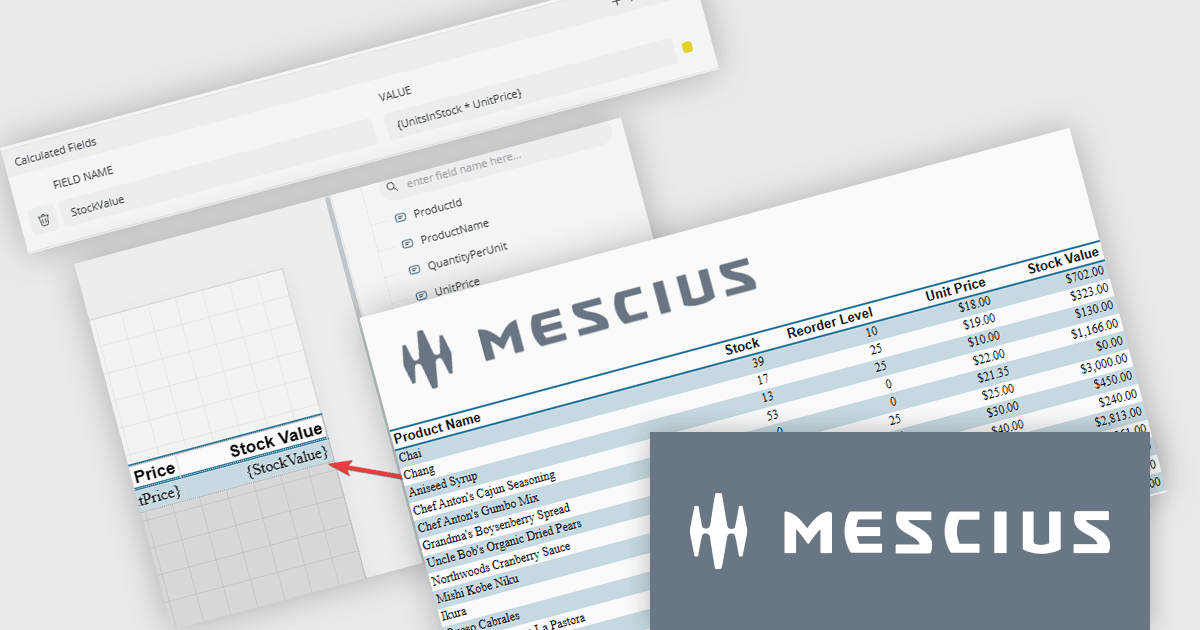
ActiveReports.NET helps you deliver beautiful reports with intuitive Visual Studio integrated report designers and rich controls. It provides code-based cross-platform reporting, easy-to-use designers, and a flexible API, enabling you to design and deliver powerful reports with intuitive, reliable, and user-friendly report designers and controls.
In this blog post, MESCIUS Product Manager Alec Gall shows you how to add a calculated field to your report using the ActiveReports.NET Web Designer. Steps include:
Read the complete blog to learn this simple but powerful method to extend your data inside ActiveReports.NET.
ActiveReports.NET is licensed per developer and is available with or without a 12 month support and maintenance subscription. See our ActiveReports.NET licensing page for full details.
Learn more on our ActiveReports.NET product page.
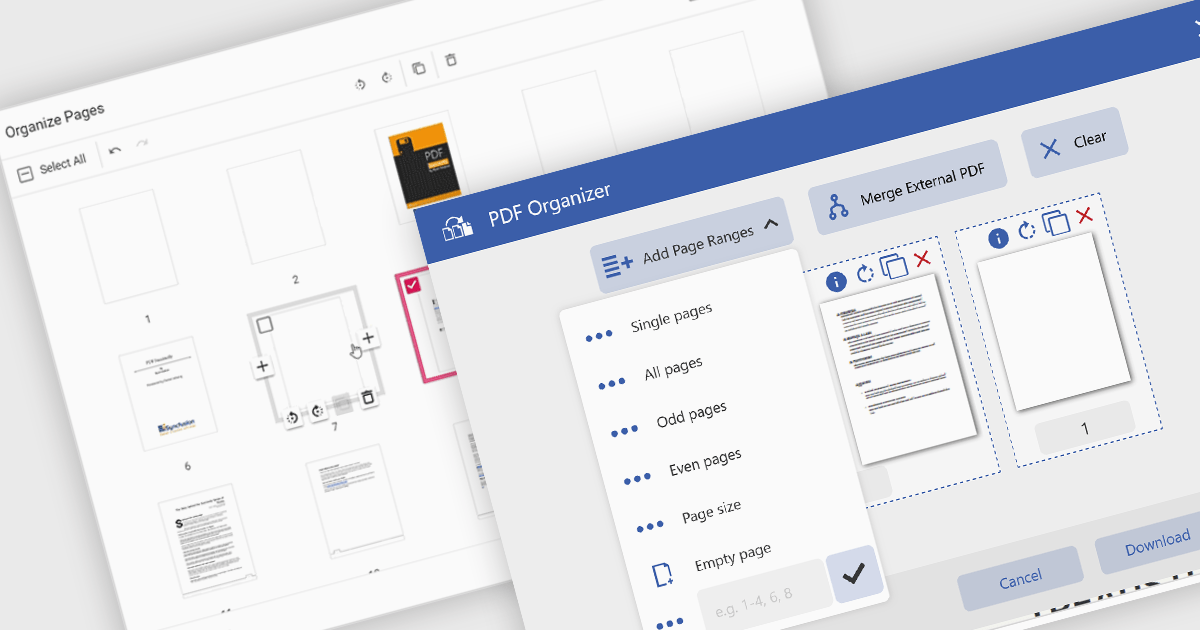
Adding a page to a PDF file is a key feature in modern PDF viewer components, enabling users to dynamically insert new content into existing documents. This capability is particularly useful in web applications that require real-time document editing or automated PDF generation, such as form processing, report building, or multi-user collaboration platforms.
Several ASP.NET Core PDF viewer controls offer the ability to add pages to a PDF file including:
For an in-depth analysis of features and price, visit our ASP.NET Core PDF viewer controls comparison.
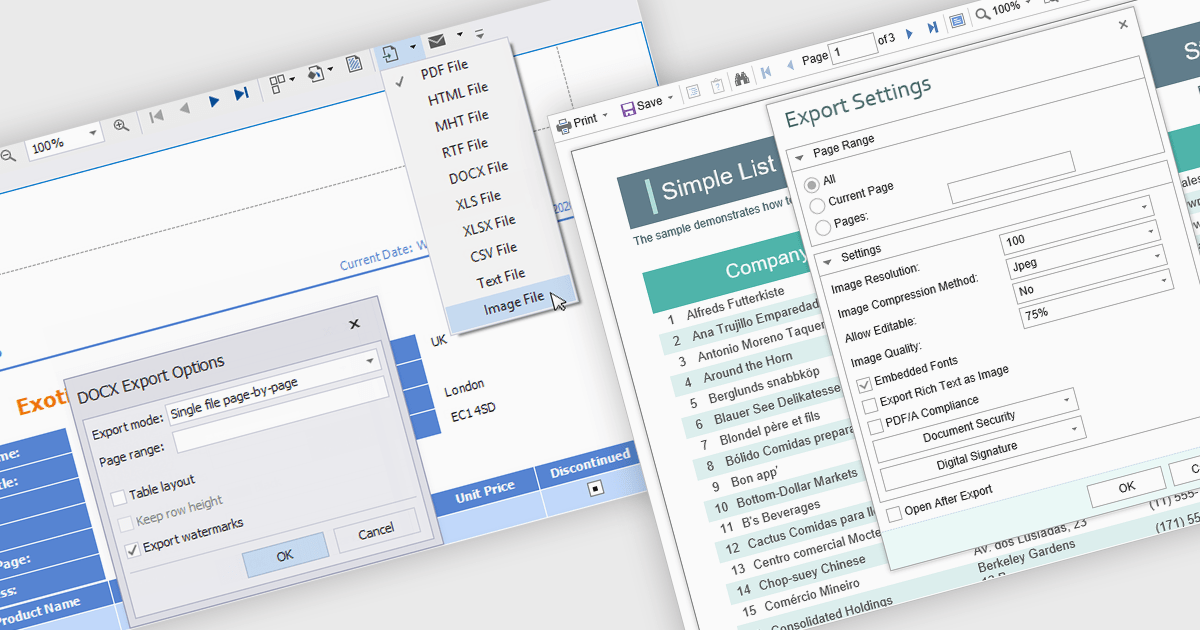
The export to image feature in reporting tools allows users to save a static visual representation of their reports in common image formats such as PNG or JPEG. This functionality offers numerous benefits, including simplified sharing across diverse platforms without requiring specific software, ensuring the consistent presentation of data by preserving formatting and visualizations, and enabling offline access for users who may not have continuous network connectivity. Example use cases include easily embedding key performance indicator dashboards into presentations or emails for broad dissemination, archiving reports for historical record-keeping, and providing accessible versions of data insights for individuals who prefer or require visual formats.
Several .NET WPF reporting controls offer image exporting including:
For an in-depth analysis of features and price, visit our WPF Reporting controls comparison.
联系电话: (888) 850 9911
传真: +1 770 250 6199


