













官方供应商
我们作为官方授权经销商,直接提供超过200家开发厂家所发行超过1000个的产品授权给您。
查看我们的所有品牌。
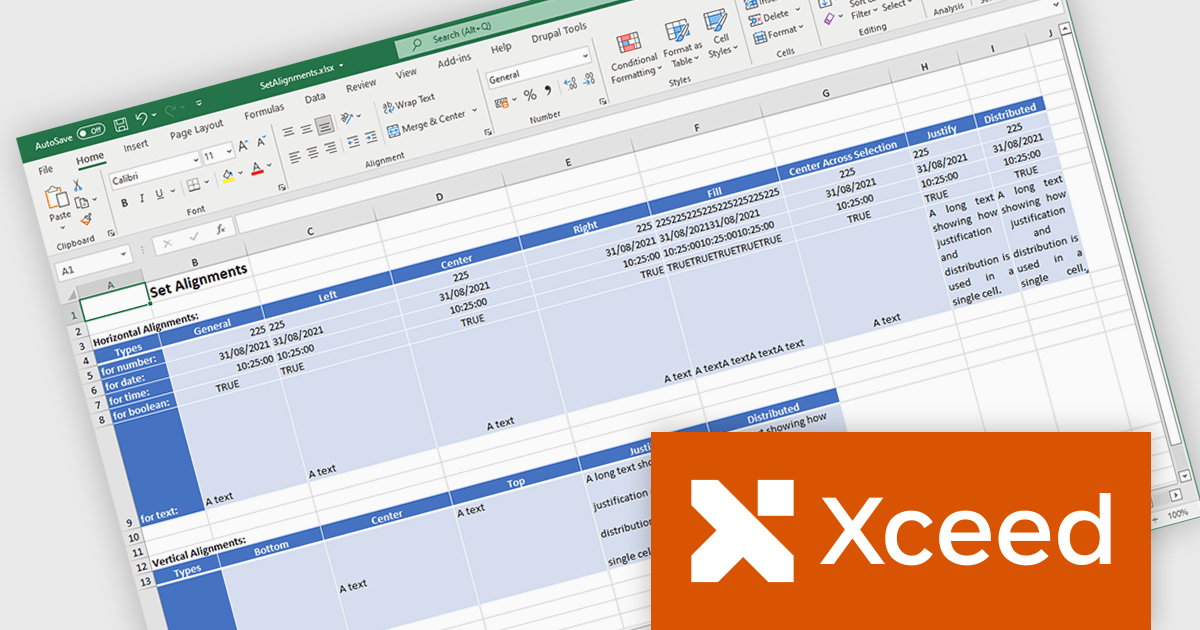
Xceed Workbooks for .NET is a software component designed for .NET developers that enables the creation and manipulation of Microsoft Excel .xlsx files directly within their applications, without requiring Microsoft Excel or Office to be installed; it provides an API that allows for programmatic control over spreadsheet content, formatting, and structure, facilitating tasks such as report generation, data analysis, and document automation.
The Xceed Workbooks for .NET 2.0 release adds support for .NET 9. This primarily ensures compatibility with the latest .NET ecosystem, allowing developers to leverage new features, performance improvements, and security enhancements within their applications. This compatibility future-proofs projects, minimizes integration issues, and maintains alignment with the evolving .NET platform, enabling developers to build more efficient and maintainable software using Xceed Workbooks.
To see a full list of what's new in version 2.0, see our release notes.
Xceed Workbooks for .NET is licensed per developer and is available as a perpetual license with 1 year of updates and support. See our Xceed Workbooks for .NET licensing page for full details.
Xceed Workbooks for .NET is available individually or as part of Xceed Ultimate Suite.
Telerik UI for Blazor is a comprehensive UI library that provides over 110 native and customizable Blazor components for building modern and feature-rich web applications. This professional-grade solution offers a complete set of components to satisfy all user interface requirements, saving time and effort in UI design.
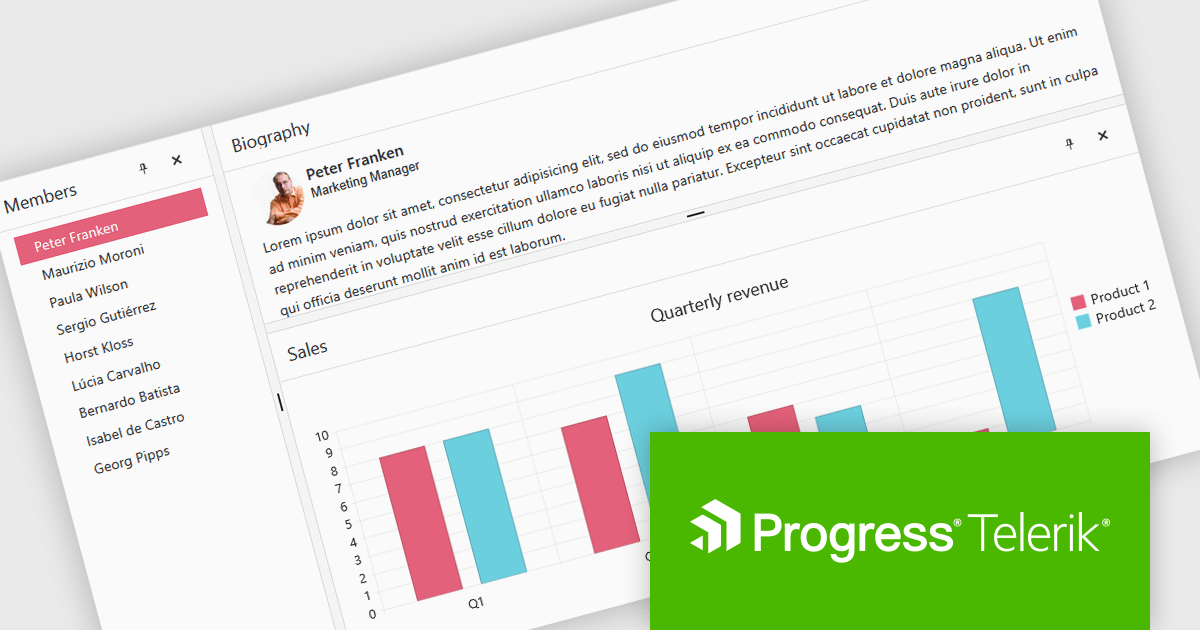
The Telerik UI for Blazor 2025 Q1 update introduces the DockManager UI component, enabling developers to create desktop-like experiences within web applications. This new component allows users to efficiently manage multiple panes within a single container by supporting docking, undocking, resizing, and repositioning. It provides a flexible and customizable layout system, optimizing workspace organization for complex applications designed for larger screens.
To see a full list of what's new in 2025 Q1 (v8.0.0), see our release notes.
Telerik UI for Blazor is licensed per developer and has two licensing models: an annual Subscription License and a Perpetual License. The Subscription license provides access to the latest product updates, technical support, and exclusive benefits for a flat annual fee, and must be renewed to continue using the software. The Perpetual license is a one-time purchase granting access to the current released version and includes a one-year subscription for product updates and technical support. After this initial period, users can choose to renew the subscription element to continue receiving updates and support; otherwise, they may continue using the installed version available during their active subscription term but will forgo future updates and support. See our Telerik UI for Blazor licensing page for full details.
Telerik UI for Blazor is available individually or as part of the following products:
Stimulsoft Dashboards.WEB is a versatile suite of tools for crafting interactive data visualizations for web and desktop applications. It empowers developers to embed intuitive dashboards across various platforms, using the platform-specific components or a centralized cloud designer. With rich data analysis elements, extensive customization options, and pre-built templates, Stimulsoft Dashboards helps you transform complex data into clear, actionable insights for any audience.
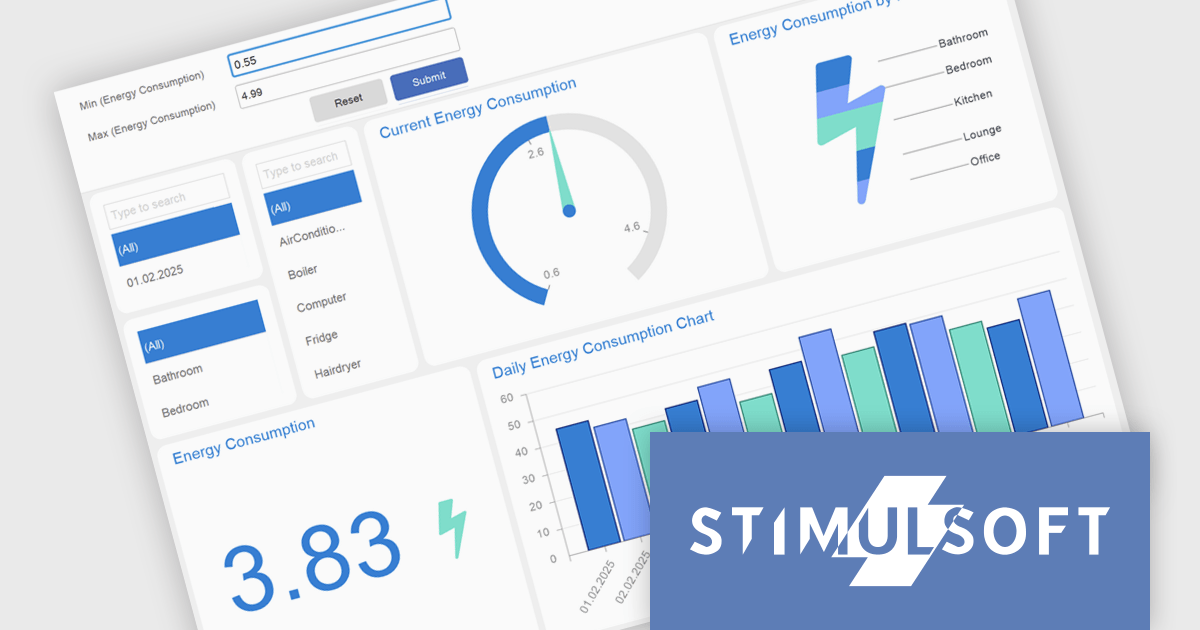
The Stimulsoft Dashboards.WEB 2025.2.1 update introduces support for expressions in Gauge range fields, enabling developers to calculate minimum and maximum range bounds dynamically based on underlying data. This enhancement allows for greater flexibility in building responsive dashboards, as Gauge elements can now reflect real-time values without requiring manual adjustments. By integrating expressions directly into the range logic, developers can implement more sophisticated data visualizations that adapt to changing inputs and business logic. This feature streamlines development and supports more efficient maintenance of dynamic reporting scenarios.
To see a full list of what's new in 2025.2.1, see our release notes.
Stimulsoft Dashboards.WEB is licensed per developer and is available as a perpetual license with 1 year support and maintenance. See our Stimulsoft Dashboards.WEB licensing page for full details.
Stimulsoft Dashboards.WEB is available individually or as part of Stimulsoft Ultimate.
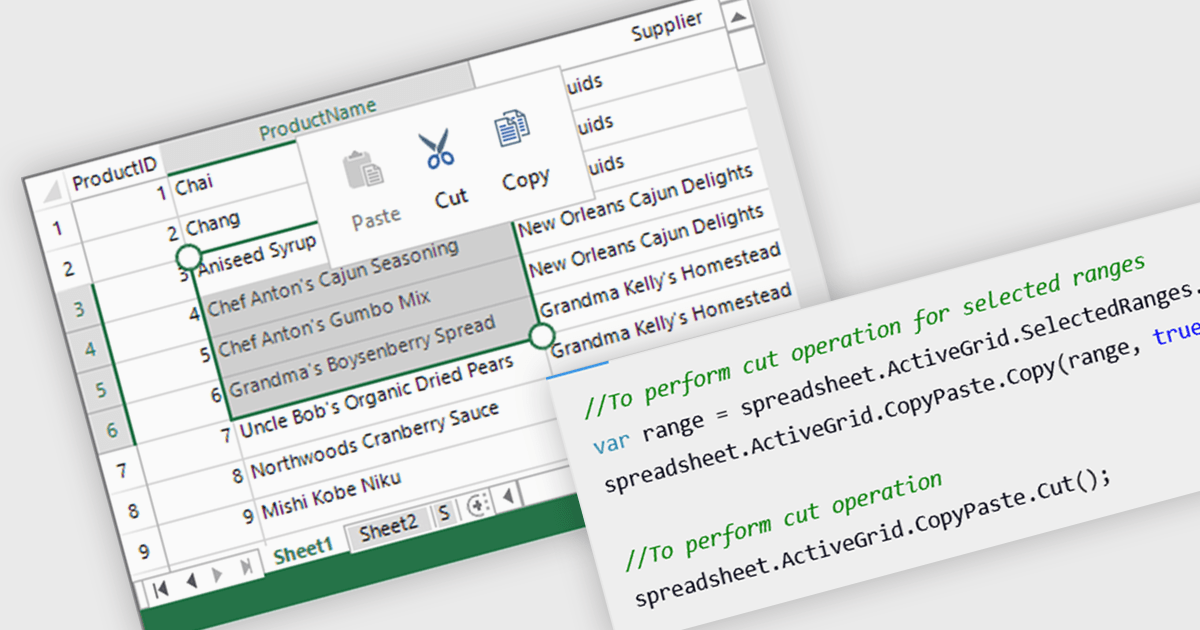
Clipboard operation support lets users copy, cut, and paste data between spreadsheet instances or other applications while maintaining structure and formatting. This functionality ensures seamless data transfer, improving efficiency in data manipulation tasks. Modern implementations often include support for multi-cell operations, rich text handling, and programmatic access through APIs, allowing developers to integrate clipboard interactions into their applications. Clipboard support enhances usability and improves overall productivity in spreadsheet-based applications.
Several .NET WPF spreadsheet controls offer clipboard operations, including:
For an in-depth analysis of features and price, visit our .NET WPF spreadsheet controls comparison.
The CBFS Professional Developer Subscription by Callback Technologies provides a suite of software development components designed for advanced file system management. These include CBFS Connect for creating and managing virtual file systems, CBFS Filter for monitoring and controlling file system operations, CBFS Sync for synchronizing data across different locations, CBFS Shell for customizing the Windows File Explorer interface, and CBFS Vault for creating secure and compressed file archives.
The CBFS Professional Developer Subscription Vol. 1 2025 update introduces a new Beta product, PCAP Filter. This allows developers to create sophisticated network analysis tools by providing a high-level library that abstracts the complexities of packet capture. This eliminates the need for intricate, platform-specific driver development, allowing programmers to focus on application logic. This approach facilitates the rapid development of custom network monitoring, intrusion detection, and performance analysis solutions, significantly reducing development time and enhancing application portability.
For a full list of what's new in Vol. 1 2025, see our release notes.
CBFS Professional Developer Subscription is licensed per developer and is available with one year of free upgrades and support. See our CBFS Professional Developer Subscription licensing page for full details.
Learn more on our CBFS Professional Developer Subscription product page.
联系电话: (888) 850 9911
传真: +1 770 250 6199


